
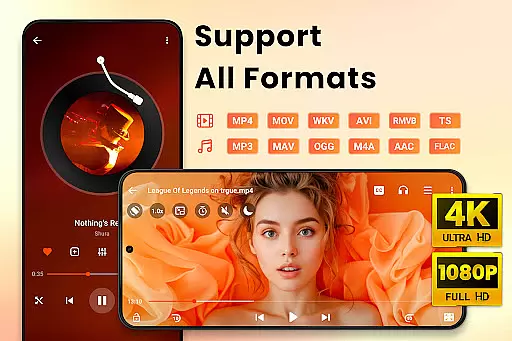
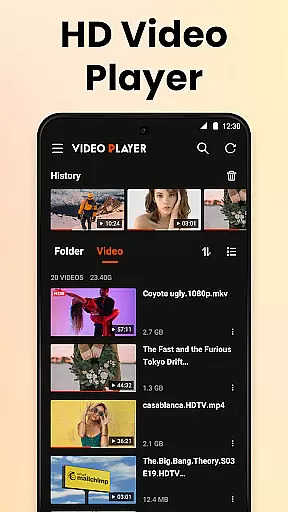
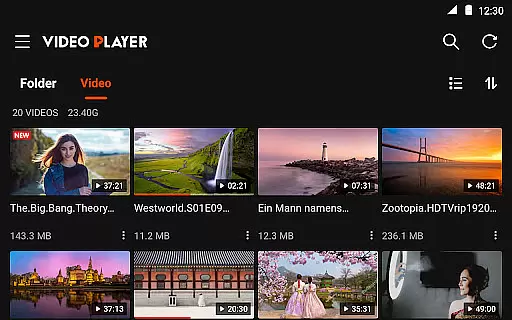
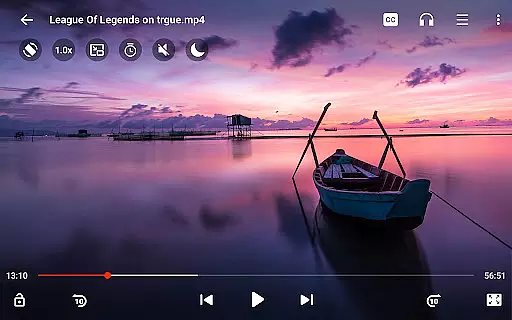
Video Player All Format HD is a versatile and feature-rich video player designed for Android devices. This application supports all major video formats including MKV, MP4, AVI, and more, ensuring that users can play any video file with ease. The app stands out with its ability to handle 4K and 1080p video playback, offering an exceptional viewing experience in high definition.
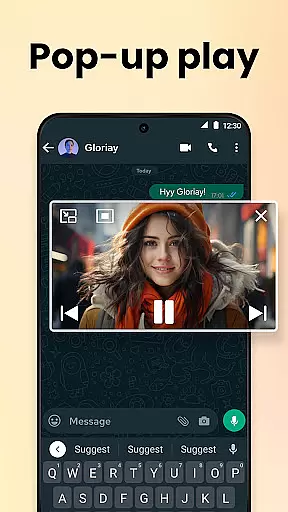
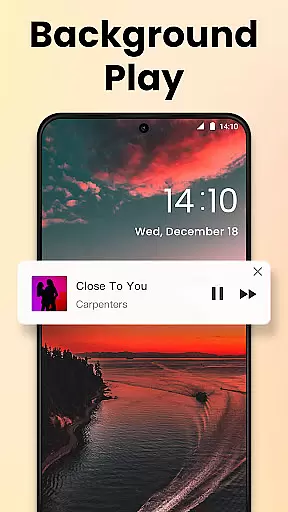
In addition to its core functionality, the app provides advanced features such as popup play, which allows videos to be viewed in a floating window, perfect for multitasking. Users can also enjoy background playback, speed control from 0.5x to 2x, and a five-band equalizer with bass boost. These features make it an ideal choice for those seeking a comprehensive media player that combines powerful performance with user-friendly design.
Video Player All Format HD distinguishes itself through a rich set of features tailored for diverse user needs. One of its standout capabilities is the support for all video formats, ranging from common ones like MP4 and AVI to less frequently used formats such as RMVB and TS. This ensures that no matter the source of your video files, the app will provide seamless playback without compatibility issues.
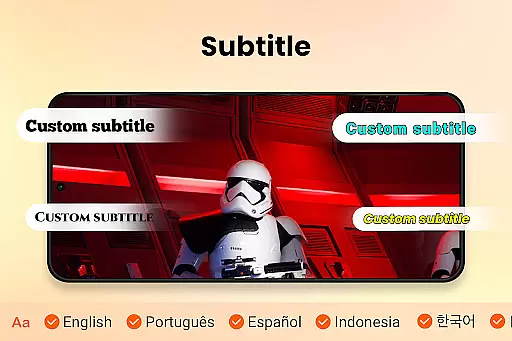
The app also includes innovative functionalities such as popup play, enabling a floating video window while using other apps, and background play for audio listening with the screen off. With playback speed adjustments, gesture controls, and automatic video file detection on both internal storage and SD cards, the app offers a customizable and intuitive user experience. Additional features like night mode, quick mute, subtitle support, and an easy-to-navigate interface further enhance its appeal, making it a top choice for Android users looking for a robust video player.
Video format compatibility is a crucial feature for any video player application. It ensures that users can play various types of video files without worrying about format support.
HD Video Player All Format excels in this area by supporting an extensive range of video formats including MKV, MP4, M4V, AVI, MOV, 3GP, FLV, WMV, RMVB, TS, and more. This wide compatibility allows users to enjoy their video content in high definition, whether it's a 4K or 1080p file.
The app automatically detects video files and folders on both the phone's internal storage and SD card, making it easy for users to manage and play their videos. With features like Delete, Rename, and the ability to add subtitles, users have comprehensive control over their media library.
This level of video format support provides users with a seamless experience, eliminating the need for additional conversion software and allowing them to focus on enjoying their content.
AI-powered editing features represent the cutting-edge integration of artificial intelligence into video editing, enhancing user capabilities with smart tools and automation.
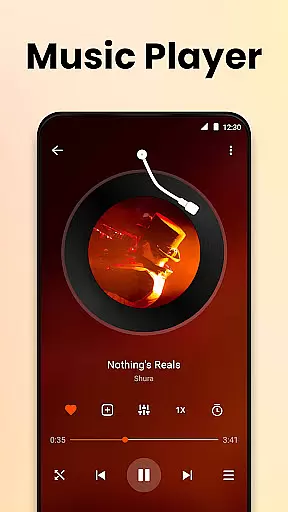
While HD Video Player All Format focuses primarily on playback, it incorporates several advanced functionalities that improve the viewing and managing experience. For instance, its equalizer with bass boost and the ability to switch audio tracks offer users some control over their auditory experience.
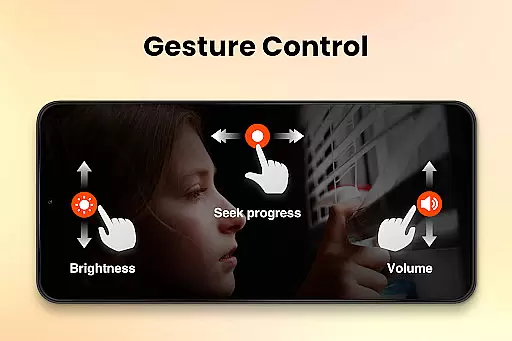
Gesture controls provide an intuitive way to interact with videos, enabling actions such as fast-forwarding or rewinding by 10 seconds, which simplifies navigation within a video. The inclusion of Night Mode and Quick Mute further demonstrates attention to user comfort and convenience.
Although not a traditional video editor, these AI-like enhancements make the player stand out by offering users an enriched interface that simplifies complex tasks, thus elevating their overall interaction with multimedia content.
User-friendly interface
Supports all video formats
Background playback
Speed control feature
Lightweight and fast
Limited to Android
No iOS version
Ads may appear
Occasional bugs
Basic editing tools

You can play SWF format file!
 2.50
2.50
Cast Videos from Web Browser, IPTV to Roku, Chromecast, DLNA, Smart TV +more
4.60
Watch full episodes of your favorite Cartoon Network and Cartoonito shows!
3.50
Tik & Story Saver-Download ALL social media videos, photos & reels no watermark.
4.80
Live TV, anywhere in your home
3.80
An easy-to-use and all-round screen recorder with audio
4.80
Connect EasyCap or UVC devices for recording and broadcast video/audio stream
3.60
Web Browser for LG TV to stream webvideos, online movies and livestreams in HD
4.20
Make videos you’re proud to share with Edits, a video editor for creators.
4.70
GENRAL PRO - General Pro is the best video player that fully supports all formats.
4.70
Snaptubè Video Downloader app allows to download videos and music in Snaptube. .
4.60
Browser + Remote for Roku to stream webvideos, online movies and livestreams
4.60
Cast movies, tv shows and live streams to Chromecast, Roku, DLNA, Fire TV & more
4.60
Movie maker & video editing app with AI effects and green screen
4.30
LumaFusion: The Ultimate Storytelling Experience for Video Editing
4.10
Make your own Animations, Video and Photo Edits, Visual Effects, and more!
4.00
Online Videos Player
3.90
All in one multi protocols stream receiver for AirPlay, Cast and DLNA.
3.60
Browser for Sony TV to stream web videos, online movies and live tv
3.20
VLC vs MX Player compared side-by-side: formats, subtitles, ads, privacy, and performance. Find out which free Android video player is right for you.



User Reviews