


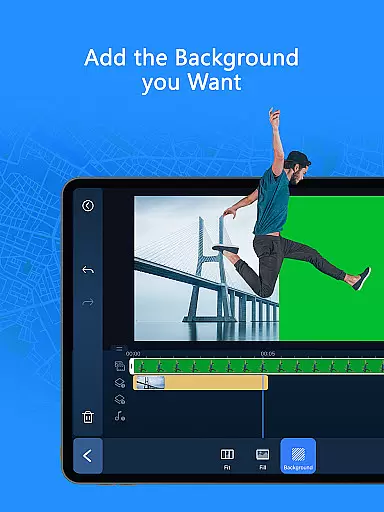
PowerDirector is a comprehensive AI-powered video editor that enables users to create high-quality videos with ease. The app offers an extensive range of features including AI Auto Edit, which detects the best moments in clips and turns them into polished videos using templates. With animation filters, AI tools like Image-to-Video, Portrait effects, and more, it caters to both beginners and professionals. Whether you're looking to produce engaging social media content or refine videos with advanced editing tools, PowerDirector provides all the necessary capabilities.
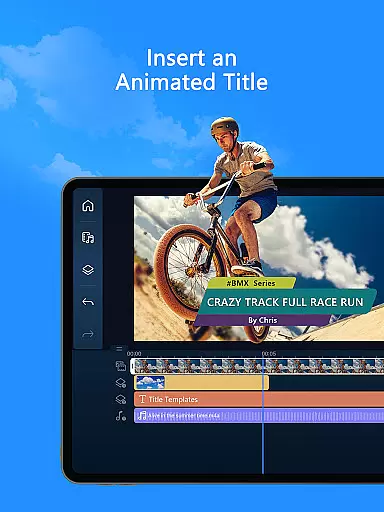
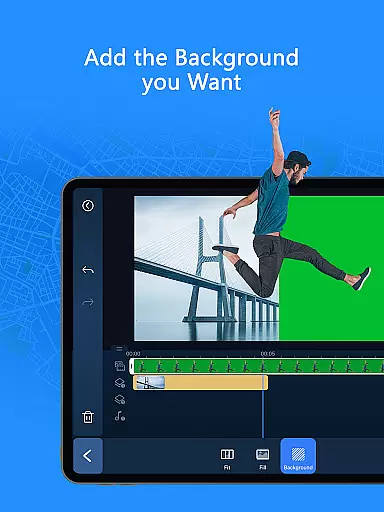
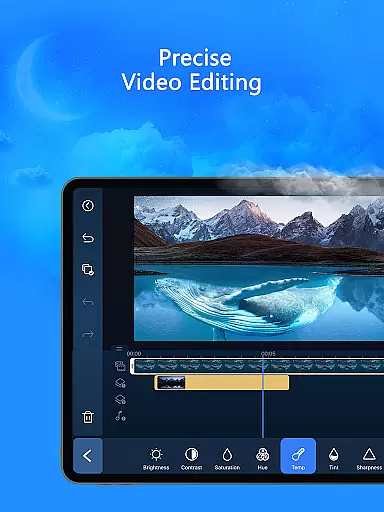
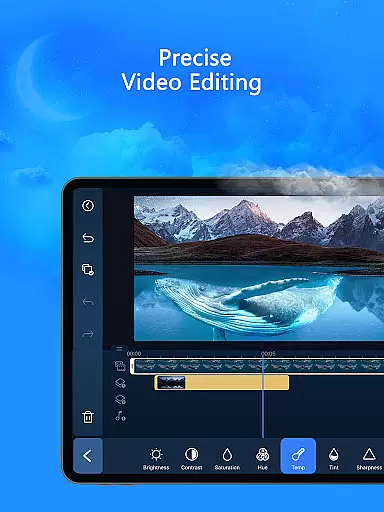
The app supports various experience levels by offering easy-to-use tools such as trimming, cutting, splicing, rotating, and adding music or text. For professional content creators, it includes fine-tuning options for brightness, color, saturation, green screen editing, video stabilization, and voiceovers. Additionally, its premium version unlocks exclusive content and an ad-free experience, making it a versatile choice for anyone interested in video editing.
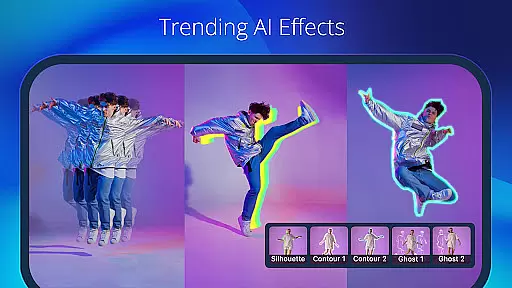
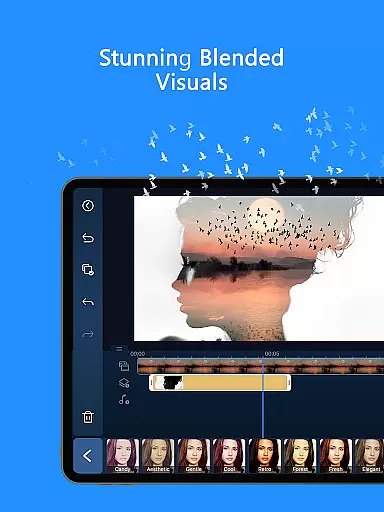
PowerDirector stands out with its vast array of AI editing features designed to enhance video creation. The AI Auto Edit function automatically selects the best moments from your footage and applies polished templates, streamlining the editing process. Users can also explore creative possibilities with AI Portrait filters that transform images into Ghibli or Disney styles, and AI Video Enhancer for improved quality. The app's Body Tracking feature adds dynamic effects, while AI Speech-to-Text and Auto Caption tools simplify audio processing.
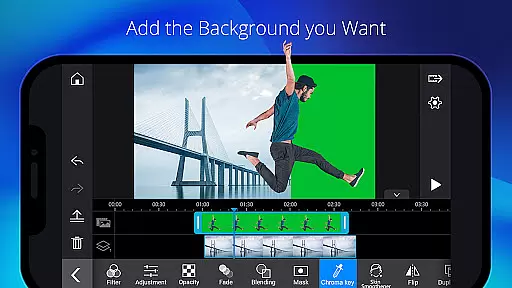
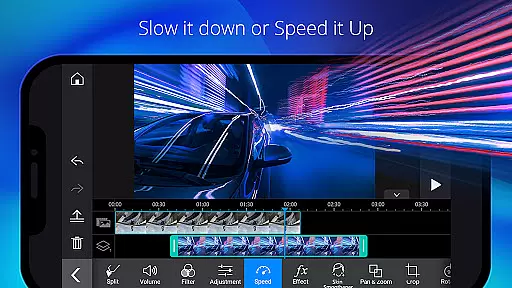
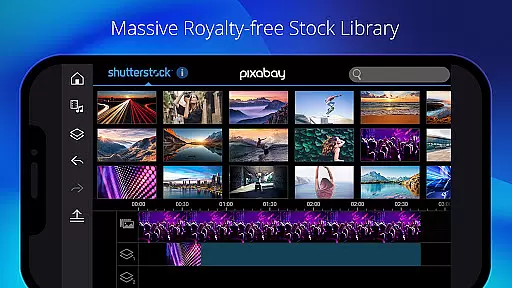
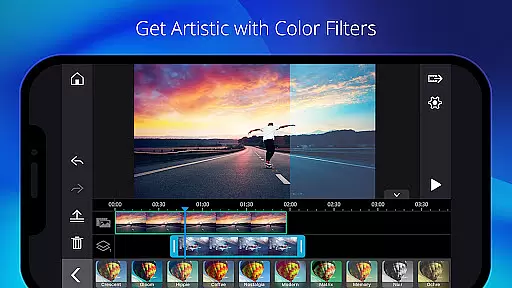
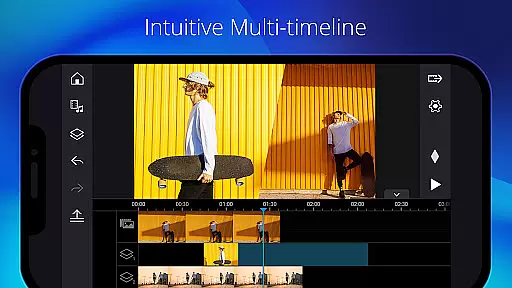
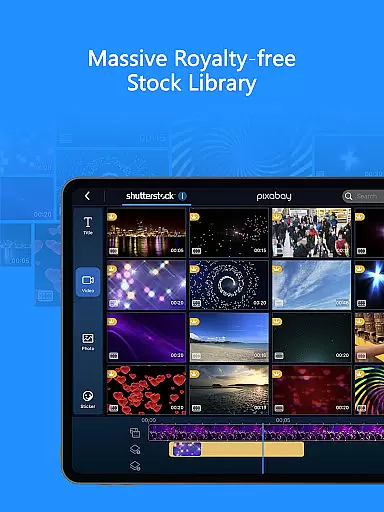
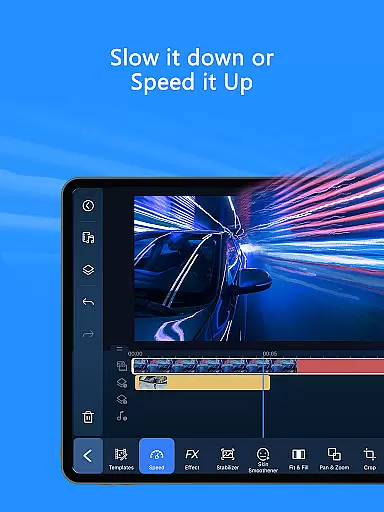
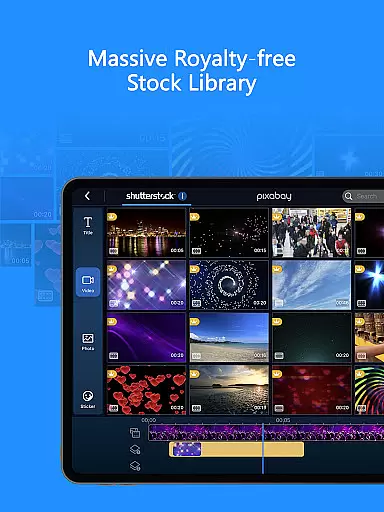
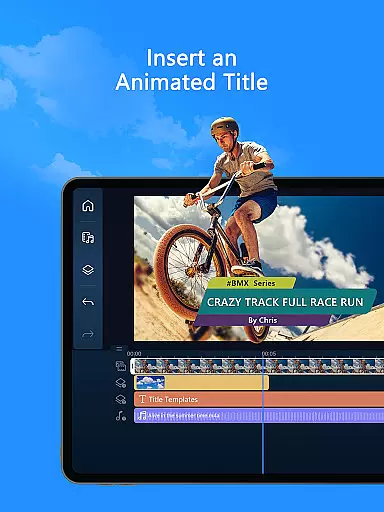
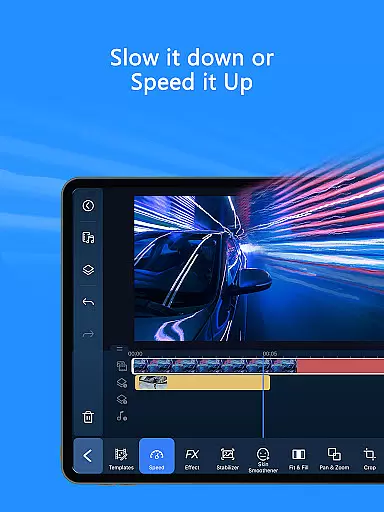
Beyond AI capabilities, PowerDirector provides essential editing tools suitable for all skill levels. Beginners can easily trim, cut, splice, and rotate clips, while advanced users benefit from keyframe controls, green screen editing, and video overlay techniques. A built-in stock library offers customizable templates, photos, music, and sound effects, ensuring that users have everything they need to produce professional-grade videos. With support for fast and slow motion adjustments, transitions, and effects, this app empowers creators to bring their visions to life effortlessly.
Video format compatibility is a crucial feature for any video editor, ensuring that users can work with a wide range of video files without conversion hassles. PowerDirector excels in this area by supporting an extensive array of formats, allowing creators to import and export videos seamlessly.
The application's support spans popular formats such as MP4, AVI, MOV, and more, catering to both amateur and professional needs. This versatility ensures that no matter the source of your footage, PowerDirector can handle it efficiently, preserving the original quality while offering editing flexibility.
For content creators focused on social media, the ability to export videos in platform-friendly formats is invaluable. PowerDirector simplifies this process, enabling users to produce content optimized for platforms like TikTok and Instagram without additional steps.
Ultimately, PowerDirector's broad video format compatibility empowers users to focus on their creative process rather than technical limitations, enhancing productivity and expanding creative possibilities.
AI-powered editing features represent the cutting edge of video editing technology, automating complex tasks and enabling creators to produce professional-quality content with minimal effort. PowerDirector incorporates a suite of AI tools that revolutionize the editing process, making advanced techniques accessible to users of all skill levels.
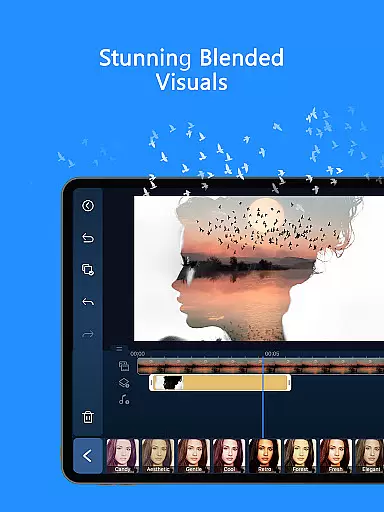
Among these innovations are AI Auto Edit, which intelligently selects the best moments from your footage to create polished videos, and AI Image-to-Video, transforming still images into dynamic clips using customizable templates. Additionally, features like AI Portrait Filters allow for artistic transformations, emulating styles ranging from Ghibli to Disney animations.
These AI capabilities extend to practical functionalities such as speech-to-text for automatic captioning and background removal for creating studio-quality visuals without specialized equipment. Such tools not only save time but also open new creative avenues previously reserved for high-end productions.
By integrating these sophisticated AI-powered features, PowerDirector positions itself at the forefront of digital content creation, offering unparalleled efficiency and creativity enhancement for modern videographers.
User-friendly interface
Extensive AI features
Versatile editing tools
Premium royalty-free stock library
Ad-free experience in premium version
Some features require premium subscription
Advanced tools may overwhelm beginners
Occasional performance issues on older devices
Limited free stock media content
Learning curve for complex functions

Kodi media center, a free and open source cross-platform entertainment hub
 3.60
3.60
HD video & music player - All format support with floating & PIP mode!
3.80
Search & download videos from net with all video downloader, auto-detect & safe.
4.60
Stream high quality video from your camera over NDI protocol
4.3
A Simple app to download Video & Music from the Internet.
4.70
Fast & Private HD Video Downloader with Built-in Proxy Browser and Video Player.
4.50
Download Hub, easy and private way to download and enjoy your videos offline
4.80
Create, Publish & Maximize
4.70
Capture the moment and Cut
3.40
#1 Torrent App on Android ** No Ads Ever + Battery Saver **
4.80
High-Quality USB Camera Viewer & HDMI Display
4.70
GENRAL PRO - General Pro is the best video player that fully supports all formats.
4.70
Video Player - Unlimited features, 30 days money back guarantee.
4.60
Video Downloader, Multiple Resolution Options, Video Player
4.50
Full HD Video mp3 Player, MP4 player play 1080p, File manager, Video Downloader
4.40
Live TV, anywhere in your home
3.80
Connect EasyCap or UVC devices for recording and broadcast video/audio stream
3.60
Download videos easily & play them all in one smart, powerful video manager.
3.40
IPTV Player - Watch live TV from m3m & m3u8 playlist, stream IPTV on mobile
3.30
VLC vs MX Player compared side-by-side: formats, subtitles, ads, privacy, and performance. Find out which free Android video player is right for you.



User Reviews