
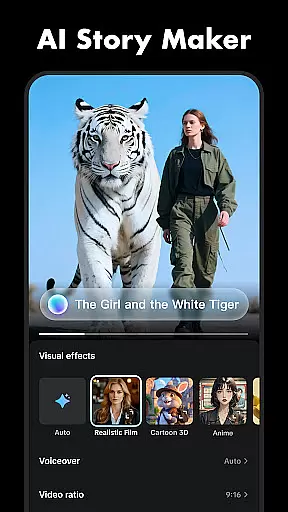
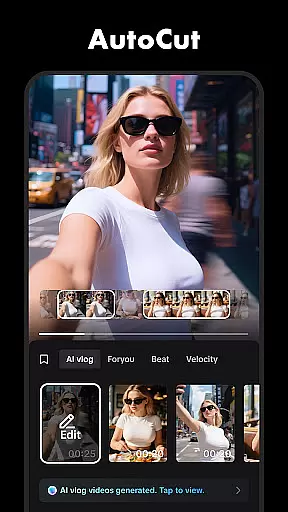
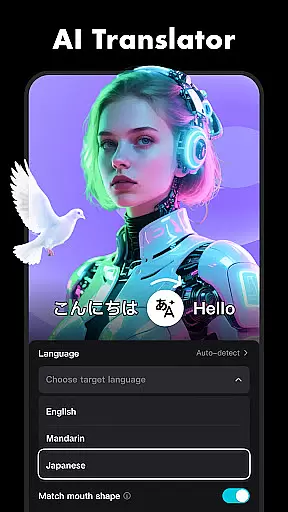
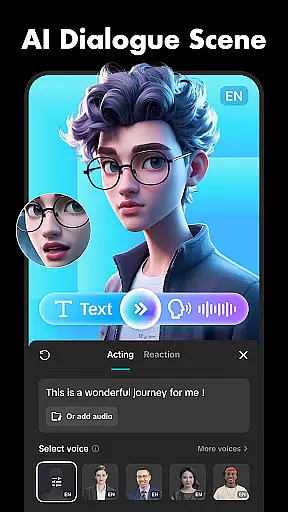
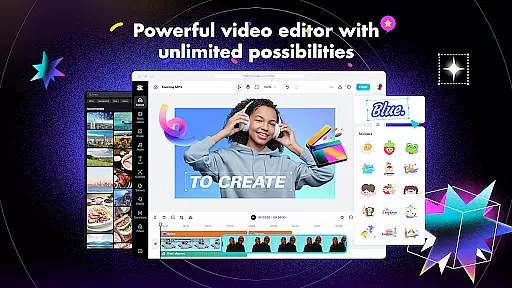
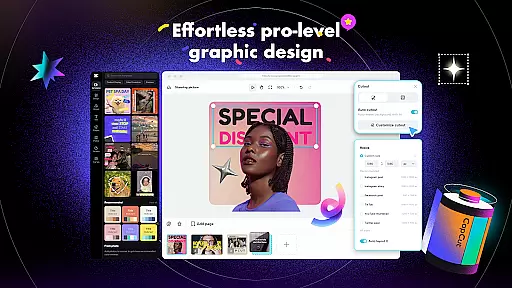
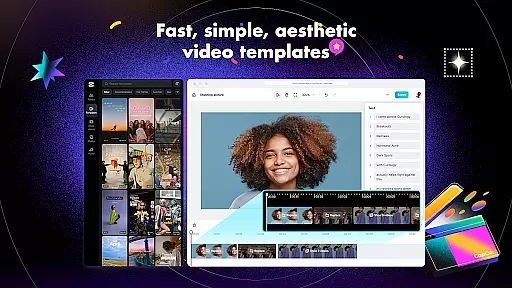
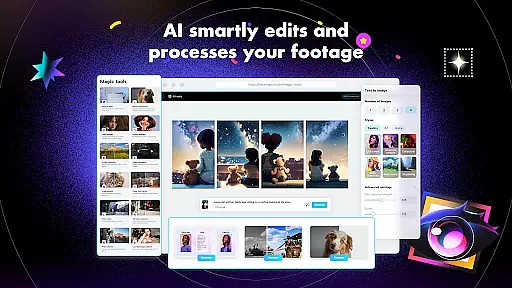
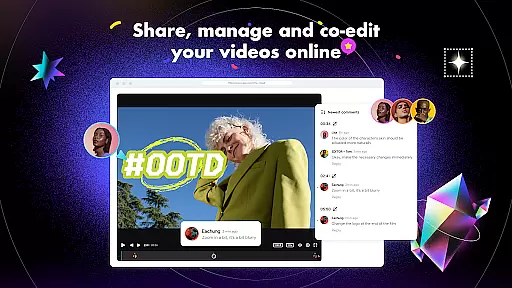
CapCut is a comprehensive video editing application that offers both basic and advanced editing tools, making it suitable for both beginners and experienced content creators. The app provides essential features such as trimming, splitting, and merging clips, along with more sophisticated options like keyframe animation, chroma key, and stabilization. These functionalities enable users to produce professional-quality videos directly from their mobile devices.
In addition to its robust editing capabilities, CapCut includes intelligent features such as auto captions, text-to-speech, and background removal, which streamline the editing process and enhance creativity. With a wide selection of effects, filters, and sound options, users can customize their videos to match current trends and personal styles. Whether you're looking to create engaging social media content or polished video projects, CapCut delivers the necessary tools in an intuitive interface.
CapCut stands out with its extensive range of features designed to cater to various video editing needs. The app covers basic functionalities including trimming, adjusting video speed, and applying transitions, ensuring that even novice editors can achieve satisfactory results. More advanced users will appreciate features like keyframe animation, which allows for detailed control over video elements, and the optical flow feature that creates seamless slow-motion effects.
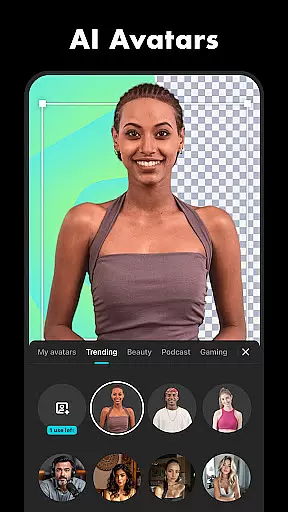
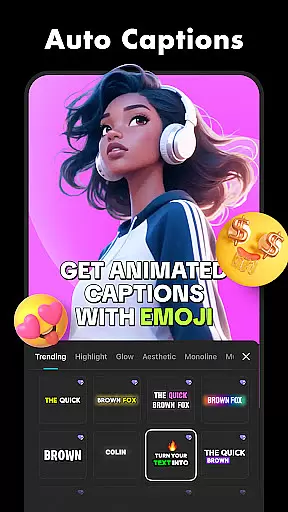
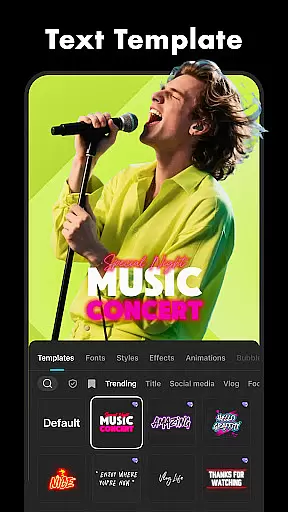
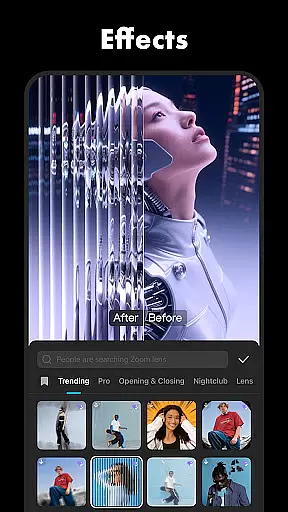
One of CapCut's notable strengths is its intelligent features. Auto captions make it easy to add accurate subtitles, while text-to-speech functionality supports multiple languages and voices. The background removal tool simplifies the process of creating green screen effects or isolating subjects. Additionally, the app offers creative options such as diverse filters, trending effects, and customizable text templates, empowering users to craft unique and visually appealing videos.
CapCut stands out with its extensive video format compatibility, ensuring that creators can work seamlessly across different devices and platforms. The application supports a wide array of formats, allowing users to import videos without the need for prior conversion.
This flexibility is crucial for content creators who source material from various origins. Whether it's footage from a professional camera or clips captured on a smartphone, CapCut handles them all. This ensures that no creative moment is lost due to technical limitations.
Moreover, CapCut enhances user experience by offering export options in multiple resolutions. From standard HD to crisp 4K at 60fps, creators have the freedom to choose the quality that best suits their project needs. This versatility empowers users to produce high-quality content ready for platforms like TikTok, YouTube, and Instagram.
CapCut incorporates advanced AI-powered editing features that revolutionize the video creation process. These intelligent tools automate complex tasks, making professional-grade editing accessible to everyone. Auto captions and text-to-speech functionalities are prime examples of how AI simplifies content creation.
The auto captions feature uses speech recognition technology to generate accurate subtitles, saving creators hours of manual transcription work. Meanwhile, the text-to-speech function offers multilingual support, enabling global reach for video content. These features not only save time but also enhance accessibility for diverse audiences.
Additionally, CapCut's background removal tool demonstrates remarkable precision without requiring green screen setups. This AI-driven capability allows creators to produce studio-quality visuals using just their mobile devices. Such innovations exemplify how CapCut leverages artificial intelligence to democratize sophisticated video production techniques.
User-friendly interface
Advanced editing tools
Regular feature updates
Variety of effects
Multi-language support
Limited free features
Occasional bugs
High device requirements
Ads in free version
Export limitations

Client application for NextPVR software
 3.00
3.00
Connect 2 UVC devices for recording and broadcast video/audio stream
3.90
HD Video player all format, HD Videos, Cast & Subtitle. No annoying ads.
4.60
?100% FREE! Download & save videos? safely in this app. All formats supported.
4.60
KineMaster, Your Ultimate Video Editor!
4.40
Full HD Video mp3 Player, MP4 player play 1080p, File manager, Video Downloader
4.40
VLC Remote lets you control your VLC Media Player on Mac, PC or Linux.
4.60
Download videos and play them offline
4.70
Fast & Private HD Video Downloader with Built-in Proxy Browser and Video Player.
4.50
Tik & Story Saver-Download ALL social media videos, photos & reels no watermark.
4.80
Play ALL formats in 4K & HD. Video downloader, MP3 player, Chromecast & more.
4.80
Pro video editor app for Instagram, edit video with song, AI, effect & slowmo.
4.80
A Simple app to download Video & Music from the Internet.
4.70
Screen recorder with audio to take live videos & Screenshot in high quality!
4.70
Cast to Chromecast, Xbox, Fire Stick, Roku, DLNA, Smart TV & No Feature Limited!
4.50
KMPlayer Plus (Divx Codec) officially support Divx codec.
4.30
Browser for Samsung TV to stream webvideos, online movies and livestreams in HD
4.10
Make your own Animations, Video and Photo Edits, Visual Effects, and more!
4.00
Video player with powerful streaming playback and various convenient features.
2.10
VLC vs MX Player compared side-by-side: formats, subtitles, ads, privacy, and performance. Find out which free Android video player is right for you.


User Reviews