
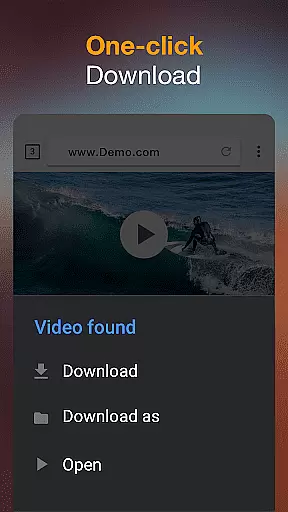
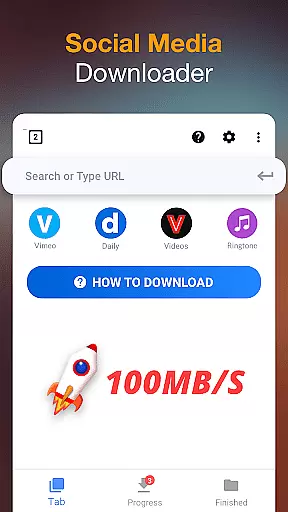
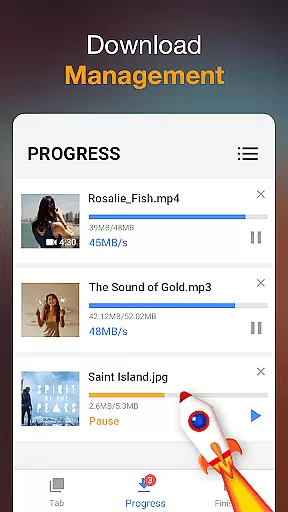

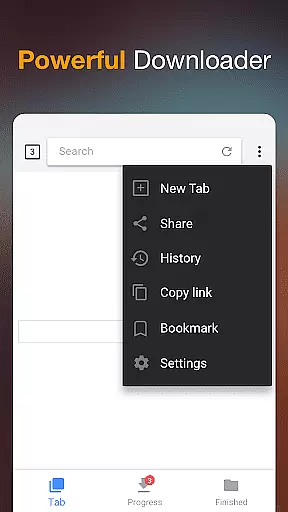
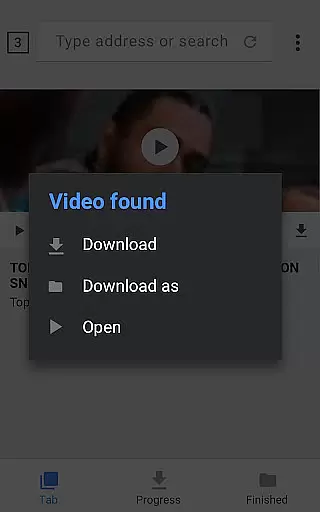
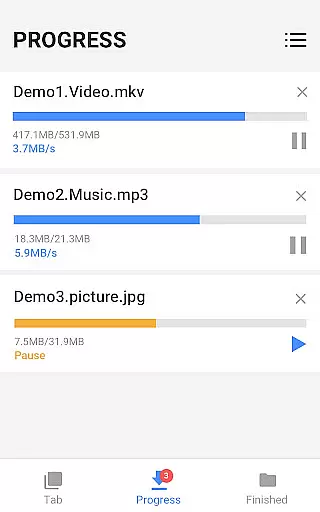
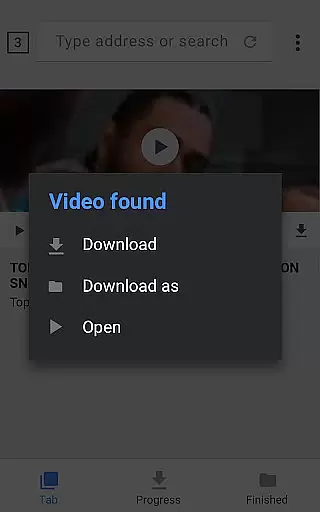
Video Downloader is a versatile tool designed to simplify the process of downloading videos and music directly from the Internet onto your device. With support for all formats, this 100% free application auto-detects videos, enabling one-click downloads. Its powerful download manager allows users to pause and resume downloads, operate in the background, and handle multiple files simultaneously.
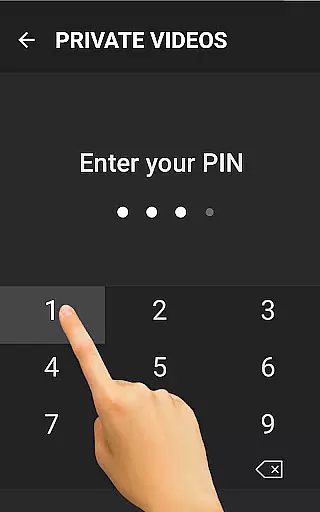
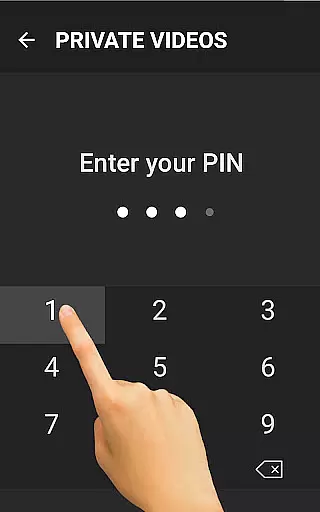
The app's built-in browser lets you browse videos, while the integrated player supports offline playback. Security features include password-protected folders for saved files, ensuring your content remains private. Suitable for users who need fast download speeds and HD video support, Video Downloader is an essential utility for managing and enjoying media without an internet connection.
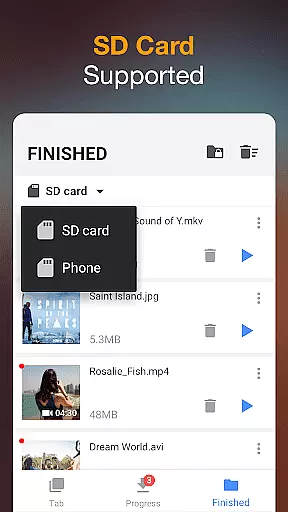
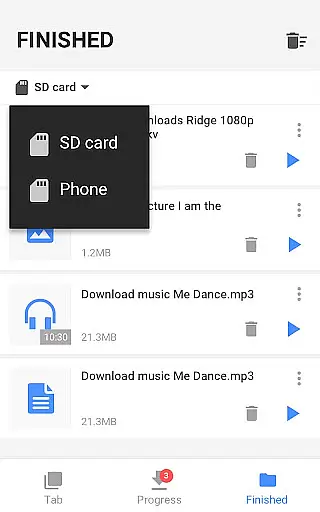
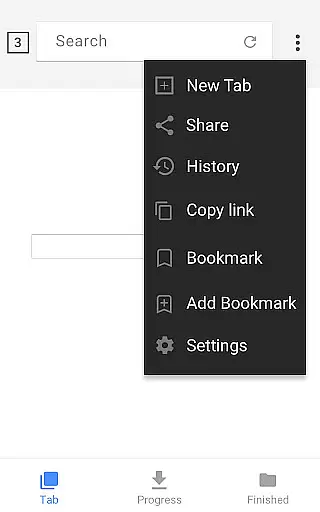
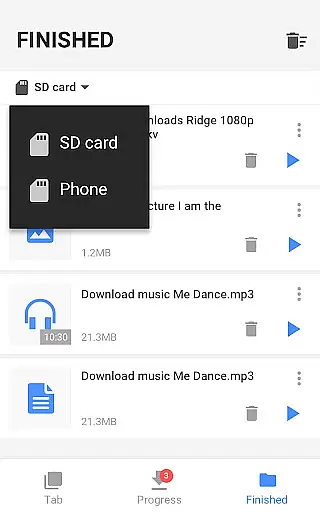
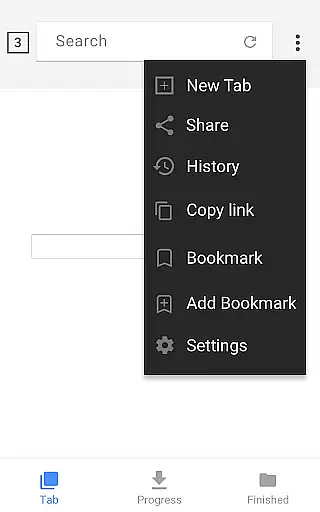
Video Downloader offers a comprehensive suite of features that cater to diverse downloading needs. The built-in browser not only detects videos automatically but also supports adding bookmarks for favorite websites. Users can download various formats including MP3, MP4, PDF, and more, with options for background downloading and SD card support.
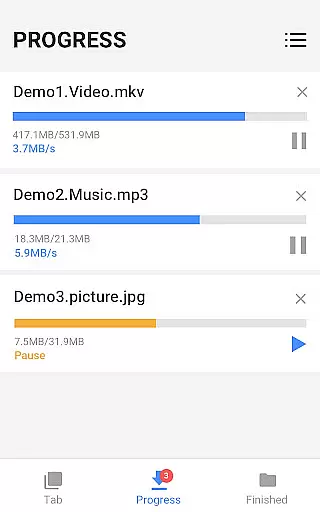
Advanced functionalities include a full-featured download manager that allows pausing, resuming, and removing downloads. The app ensures fast download speeds and provides a progress bar for tracking. It supports large file downloads and HD video quality, making it ideal for users who require efficient and reliable downloading capabilities. Additionally, the app's privacy features, such as password-protected folders, enhance user security.
Video format compatibility is a crucial feature for any video player and editor application. This functionality ensures that users can work with a wide range of video formats without the need for additional conversion software. The Video Downloader app supports all major video formats including mp4, mov, avi, wmv, and more.
The app's comprehensive format support allows users to download and play videos directly from the internet without worrying about compatibility issues. Whether you're downloading high-definition movies or simple instructional clips, the app handles each file type with ease.
Users benefit greatly from this feature as it saves time and storage space. There's no need to convert files before downloading, which streamlines the entire process. Additionally, the inclusion of specialized formats like m4v and doc ensures that even professional content creators can utilize this tool for their projects.
This extensive format coverage demonstrates the app's commitment to providing a versatile and user-friendly experience. By supporting such a wide array of formats, Video Downloader positions itself as an essential tool for anyone who regularly works with video content across different platforms and devices.
AI-powered editing features represent the cutting edge of video processing technology. These intelligent tools use machine learning algorithms to automate complex editing tasks, making professional-quality video production accessible to everyone. The Video Downloader app incorporates several AI-driven functions that enhance the user's editing capabilities.
Among these features is the smart video detection system that automatically identifies downloadable content while browsing. This AI component analyzes web pages in real time, extracting video information and presenting download options to the user. Additionally, the app's built-in player utilizes AI optimization to ensure smooth playback across different formats and resolutions.
Users gain significant advantages from these AI-powered tools. The automatic format conversion feature eliminates manual setup, while the intelligent download manager optimizes bandwidth usage and download speed. Furthermore, the app's AI-driven preview function allows users to quickly assess video quality before committing to a full download.
These advanced AI capabilities set Video Downloader apart from traditional video apps. By integrating artificial intelligence into core functions, the application not only simplifies video management but also enhances overall productivity. This technological advantage makes the app particularly valuable for both casual users and professional content creators seeking efficient workflow solutions.
User-friendly interface
Fast download speeds
HD video support
Multi-format compatibility
Powerful download manager
Limited advanced editing tools
No cloud integration
Occasional ads
Basic offline player
Requires manual updates

HD Video player all format, HD Videos, Cast & Subtitle. No annoying ads.
 4.60
4.60
You can play SWF format file!
2.50
HD video & music player - All format support with floating & PIP mode!
3.80
Watch full episodes of your favorite Cartoon Network and Cartoonito shows!
3.50
HD video maker with no watermark, no ads & vlog maker with music, PIP, text
4.50
Turn your phone into a wireless camera!
4.20
LumaFusion: The Ultimate Storytelling Experience for Video Editing
4.10
Fast & Private HD Video Downloader with Built-in Proxy Browser and Video Player.
4.50
convenient, safe and fast at Video Downloader & Player
4.60
Watch a large amount of high-definition short drama content
4.60
Support 1000+ Video Format, Subtitle Download, mp3 & Background Play, Cast On TV
4.60
Auto video maker with music & exclusive filters. Video editing made simple.
4.50
AirMirror Receiver - Screen mirroring/cast web videos to Android TV by AirPlay.
4.40
KMPlayer Plus (Divx Codec) officially support Divx codec.
4.30
VLC for Android is the best open source video and music player, fast and easy!
4.10
Live TV, anywhere in your home
3.80
This app is an emulator of some specific IPTV boxes
3.50
Mix with Virtual DJ directly from your phone or tablet !
3.10
Play and download HD videos from all sources — fast, simple, and all-in-one.
4.4
VLC vs MX Player compared side-by-side: formats, subtitles, ads, privacy, and performance. Find out which free Android video player is right for you.



User Reviews