
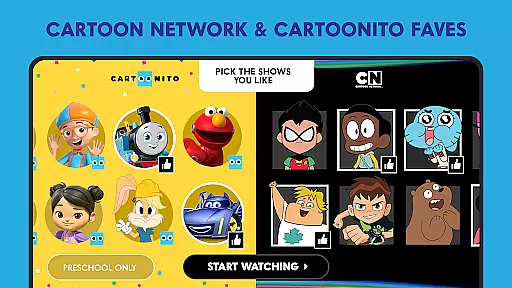
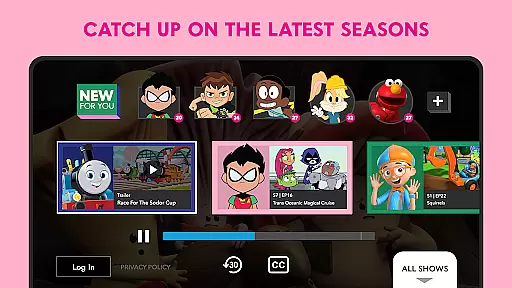
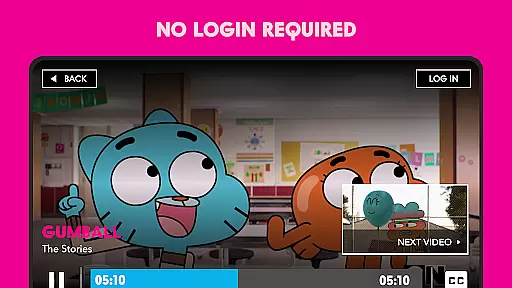
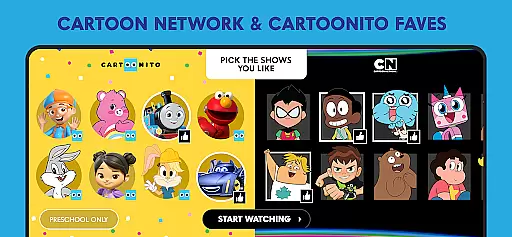
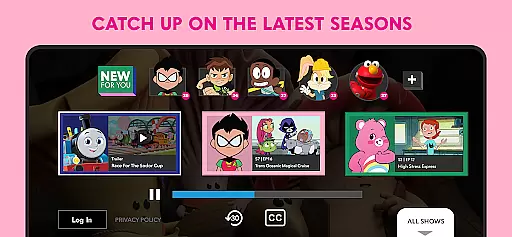
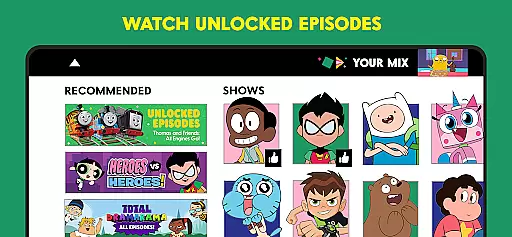
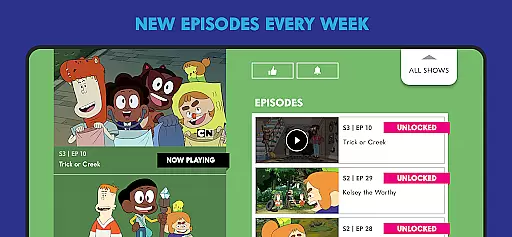
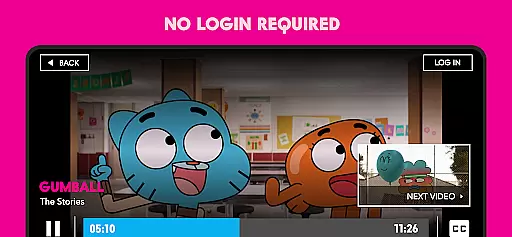
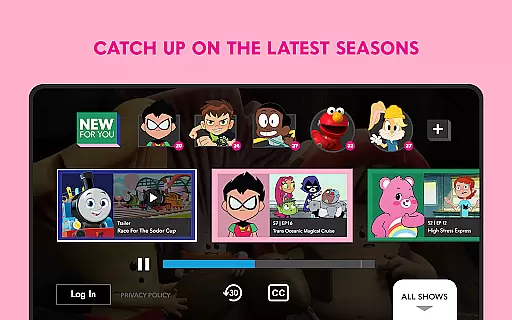
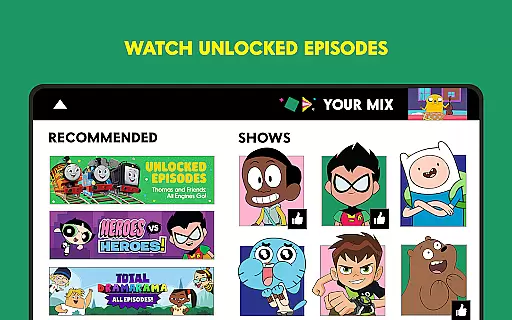
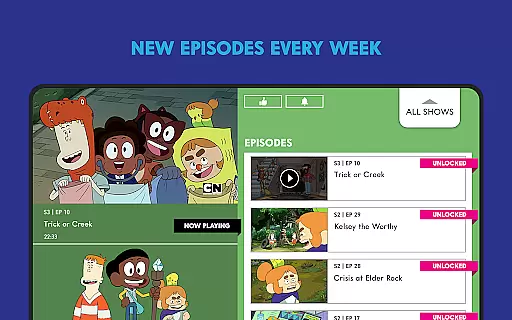
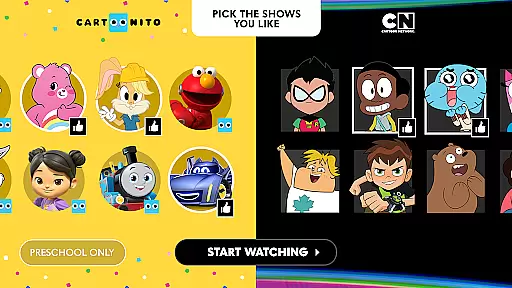
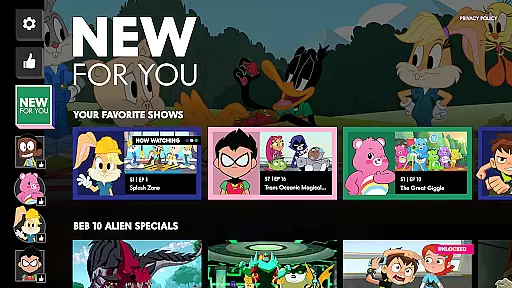
The Cartoon Network App is your ultimate destination for top-notch animated entertainment. Designed specifically for Android TV devices, this Emmy® award-winning app offers a vast selection of full episodes and minisodes from popular shows like Teen Titans GO!, Craig of the Creek, and We Baby Bears. Available the day after they air, these episodes ensure you never miss out on the latest content.
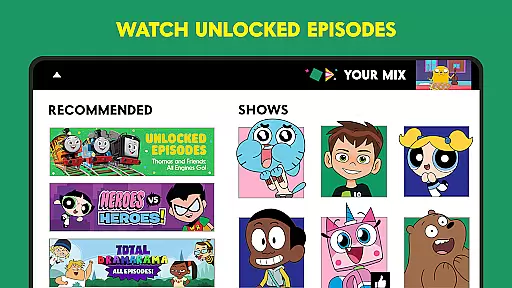
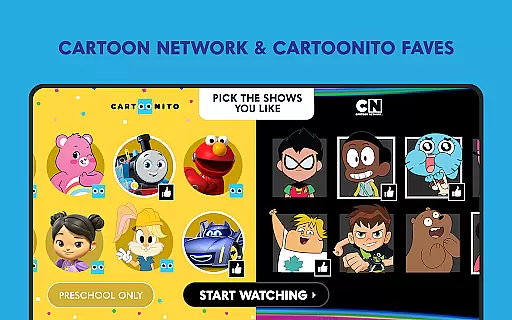
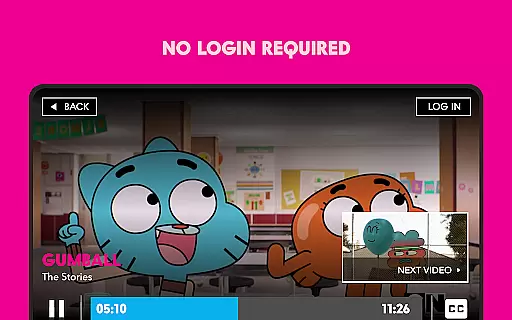
What sets this app apart is its user-centric approach. You can personalize your viewing experience by selecting your favorite shows, which the app will automatically start playing upon launch. With new unlocked episodes added weekly and the option to log in with your TV provider for even more content, the Cartoon Network App provides both free and premium viewing options. Whether you're a fan of classic cartoons or modern hits, this app caters to all animation enthusiasts.
This application is particularly valuable for families looking for quality children's programming. The app's intuitive interface and diverse content library make it easy for kids to enjoy their favorite shows while providing parents with peace of mind through reliable, brand-name entertainment. Plus, with participating TV providers including major names like AT&T Uverse, Xfinity, and Verizon, accessing premium content has never been easier.
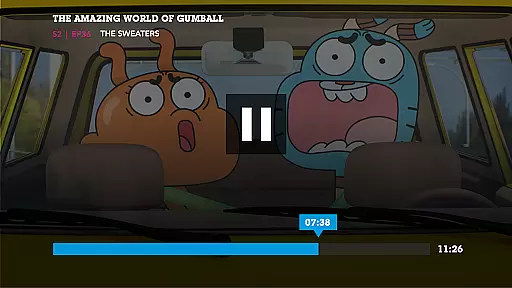
The Cartoon Network App boasts an impressive array of features that enhance the viewing experience. First and foremost, it offers a comprehensive library of full episodes and minisodes from beloved shows, available the day after they air. This extensive content selection includes popular series such as Teen Titans GO!, The Amazing World of Gumball, and Bugs Bunny Builders, ensuring there's something for every cartoon enthusiast.
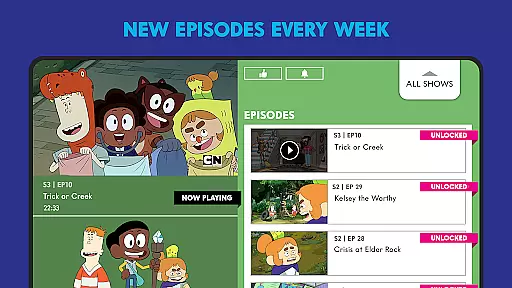
One of the app's standout features is its personalized playback system. Users can create their own watchlist by selecting favorite shows, and the app will automatically start playing these selections when opened. This customization extends to new episode releases, with fresh content added weekly. For those seeking additional content, logging in with a TV provider unlocks even more episodes, creating a hybrid free/premium model that caters to different viewer preferences.
The app also incorporates practical features such as cable authentication for locked episodes and compatibility with major TV providers including Spectrum, DirectTV, and Dish. While offering these premium features, the app maintains accessibility through its ad-supported model and unlocked episode options. The combination of fresh content, personalization capabilities, and flexible viewing options makes the Cartoon Network App a versatile entertainment solution for Android TV users.
Video format compatibility is a crucial feature for any video player application, ensuring that users can enjoy content in various formats without technical hindrances. The Cartoon Network App excels in this area by supporting a wide range of video formats available the day after they air.
This app allows you to catch up on full episodes of popular shows such as Teen Titans GO!, Craig of the Creek, and We Baby Bears, among others, without worrying about format issues. Whether you're streaming on an Android TV device or other supported platforms, the app ensures seamless playback.
For users, this means an uninterrupted viewing experience with no need to convert files or worry about unsupported codecs. You can enjoy your favorite cartoons exactly as intended by the creators, with high-quality video and audio output.
The benefit extends beyond just convenience; it enhances accessibility too. Regardless of how content is produced or delivered, having broad video format support ensures that all viewers can access Cartoon Network's entertaining lineup, making it a reliable choice for cartoon enthusiasts everywhere.
AI-powered editing features represent the cutting-edge intersection of artificial intelligence and video processing, enabling users to manipulate and enhance their video content with unprecedented ease. While the Cartoon Network App primarily focuses on content delivery, its integration of smart features showcases some AI capabilities.
Although direct video editing isn't the app's main function, it leverages AI to personalize user experiences. For instance, by picking the shows you like, the app starts playing your favorite cartoons immediately upon opening, demonstrating basic AI-driven customization.
Users benefit from these intelligent features through a more engaging and tailored experience. The app learns preferences over time, refining its recommendations and streamlining access to preferred content. This creates a dynamic interface that evolves with viewing habits.
While not a replacement for dedicated video editing software, these AI-powered enhancements make the Cartoon Network App not just a passive viewer tool but an interactive platform. It simplifies navigation and optimizes content discovery, ultimately enriching the overall entertainment value provided to its audience.
User-friendly interface
Extensive content library
Personalized watchlists
Regular content updates
Multiple viewing options
Limited to Android TV
Some content locked
Requires provider login
Contains advertisements
No offline viewing

Kodi media center, a free and open source cross-platform entertainment hub
 3.60
3.60
Your media, on your terms.
4.10
?100% FREE! Download & save videos? safely in this app. All formats supported.
4.60
Play ALL formats in 4K & HD. Video downloader, MP3 player, Chromecast & more.
4.80
Video player with powerful streaming playback and various convenient features.
2.10
Seamlessly connect and control your smart devices, anytime, anywhere with ease.
4.60
Browser + Remote for Roku to stream webvideos, online movies and livestreams
4.60
Web Browser for LG TV to stream webvideos, online movies and livestreams in HD
4.20
Powerful video player with advanced hardware acceleration and subtitle supports
4.20
Tik & Story Saver-Download ALL social media videos, photos & reels no watermark.
4.80
High-Quality USB Camera Viewer & HDMI Display
4.70
A Simple app to download Video & Music from the Internet.
4.70
Cast to Chromecast, Xbox, Fire Stick, Roku, DLNA, Smart TV & No Feature Limited!
4.50
KineMaster, Your Ultimate Video Editor!
4.40
Full HD Video mp3 Player, MP4 player play 1080p, File manager, Video Downloader
4.40
Video player, file manager for all formats, 4K/HD media player supports subtitle
4.30
Browser for Samsung TV to stream webvideos, online movies and livestreams in HD
4.10
Stream Web Videos to Chromecast, Samsung, LG, Sony, Roku, Fire TV, DLNA + more
4.00
Cast to Smart TV, Fire TV. Cast video, photo - Fast & Stable!
3.90
VLC vs MX Player compared side-by-side: formats, subtitles, ads, privacy, and performance. Find out which free Android video player is right for you.



User Reviews