
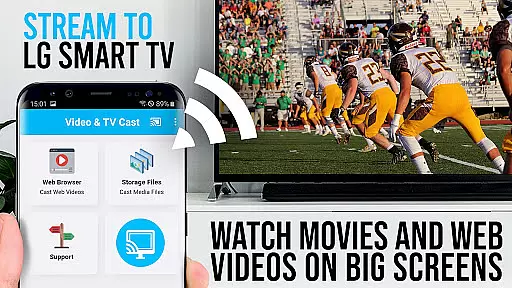
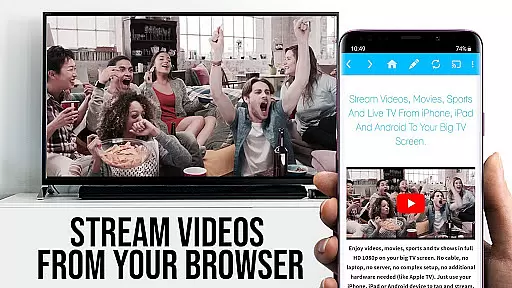
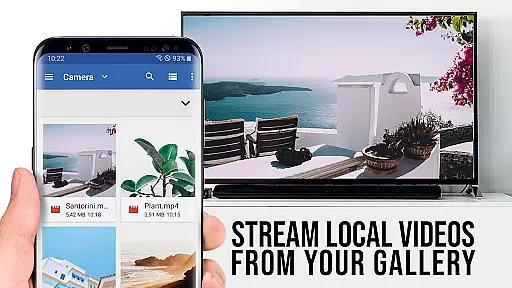
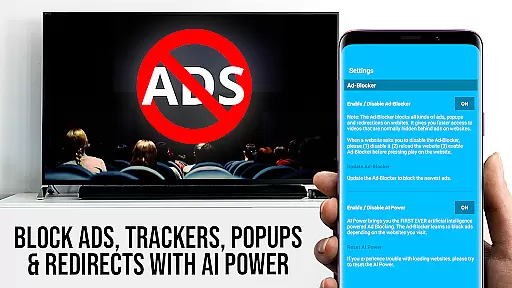
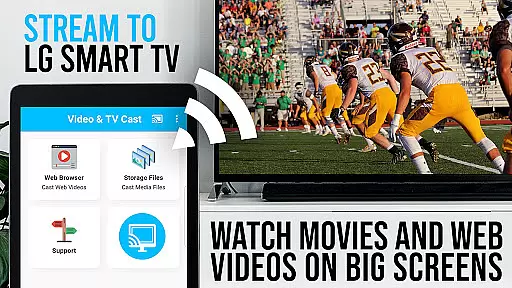
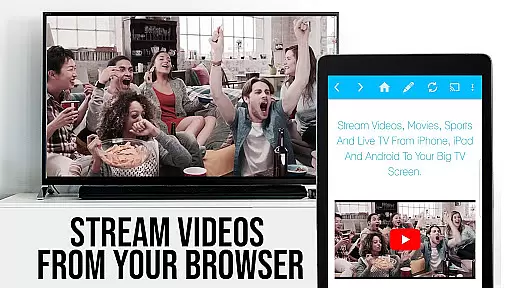
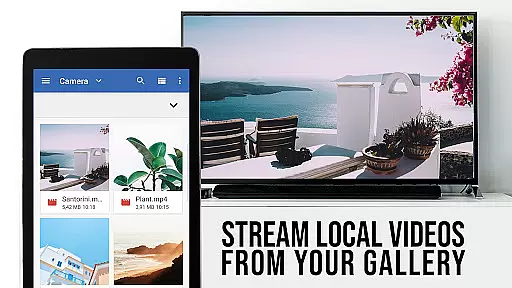
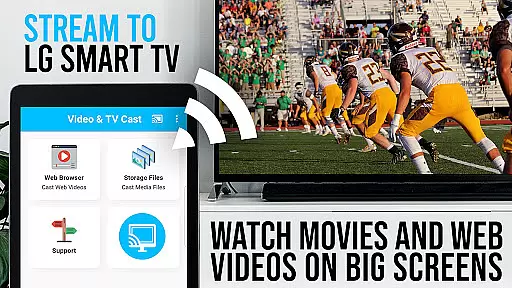
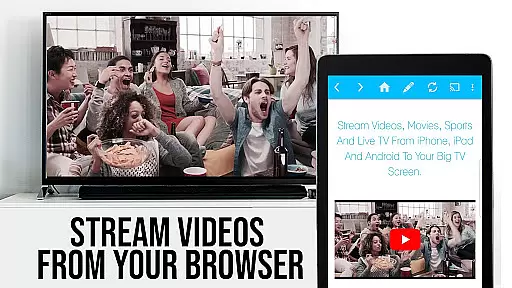
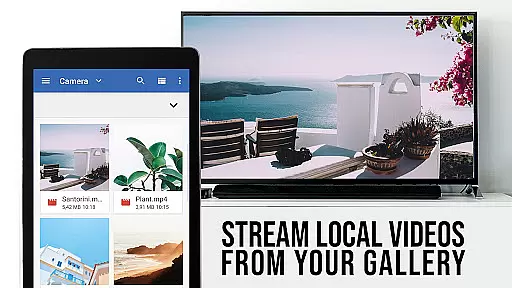
TV Cast Pro for LG webOS is a premier application designed to enhance your viewing experience on LG Smart TVs. This app allows users to stream web-videos, online-movies, livestreams, and live TV shows directly to their LG TV without the need for an additional streaming box. With support for video formats such as mp4 and m3u8, it ensures high-quality Full HD streaming. The app stands out with its ability to perform tasks independently of the casting device, allowing multitasking and reducing Wi-Fi usage.
One of the key features of TV Cast Pro is its compatibility with all Android devices, offering a broader range of device support compared to Miracast. It requires the installation of a companion app from the LG App Store and connection via QR Code or IP Address entry. While it boasts several pro features like Remote Playbar, Ad-Blocker, Bookmarks, Desktop Mode, and customizable Homepage settings, it's important to note that third-party apps and DRM protected content are not supported.
TV Cast Pro for LG webOS offers a comprehensive suite of features tailored for seamless media streaming. Its standout capability is the multi-tasking feature which allows users to close the app or even shut down their phone while casting continues uninterrupted. This app supports Full HD streaming irrespective of the Android device's screen resolution, providing superior video quality compared to Miracast.
The app includes pro features such as the Remote Playbar for advanced video control including scrubbing, forward, rewind, play, pause, and stop functions. An integrated Ad-Blocker enhances user experience by blocking ads and popups on most websites. Users can also manage bookmarks efficiently, switch to Desktop Mode to access desktop versions of websites, and personalize their homepage. These features collectively ensure an optimized and enriched streaming experience on LG Smart TVs.
TV Cast Pro for LG webOS stands out in its exceptional support for a wide range of video formats, making it a versatile tool for streaming content on your LG Smart TV. The app supports popular formats such as Mp4 and m3u8, ensuring that users can enjoy their favorite web-videos, online-movies, livestreams, and live-tv shows without worrying about compatibility issues.
The ability to cast videos in Full HD is another highlight, allowing even Android devices with lower screen resolutions to stream high-quality content. This feature ensures that users experience crisp, clear visuals on their biggest screen, enhancing the overall viewing experience.
Moreover, the app's compatibility extends beyond just video formats. It works seamlessly across all Android devices, providing a consistent user experience regardless of the device being used. This universal compatibility eliminates the need for additional streaming boxes or specific device requirements, making it an accessible solution for a broad audience.
By prioritizing comprehensive video format compatibility, TV Cast Pro empowers users to explore and enjoy a vast array of online content directly on their LG TVs, delivering both convenience and quality in one package.
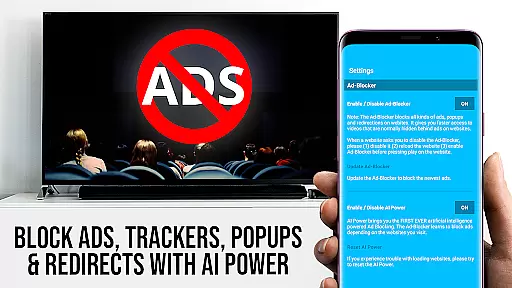
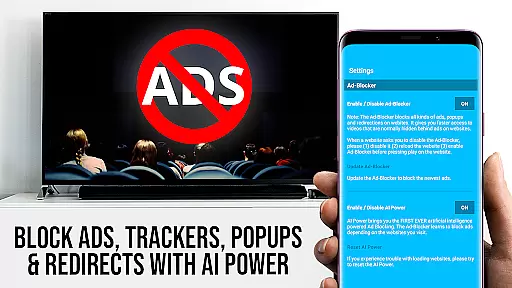
While TV Cast Pro for LG webOS focuses primarily on streaming capabilities, it also incorporates AI-powered features that enhance the user experience. One notable aspect is the Ad-Blocker, which intelligently filters out ads and popups on most websites visited through the app. This feature not only declutters the viewing space but also speeds up page loading times by preventing unnecessary content from rendering.
The Remote Playbar is another innovative feature that leverages smart technology to provide advanced video control while browsing. Users can effortlessly scrub through videos, adjust playback speed, rewind, play, pause, and stop, all from an intuitive interface. This level of control transforms how users interact with streamed content, offering a more engaging and personalized experience.
Additionally, the Desktop Mode showcases the app's intelligent adaptability. By changing the browser user-agent, the app tricks websites into believing they are accessed from a desktop PC rather than a mobile device. This functionality allows users to load desktop versions of websites, often providing richer content and better navigation options compared to mobile sites.
These AI-driven enhancements collectively contribute to a smarter, more efficient streaming platform, setting TV Cast Pro apart in the realm of Video Players & Editors by combining powerful editing-like controls with seamless content delivery.
Full HD streaming
Multi-tasking enabled
Broad device support
Integrated Ad-Blocker
Customizable homepage
No DRM content support
Companion app required
Limited to LG Smart TVs
QR Code connection only
Premium version costly

A full editing room to accompany your Insta360 cameras and handheld gimbals.
 3.30
3.30
Cast to Chromecast, Xbox, Fire Stick, Roku, DLNA, Smart TV & No Feature Limited!
4.50
Video player with powerful streaming playback and various convenient features.
2.10
AI Video Editor:AI Music, Text to Video,Text to Speech,Auto Caption,Video Effect
4.00
IPTV Loader, loads your own Playlist. DOES NOT CONTAIN ANY LIST OR CHANNELS
4.60
Flud is a simple and beautiful BitTorrent client for Android.
4.80
A Simple app to download Video & Music from the Internet.
4.70
Fast & Private HD Video Downloader with Built-in Proxy Browser and Video Player.
4.50
Download Hub, easy and private way to download and enjoy your videos offline
4.80
Tik & Story Saver-Download ALL social media videos, photos & reels no watermark.
4.80
GENRAL PRO - General Pro is the best video player that fully supports all formats.
4.70
HD Video player all format, HD Videos, Cast & Subtitle. No annoying ads.
4.60
Video Player - Unlimited features, 30 days money back guarantee.
4.60
Snaptubè Video Downloader app allows to download videos and music in Snaptube. .
4.60
Cast movies, tv shows and live streams to Chromecast, Roku, DLNA, Fire TV & more
4.60
KMPlayer Plus (Divx Codec) officially support Divx codec.
4.30
Powerful video player with advanced hardware acceleration and subtitle supports
4.20
Powerful, professional, versatile teleprompter. Developed by an active film crew
4.00
Capture images & record videos for USB Camera, Webcam, Microscopes, Endoscopes
3.80
VLC vs MX Player compared side-by-side: formats, subtitles, ads, privacy, and performance. Find out which free Android video player is right for you.



User Reviews