
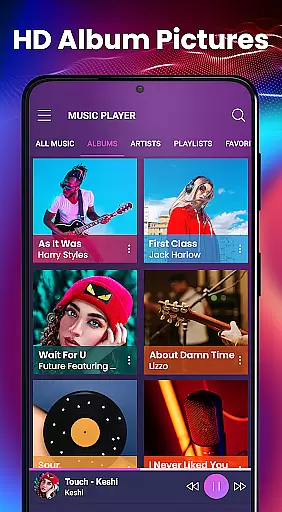
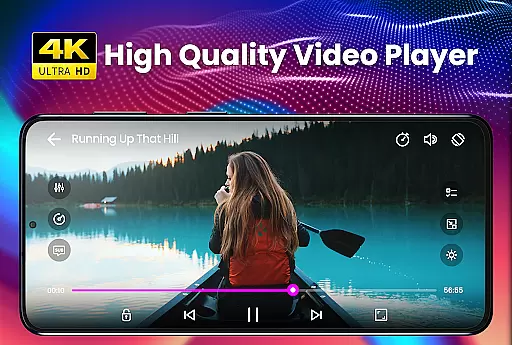
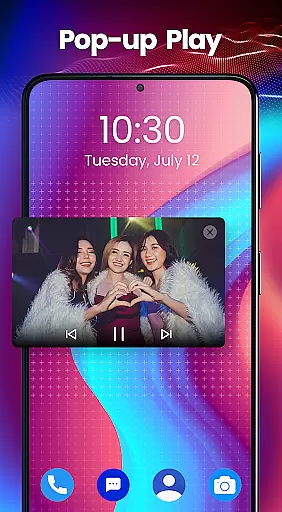
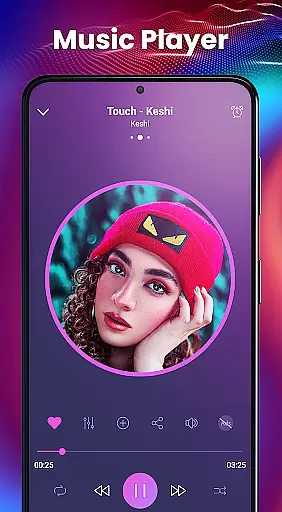
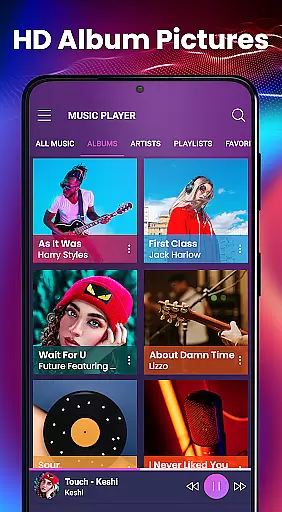
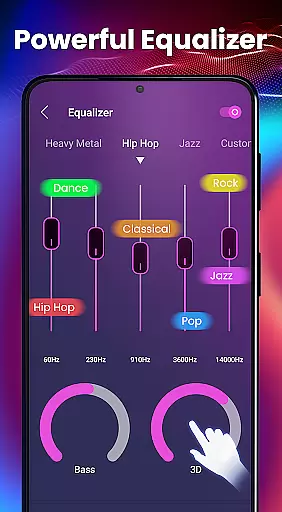
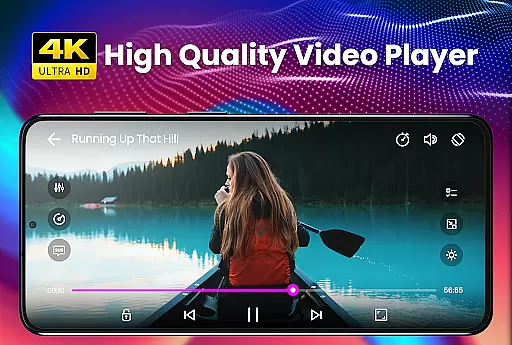
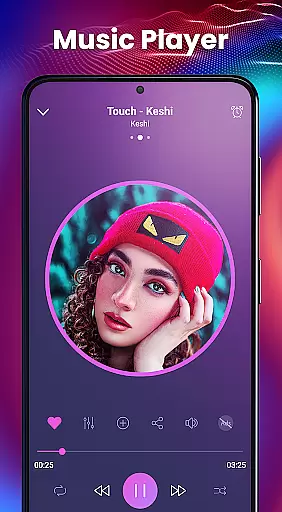
Video Player - PRO Version is a premium video playback application designed for users seeking an enhanced multimedia experience. This powerful player features advanced hardware acceleration, ensuring smooth playback of all video formats, including ultra HD and 4K resolutions. The app stands out with its comprehensive subtitle support, accommodating various formats like SubRip, WebVTT, and SubStation Alpha.
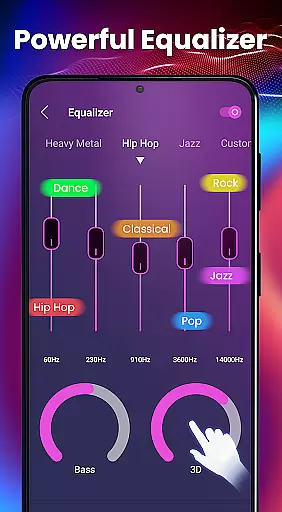
Beyond basic playback, the application offers specialized features such as a built-in 5-band equalizer with 3D reverb effects, kid's lock mode for safe entertainment, and background play functionality. These capabilities make it particularly suitable for home entertainment setups and mobile devices where users need both quality and control.
The true value of this video player lies in its unlimited feature access and dedicated premium support. With a 30-day money-back guarantee, users can confidently explore its capabilities, knowing they're protected by a full refund policy if not satisfied with the performance.
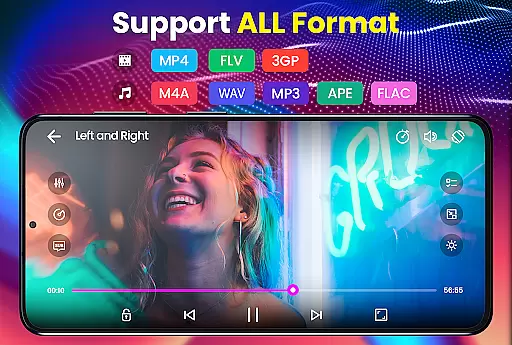
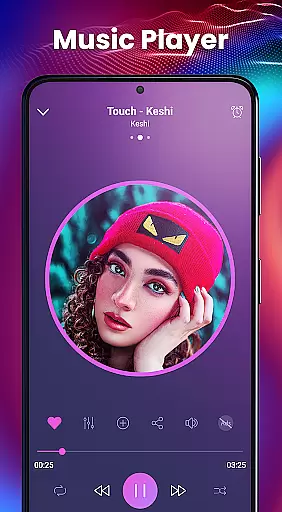
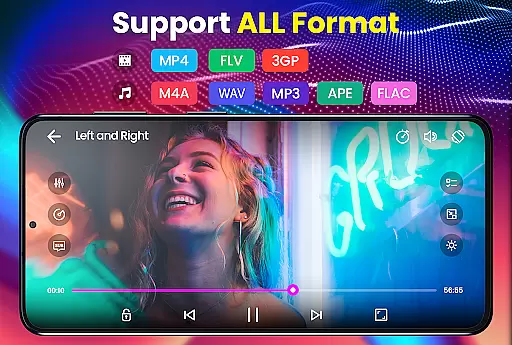
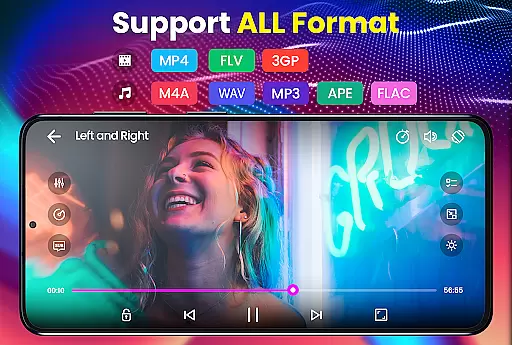
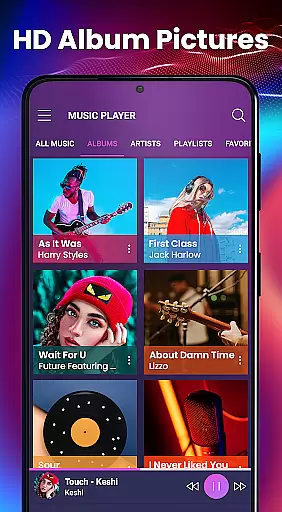
This video player distinguishes itself through several key features that enhance the multimedia experience. The implementation of new HW+ decoder technology enables hardware acceleration across more video types, resulting in smoother playback and reduced device strain. The player supports an extensive range of video formats from AVI to MKV and audio formats including MP3 and FLAC.
Subtitle handling is another area where this application excels. Users can load .srt files directly from their devices and benefit from automatic synchronization features. The player recognizes multiple subtitle formats including MicroDVD, VobSub, and SAMI with Ruby tag support. This versatility makes it ideal for international content consumption.
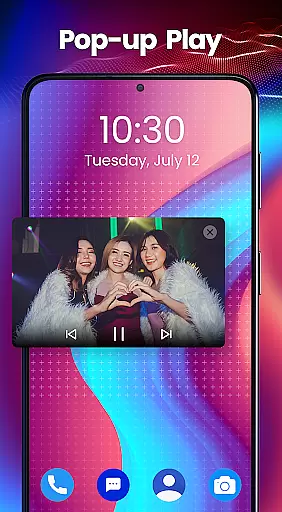
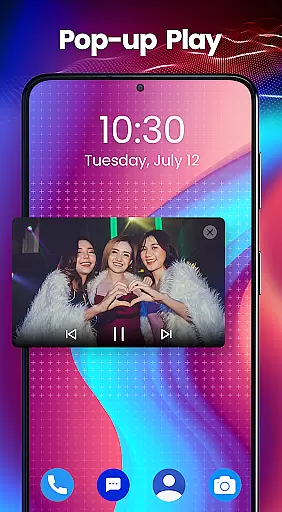
Additional notable features include a sophisticated equalizer system with 10 presets, folder-based media organization, and thumbnail generation for video files. The inclusion of a kids' lock feature demonstrates the developer's attention to practical use cases, while background play functionality caters to users who multitask during media consumption.
Video Player - PRO Version stands out with its extensive video format compatibility, ensuring users can play virtually any file type without conversion. The app supports an impressive range of formats including but not limited to AVI, MP4, MKV, and FLV.
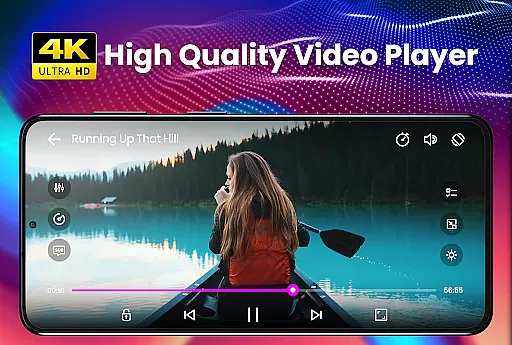
This comprehensive support is powered by advanced hardware acceleration, utilizing the new HW+ decoder. This feature not only broadens the range of playable videos but also enhances playback smoothness, especially for high-definition content like HD and 4K videos.
Users benefit from seamless playback experiences across different types of media files, making it a versatile choice for all video playback needs. Whether it's movies, music videos, or personal recordings, this player handles them all with ease.
While Video Player - PRO Version primarily focuses on playback, it incorporates AI-powered features that enhance user interaction with media files. Although direct editing capabilities are not its main highlight, the intelligent equalizer and automatic subtitle synchronization offer a taste of smart processing.
The built-in 5 Band Equalizer with Bass Boost and 3D Reverb Effects demonstrates basic AI implementation, optimizing audio quality based on content type. Moreover, the automatic subtitle synchronization feature shows intelligent timing adjustment, though not traditional video editing.
These AI-enhanced features contribute to a more refined viewing experience, bridging the gap between simple playback and sophisticated media handling. Users enjoy not just watching but engaging with their content through these smart enhancements.
Advanced hardware acceleration
Comprehensive format support
Intuitive user interface
Powerful equalizer options
Dedicated customer support
Premium price point
Occasional stability issues
Memory-intensive operation
Limited free features
Complex settings for beginners

Client application for NextPVR software
 3.00
3.00
Save photos and videos from social apps in one tap.
3.60
A Quick and Pro Video Editor
4.70
Watch a large amount of high-definition short drama content
4.60
GENRAL PRO - General Pro is the best video player that fully supports all formats.
4.70
IPTV Player - Watch live TV from m3m & m3u8 playlist, stream IPTV on mobile
3.30
AI Video Editor:AI Music, Text to Video,Text to Speech,Auto Caption,Video Effect
4.00
Powerful video player with advanced hardware acceleration and subtitle supports
4.20
Fast private browser with secure, seamless access & supported video downloads!
4.00
AI Video Editor with Music, Filter, Slideshow, Effect, Merge & Trim Video.
4.80
Download Hub, easy and private way to download and enjoy your videos offline
4.80
Watch IPTV on your Android device
4.60
Auto video maker with music & exclusive filters. Video editing made simple.
4.50
Video player, file manager for all formats, 4K/HD media player supports subtitle
4.30
Browser for Samsung TV to stream webvideos, online movies and livestreams in HD
4.10
IPTV-Smarters Player Pro M3U - Watch Live Stream TV Channels with Chromecast
4.00
HD video & music player - All format support with floating & PIP mode!
3.80
All in one multi protocols stream receiver for AirPlay, Cast and DLNA.
3.60
A full editing room to accompany your Insta360 cameras and handheld gimbals.
3.30
VLC vs MX Player compared side-by-side: formats, subtitles, ads, privacy, and performance. Find out which free Android video player is right for you.


User Reviews