
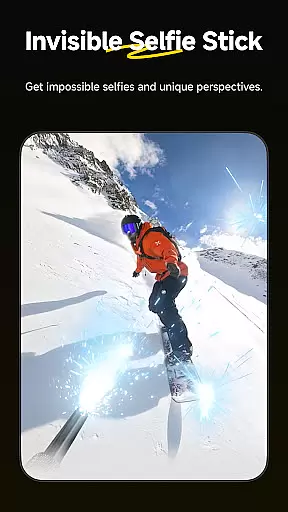
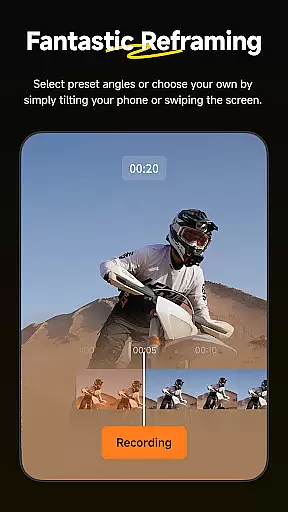
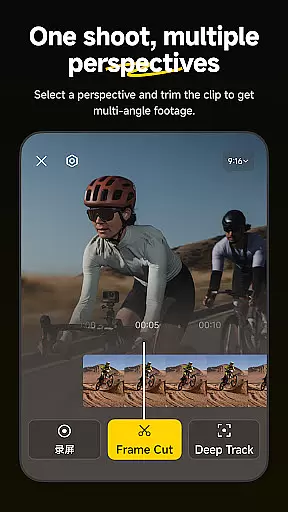
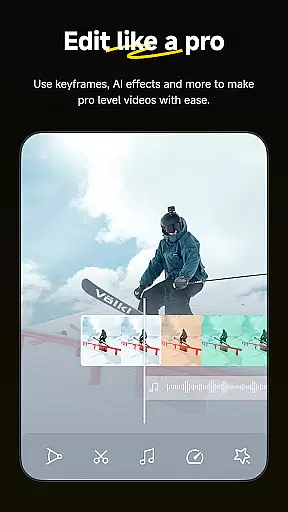
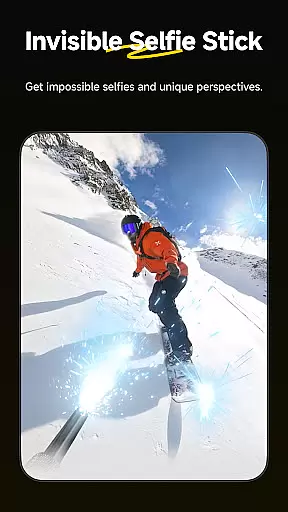
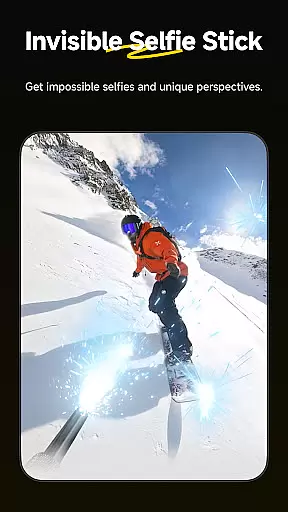
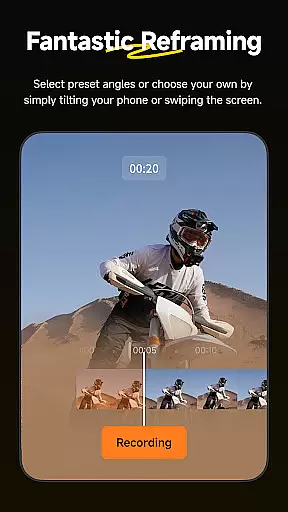
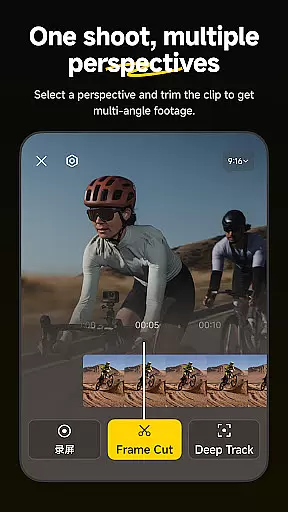
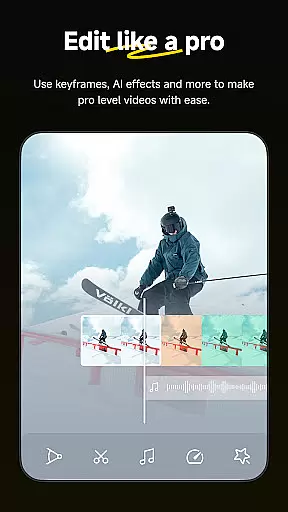
Insta360 is a powerful video editing and camera companion app designed for creators, athletes, and adventurers. It offers advanced AI-powered tools to enhance your shooting and editing experience. With features like auto-reframing, hyperlapses, and creative templates, the app allows users to create professional-quality videos directly from their mobile devices.
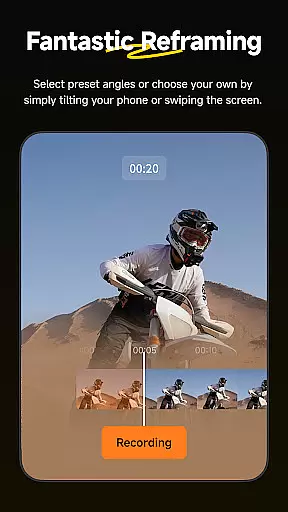
The app supports seamless integration with Insta360 cameras and handheld gimbals, providing an intuitive interface for managing files, adjusting settings, and applying edits. Whether you're looking to reframe 360-degree footage or speed up clips into stabilized hyperlapses, Insta360 delivers endless creative possibilities in a user-friendly package.
Perfect for content creators who want to produce engaging videos without extensive technical knowledge, Insta360 ensures that editing on your phone has never been easier.
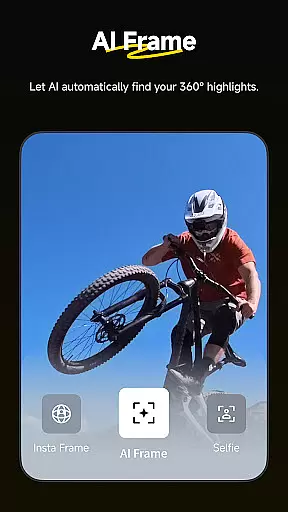
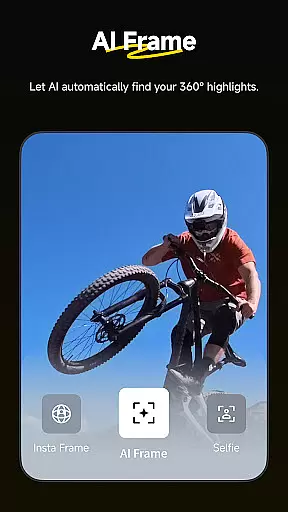
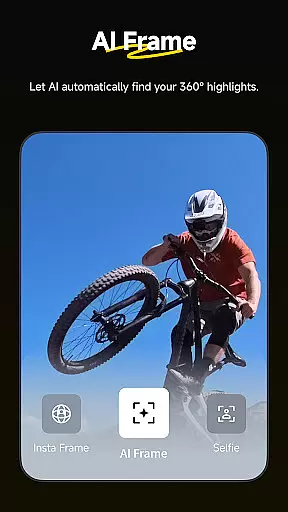
Insta360 stands out with its innovative AI-driven features tailored for effortless video creation. The AI Edit functionality automates the reframing process, detecting subjects and highlighting action moments faster than ever before. This feature is ideal for users who want quick yet polished edits without manual intervention.
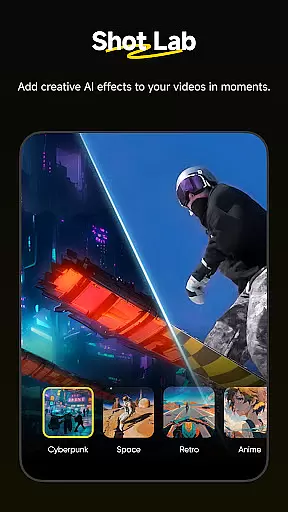
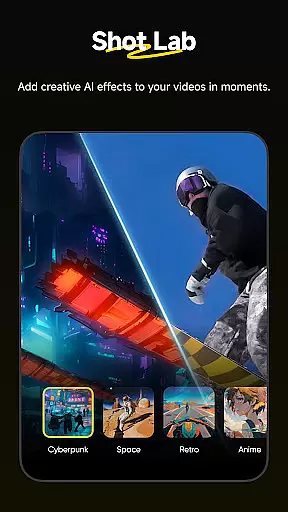
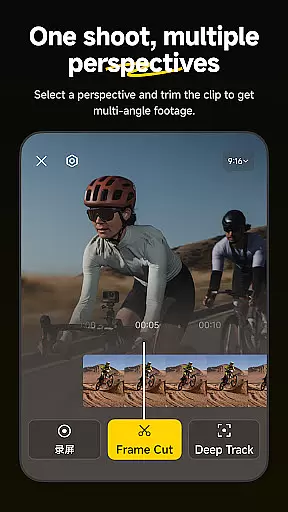
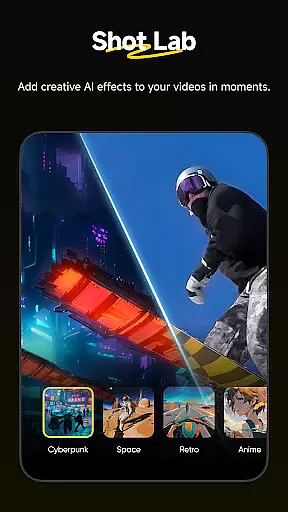
The Shot Lab provides over 25 customizable templates, including unique modes like Nose Mode and Clone Trail, enabling users to craft viral-worthy clips with minimal effort. Additionally, Deep Track ensures your subject remains centered with just a tap, while Hyperlapses allow you to manipulate time and perspective seamlessly.
With download-free editing capabilities, users can edit and share videos directly to social media without consuming device storage. These features collectively make Insta360 a versatile tool for both amateur and professional creators seeking efficiency and creativity.
Video format compatibility is a crucial feature for any video player and editor, including the Insta360 app. This functionality ensures that users can work with a wide range of video formats without the need for prior conversion, thus saving time and maintaining the quality of the original footage.
The Insta360 app supports an extensive array of video formats, allowing creators to import and edit videos directly from their Insta360 cameras or other sources. Whether you're shooting in 360 degrees or traditional formats, the app provides seamless integration and editing capabilities.
For content creators, athletes, and adventurers using Insta360 products, this means more flexibility and efficiency in their workflow. They can focus on creating stunning visuals and engaging stories without worrying about format restrictions or additional conversion steps.
Ultimately, the broad video format compatibility enhances user experience by providing a smooth, uninterrupted editing process. It empowers users to quickly turn raw footage into polished content ready for sharing across various platforms.
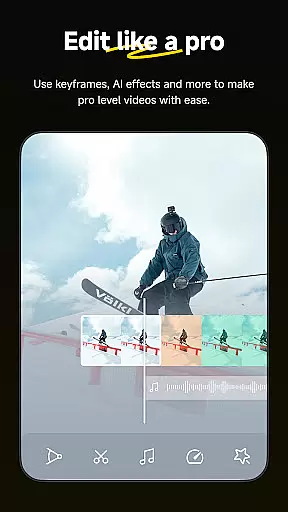
AI-powered editing features represent a significant advancement in video editing technology, offering users unprecedented ease and efficiency in processing their video content. The Insta360 app leverages artificial intelligence to automate complex editing tasks, making professional-quality edits accessible to everyone.
With tools like AI Edit, Shot Lab, and Deep Track, the app simplifies the reframing process, applies creative templates, and keeps subjects centered in shots automatically. These features utilize sophisticated algorithms to detect subjects, apply optimal angles, and generate viral-ready clips with minimal user input.
This level of automation not only speeds up the editing process but also opens new creative possibilities for users. Creators can experiment with different styles and effects, knowing that AI assistance is there to refine their work and ensure high-quality results every time.
By integrating these advanced AI-powered tools, the Insta360 app significantly lowers the barrier to entry for novice editors while providing professionals with powerful utilities to enhance their productivity and creativity.
User-friendly interface
Advanced AI editing tools
Wide range of creative templates
Seamless camera integration
Efficient download-free workflow
Limited to Insta360 devices
Requires learning curve
Occasional connectivity issues
Premium features may cost extra
Dependent on device compatibility

Video player, file manager for all formats, 4K/HD media player supports subtitle
 4.30
4.30
Photo and Music Video Creator into Stunning Videos—Effortlessly
4.40
Video Downloader is an utility that can save videos and music from web sites
4.20
Stream Web Videos to Chromecast, Samsung, LG, Sony, Roku, Fire TV, DLNA + more
4.00
Mix with Virtual DJ directly from your phone or tablet !
3.10
Fast & Private HD Video Downloader with Built-in Proxy Browser and Video Player.
4.50
Download Hub, easy and private way to download and enjoy your videos offline
4.80
VLC for Android is the best open source video and music player, fast and easy!
4.10
convenient, safe and fast at Video Downloader & Player
4.60
AI Video Editor with Music, Filter, Slideshow, Effect, Merge & Trim Video.
4.80
Cast movies, tv shows and live streams to Chromecast, Roku, DLNA, Fire TV & more
4.60
Fast, private downloading, video saving, social media
4.50
Powerful, professional, versatile teleprompter. Developed by an active film crew
4.00
1)AirPlay/DLNA Mirroring/Streaming, up to 4 connections; 2)Samba/NAS/DMS Player.
4.00
Fast private browser with secure, seamless access & supported video downloads!
4.00
Save photos and videos from social apps in one tap.
3.60
AirMirror is Receiver for Screen Mirroring and Casting from Apple Devices.
3.60
This app is an emulator of some specific IPTV boxes
3.50
IPTV Player - Watch live TV from m3m & m3u8 playlist, stream IPTV on mobile
3.30
VLC vs MX Player compared side-by-side: formats, subtitles, ads, privacy, and performance. Find out which free Android video player is right for you.



User Reviews