


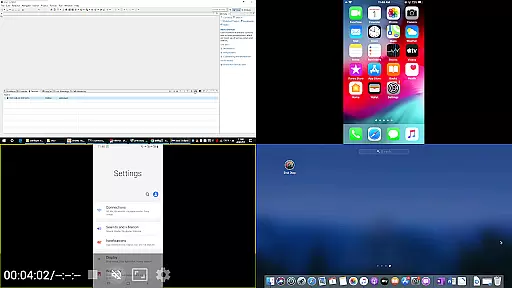



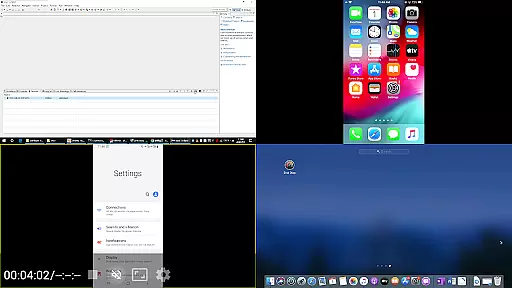



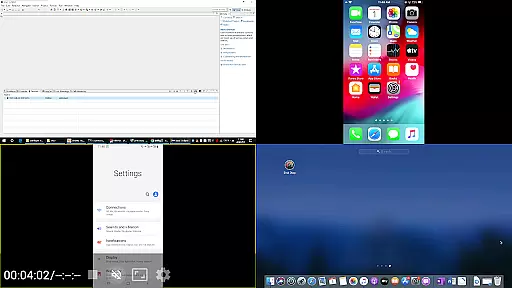


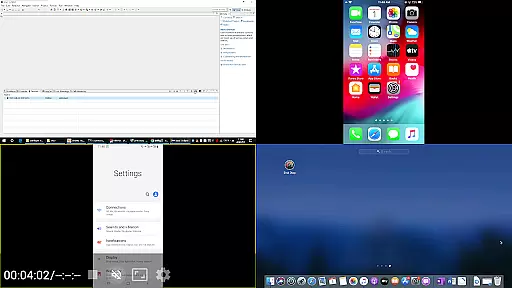

AirPin PRO is a cutting-edge screen mirroring and media streaming receiver app designed for Android phones, tablets, TVs, set-top boxes, and projectors. As the first Android application to support both AirPlay and DLNA since its initial release in July 2012, it enables seamless sharing of media and screens from Apple, Windows, and Android devices onto larger displays.
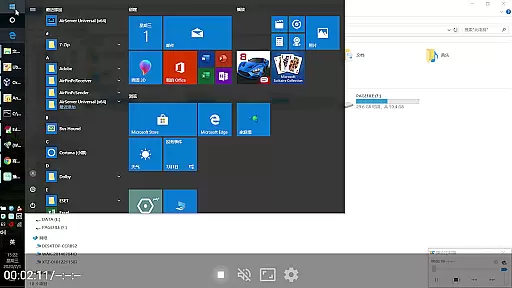
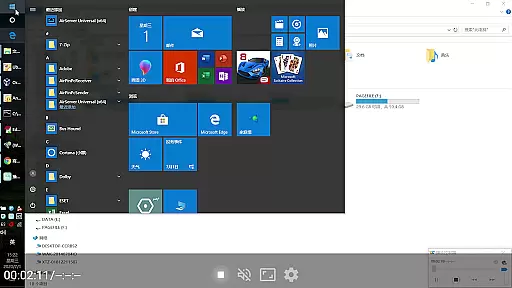
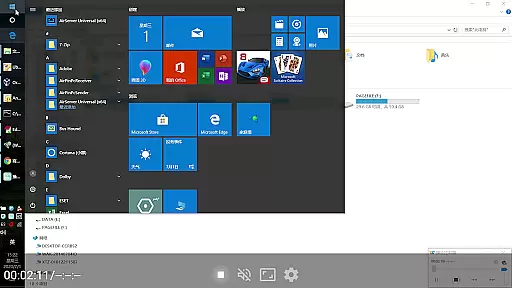
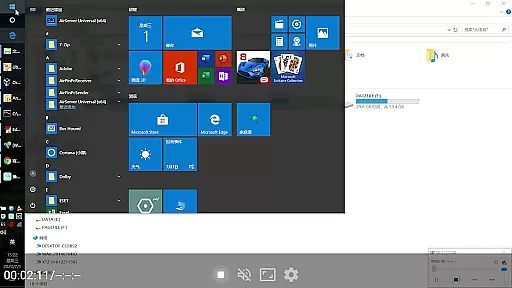
This PRO version stands out by allowing simultaneous display of up to four device screens, enhancing collaborative and entertainment experiences. Whether you're streaming content from an iPhone, iPad, MacBook via AirPlay, or using AirPinPcSender.exe for Windows, or even leveraging AirPinCast for Android devices, AirPin PRO delivers a versatile and high-quality streaming solution.
AirPin PRO boasts an impressive array of features that cater to diverse user needs. It supports simultaneous display of multiple device screens (up to four), making it ideal for presentations, gaming, or shared viewing experiences. The app fully supports AirPlay video/music streaming and screen mirroring across all iOS and MacOS versions, ensuring broad compatibility.
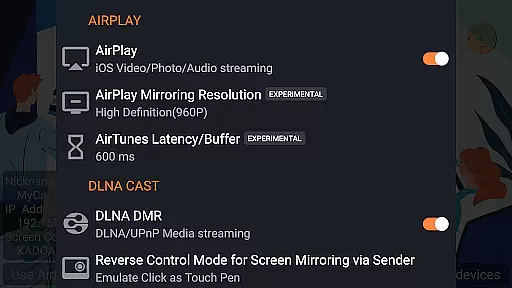
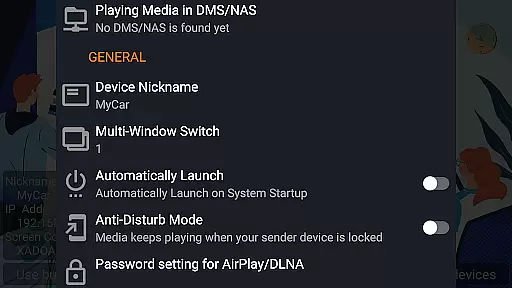
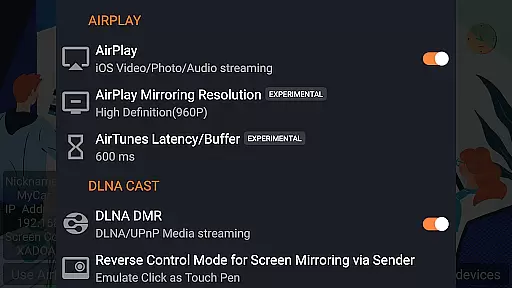
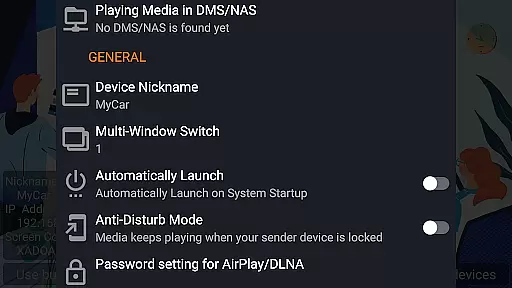
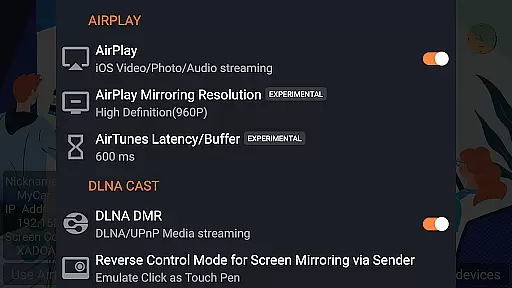
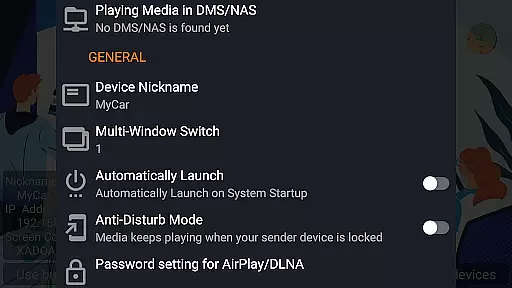
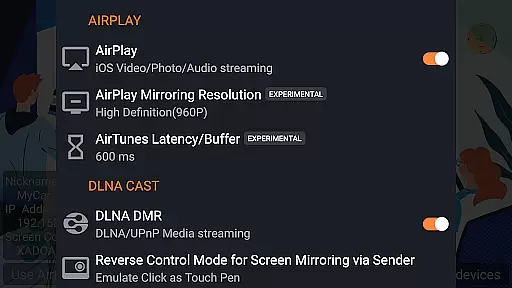
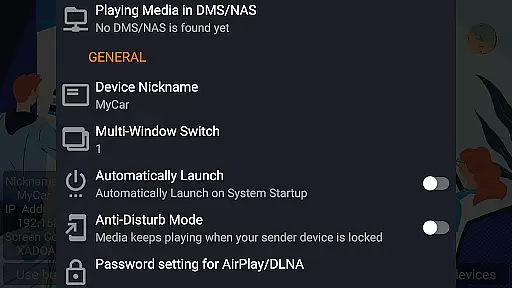
Unique offerings include being the first app to support the latest YouTube AirPlay streaming, slideshow functionality for AirPlay photo streaming, and AirPlay password protection. Additionally, it's the only app supporting both Renderer and Player modes for Android-based TVs, direct media pulling from DLNA/NAS/Samba servers, and advanced functionalities like automatic startup, service shutdown configuration, and anti-disturb mode.
Video format compatibility is a crucial feature for any video player application. AirPin PRO excels in this area by supporting a wide range of video formats, ensuring that users can play virtually any media file they encounter.
The app's support for both AirPlay and DLNA protocols allows seamless streaming from various devices including Apple products, Windows PCs, and Android devices. This versatility ensures that no matter what device you're using, your videos will play without issues.
AirPin PRO also supports direct pulling of media from DLNA, NAS, and Samba servers, expanding its compatibility to networked storage solutions. This means users can access and stream their video collections stored on home servers or network-attached storage devices.
With constant updates and bug fixes, the app maintains its compatibility with new formats and devices. This commitment to ongoing improvement ensures that AirPin PRO remains a reliable choice for video playback across different platforms and file types.
While primarily a screen mirroring and media streaming receiver, AirPin PRO incorporates AI-powered editing features that enhance the user experience beyond basic video playback. These intelligent features help optimize media presentation and streamline content sharing.
The app's automatic startup and service shutdown configuration demonstrates basic AI capabilities, allowing the application to manage its own resources efficiently. This automation helps maintain optimal performance while minimizing battery and data usage.
AirPin PRO's anti-disturb mode showcases another smart feature - it keeps videos playing even when the controlling device disconnects. This intelligent behavior ensures uninterrupted viewing experiences, adapting to different usage scenarios.
The application's ability to continue playing from previous pause points indicates basic machine learning functionality. This feature remembers user preferences and viewing progress, creating a more personalized and convenient media consumption experience across multiple devices.
Multi-screen display
Wide compatibility
Advanced security
Seamless streaming
Innovative features
Premium pricing
Complex setup
Device limitations
Occasional bugs
High resource use

Video Trimmer, Video to MP3 Converter. Extract music from video, Easy & Fast.
 4.80
4.80
Cast to Chromecast, Xbox, Fire Stick, Roku, DLNA, Smart TV & No Feature Limited!
4.50
Snaptubè Video Downloader app allows to download videos and music in Snaptube. .
4.60
Fast video downloader & private browser. Save HD clips to watch offline.
4.40
Stream high quality video from your camera over NDI protocol
4.4
Support 1000+ Video Format, Subtitle Download, mp3 & Background Play, Cast On TV
4.60
AirMirror is Receiver for Screen Mirroring and Casting from Apple Devices.
3.60
Video Downloader, Multiple Resolution Options, Video Player
4.50
Fast & Private HD Video Downloader with Built-in Proxy Browser and Video Player.
4.50
A Simple app to download Video & Music from the Internet.
4.70
Screen recorder with audio to take live videos & Screenshot in high quality!
4.70
Search & download videos from net with all video downloader, auto-detect & safe.
4.60
Full HD Video mp3 Player, MP4 player play 1080p, File manager, Video Downloader
4.40
KMPlayer Plus (Divx Codec) officially support Divx codec.
4.30
Powerful Video Editor & Photo Editing App —— Quick Edits & Stunning Effects!
4.30
Powerful, professional, versatile teleprompter. Developed by an active film crew
4.00
Livestream, news, & gaming content. Watch, chat, and upload. Join Rumble today!
3.80
Kodi media center, a free and open source cross-platform entertainment hub
3.60
You can play SWF format file!
2.50
VLC vs MX Player compared side-by-side: formats, subtitles, ads, privacy, and performance. Find out which free Android video player is right for you.



User Reviews