
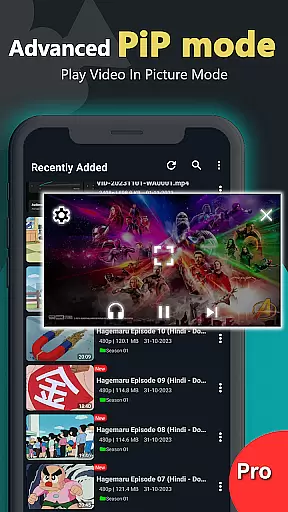
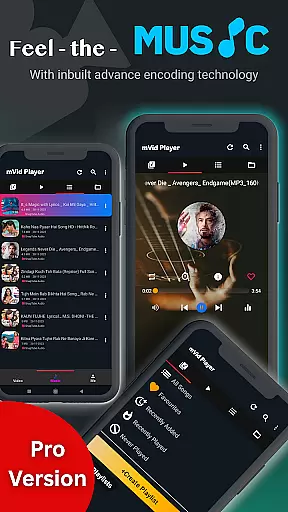
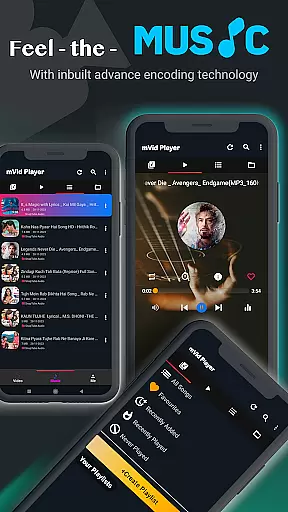
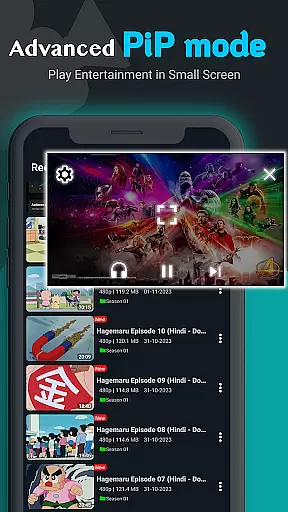
Zea Player Pro is a premium-grade video player designed for Android devices, offering an ad-free experience with support for all major video and audio formats. This includes high-resolution files up to 8K, making it ideal for movie enthusiasts and content streamers who demand quality and versatility.
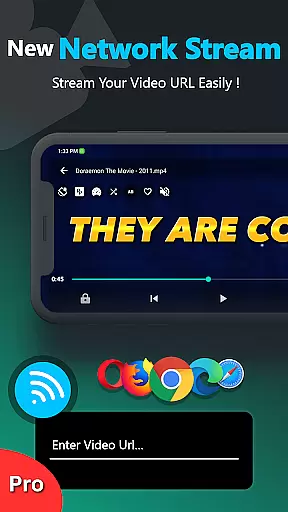
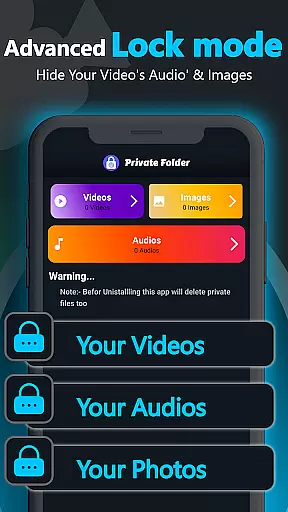
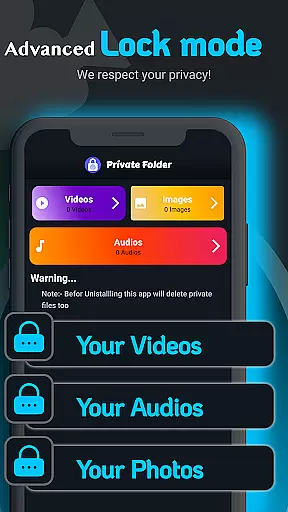
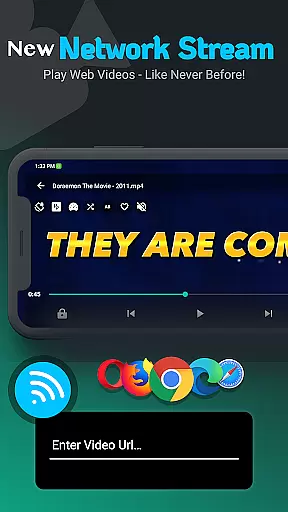
With advanced features like subtitle support, dual audio tracks, and the ability to play videos from URLs, Zea Player Pro ensures smooth playback of local or streamed media. Its private folder functionality allows users to hide personal media, while volume boosting and background playback enhance user convenience.
Whether you're watching high-definition MKV files or streaming content directly, Zea Player Pro provides a seamless, professional-grade media experience tailored for both casual viewers and tech-savvy users.
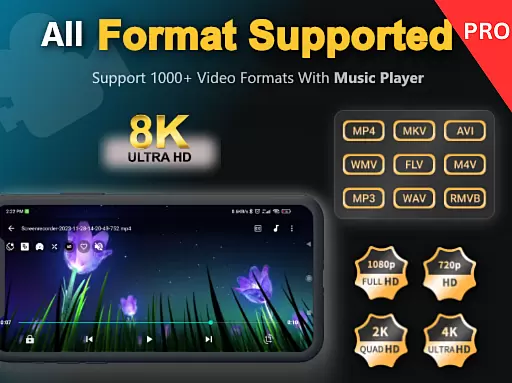
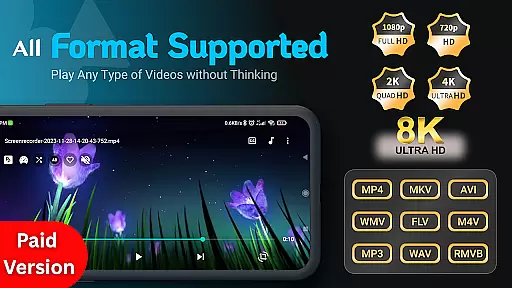
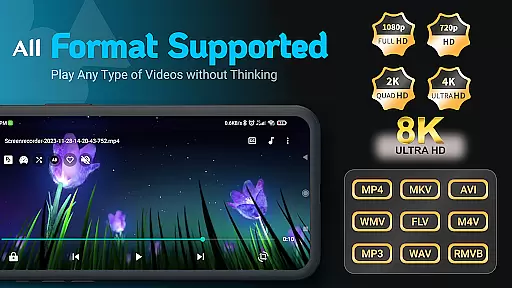
Zea Player Pro stands out with its comprehensive feature set that caters to diverse media consumption needs. The app supports all popular video formats including MKV, MP4, AVI, FLV, and even ultra HD resolutions such as 4K and 8K, ensuring no file is unplayable.
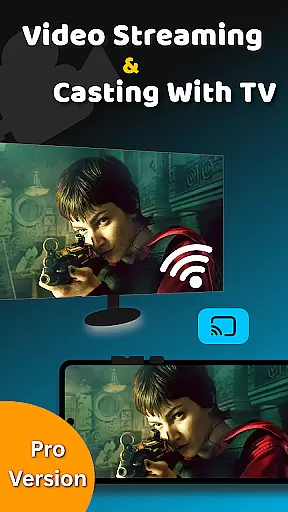
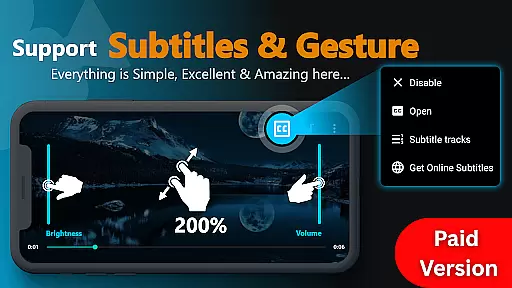
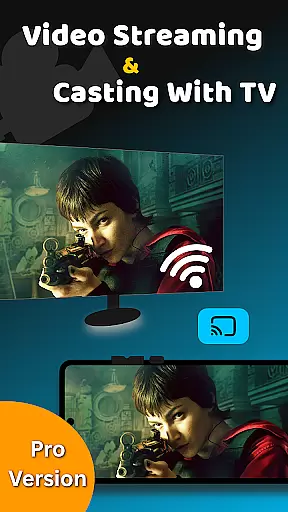
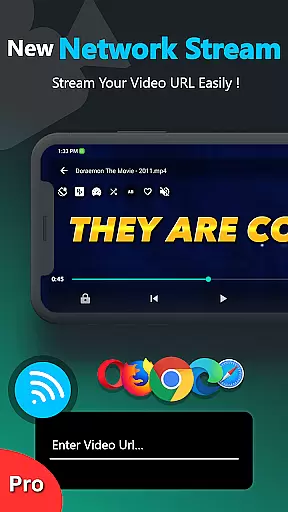
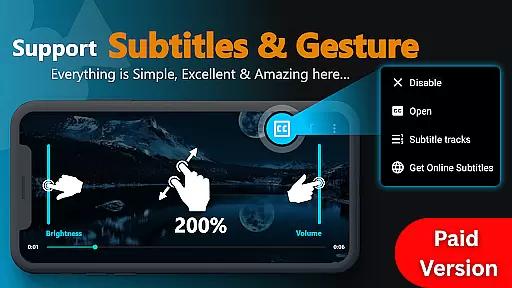
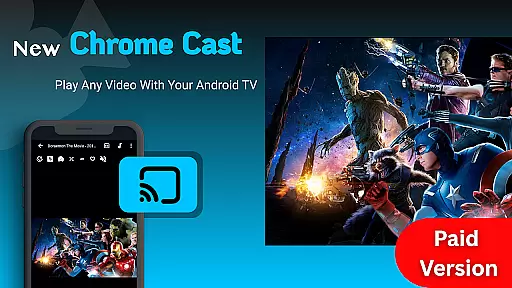
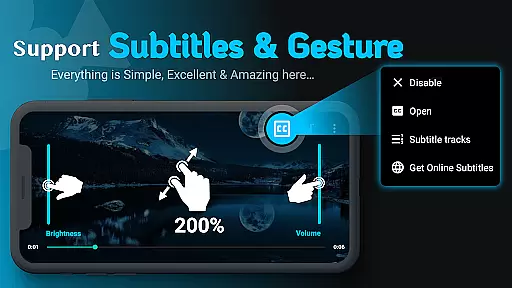
Its innovative functionalities include gesture controls for zooming videos, customizable subtitles, and dual audio track options. Users can also stream videos via URL links, cast content to Android TV, and control playback settings like brightness and volume with ease.
Additionally, the app offers privacy-focused tools such as password protection for private folders, safeguarding sensitive media from unauthorized access. These robust features make Zea Player Pro a top choice for those seeking a versatile and secure media player.
Video Player Pro Version stands out with its exceptional video format compatibility, ensuring users can enjoy all types of media files without conversion hassles. The app supports an extensive range of formats including MKV, FLV, M4V, MP3, AVI, MOV, 3GP, and WMV, as well as ultra HD 4K and 8K resolutions.
This comprehensive support is made possible through advanced decoding technologies that automatically detect and process different file types. Whether you're watching local files or streaming from URLs, the player ensures smooth playback for both standard and high-resolution content.
Users benefit from the convenience of accessing their entire media library in one place, regardless of format. This versatility makes the app suitable for various user groups, from casual viewers to professional content creators who work with specialized video formats.
The inclusion of subtitle support further enhances the viewing experience, allowing users to watch movies with downloaded subtitles or dual audio tracks. This feature set establishes Video Player Pro Version as a complete solution for modern media consumption needs.
While primarily a video player, Video Player Pro Version incorporates AI-powered features that enhance the viewing and basic editing experience. The app's intelligent algorithms enable functions like automatic subtitle synchronization, smart volume boosting, and optimized playback settings based on content type.
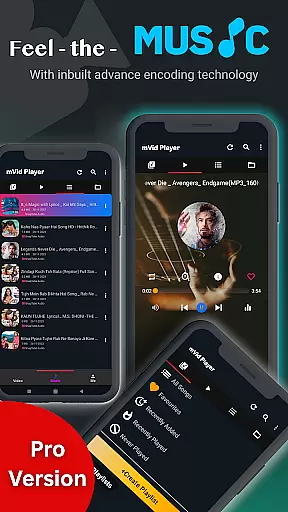
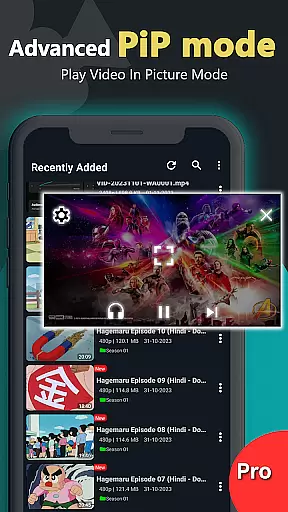
These AI capabilities extend to practical features such as automatic chapter detection in long videos, smart playlist creation based on viewing habits, and enhanced audio processing for clearer sound quality. The app also supports background video and music playback, intelligently managing system resources for optimal performance.
For users who need basic editing capabilities, the app offers intuitive tools powered by AI assistance. These include smart trimming suggestions, automatic color correction for poorly recorded videos, and intelligent frame rate adjustment for smoother playback.
The implementation of these AI features demonstrates the app's commitment to providing a premium-grade media experience. By integrating artificial intelligence into core functionalities, Video Player Pro Version delivers a sophisticated yet user-friendly interface that adapts to individual preferences and technical requirements.
Ad-free playback
Supports 8K resolution
Private folder security
Subtitle downloads
Background music play
Paid subscription required
No iOS compatibility
Complex interface
Limited customer support
High storage usage

The smartest M3U IPTV Player your playlists have ever seen.
 4.5
4.5
Video Trimmer, Video to MP3 Converter. Extract music from video, Easy & Fast.
4.80
All format media Player, no need video converter any more!
4.00
Capture images & record videos for USB Camera, Webcam, Microscopes, Endoscopes
3.80
1)AirPlay/DLNA Mirroring/Streaming, up to 4 connections; 2)Samba/NAS/DMS Player.
4.00
Download website videos fast&privacy
4.40
All in one HD video downloader & player for multiple formats with full privacy
4.70
IPTV Loader, loads your own Playlist. DOES NOT CONTAIN ANY LIST OR CHANNELS
4.60
All in one multi protocols stream receiver for AirPlay, Cast and DLNA.
3.60
Download Hub, easy and private way to download and enjoy your videos offline
4.80
A Quick and Pro Video Editor
4.70
Browser + Remote for Roku to stream webvideos, online movies and livestreams
4.60
Auto video maker with music & exclusive filters. Video editing made simple.
4.50
Viddo: Generate Action Figure, AI Anime, AI kiss, AI hug Video from image & text
4.40
Powerful Video Editor & Photo Editing App —— Quick Edits & Stunning Effects!
4.30
LumaFusion: The Ultimate Storytelling Experience for Video Editing
4.10
Watch full episodes of your favorite Cartoon Network and Cartoonito shows!
3.50
Mix with Virtual DJ directly from your phone or tablet !
3.10
Play and download HD videos from all sources — fast, simple, and all-in-one.
4.5
VLC vs MX Player compared side-by-side: formats, subtitles, ads, privacy, and performance. Find out which free Android video player is right for you.



User Reviews