
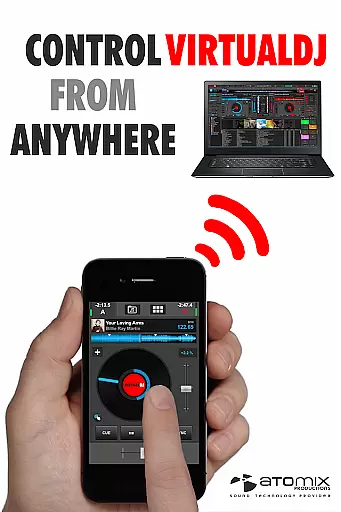
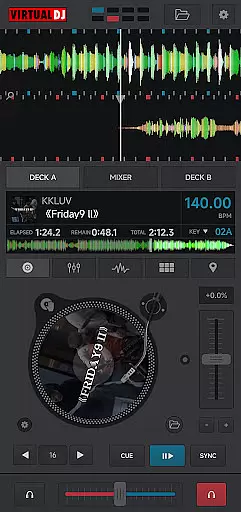
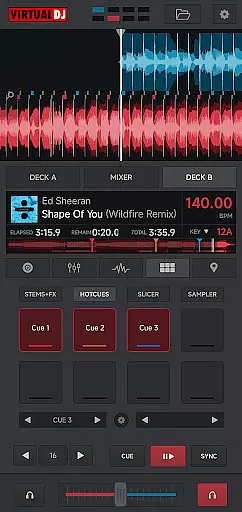
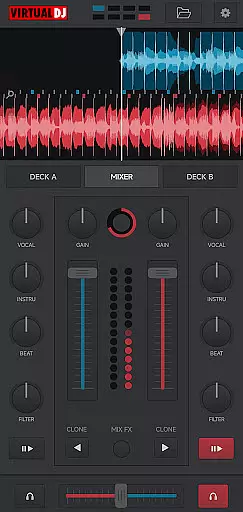
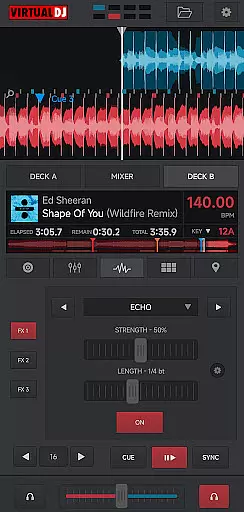
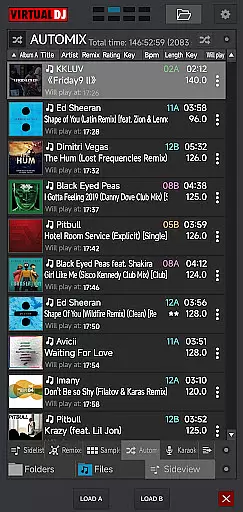
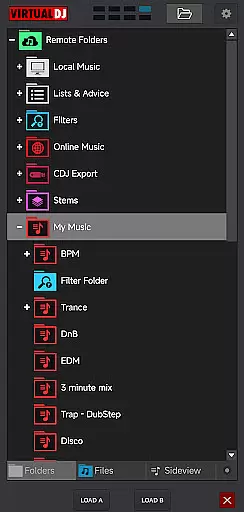
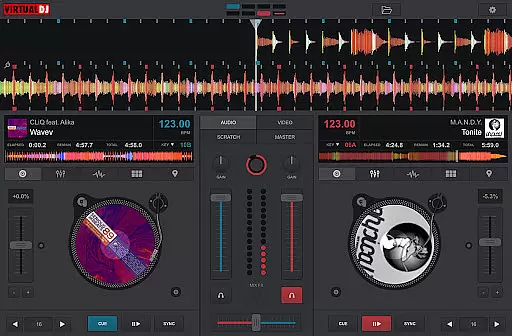
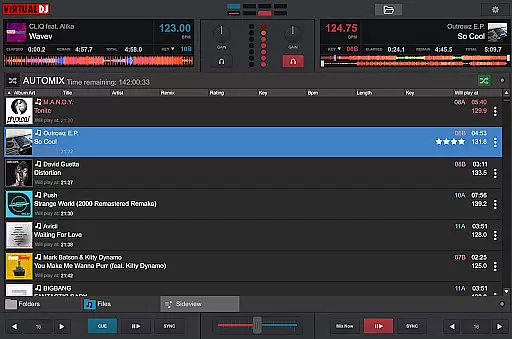
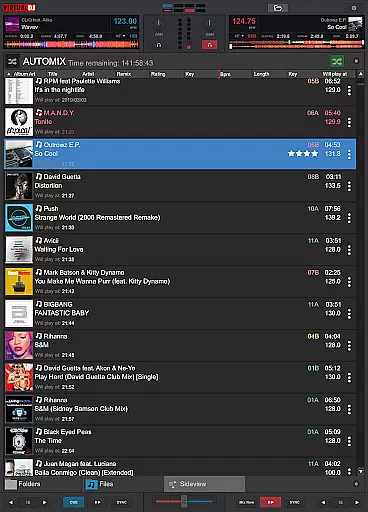
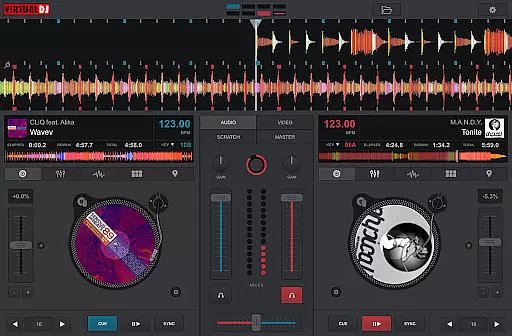
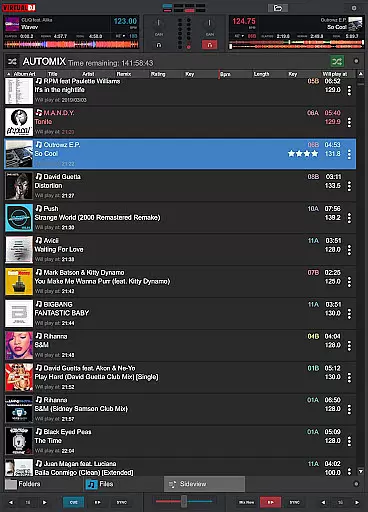
VirtualDJ Remote is a powerful application that allows DJs to control VirtualDJ software directly from their mobile devices. This app transforms your phone or tablet into a versatile DJ controller, enabling wireless mixing and monitoring over a Wi-Fi connection. Whether you're using your device as a virtual scratch turntable or managing the mix remotely while the computer handles audio output, this app provides complete freedom of movement.
The application supports all essential DJ functionalities including beat mixing, effects, song suggestions, samplers, and video mixing. It connects seamlessly with VirtualDJ software running on a PC or Mac, requiring only a simple Wi-Fi setup. Users can create custom interfaces tailored to their specific needs through customizable skins, making it an indispensable tool for both amateur and professional DJs.
VirtualDJ Remote offers an impressive array of features designed to enhance the DJing experience. The app supports full control over VirtualDJ's extensive capabilities such as beat mixing, effects processing, and video mixing. DJs can use their mobile devices as virtual turntables or complete controllers, providing unprecedented flexibility in performance setups.
A key feature is the ability to customize the interface using skins compatible with VirtualDJ's skin SDK. This allows users to tailor the app's layout and functionality to their exact requirements. Additionally, the app enables remote audio configuration, meaning sound output remains handled by the computer. This setup eliminates the need for additional audio wiring to mobile devices, streamlining the DJing process and allowing for more dynamic performances.
VirtualDJ Remote supports a wide range of video formats, ensuring that DJs can mix and play videos without worrying about compatibility issues. The application leverages the power of the VirtualDJ software running on a connected PC or Mac, which is renowned for its extensive format support.
This versatility allows users to incorporate various multimedia files into their sets, from common formats like MP4 and AVI to more specialized ones. Whether you're mixing music videos or creating custom visuals, the app ensures smooth playback and seamless integration with your audio tracks.
The ability to handle diverse video formats enhances creative possibilities, enabling DJs to deliver unique performances. By connecting their mobile device to the computer via Wi-Fi, users can control both audio and video elements, expanding their artistic expression while maintaining professional-grade quality.
While primarily designed as a remote control solution for VirtualDJ, this application incorporates intelligent features that enhance the video editing and mixing process. Through its connection with the main VirtualDJ software, users can access advanced video manipulation tools directly from their mobile devices.
The app enables real-time control over video effects, transitions, and mixing parameters, allowing DJs to create dynamic visual performances. These AI-powered capabilities include automated beat matching for video tracks, synchronized effects processing, and intelligent scene detection for seamless transitions.
This combination of remote control functionality and smart video processing features provides unprecedented flexibility for mobile DJing. Users can maintain complete control over their audiovisual productions while moving freely around the venue, opening new possibilities for interactive performances and crowd engagement.
User-friendly interface
Wide range of features
Customizable skins
Wireless connectivity
Professional-grade tools
Requires VirtualDJ software
Dependent on Wi-Fi connection
Limited standalone functionality
Interface may overwhelm beginners
Advanced features need learning

Save photos and videos from social apps in one tap.
 3.60
3.60
Cast Videos from Web Browser, IPTV to Roku, Chromecast, DLNA, Smart TV +more
4.60
Watch full episodes of your favorite Cartoon Network and Cartoonito shows!
3.50
Snaptubè Video Downloader app allows to download videos and music in Snaptube. .
4.60
Fast & Private Video Downloader App. Save all videos easily from the Internet.
4.40
Browser for Samsung TV to stream webvideos, online movies and livestreams in HD
4.10
#1 Torrent App on Android ** No Ads Ever + Battery Saver **
4.80
Powerful video player with advanced hardware acceleration and subtitle supports
4.20
AI Video Editor with Music, Filter, Slideshow, Effect, Merge & Trim Video.
4.80
A Simple app to download Video & Music from the Internet.
4.70
Download videos and play them offline
4.70
Screen recorder with audio to take live videos & Screenshot in high quality!
4.70
Fast, private downloading, video saving, social media
4.50
Add date and time watermark to photos and videos
4.50
Photo and Music Video Creator into Stunning Videos—Effortlessly
4.40
LumaFusion: The Ultimate Storytelling Experience for Video Editing
4.10
Manage your IPTV live channels and VOD playlists (no playlist included)
3.80
Kodi media center, a free and open source cross-platform entertainment hub
3.60
Client application for NextPVR software
3.00
VLC vs MX Player compared side-by-side: formats, subtitles, ads, privacy, and performance. Find out which free Android video player is right for you.



User Reviews