
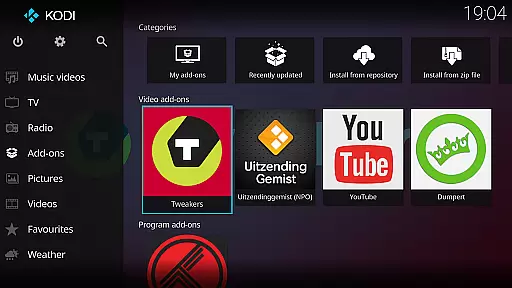
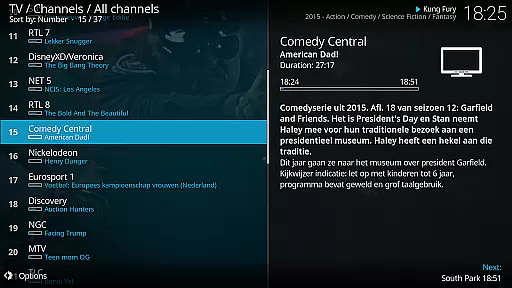
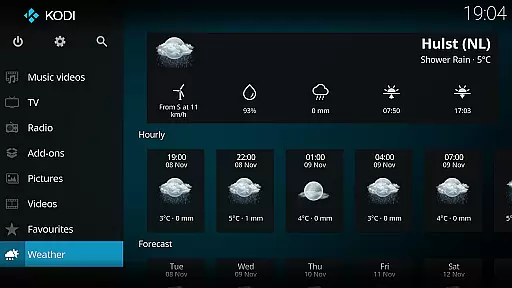
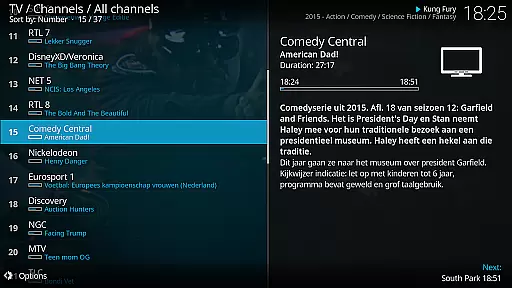
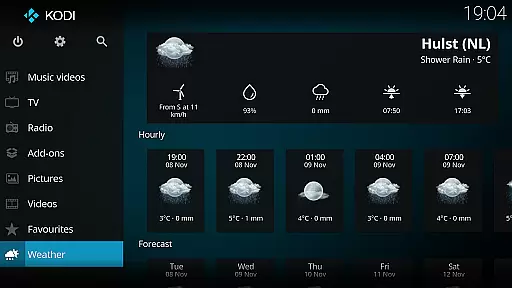
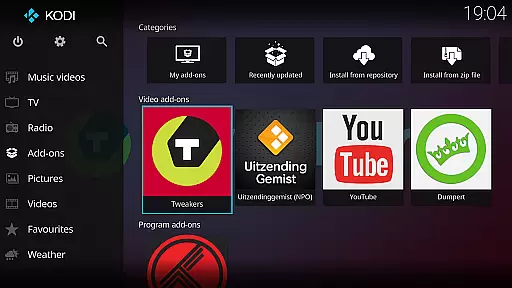
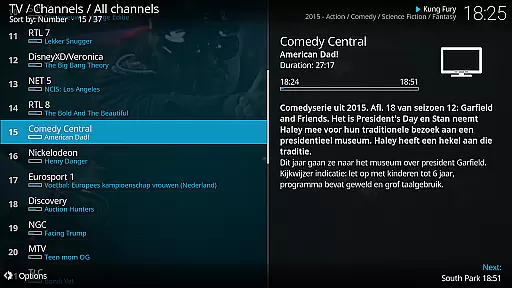
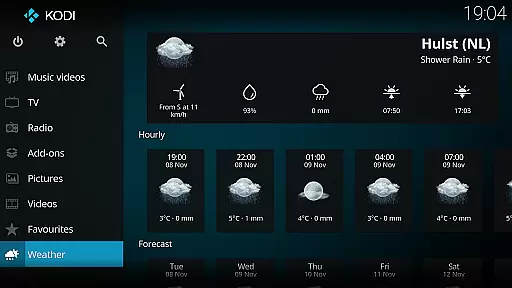
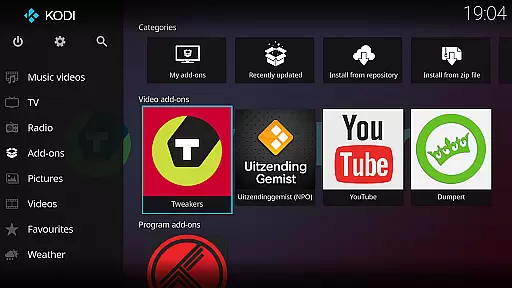
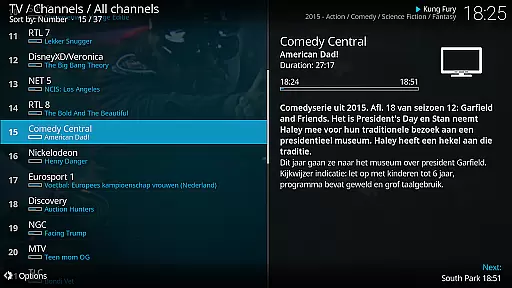
Kodi is an award-winning media player and entertainment hub designed for home theater setups. It offers a 10-foot user interface, making it perfect for living-room entertainment with easy navigation using a remote control. Kodi allows users to browse and view videos, photos, podcasts, and music from various sources including hard drives, optical discs, local networks, and the internet.
With its open-source nature, Kodi supports third-party plugins that provide access to freely available content. The software comes with two main skins: Estuary, optimized for speed and ease of use, and Estouchy, enhanced for larger phones and tablets. Kodi does not supply any media content but provides a robust platform for users to enjoy their personal digital media collection.
Kodi stands out with its cross-platform compatibility and customizable user interface. The application supports a wide range of file formats and codecs, ensuring seamless playback of various media types. Its graphical user interface (GUI) is designed for easy navigation using minimal buttons, providing an intuitive experience for users.
One of Kodi's key features is its support for third-party plugins, allowing users to extend functionality and access additional content. The inclusion of two distinct skins, Estuary and Estouchy, caters to different device preferences, enhancing usability on both large screens and mobile devices. Additionally, Kodi's open-source nature encourages community contributions, resulting in regular updates and improvements.
Video format compatibility is a crucial feature for any media player, determining the range of video files that can be played seamlessly. Kodi excels in this area by supporting an extensive array of video formats, ensuring users can enjoy their digital media without worrying about compatibility issues.
Kodi's architecture incorporates powerful codecs and libraries that allow it to handle everything from common formats like MP4 and AVI to more specialized types such as MKV and OGM. This versatility means that regardless of where your videos come from - whether they're home movies, downloaded content, or ripped DVDs - Kodi can play them back smoothly on your HTPC.
The benefit to users is clear: with Kodi's broad video format support, there's no need to convert files or worry about playback errors. You can simply load up your media library and start watching, making it an ideal solution for creating a centralized home entertainment system.
This comprehensive format coverage demonstrates Kodi's commitment to providing a truly universal media experience, catering to both casual viewers and advanced users who demand flexibility in their media consumption.
While primarily known as a media player, Kodi also offers innovative AI-powered editing features that enhance the user's ability to manage and curate their digital media collections. These intelligent tools help automate tedious tasks and provide smart suggestions for organizing media libraries.
The AI capabilities in Kodi manifest through its advanced library management system, which can automatically fetch metadata, artwork, and other relevant information for your media files. The software uses sophisticated algorithms to scan your collection, identify content, and retrieve detailed information from online databases, saving users countless hours of manual entry.
For users, this means maintaining a beautiful, organized media library requires minimal effort. The system can recognize and categorize various media types, apply appropriate tags, and even suggest optimal viewing orders for TV series or movie collections.
These AI-powered features demonstrate how Kodi continues to evolve beyond basic media playback, offering smart solutions that make managing extensive media libraries both efficient and enjoyable, while maintaining its open-source ethos and commitment to user empowerment.
User-friendly interface
Wide format support
Customizable skins
Third-party plugin support
Cross-platform compatibility
No built-in content
Requires technical knowledge
Large app size
Limited mobile optimization
Potential legal concerns

Powerful, professional, versatile teleprompter. Developed by an active film crew
 4.00
4.00
Create & edit videos with AI
4.30
Play ALL formats in 4K & HD. Video downloader, MP3 player, Chromecast & more.
4.80
HD video maker with no watermark, no ads & vlog maker with music, PIP, text
4.50
Turn your phone into a wireless camera!
4.20
AirMirror Receiver - Screen mirroring/cast web videos to Android TV by AirPlay.
4.40
Fast private browser with secure, seamless access & supported video downloads!
4.00
Create, Publish & Maximize
4.70
Manage your YouTube channel on the go
4.40
Flud is a simple and beautiful BitTorrent client for Android.
4.80
AI Video Editor with Music, Filter, Slideshow, Effect, Merge & Trim Video.
4.80
A Simple app to download Video & Music from the Internet.
4.70
Video Downloader, Multiple Resolution Options, Video Player
4.50
Powerful video player with advanced hardware acceleration and subtitle supports
4.20
Browser for Samsung TV to stream webvideos, online movies and livestreams in HD
4.10
HD video & music player - All format support with floating & PIP mode!
3.80
Live TV, anywhere in your home
3.80
Browser for Sony TV to stream web videos, online movies and live tv
3.20
The essential companion to your Blue Iris PC software
2.50
VLC vs MX Player compared side-by-side: formats, subtitles, ads, privacy, and performance. Find out which free Android video player is right for you.



User Reviews