
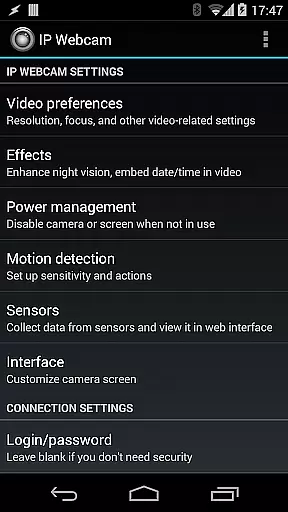
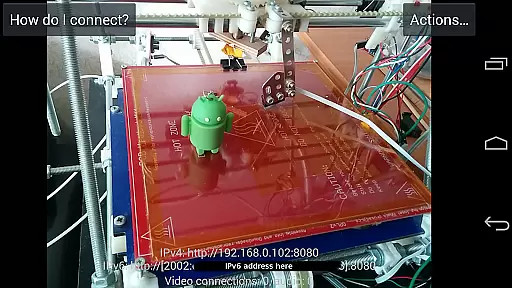
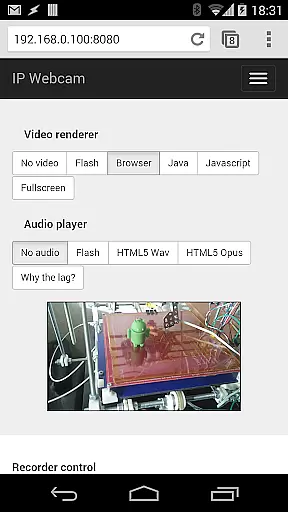
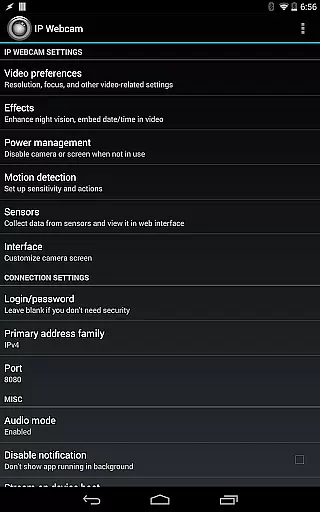
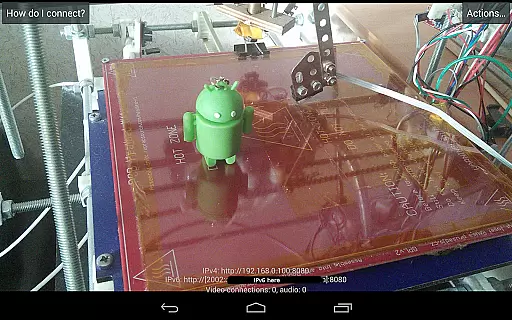
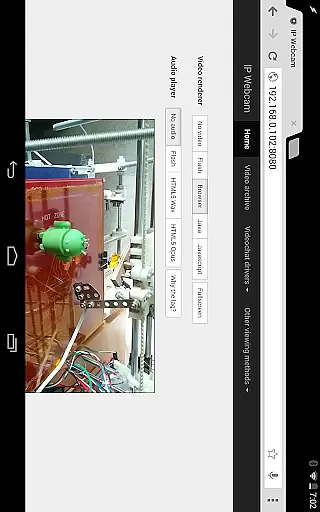
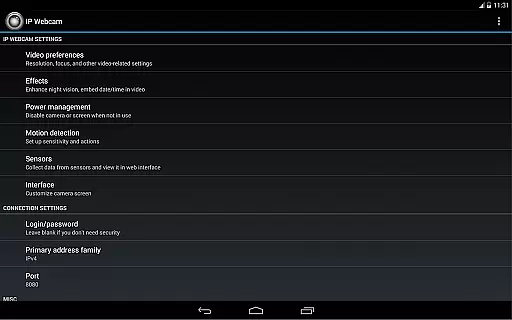
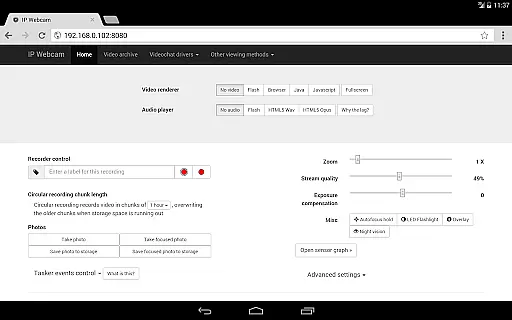
IP Webcam Pro transforms your smartphone into a versatile network camera, enabling you to stream video over your WiFi network without needing internet access. With support for multiple viewing options, this application allows users to view their camera feed on any platform using VLC player or a web browser.
Beyond basic streaming, IP Webcam Pro offers advanced features such as two-way audio when used with tinyCam Monitor on another Android device and optional Ivideon cloud broadcasting for instant global access. It is an ideal solution for both personal surveillance needs and professional monitoring setups.
IP Webcam Pro boasts a comprehensive set of features designed to enhance the video monitoring experience. The app supports video uploads to various platforms including Dropbox, SFTP, FTP, and Email via the Filoader plugin. Users can choose from several web renderers like Flash, Javascript, or built-in options to customize their viewing experience.
Advanced functionalities include motion detection with sound triggers, Tasker integration, and date, time, and battery level overlays on the video feed. Additionally, the app provides sensor data acquisition with online web graphing and extensive baby and pet monitor features such as night vision and sound detection, making it a powerful tool for diverse monitoring needs.
IP Webcam Pro excels in video format compatibility, ensuring users can stream and record in multiple formats. The app supports WebM, MOV, MKV, or MPEG4 (on Android 4.1+), catering to a wide range of user preferences and device capabilities.
This flexibility in video formats allows users to choose the best option for their specific needs, whether it's for quality, file size, or compatibility with other software and devices. Such versatility is crucial for both personal and professional use, enhancing the app's utility across different scenarios.
Moreover, the ability to switch between formats easily means that users are not locked into a single choice. They can experiment with different settings to find what works best for them, making IP Webcam Pro a powerful tool for video streaming and recording on mobile devices.
While IP Webcam Pro focuses primarily on video streaming and surveillance, its integration with third-party MJPG software offers some AI-powered editing features. These features allow users to enhance their video feeds with overlays such as date, time, and battery level, providing useful context to viewers.
The app also includes motion detection with sound triggers, which can be considered a form of AI that adds an interactive layer to video monitoring. This feature is particularly beneficial for security purposes, enabling automatic alerts and recordings when unusual activity is detected.
Additionally, sensor data acquisition with online web graphing introduces another dimension of AI-powered functionality. Users can monitor environmental conditions alongside their video feeds, creating comprehensive surveillance solutions that go beyond simple video capture.
User-friendly interface
Extensive feature set
Cloud broadcasting support
Motion detection capabilities
Cross-platform compatibility
Paid version only
Complex setup required
Limited free version
High resource usage
Occasional connectivity issues

You can play SWF format file!
 2.50
2.50
Powerful, professional, versatile teleprompter. Developed by an active film crew
4.00
IPTV-Smarters Player Pro M3U - Watch Live Stream TV Channels with Chromecast
4.00
Tik & Story Saver-Download ALL social media videos, photos & reels no watermark.
4.80
Create & edit videos with AI
4.30
Support 1000+ Video Format, Subtitle Download, mp3 & Background Play, Cast On TV
4.60
Stream Web Videos to Chromecast, Samsung, LG, Sony, Roku, Fire TV, DLNA + more
4.00
#1 Torrent App on Android ** No Ads Ever + Battery Saver **
4.80
Photo editor & video maker with music and slideshows.
4.10
Play ALL formats in 4K & HD. Video downloader, MP3 player, Chromecast & more.
4.80
HD Video player all format, HD Videos, Cast & Subtitle. No annoying ads.
4.60
Add date and time watermark to photos and videos
4.50
Powerful Video Editor & Photo Editing App —— Quick Edits & Stunning Effects!
4.30
1)AirPlay/DLNA Mirroring/Streaming, up to 4 connections; 2)Samba/NAS/DMS Player.
4.00
Kodi media center, a free and open source cross-platform entertainment hub
3.60
Save photos and videos from social apps in one tap.
3.60
This app is an emulator of some specific IPTV boxes
3.50
IPTV Player - Watch live TV from m3m & m3u8 playlist, stream IPTV on mobile
3.30
Play and download HD videos from all sources — fast, simple, and all-in-one.
4.4
VLC vs MX Player compared side-by-side: formats, subtitles, ads, privacy, and performance. Find out which free Android video player is right for you.


User Reviews