
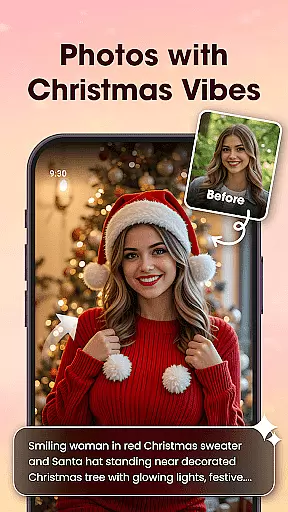

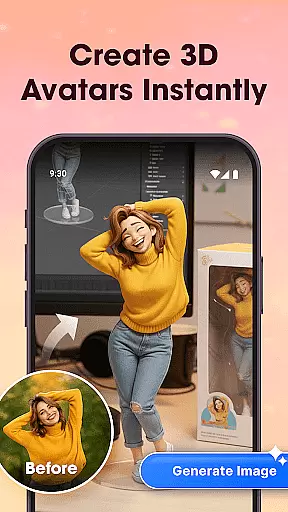
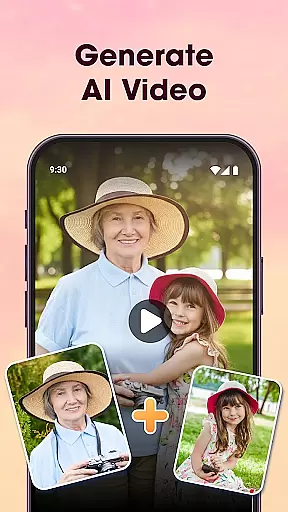
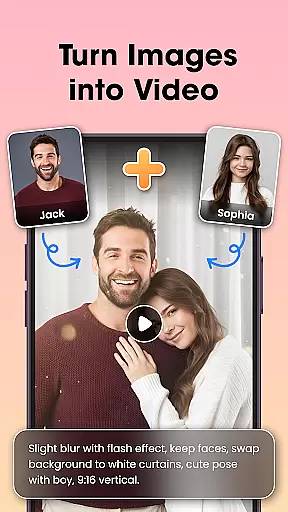
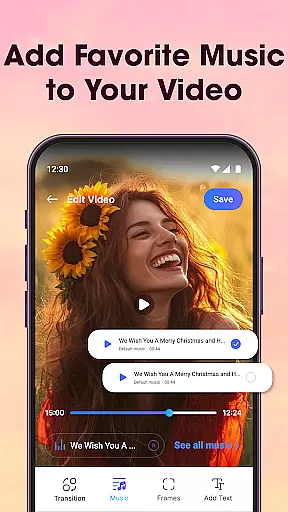
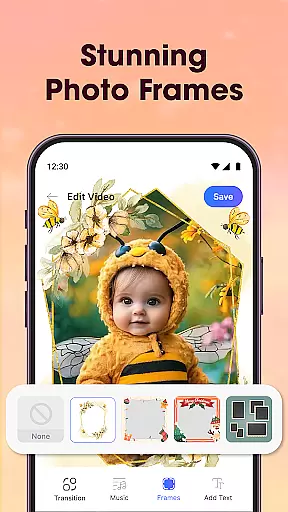
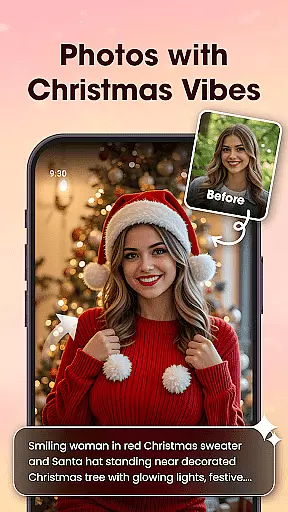

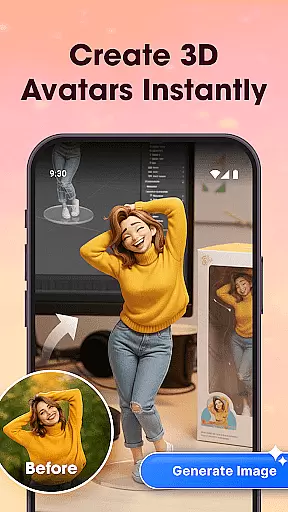
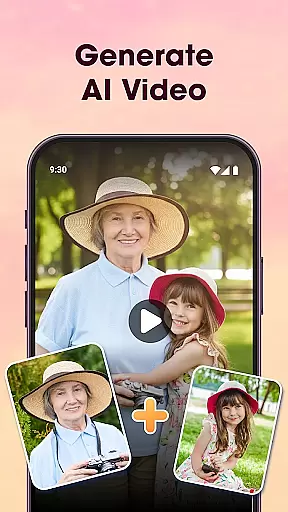
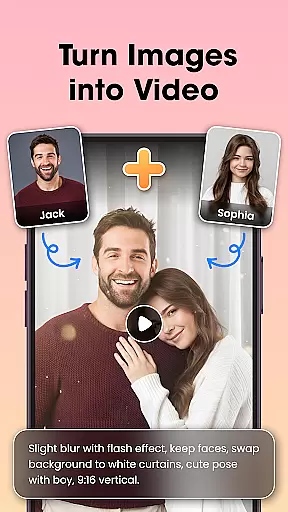
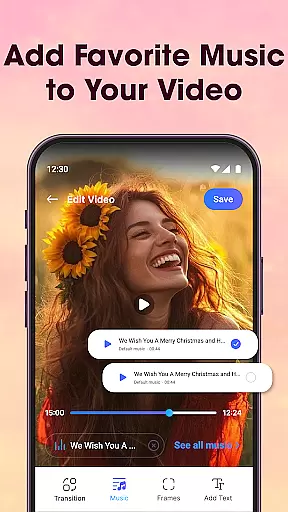
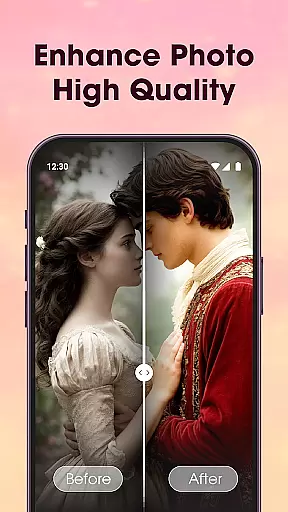
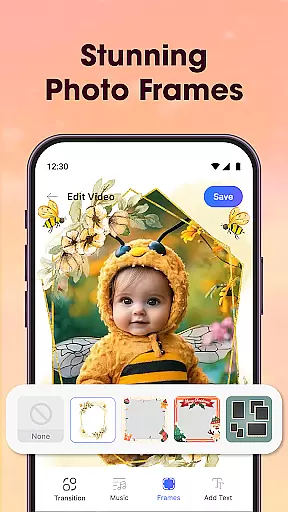
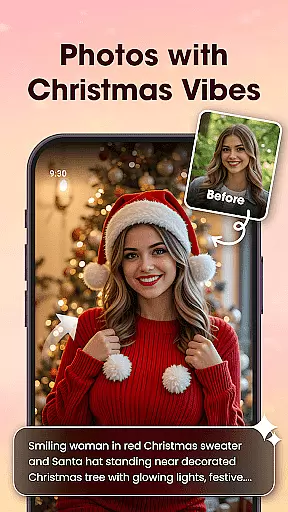

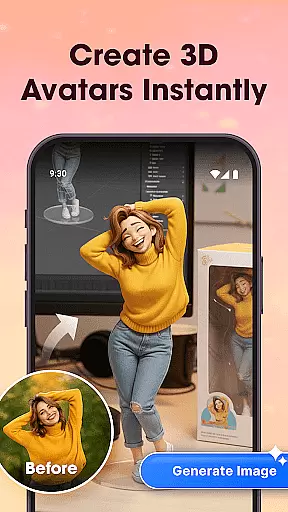
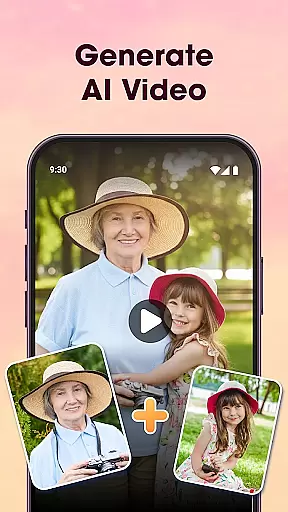
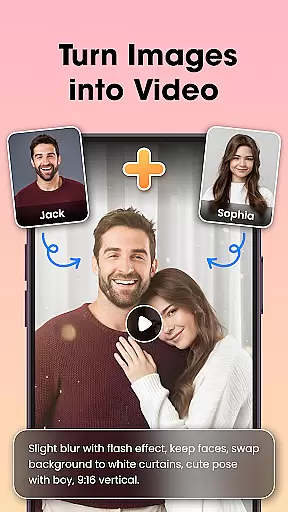
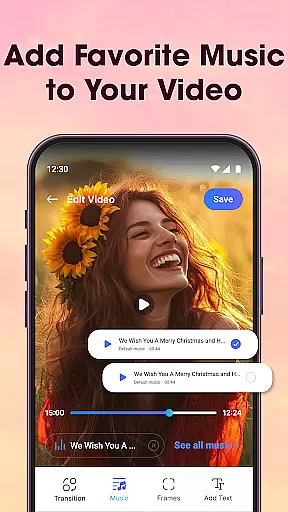
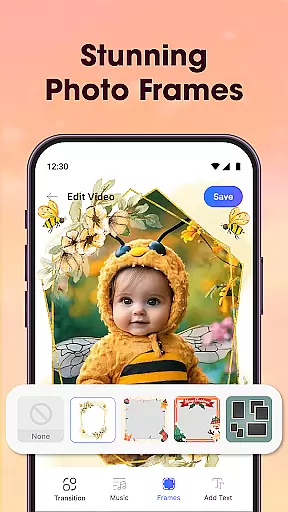
Photo Editor Video Maker Music is a versatile video editing application that allows users to transform their photos into engaging video stories. The app offers an AI Video Generator feature that can create stunning videos from simple images using various templates like AI Hug and AI Kiss. Users can enhance their creations by adding background music, stylish effects, frames, and custom text.
The app provides essential tools for photo editing, including filters, cropping, retouching, and fine-tuning options. It also features visual effects, themed borders, and customizable text options to make slideshows more impactful. Whether it's for personal memories or professional projects, this app helps users produce high-quality videos ready for sharing on social media platforms.
This video editor is particularly useful for creating memorable content for special occasions such as birthdays, weddings, and anniversaries. With its intuitive interface and powerful editing capabilities, users can easily craft emotional and visually appealing videos that tell unique stories.
Photo Editor Video Maker Music stands out with its comprehensive set of features tailored for creative video production. The AI Video Generator is a standout tool, offering specialized templates like AI Hug and AI Kiss that automatically animate static images. This feature simplifies the process of making dynamic videos without requiring advanced technical skills.
In addition to AI-powered tools, the app includes a robust photo editor with functions such as AI Background Remover, which allows users to erase or replace backgrounds with a single click. The Video Maker with Music feature supports turning photos into videos with added soundtracks, while the Slideshow & Effects option provides stylish transitions and effects.
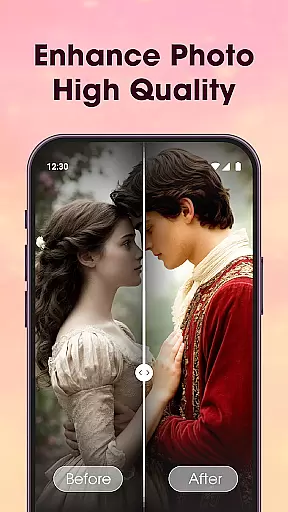
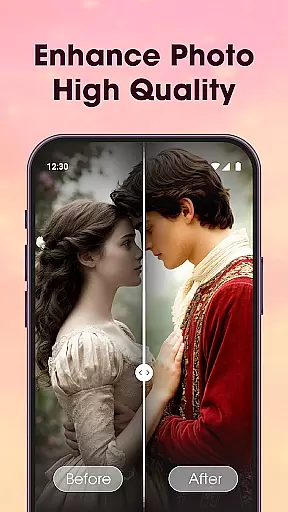
Users benefit from practical tools like the AI Photo Enhancer, which improves image clarity and lighting with one tap, and a variety of customization options for frames and text. These features collectively enable users to produce polished, professional-looking videos suitable for various purposes, from personal storytelling to marketing content.
Video format compatibility is a crucial feature for any video editing application, ensuring that users can work with a wide range of file types. Photo Editor Video Maker Music supports multiple video formats, allowing creators to import and export projects without worrying about compatibility issues.
The app's extensive format support includes popular standards such as MP4, AVI, and MOV, enabling seamless integration with various devices and platforms. This versatility ensures that whether you're creating content for social media, YouTube, or personal storage, your videos will maintain their quality and playability across different systems.
Moreover, the application provides automatic format conversion during the export process. Users can focus on their creative work while the software handles technical details behind the scenes. The built-in converter maintains optimal video quality and compression rates, striking a balance between file size and visual fidelity.
This comprehensive format support significantly enhances user experience by eliminating common technical barriers. Content creators can now work more efficiently, knowing their final products will be compatible with virtually any playback device or sharing platform they choose to use.
AI-powered editing features represent a significant advancement in video editing technology, and Photo Editor Video Maker Music incorporates these innovations to streamline the creative process. The application's AI capabilities extend beyond basic automation, offering intelligent tools that enhance both efficiency and creativity.
Among its standout features is the AI Video Generator, which transforms static images into dynamic video content using pre-designed templates. The AI Hug and AI Kiss effects create emotional connections by generating realistic interactions between subjects in photos. Additionally, the AI Background Remover enables precise one-click background modifications, while the AI Photo Enhancer automatically optimizes image quality through intelligent analysis of lighting and detail.
These AI-driven tools work in harmony with traditional editing features, providing users with both automated solutions and manual control options. The combination allows creators to achieve professional-grade results without requiring extensive technical expertise or spending hours on manual adjustments.
By integrating artificial intelligence into core editing functions, Photo Editor Video Maker Music empowers users to focus on their creative vision rather than technical limitations. This technological advantage makes sophisticated video production accessible to both beginners and experienced editors alike.
User-friendly interface
AI-powered video generation
Extensive editing tools
Versatile music integration
HD quality export
Limited free features
Subscription required
Occasional bugs
Ads in free version
Learning curve

You can play SWF format file!
 2.50
2.50
Tik & Story Saver-Download ALL social media videos, photos & reels no watermark.
4.80
Powerful HD video player with support for all formats & subtitles.
4.2
Capture images & record videos for USB Camera, Webcam, Microscopes, Endoscopes
3.80
All in one HD video downloader & player for multiple formats with full privacy
4.70
Flud is a simple and beautiful BitTorrent client for Android.
4.80
Cast movies, tv shows and live streams to Chromecast, Roku, DLNA, Fire TV & more
4.60
Powerful video player with advanced hardware acceleration and subtitle supports
4.20
Livestream, news, & gaming content. Watch, chat, and upload. Join Rumble today!
3.80
#1 Torrent App on Android ** No Ads Ever + Battery Saver **
4.80
Download videos and play them offline
4.70
Photo and Music Video Creator into Stunning Videos—Effortlessly
4.40
Full HD Video mp3 Player, MP4 player play 1080p, File manager, Video Downloader
4.40
AirMirror Receiver - Screen mirroring/cast web videos to Android TV by AirPlay.
4.40
Browser for Fire TV to stream webvideos, online movies, livestreams in HD
4.40
Browser for Samsung TV to stream webvideos, online movies and livestreams in HD
4.10
1)AirPlay/DLNA Mirroring/Streaming, up to 4 connections; 2)Samba/NAS/DMS Player.
4.00
A full editing room to accompany your Insta360 cameras and handheld gimbals.
3.30
The smartest M3U IPTV Player your playlists have ever seen.
4.0
VLC vs MX Player compared side-by-side: formats, subtitles, ads, privacy, and performance. Find out which free Android video player is right for you.


User Reviews