
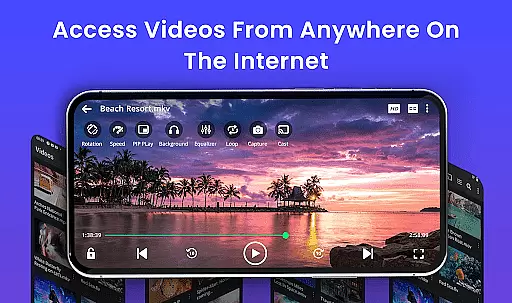
Video Player is a feature-rich application designed for seamless video playback on Android devices. Supporting all major video formats including MP4, MKV, AVI, and more, it ensures smooth performance even with high-resolution 4K content. The app incorporates advanced decoding technology and AI-enhanced rendering to deliver stunning clarity and optimized frame rates.
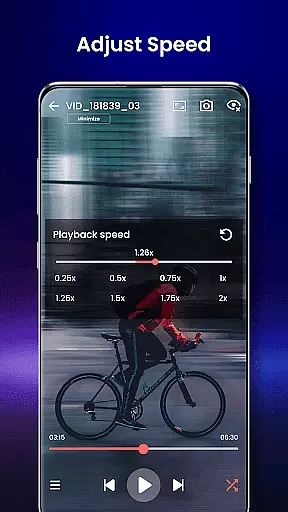
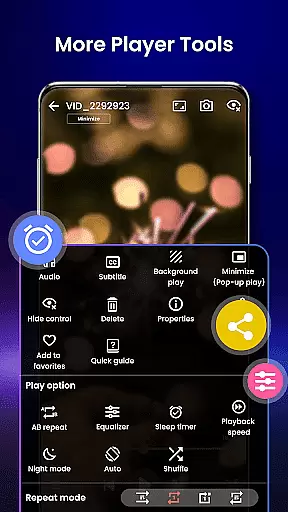
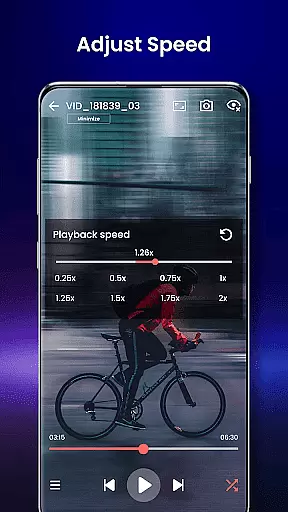
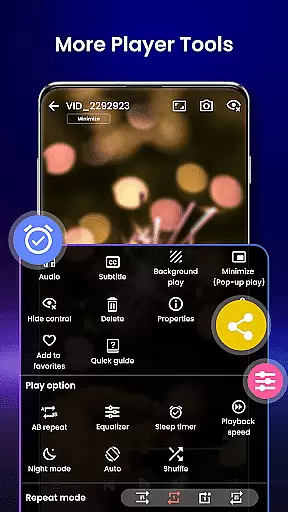
Beyond basic playback, Video Player offers smart gesture controls, subtitle support, and background play options. Its unique features like night mode, speed control (0.25x to 4x), and Chromecast support make it an ideal choice for both casual viewers and media enthusiasts. Whether you're watching movies, managing media collections, or securing private videos, this app provides a complete solution for all your video playback needs.
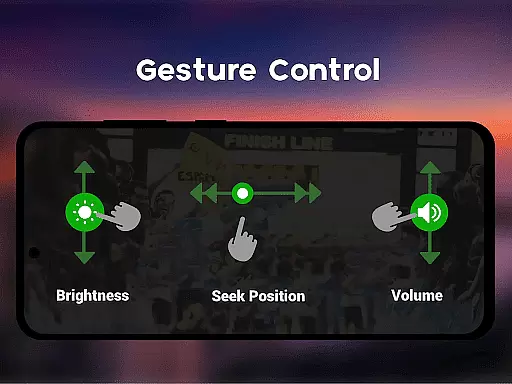
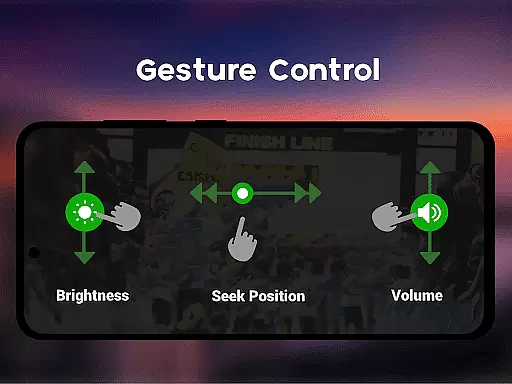
Video Player stands out with its comprehensive feature set tailored for diverse user needs. The app supports Ultra HD and 4K playback, ensuring crystal-clear video quality. It includes smart gesture controls that allow users to easily adjust volume, brightness, and seeking with simple swipes.
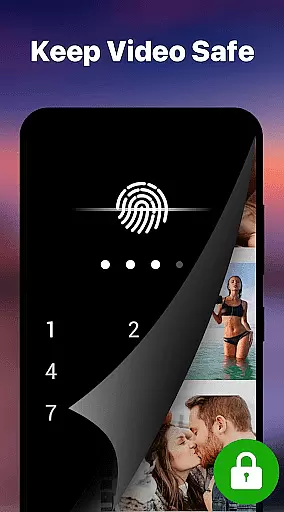
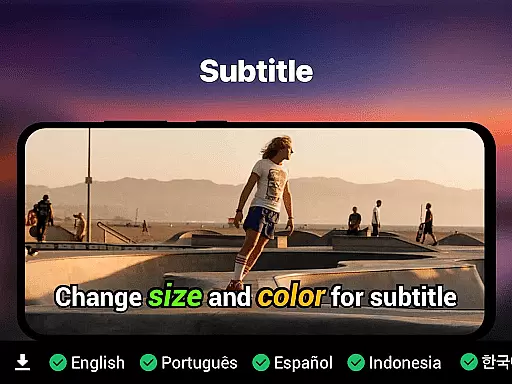
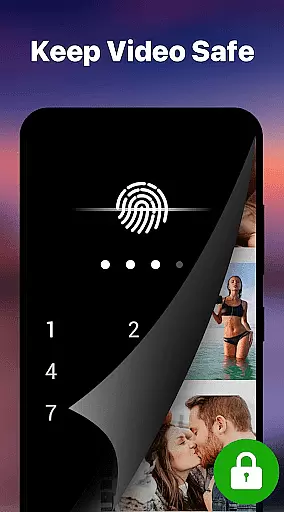
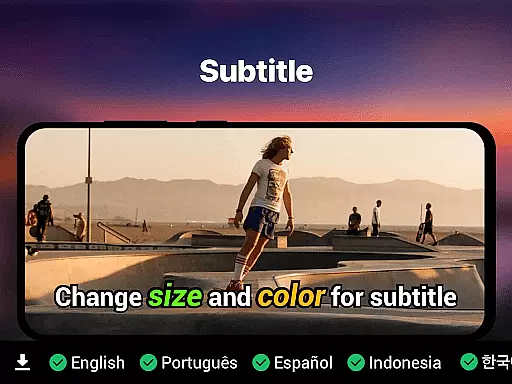
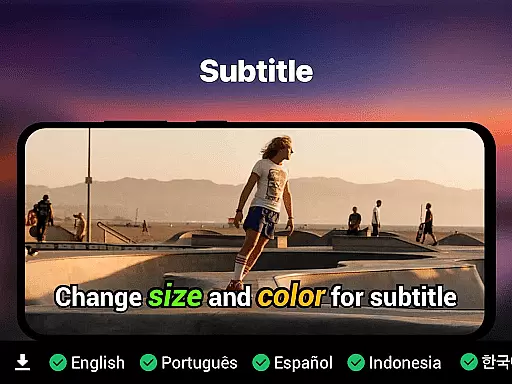
Subtitle support is another key highlight, with compatibility for SRT, SSA, ASS, and VTT formats. The built-in track detection simplifies the process of loading subtitles. Additional features include background play, pop-up window mode, and a private folder secured by PIN lock. These functionalities, combined with Chromecast support and resume playback capabilities, create a versatile and user-friendly experience for Android users.
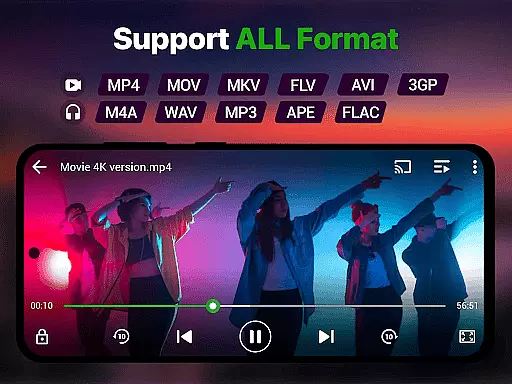
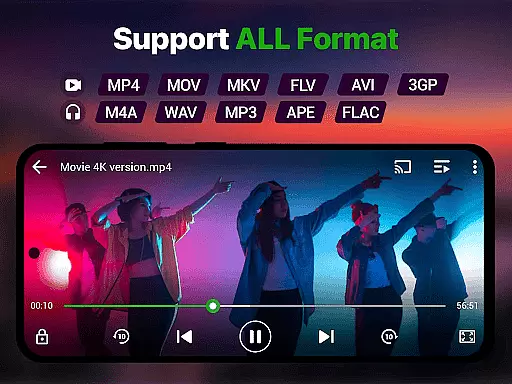
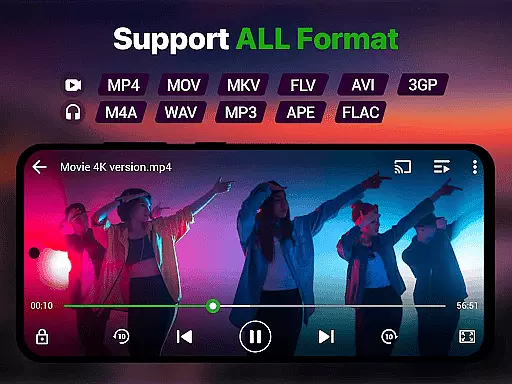
Video format compatibility is a crucial feature for any video player application, ensuring that users can play videos in various formats without the need for conversion. Our Video Player app supports an extensive range of video formats including MP4, MKV, AVI, MOV, FLV, 3GP, WMV, and more. This wide compatibility ensures that no matter what type of video file you have, our app will handle it seamlessly.
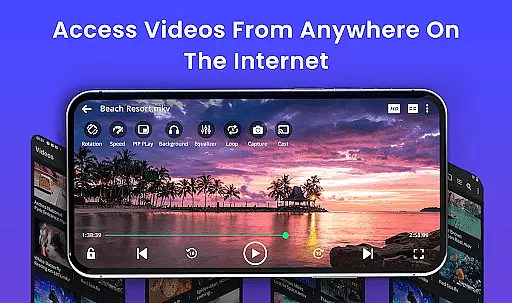
The importance of this feature lies in its ability to save time and effort for users who would otherwise need to convert their files into a playable format. With full support for all popular and even lesser-known video formats, our app delivers smooth, high-performance playback on Android devices. Whether it's local video files, cloud-based media, or streamed content, you can enjoy your videos without worrying about format restrictions.
Users benefit greatly from this feature as they experience uninterrupted playback and enjoy videos in stunning HD and 4K quality. The app uses advanced decoding technology to ensure that high-resolution videos are played back smoothly, providing a cinema-grade experience on your Android device. This makes our Video Player app the perfect entertainment companion for watching movies, recorded clips, or downloaded files with zero lag.
AI-powered editing features represent the cutting-edge advancement in video player applications, enhancing user experience by offering smart tools that simplify video management and playback. Our Video Player app incorporates AI-enhanced rendering to boost clarity and optimize frames for a seamless viewing experience. This technology not only improves video quality but also ensures smooth playback of high-resolution videos, making it ideal for enjoying premium content on your Android device.
In addition to superior playback, our app includes smart gesture controls, speed control, and subtitle support with built-in track detection. These AI-driven features allow users to easily adjust volume, brightness, seeking, and playback speed (0.25x to 4x), as well as manage subtitles effortlessly. Such intuitive controls make navigating through videos and customizing your viewing experience easier than ever before.
The value of these AI-powered features is evident in their ability to transform an ordinary video player into an all-in-one solution for managing media collections, playing video tutorials, or lectures, and secure private viewing. By integrating advanced AI capabilities, our app provides a powerful yet simple tool for both casual viewers and professionals who require efficient and high-quality video handling. Download now and discover how our Video Player app can elevate your video playback experience.
Supports all video formats
Advanced AI rendering
Smart gesture controls
Private folder security
No ads included
Limited iOS support
High device storage use
Complex for beginners
Frequent updates needed
Occasional bugs

Powerful, professional, versatile teleprompter. Developed by an active film crew
 4.00
4.00
?100% FREE! Download & save videos? safely in this app. All formats supported.
4.60
Fast video downloader & private browser. Save HD clips to watch offline.
4.40
The essential companion to your Blue Iris PC software
2.50
Browser for Fire TV to stream webvideos, online movies, livestreams in HD
4.40
A Simple app to download Video & Music from the Internet.
4.70
Powerful video player with advanced hardware acceleration and subtitle supports
4.20
Photo editor & video maker with music and slideshows.
4.10
Capture the moment and Cut
3.40
Download videos and play them offline
4.70
Snaptubè Video Downloader app allows to download videos and music in Snaptube. .
4.60
Support 1000+ Video Format, Subtitle Download, mp3 & Background Play, Cast On TV
4.60
Download website videos fast&privacy
4.40
Browser for Samsung TV to stream webvideos, online movies and livestreams in HD
4.10
Explore the largest library of free GIFs, Stickers & Memes - or create your own!
3.90
Manage your IPTV live channels and VOD playlists (no playlist included)
3.80
Connect EasyCap or UVC devices for recording and broadcast video/audio stream
3.60
Browser for Sony TV to stream web videos, online movies and live tv
3.20
Video player with powerful streaming playback and various convenient features.
2.10
VLC vs MX Player compared side-by-side: formats, subtitles, ads, privacy, and performance. Find out which free Android video player is right for you.



User Reviews