
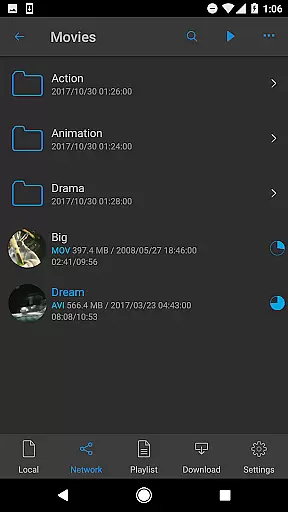

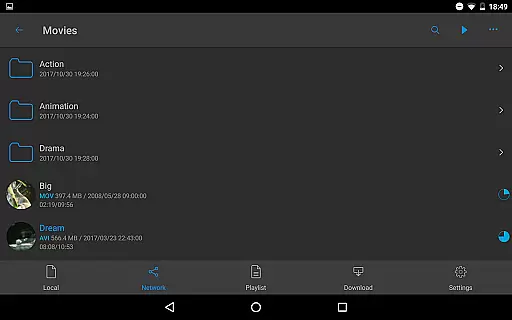
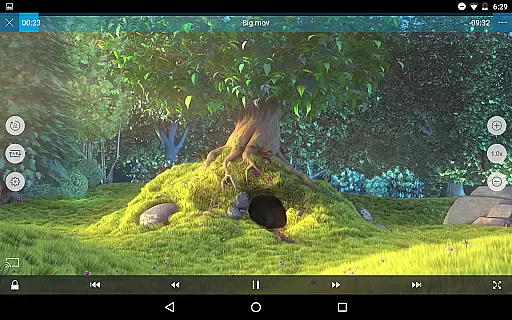
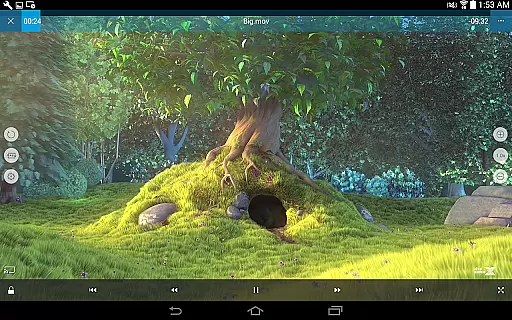
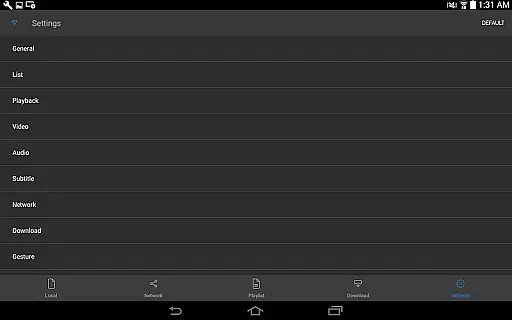
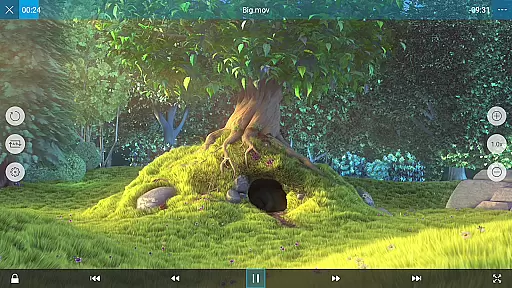
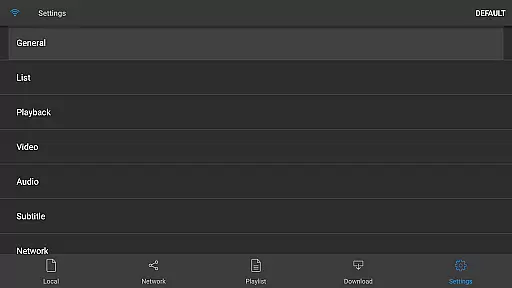
nPlayer is a versatile video player app that allows users to play almost all video formats and codecs without the need for file conversion. With its intuitive touch controls, users can easily adjust playback position, subtitle settings, volume, and brightness.
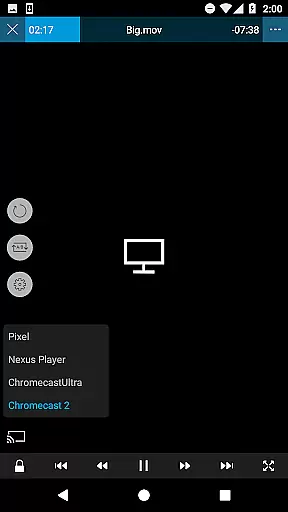
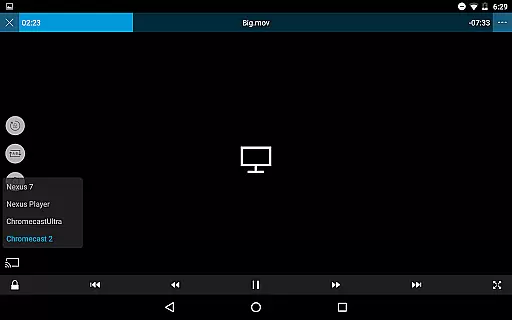
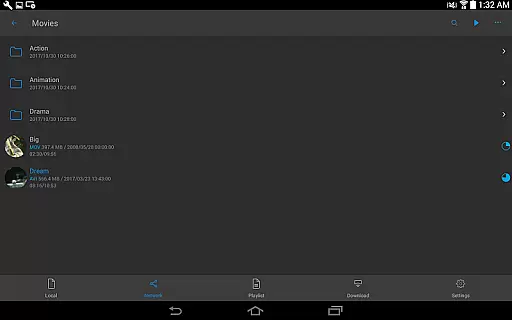
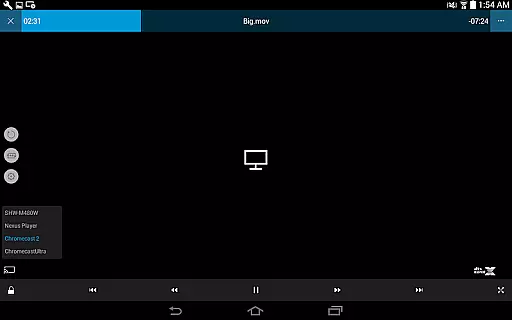
The app supports device file playback and management, download functionality, and officially supports DTS audio codec (DTS HD). It also offers features like pop-up play, video casting for Smart TVs, and HDMI output. nPlayer is an ideal choice for users who want a seamless multimedia experience on their mobile devices.
nPlayer boasts an impressive array of features that cater to diverse user needs. The app supports various file formats including video files (MP4, MOV, MKV, AVI, etc.), audio files (MP3, WAV, WMA, FLAC, etc.), subtitle files (SMI, SRT, SSA, etc.), image files (JPG, PNG, BMP, etc.), and playlist files (CUE, M3U, PLS).
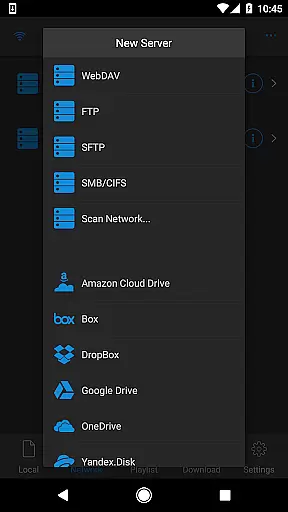
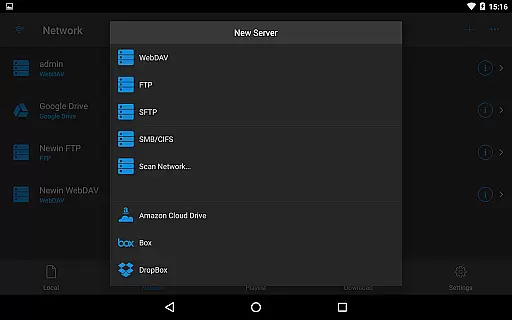
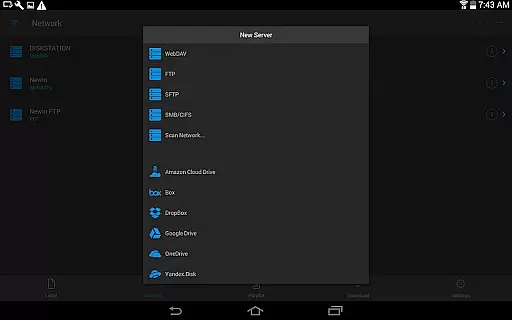
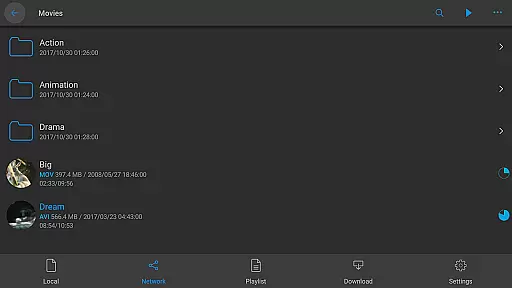
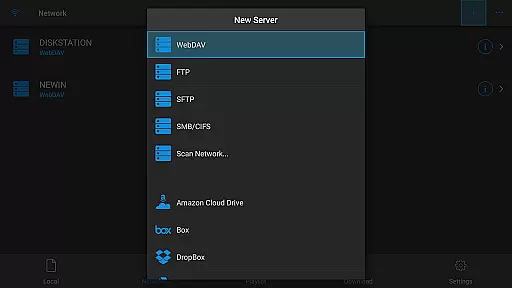
In addition to its extensive format support, nPlayer offers advanced functionalities such as WebDAV, FTP, SFTP, HTTP, SMB/CIFS, UPnP/DLNA support, cloud service integration (Amazon Cloud Drive, Box, Dropbox, etc.), multi-track audio, audio boost, embedded subtitles, multi-track subtitles, external subtitle fonts, SAMI(SMI) tag support, and SSA/ASS styling.
Video format compatibility is a crucial feature for any video player application. nPlayer excels in this area by supporting an extensive range of video formats without the need for file conversion. This includes popular formats such as MP4, MOV, MKV, AVI, and many others.
The app's ability to play almost all video codecs means users can enjoy their media collection without worrying about compatibility issues. Whether it's high-definition movies or home videos, nPlayer ensures seamless playback across different file types.
By eliminating the need for pre-conversion, nPlayer saves users valuable time and storage space. The convenience of direct playback enhances the overall user experience, making it an ideal choice for those who value flexibility and efficiency in their media consumption.
While nPlayer focuses primarily on video playback, it also offers some AI-powered editing features that enhance the viewing experience. These include advanced subtitle management, allowing users to adjust location, font size, and timing with precision.
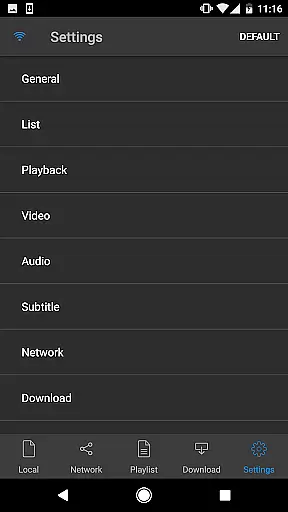
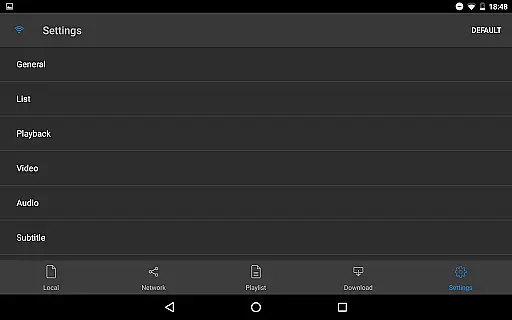
The app supports multi-track audio and subtitles, giving users greater control over their media content. With support for various subtitle formats like SMI, SRT, and SSA, users can customize their viewing experience to suit personal preferences.
Additionally, nPlayer's audio boost feature demonstrates its commitment to delivering enhanced media experiences. Although not a traditional video editor, these intelligent features make nPlayer a versatile tool for both casual viewers and media enthusiasts seeking more control over their content presentation.
User-friendly interface
Wide format compatibility
Advanced playback options
Cloud service integration
Subtitle customization
Paid version only
No free trial available
Occasional bugs reported
Limited customer support
High system requirements

Fast, private downloading, video saving, social media
 4.50
4.50
Client application for NextPVR software
3.00
IPTV-Smarters Player Pro M3U - Watch Live Stream TV Channels with Chromecast
4.00
?100% FREE! Download & save videos? safely in this app. All formats supported.
4.60
Download videos and play them offline
4.70
Browser for Samsung TV to stream webvideos, online movies and livestreams in HD
4.10
LumaFusion: The Ultimate Storytelling Experience for Video Editing
4.10
Powerful video player with advanced hardware acceleration and subtitle supports
4.20
Fast private browser with secure, seamless access & supported video downloads!
4.00
An easy-to-use and all-round screen recorder with audio
4.80
High-Quality USB Camera Viewer & HDMI Display
4.70
Screen recorder with audio to take live videos & Screenshot in high quality!
4.70
Create & edit videos with AI
4.30
Web Browser for LG TV to stream webvideos, online movies and livestreams in HD
4.20
Video player with 4K & 1080P support, popup play, background play and subtitle.
4.20
Online Videos Player
3.90
Live TV, anywhere in your home
3.80
Download videos easily & play them all in one smart, powerful video manager.
3.40
Browser for Sony TV to stream web videos, online movies and live tv
3.20
VLC vs MX Player compared side-by-side: formats, subtitles, ads, privacy, and performance. Find out which free Android video player is right for you.



User Reviews