

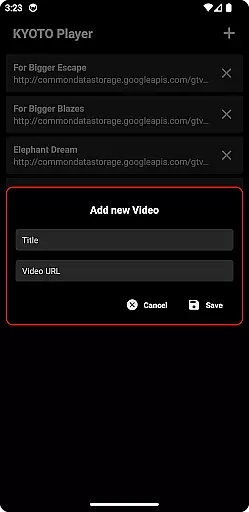


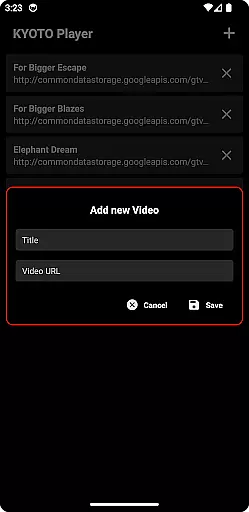


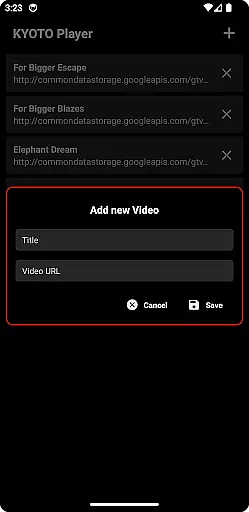

KYOTO Player is a versatile video player app designed for seamless playback of various online video formats. Supporting an extensive range of formats including MP4, HLS, DASH, and more, it ensures smooth streaming experiences across devices.
The app's adaptive streaming capabilities allow users to enjoy high-quality playback even under fluctuating network conditions. Whether you're watching casual videos or professional media content, KYOTO Player provides a reliable viewing experience.
One of the standout features of KYOTO Player is its wide format compatibility, supporting over 10 different video and audio formats. This makes it an ideal choice for users with diverse media libraries.
The app incorporates advanced decoding technologies that ensure smooth playback without buffering interruptions. Additionally, its intuitive user interface allows quick access to playback controls and media settings.
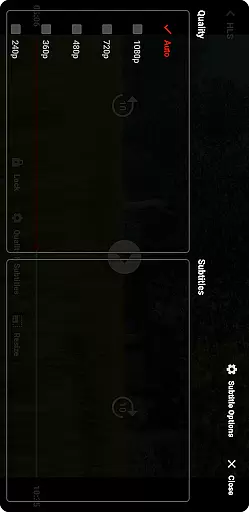
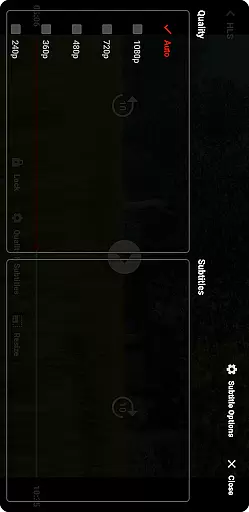
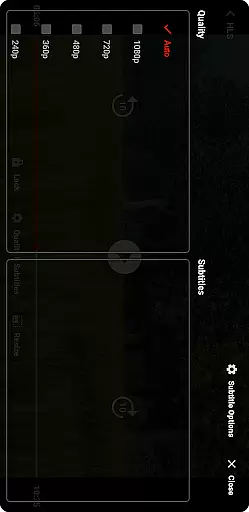
Users can take advantage of features like customizable subtitles, playback speed control, and background play functionality, making it suitable for both casual viewing and professional media analysis.
Video format compatibility is a crucial feature for any video player application. KYOTO Player excels in this area by supporting an extensive range of video formats including MP4, HLS, DASH, MP3, WebM, MKV, OGG, WAV, MPEG-TS, MPEG-PS, FLV, and more.
The ability to play such a wide variety of formats ensures that users can enjoy their media content without worrying about format restrictions. This flexibility makes KYOTO Player suitable for diverse user needs, whether they are watching casual videos or handling professional media files.
By incorporating advanced decoding technologies, KYOTO Player guarantees smooth playback across all supported formats. The app's robust architecture ensures that users experience minimal buffering and high-quality video rendering regardless of the file type.
Moreover, regular updates to the player ensure that it stays current with emerging video standards and codecs. This commitment to compatibility means that KYOTO Player will remain a reliable tool for video playback as technology evolves.
While primarily a video player, KYOTO Player also incorporates AI-powered editing features that enhance the user's interaction with their media content. These intelligent tools allow users to perform basic editing tasks such as trimming, cropping, and adjusting video parameters with remarkable ease.
The AI algorithms integrated into KYOTO Player analyze video content to suggest optimal editing points and enhancements. This feature is particularly useful for users who want to quickly prepare videos for sharing on social media or other platforms without delving into complex editing software.
Additionally, the app provides smart filters and effects that automatically adapt to the video's content, ensuring professional-looking results with minimal effort. These AI-driven capabilities make video editing accessible to users of all skill levels.
By combining traditional video playback functionality with innovative AI-powered editing tools, KYOTO Player establishes itself as a versatile solution for both viewing and enhancing media content. This dual capability sets it apart from conventional video players in the market.
User-friendly interface
Wide format support
Smooth playback performance
Customizable playback options
Cross-device compatibility
Limited advanced editing tools
No built-in cloud storage
Occasional codec issues
Basic theme customization
Ads in free version

HD video & music player - All format support with floating & PIP mode!
 3.80
3.80
AirMirror is Receiver for Screen Mirroring and Casting from Apple Devices.
3.60
High-Quality USB Camera Viewer & HDMI Display
4.70
KMPlayer Plus (Divx Codec) officially support Divx codec.
4.30
AirMirror Receiver - Screen mirroring/cast web videos to Android TV by AirPlay.
4.40
The essential companion to your Blue Iris PC software
2.50
#1 Torrent App on Android ** No Ads Ever + Battery Saver **
4.80
Cast movies, tv shows and live streams to Chromecast, Roku, DLNA, Fire TV & more
4.60
Viddo: Generate Action Figure, AI Anime, AI kiss, AI hug Video from image & text
4.40
Play ALL formats in 4K & HD. Video downloader, MP3 player, Chromecast & more.
4.80
Download videos and play them offline
4.70
Search & download videos from net with all video downloader, auto-detect & safe.
4.60
Support 1000+ Video Format, Subtitle Download, mp3 & Background Play, Cast On TV
4.60
IPTV Loader, loads your own Playlist. DOES NOT CONTAIN ANY LIST OR CHANNELS
4.60
Add date and time watermark to photos and videos
4.50
KineMaster, Your Ultimate Video Editor!
4.40
Video Downloader is an utility that can save videos and music from web sites
4.20
LumaFusion: The Ultimate Storytelling Experience for Video Editing
4.10
Connect EasyCap or UVC devices for recording and broadcast video/audio stream
3.60
VLC vs MX Player compared side-by-side: formats, subtitles, ads, privacy, and performance. Find out which free Android video player is right for you.



User Reviews