
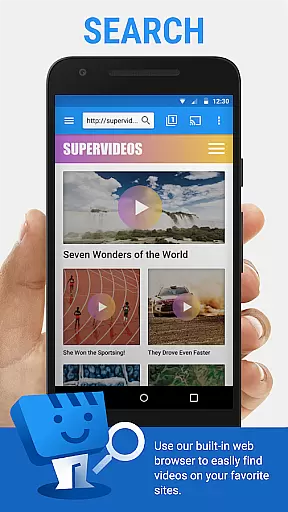
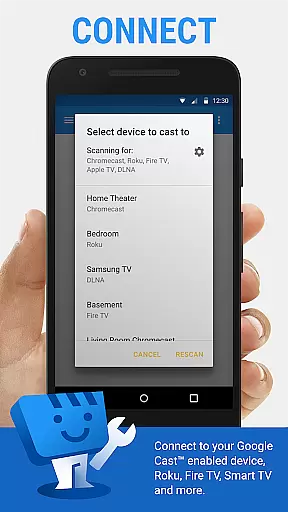
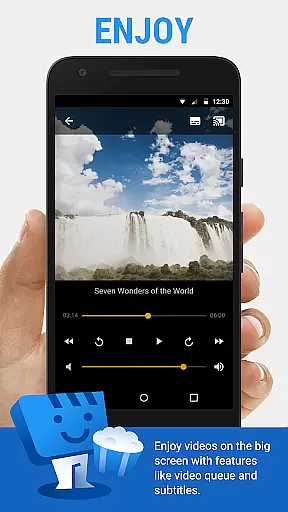
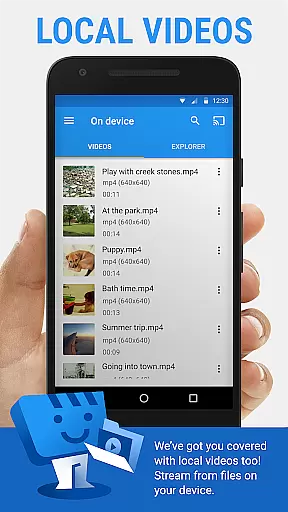
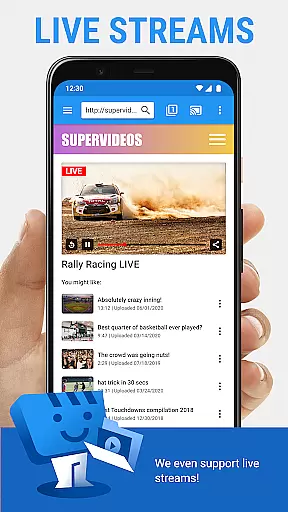
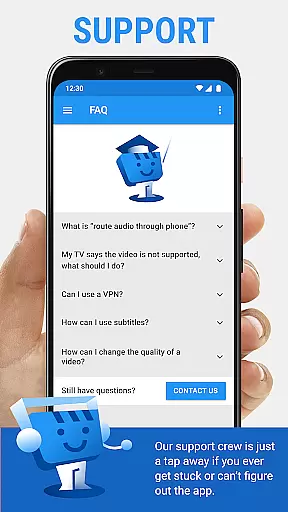
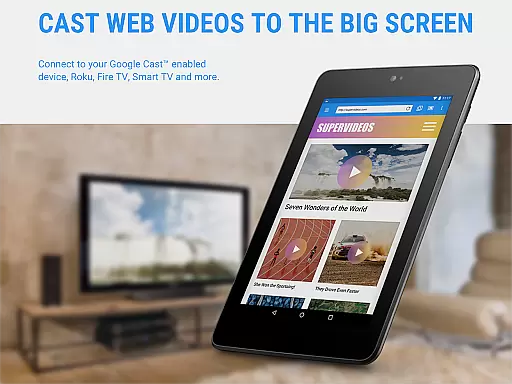
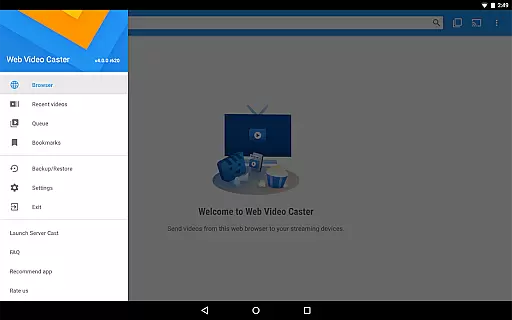
Web Video Cast is a versatile streaming application that enables users to cast videos, photos, and audio files from their mobile devices or the web directly to their TV. The app supports popular streaming devices such as Chromecast, Roku, DLNA receivers, Amazon Fire TV, and more, making it easy to enjoy content on a larger screen. With support for HLS live streams in M3U8 format, MP4 videos, HTML5 videos, and even subtitles, Web Video Cast offers a comprehensive solution for media streaming.
Beyond basic casting capabilities, Web Video Cast also allows users to browse the web within the app and cast discovered content seamlessly. It detects subtitles automatically on web pages and provides access to OpenSubtitles.org for additional language options. Whether you're streaming movies, live news, sports, or local media stored on your phone, this app bridges the gap between small and big screens with ease.
The app's value extends beyond casual viewing; it's an ideal tool for those who want to share presentations, family photos, or music playlists on a bigger display. Its compatibility with various streaming devices ensures that most households can take advantage of its features without needing to invest in new hardware. For users seeking enhanced functionality, premium features like bookmarks, video history, and queue management are available.
Web Video Cast stands out with its extensive device compatibility and robust feature set tailored for seamless media streaming. One of its key features is the ability to cast both online and locally stored media, including videos, photos, and audio files, to a wide range of supported devices like Chromecast, Roku, and smart TVs. This flexibility allows users to stream content from virtually any source, whether it's a favorite website or their phone's storage.
In addition to supporting multiple streaming formats such as HLS live streams (M3U8), MP4 videos, and HTML5 videos, Web Video Cast enhances user experience by offering advanced subtitle support. Users can utilize detected subtitles on web pages, upload their own, or search through OpenSubtitles.org directly within the app. Furthermore, the app includes practical tools like a built-in browser for discovering content and long-press functionality for casting images, ensuring an intuitive and efficient workflow.
Premium users gain access to exclusive features designed to improve convenience and customization. These include ad-free browsing, bookmarking capabilities, home page settings, video history tracking, queue management, and homescreen shortcuts. While not all features are universally compatible with every streaming device, these additions provide significant value for those looking to maximize their streaming experience across supported platforms.
Web Video Cast excels in video format compatibility, ensuring users can cast a wide range of media to their TV. The app supports popular formats like MP4 and M3U8 for live streams, making it versatile for different types of content.
Beyond basic video support, the application also handles photos and audio files, offering a comprehensive solution for all media casting needs. This extensive compatibility ensures that users are not limited by specific file types when streaming from their devices.
The app's strength lies in its ability to work with HTML5 videos, provided the streaming device can decode the specific video format. While Web Video Cast does not perform video or audio decoding itself, its reliance on device capabilities ensures smooth playback without taxing the app's resources.
While Web Video Cast focuses primarily on streaming rather than editing, it incorporates some intelligent features that enhance the user experience. The app's integrated OpenSubtitles.org search exemplifies this AI-powered approach to improving media consumption.
The automatic subtitle detection system demonstrates basic AI functionality, scanning web pages for existing subtitle files. Users also have the option to upload their own subtitles, showing how the app combines automation with manual control for optimal results.
Although not a traditional video editor, Web Video Cast implements smart solutions for media enhancement. These features, particularly in subtitle management, represent the app's innovative approach to streamlining the viewing experience through intelligent design choices.
User-friendly interface
Wide device compatibility
Comprehensive media support
Advanced subtitle options
Integrated web browser
Premium features costly
Limited device support
No tab casting option
Dependent on server quality
Refund policy restrictive

Video player, file manager for all formats, 4K/HD media player supports subtitle
 4.30
4.30
Online Videos Player
3.90
Cast Videos from Web Browser, IPTV to Roku, Chromecast, DLNA, Smart TV +more
4.60
A Quick and Pro Video Editor
4.70
All format media Player, no need video converter any more!
4.00
Connect EasyCap or UVC devices for recording and broadcast video/audio stream
3.60
Browser + Remote for Roku to stream webvideos, online movies and livestreams
4.60
Screen recorder with audio to take live videos & Screenshot in high quality!
4.70
Video player with 4K & 1080P support, popup play, background play and subtitle.
4.20
Play ALL formats in 4K & HD. Video downloader, MP3 player, Chromecast & more.
4.80
All in one HD video downloader & player for multiple formats with full privacy
4.70
Video Player - Unlimited features, 30 days money back guarantee.
4.60
VLC Remote lets you control your VLC Media Player on Mac, PC or Linux.
4.60
Browser for Fire TV to stream webvideos, online movies, livestreams in HD
4.40
This app was created to edit the metadata of music files.
4.20
HD video & music player - All format support with floating & PIP mode!
3.80
This app is an emulator of some specific IPTV boxes
3.50
A full editing room to accompany your Insta360 cameras and handheld gimbals.
3.30
Video player with powerful streaming playback and various convenient features.
2.10
VLC vs MX Player compared side-by-side: formats, subtitles, ads, privacy, and performance. Find out which free Android video player is right for you.



User Reviews