
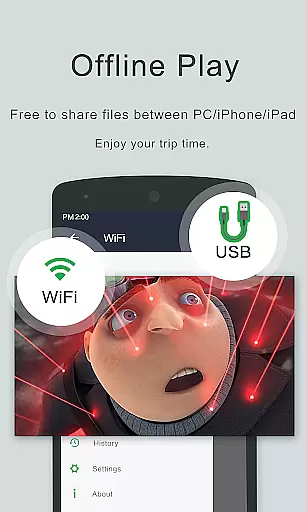
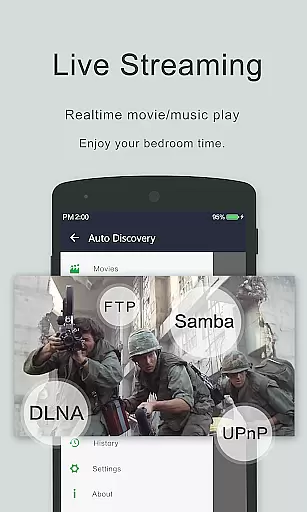
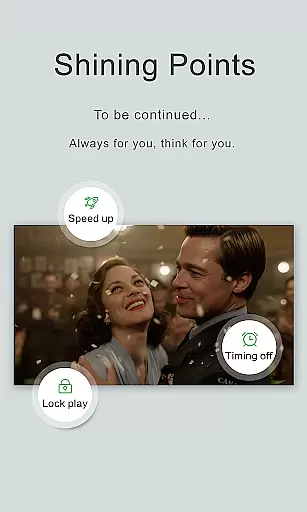
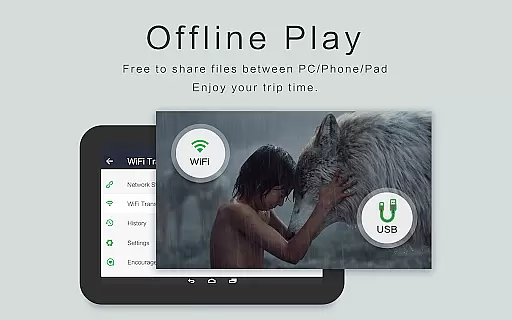
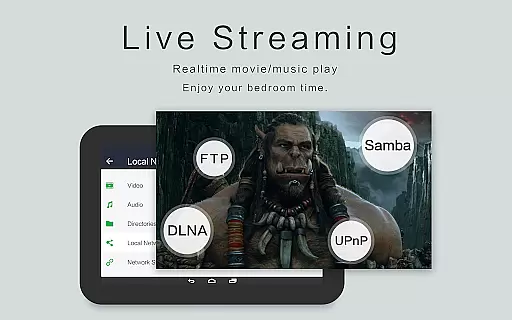
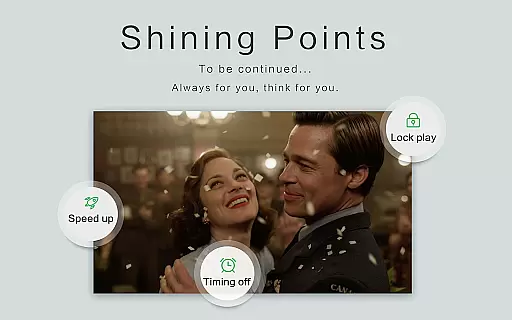
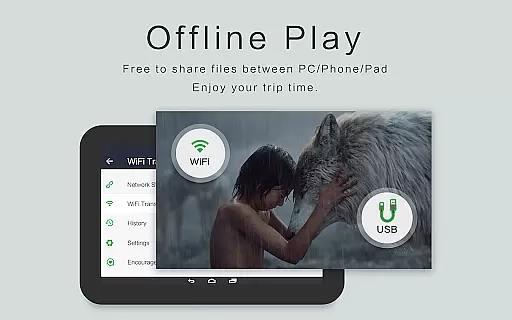
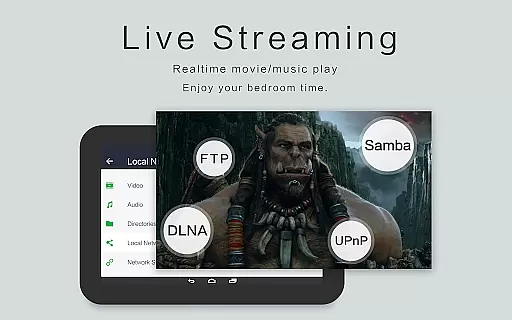
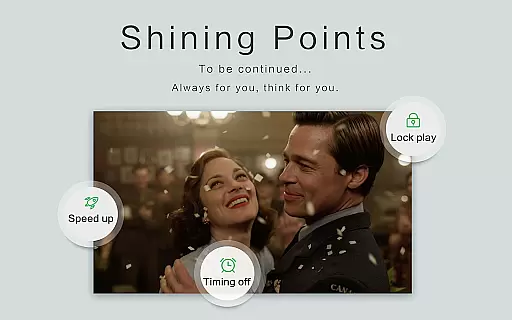
OPlayer is a professional media playback tool that has been under development for 12 years, offering support for DTS and DivX formats. As one of the best HD video players available for Android devices, it supports nearly all media formats including MKV, MP4, AVI, and more.
This ultra HD video player not only supports 4K resolution but also includes hardware acceleration for smooth playback. With features like gesture unlock to keep your videos safe, Chromecast support for casting to TV, and subtitle downloader, OPlayer provides a comprehensive media experience.
Whether you're using an Android tablet or phone, OPlayer's versatility allows for pop-up window play, split-screen viewing, and background play. Its user-friendly interface makes it easy to control volume, brightness, and playback progress, ensuring a seamless experience for all users.
OPlayer stands out with its extensive format support, covering almost all video formats such as MKV, MP4, AVI, and many others. This ensures that no matter what type of video file you have, OPlayer can handle it with ease.
In addition to its broad format compatibility, OPlayer offers advanced features like 4K Ultra HD playback, hardware acceleration, and security through gesture unlock. The ability to cast videos to a TV with Chromecast adds another layer of convenience for users who want to enjoy their content on a larger screen.
For multitasking needs, OPlayer provides floating video playback, allowing users to resize and move the video window while using other apps. Background video play is also supported, enabling users to listen to videos like audio books while performing other tasks.
Video format compatibility is a crucial feature for any video player application. It determines the range of video files that can be played seamlessly within the app.
OPlayer demonstrates exceptional versatility by supporting an extensive array of video formats, including but not limited to MKV, MP4, M4V, AVI, MOV, 3GP, FLV, WMV, RMVB, and TS. This wide-ranging support ensures that users can enjoy their video content without worrying about format restrictions.
The application's ability to handle Ultra HD and 4K videos with hardware acceleration enhances the viewing experience, providing smooth playback even for high-resolution content. This feature is particularly beneficial for users who demand the highest quality in video entertainment.
By offering comprehensive video format compatibility, OPlayer caters to a diverse audience, from casual viewers to tech-savvy enthusiasts who require a reliable media player for both standard and high-definition video files.
AI-powered editing features represent the cutting-edge integration of artificial intelligence into video editing, allowing users to enhance their video content with minimal effort.
Although OPlayer positions itself as a professional media playback tool, it also includes functionalities that touch on video editing capabilities. Features such as subtitle downloader, night mode, quick mute, and playback speed adjustment offer users some level of content customization and enhancement.
The inclusion of a pop-up video player, split-screen functionality, and background play options further extends the flexibility of video content consumption and potential editing scenarios. These features enable multitasking and creative ways of interacting with video content.
While primarily a video player, OPlayer's suite of additional tools provides users with the ability to tailor their viewing experience, making it more than just a media player but a platform for engaging with video content in a personalized and dynamic manner.
User-friendly interface
Extensive format support
Advanced playback options
Chromecast integration
Background video play
Limited customer support
No cloud streaming
Occasional bugs
Heavy on resources
Ads in free version

Kodi media center, a free and open source cross-platform entertainment hub
 3.60
3.60
Search & download videos from net with all video downloader, auto-detect & safe.
4.60
Play ALL formats in 4K & HD. Video downloader, MP3 player, Chromecast & more.
4.80
1)AirPlay/DLNA Mirroring/Streaming, up to 4 connections; 2)Samba/NAS/DMS Player.
4.00
Explore the largest library of free GIFs, Stickers & Memes - or create your own!
3.90
Make your own Animations, Video and Photo Edits, Visual Effects, and more!
4.00
Mix with Virtual DJ directly from your phone or tablet !
3.10
Cast movies, tv shows and live streams to Chromecast, Roku, DLNA, Fire TV & more
4.60
Enjoy your favorite videos and channels with the official YouTube app.
3.90
AI Video Editor with Music, Filter, Slideshow, Effect, Merge & Trim Video.
4.80
Download website videos fast&privacy
4.40
Powerful Video Editor & Photo Editing App —— Quick Edits & Stunning Effects!
4.30
VLC for Android is the best open source video and music player, fast and easy!
4.10
Online Videos Player
3.90
IPTV Player - Watch live TV from m3m & m3u8 playlist, stream IPTV on mobile
3.30
You can play SWF format file!
2.50
The smartest M3U IPTV Player your playlists have ever seen.
4.5
Stream high quality video from your camera over NDI protocol
4.5
Play and download HD videos from all sources — fast, simple, and all-in-one.
4.5
VLC vs MX Player compared side-by-side: formats, subtitles, ads, privacy, and performance. Find out which free Android video player is right for you.



User Reviews