
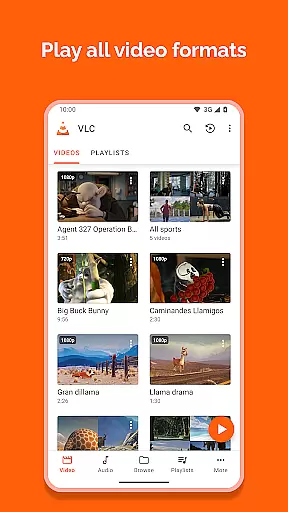
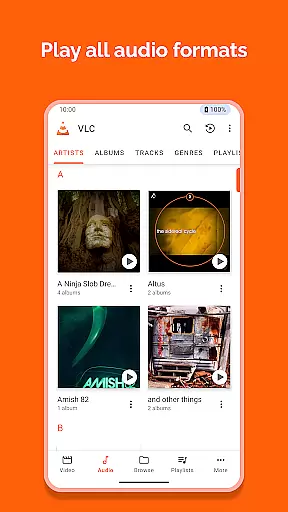
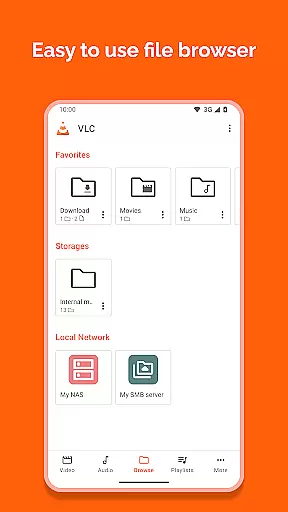
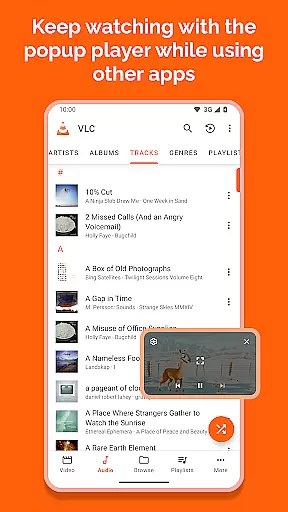
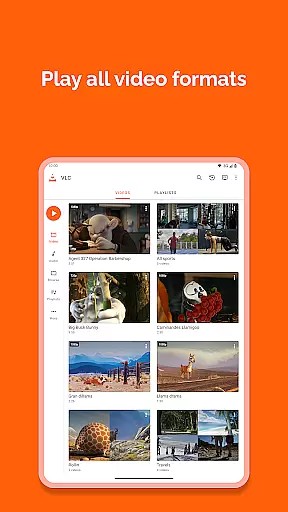
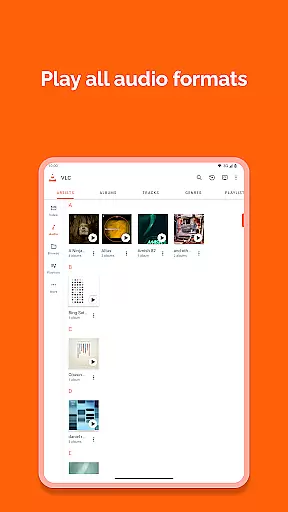
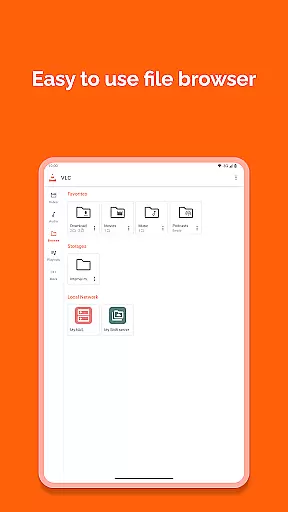
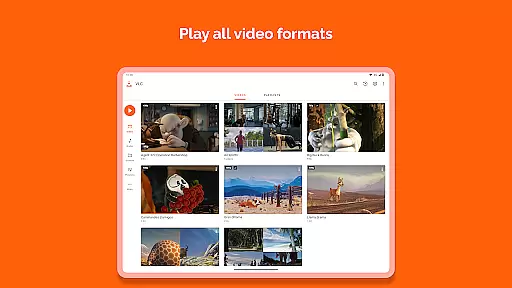
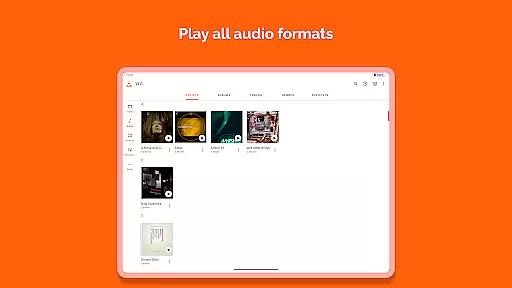
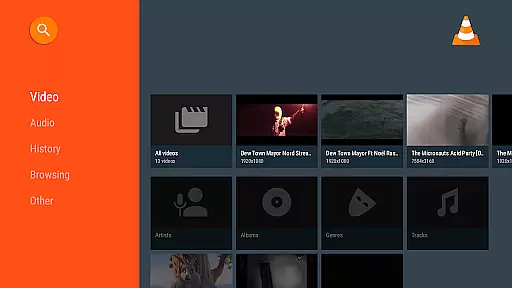

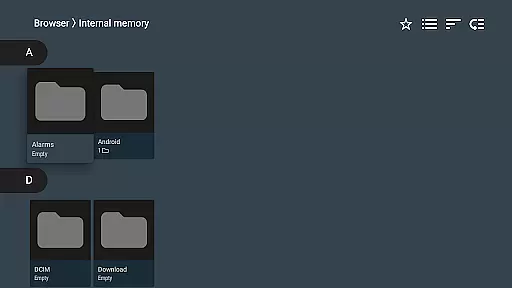
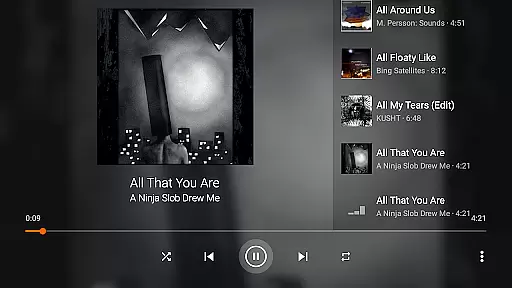
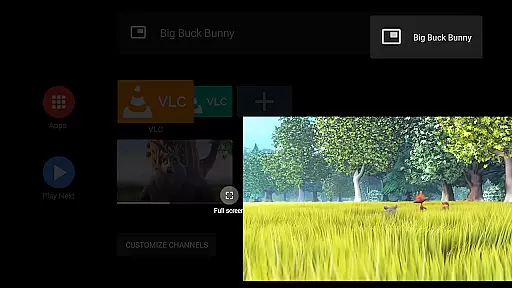
VLC for Android is a versatile, free, and open-source media player that supports an extensive range of video and audio formats. It mirrors the capabilities of its desktop counterpart, allowing users to play files from local storage, network streams, and even DVD ISOs.
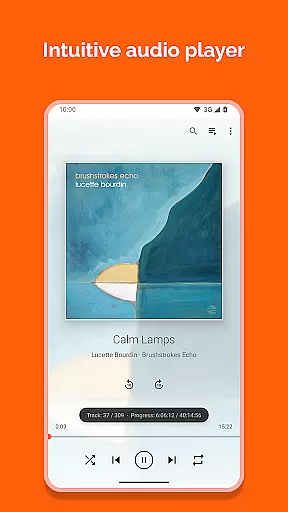
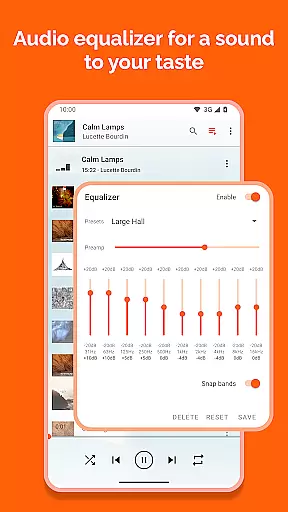
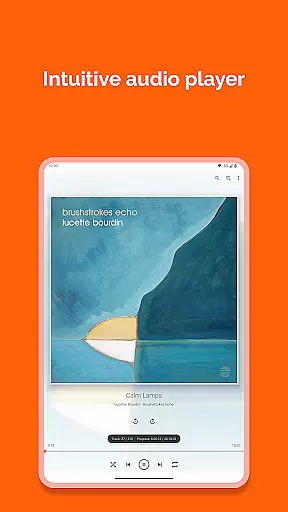
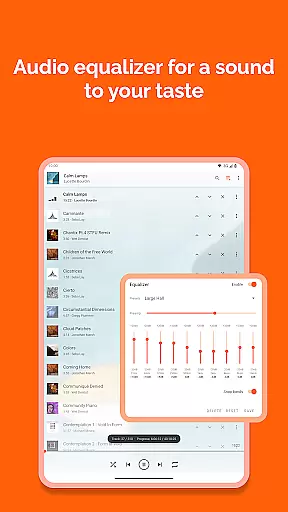
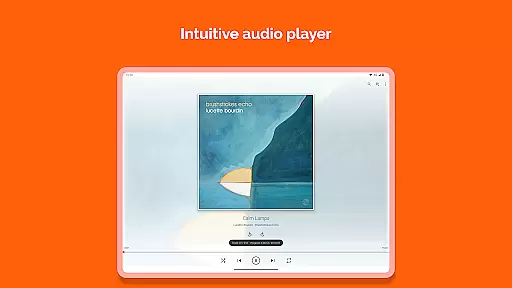
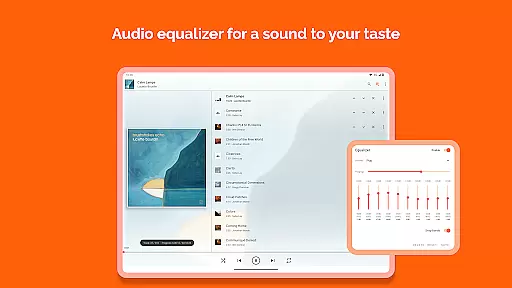
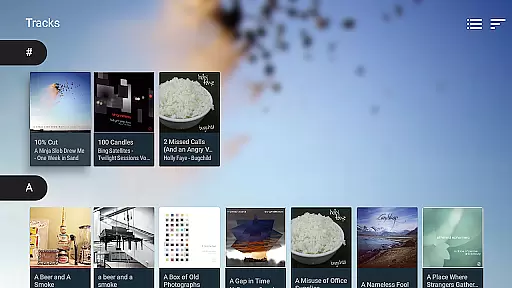
Designed with a comprehensive feature set, this app caters to both casual listeners and audiophiles alike. Its full audio player functionality includes a complete database, equalizer settings, and filters for various audio formats. The commitment to user freedom is evident as the app comes without ads or in-app purchases, ensuring an uninterrupted experience.
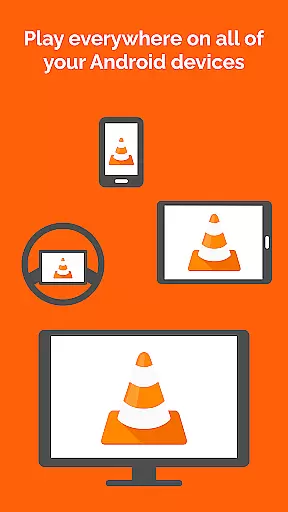
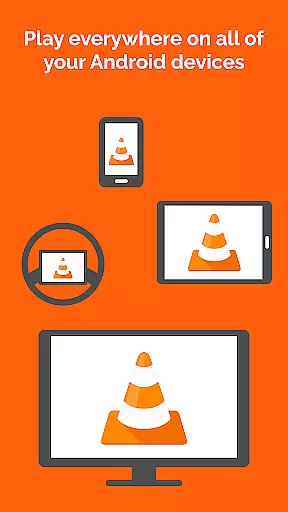
Whether you're commuting or relaxing at home, VLC for Android provides a seamless playback solution across multiple devices, making it an essential tool for enjoying multimedia content on the go.
VLC for Android stands out with its ability to handle most local video and audio files, including adaptive streaming and disk shares. The support for all major formats such as MKV, MP4, AVI, and FLAC means users won't need to download additional codecs.
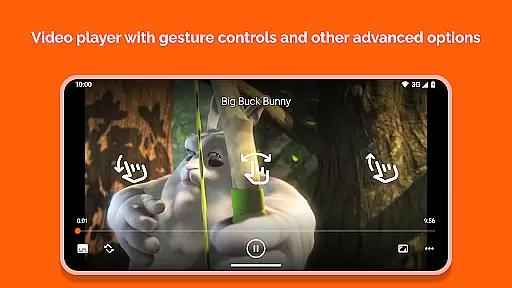
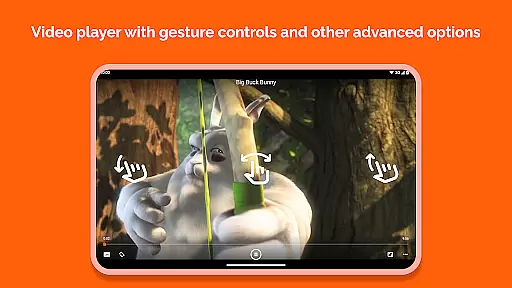
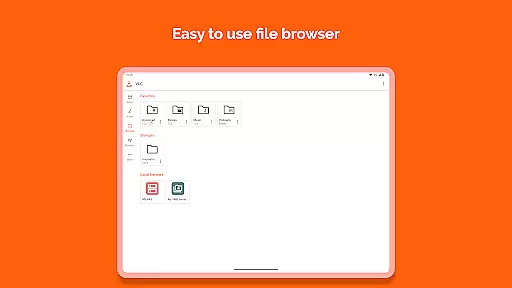
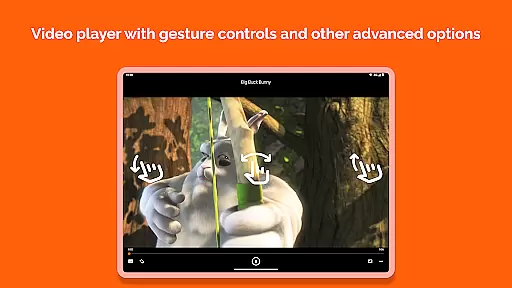
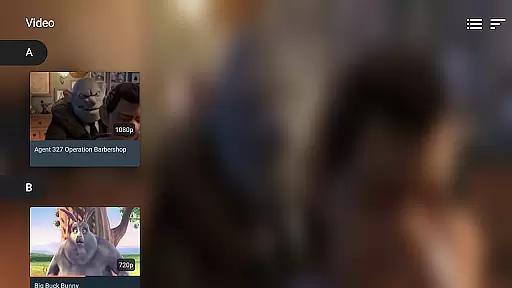
The application boasts advanced features like multi-track audio and subtitle support, auto-rotation, aspect-ratio adjustments, and gesture controls for volume and brightness. A media library function allows easy browsing and management of audio and video files.
Additional functionalities include a widget for audio control, headset compatibility, cover art display, and a robust media library. These features collectively enhance the user's interaction with their media, providing both convenience and customization options.
Video format compatibility is a crucial feature for any video player, determining its ability to play various file types seamlessly. VLC for Android excels in this area by supporting all major video formats without the need for additional codecs or plugins.
The application handles everything from standard MP4 files to more complex formats like MKV, AVI, and MOV. This versatility ensures that users can open any video file without worrying about format restrictions. The inclusion of support for network streams and adaptive streaming further enhances its capability to deliver smooth playback regardless of source.
For users, this comprehensive format support translates into convenience and reliability. Whether they're watching local files or streaming content, VLC guarantees uninterrupted playback. The player also supports subtitles, closed captions, and multi-track audio, enriching the viewing experience.
This extensive compatibility makes VLC for Android an ideal choice for users who work with diverse media formats. It eliminates the frustration of encountering unsupported files and provides a consistent, high-quality playback experience across different types of content.
While primarily known as a media player, VLC for Android incorporates several features that enhance the viewing experience through intelligent processing. Although it doesn't offer traditional video editing capabilities, its AI-powered features manifest in smart playback adjustments and media management.
The application automatically optimizes video playback based on device orientation and aspect ratio. Its intelligent equalizer and audio filters provide enhanced sound quality tailored to different content types. The media library organizes files efficiently using metadata analysis, making content discovery intuitive.
These smart features benefit users by streamlining media management and improving playback quality. Automatic subtitle synchronization and track switching demonstrate the application's intelligent handling of multimedia content. The widget-based interface allows quick control over playback parameters.
VLC's implementation of these intelligent features maintains its commitment to simplicity while enhancing functionality. Users enjoy improved media handling without compromising the straightforward interface that has made VLC popular among both casual viewers and technical users.
User-friendly interface
Comprehensive format support
No in-app advertisements
Regular updates by developers
Active community support
Occasional playback issues
Interface not very modern
Limited advanced features
Can be resource-intensive
Not ideal for beginners

Cast Videos from Web Browser, IPTV to Roku, Chromecast, DLNA, Smart TV +more
 4.60
4.60
A Quick and Pro Video Editor
4.70
Search & download videos from net with all video downloader, auto-detect & safe.
4.60
Powerful HD video player with support for all formats & subtitles.
4.4
Support 1000+ Video Format, Subtitle Download, mp3 & Background Play, Cast On TV
4.60
Pro video editor app for Instagram, edit video with song, AI, effect & slowmo.
4.80
Fast & easy HD video downloader for all formats, support 4K playback & download.
4.60
Powerful Video Editor & Photo Editing App —— Quick Edits & Stunning Effects!
4.30
Make videos you’re proud to share with Edits, a video editor for creators.
4.70
An easy-to-use and all-round screen recorder with audio
4.80
HD Video player all format, HD Videos, Cast & Subtitle. No annoying ads.
4.60
Create photo video with music & template. AI video maker for stunning slideshow.
4.60
KMPlayer Plus (Divx Codec) officially support Divx codec.
4.30
Powerful video player with advanced hardware acceleration and subtitle supports
4.20
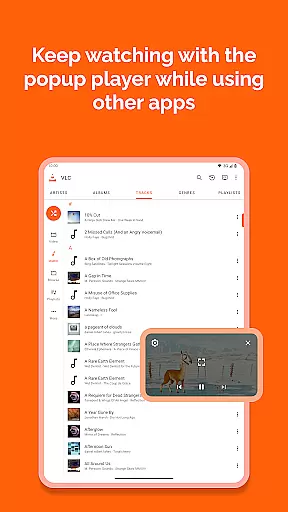
Video player with 4K & 1080P support, popup play, background play and subtitle.
4.20
All format media Player, no need video converter any more!
4.00
IPTV Player - Watch live TV from m3m & m3u8 playlist, stream IPTV on mobile
3.30
Stream high quality video from your camera over NDI protocol
4.1
Play and download HD videos from all sources — fast, simple, and all-in-one.
4.1
VLC vs MX Player compared side-by-side: formats, subtitles, ads, privacy, and performance. Find out which free Android video player is right for you.



User Reviews