
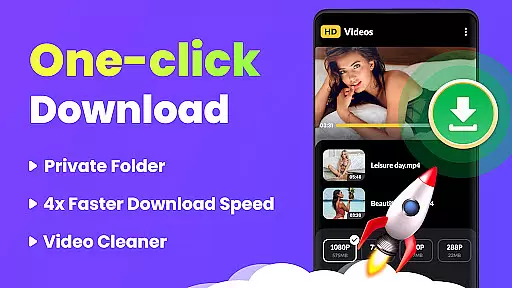
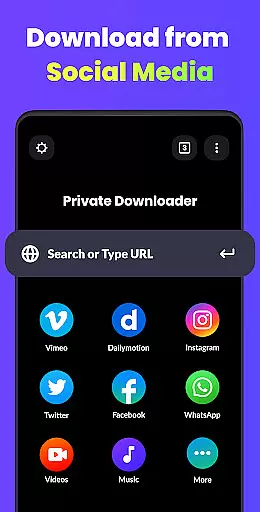
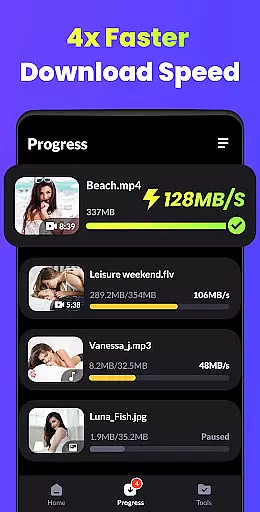
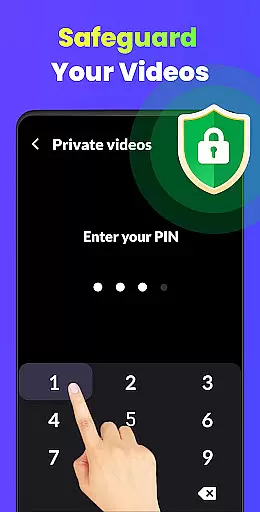
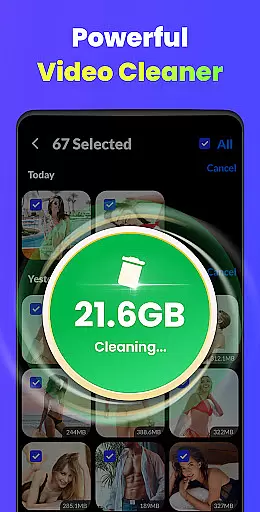
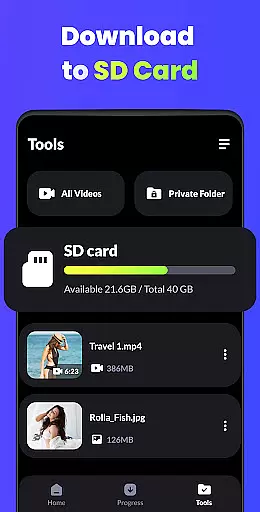
Video Downloader - HD & Easy is a versatile video downloading and playback application designed for Android users who need to download, manage, and watch videos in various formats. The app supports all popular video formats including MP4, MKV, MOV, and more, ensuring compatibility across devices. With its multi-threaded download capability, users can download multiple videos simultaneously at lightning speed, while the built-in HD/UHD player allows smooth playback of 4K and 1080P videos without stuttering.
Beyond just downloading, Video Downloader offers advanced features such as background downloads, private folder protection with passwords, and smart gesture controls. Whether you're looking to create your own personal media library or enjoy uninterrupted entertainment, this app provides an all-in-one solution for managing your video content efficiently.
Video Downloader stands out with its comprehensive set of features tailored for both casual viewers and power users. One of its key strengths is the support for high-definition video formats like UHD, 4K, and 1080P, which ensures superior visual quality during playback. Additionally, the app's multi-thread download system enables users to download several files at once, significantly reducing wait times.
For privacy-conscious users, Video Downloader includes a secure folder feature that hides private videos behind password protection. It also supports background downloads and playback, allowing users to multitask without interrupting their viewing experience. Other notable features include A-B repeat modes, sleep timers, and intuitive gesture controls, making it one of the most robust video players available on Android.
Video Downloader - HD & Easy stands out for its exceptional video format compatibility, ensuring users can download and play videos in virtually any format they encounter. This includes popular formats such as MKV, MP4, M4V, MOV, 3GP, FLV, F4V, WEBM, and more.
The application's broad format support means that no matter the source of the video, users can expect seamless playback without the need for additional conversion software. This is particularly beneficial for those who frequently download videos from diverse online platforms, each potentially using different formats.
Furthermore, Video Downloader not only supports high-definition formats like HD, UHD, 4K, and 1080P but also ensures these videos play smoothly without stuttering. This feature caters to users seeking premium audiovisual experiences, making it an ideal choice for enjoying high-quality content on Android devices.
Beyond its downloading capabilities, Video Downloader - HD & Easy incorporates AI-powered editing features that enhance user interaction with their video files. These features include smart gesture controls and intuitive interface designs that make video management straightforward and enjoyable.
One notable function is the A-B repeat and looping mode, which allows users to select specific segments of a video for repeated playback. This is especially useful for educational purposes or when analyzing particular scenes in detail. Additionally, the app supports setting a sleep timer, offering convenience for users who enjoy watching videos before sleeping.
Another innovative aspect is the automatic detection and loading of local video files, streamlining access to one's video library. Combined with background download and playback options, these AI-driven enhancements ensure uninterrupted entertainment and productivity, positioning Video Downloader as a versatile tool in the realm of video players and editors.
User-friendly interface
Fast multi-thread downloads
HD/UHD video playback
Private folder protection
Background functionality
Limited iOS support
Ads in free version
Occasional bugs
No cloud integration
Heavy on storage

You can play SWF format file!
 2.50
2.50
?100% FREE! Download & save videos? safely in this app. All formats supported.
4.60
Cast to Chromecast, Xbox, Fire Stick, Roku, DLNA, Smart TV & No Feature Limited!
4.50
This app was created to edit the metadata of music files.
4.20
Download videos easily & play them all in one smart, powerful video manager.
3.40
Flud is a simple and beautiful BitTorrent client for Android.
4.80
Fast & Private HD Video Downloader with Built-in Proxy Browser and Video Player.
4.50
Video player with 4K & 1080P support, popup play, background play and subtitle.
4.20
Create, Publish & Maximize
4.70
Cast Videos from Web Browser, IPTV to Roku, Chromecast, DLNA, Smart TV +more
4.60
Support 1000+ Video Format, Subtitle Download, mp3 & Background Play, Cast On TV
4.60
Seamlessly connect and control your smart devices, anytime, anywhere with ease.
4.60
Auto video maker with music & exclusive filters. Video editing made simple.
4.50
AirMirror Receiver - Screen mirroring/cast web videos to Android TV by AirPlay.
4.40
Download website videos fast&privacy
4.40
Create & edit videos with AI
4.30
Livestream, news, & gaming content. Watch, chat, and upload. Join Rumble today!
3.80
Browser for Sony TV to stream web videos, online movies and live tv
3.20
The smartest M3U IPTV Player your playlists have ever seen.
4.5
VLC vs MX Player compared side-by-side: formats, subtitles, ads, privacy, and performance. Find out which free Android video player is right for you.



User Reviews