
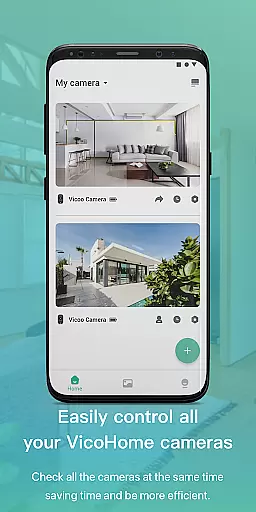
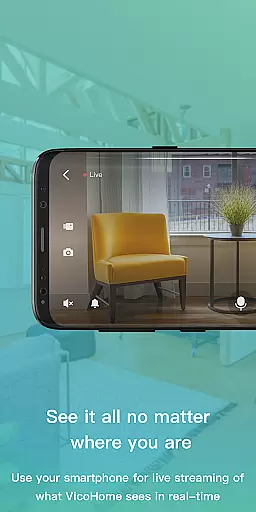
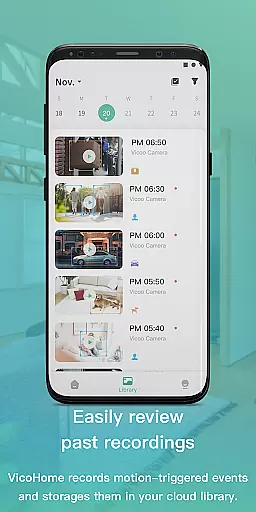
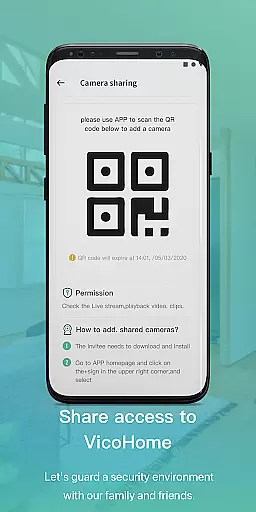
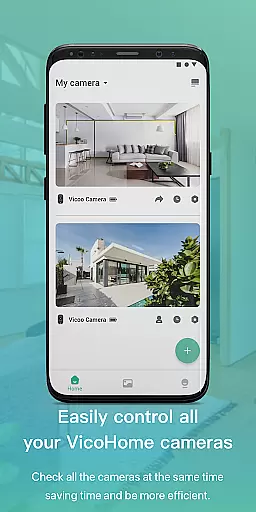
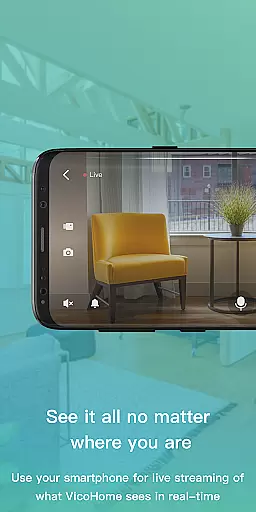
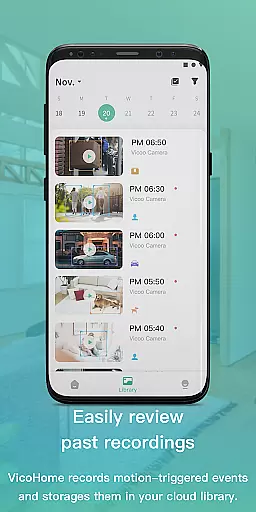
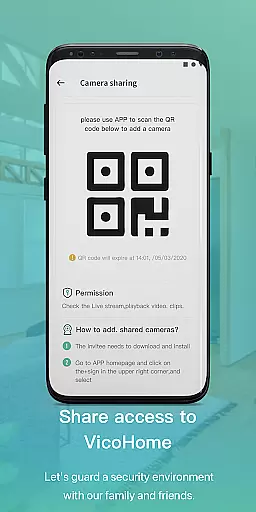
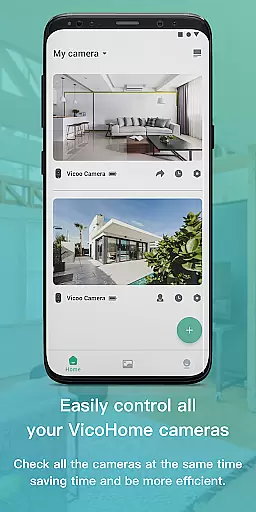
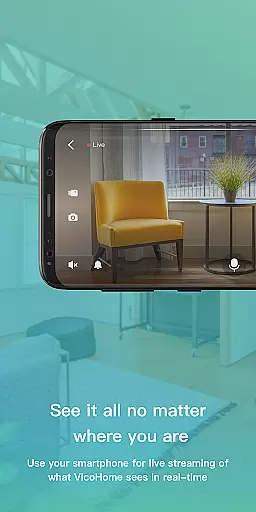
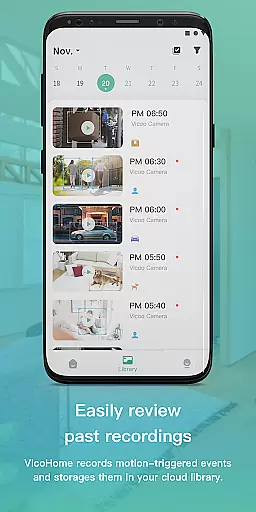
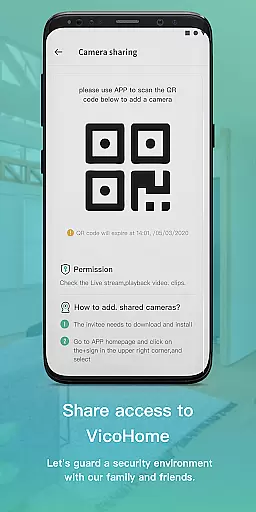
VicoHome is a smart home monitoring application that allows users to connect with their smart devices, especially cameras. Through its live screen feature, users can conveniently access their camera feeds anytime and anywhere. This ensures real-time monitoring of their home environment while also providing access to past recordings, ensuring no detail is missed.
The app serves as a comprehensive video monitoring solution, offering both live viewing and recorded playback capabilities. Its intuitive interface makes it easy for users to stay connected with their home security system, whether they are using a single camera or managing multiple devices.
VicoHome offers a robust set of features tailored for smart home security. The live screen functionality enables instant access to camera feeds, allowing users to monitor their property in real time. Additionally, the app provides a reliable storage system for recorded videos, enabling users to review past footage at their convenience.
Another notable feature is its cross-platform compatibility, which ensures seamless performance across various devices. The app's user-friendly design simplifies the process of connecting to smart devices, making it accessible even for those who are not tech-savvy. These features collectively enhance the overall home security experience.
Video format compatibility is a crucial feature for any video player and editor, including VicoHome. This app supports various video formats, allowing users to seamlessly connect with their smart devices and cameras. Whether you are viewing live streams or recorded videos, the ability to handle different formats ensures that no content is inaccessible due to format restrictions.
VicoHome's support for multiple video formats means that users can view past recordings without worrying about missing any details. The app is designed to automatically recognize and adapt to the video format used by your camera, providing a smooth playback experience. This flexibility in format handling makes it easier for users to manage their video content across different devices.
The benefit of this feature is clear: users can enjoy uninterrupted access to their video content, regardless of the device or format used. Whether you're checking in on your home security system or reviewing past footage, VicoHome ensures that all your videos are accessible and viewable in high quality. This comprehensive format support enhances the overall user experience, making video management both convenient and efficient.
AI-powered editing features represent a significant advancement in video editing technology, and VicoHome incorporates these innovations to enhance user experience. By leveraging artificial intelligence, the app offers smart editing tools that simplify the process of managing and enhancing video content. These AI-driven features allow users to easily edit and optimize their videos, ensuring the highest quality output without requiring advanced technical skills.
VicoHome's AI capabilities include automatic scene detection, smart trimming, and enhanced video stabilization. These features work together to ensure that every video is polished and professional-looking. For instance, automatic scene detection helps users quickly identify and edit specific segments of their footage, while smart trimming removes unnecessary parts, keeping only the most important moments.
Users benefit from these AI-powered tools by saving time and effort in video editing. Instead of manually adjusting settings and editing clips, VicoHome's intelligent features streamline the process, allowing users to focus on enjoying their content. This innovative approach not only improves the quality of the videos but also makes video editing accessible to users of all skill levels, enhancing the overall appeal and functionality of the app.
User-friendly interface
Real-time monitoring
Reliable video storage
Cross-platform support
Comprehensive security
Limited device compatibility
Occasional connectivity issues
No advanced analytics
Basic UI design
In-app purchases required

Powerful, professional, versatile teleprompter. Developed by an active film crew
 4.00
4.00
Create & edit videos with AI
4.30
Fast video downloader & private browser. Save HD clips to watch offline.
4.40
1)AirPlay/DLNA Mirroring/Streaming, up to 4 connections; 2)Samba/NAS/DMS Player.
4.00
Powerful Video Editor & Photo Editing App —— Quick Edits & Stunning Effects!
4.30
AI Video Editor:AI Music, Text to Video,Text to Speech,Auto Caption,Video Effect
4.00
Browser for Fire TV to stream webvideos, online movies, livestreams in HD
4.40
Web Browser for LG TV to stream webvideos, online movies and livestreams in HD
4.20
Fast private browser with secure, seamless access & supported video downloads!
4.00
Download Hub, easy and private way to download and enjoy your videos offline
4.80
Photo and Music Video Creator into Stunning Videos—Effortlessly
4.40
Full HD Video mp3 Player, MP4 player play 1080p, File manager, Video Downloader
4.40
Download website videos fast&privacy
4.40
Movie maker & video editing app with AI effects and green screen
4.30
Livestream, news, & gaming content. Watch, chat, and upload. Join Rumble today!
3.80
This app is an emulator of some specific IPTV boxes
3.50
The smartest M3U IPTV Player your playlists have ever seen.
4.5
Stream high quality video from your camera over NDI protocol
4.4
Play and download HD videos from all sources — fast, simple, and all-in-one.
4.4
VLC vs MX Player compared side-by-side: formats, subtitles, ads, privacy, and performance. Find out which free Android video player is right for you.



User Reviews