

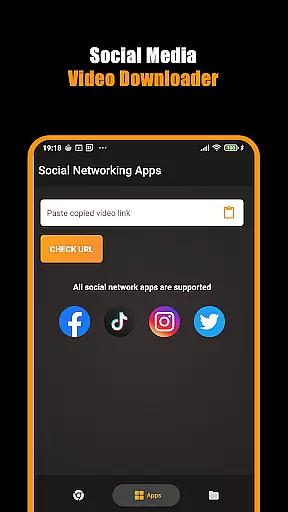
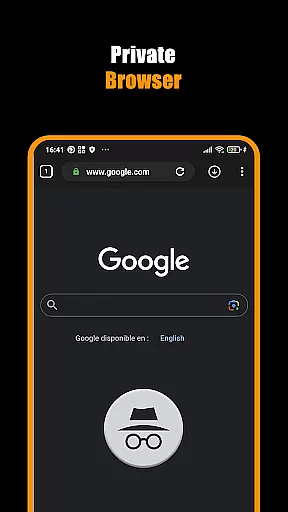
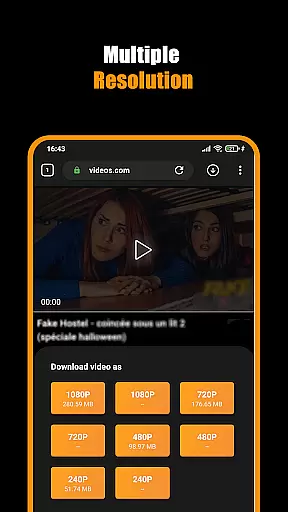
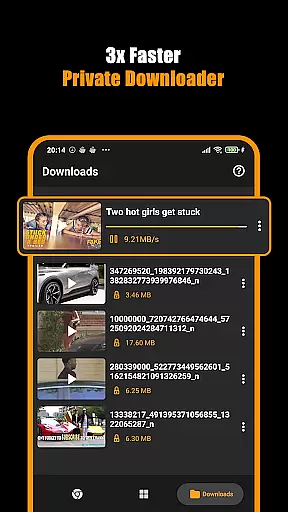

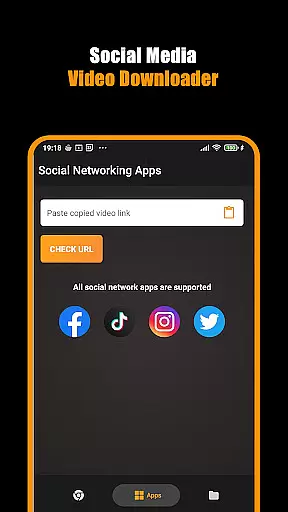
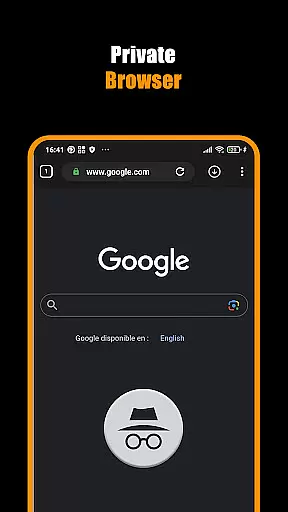
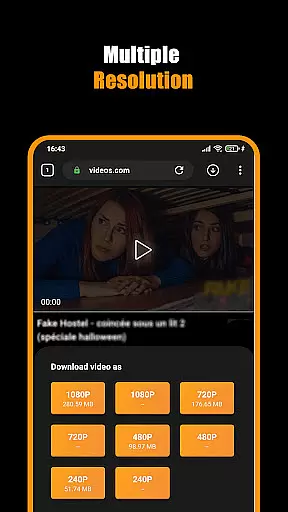
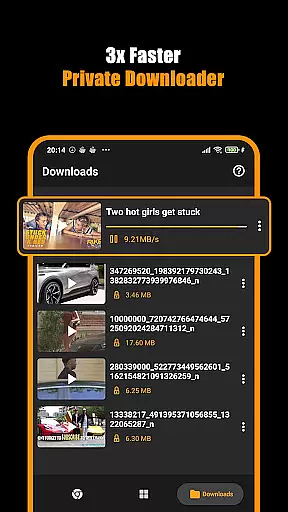

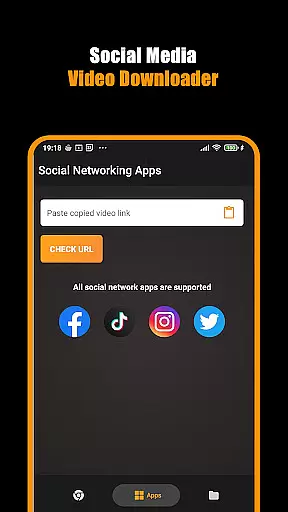
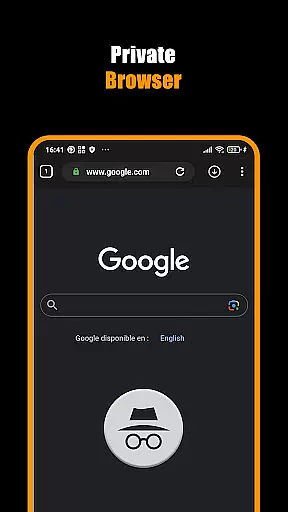
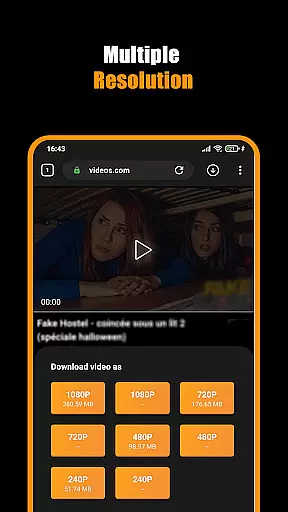
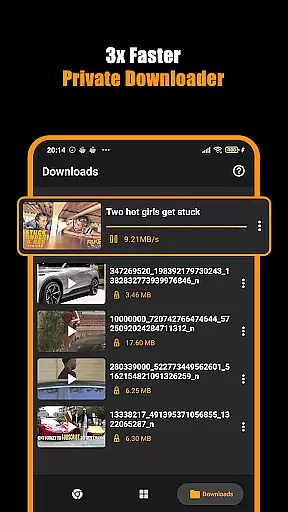

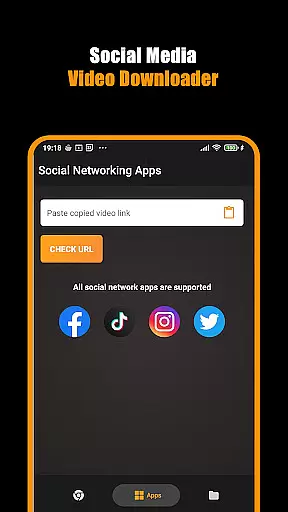
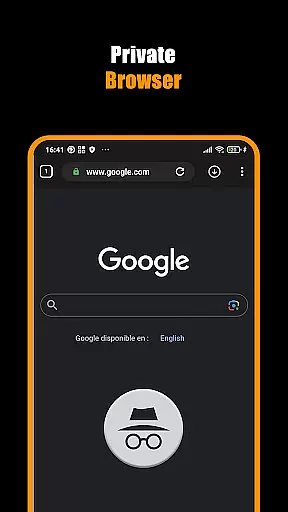
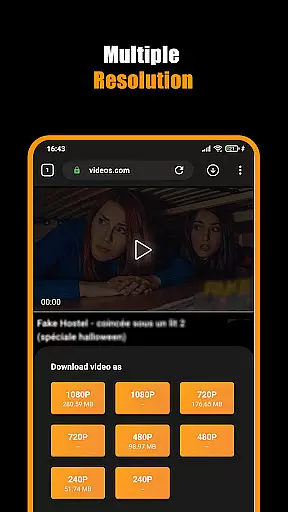
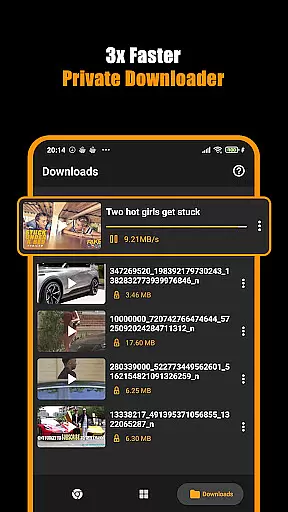

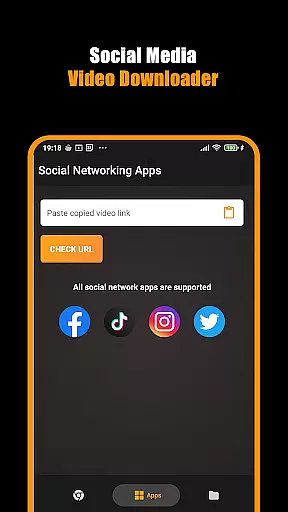
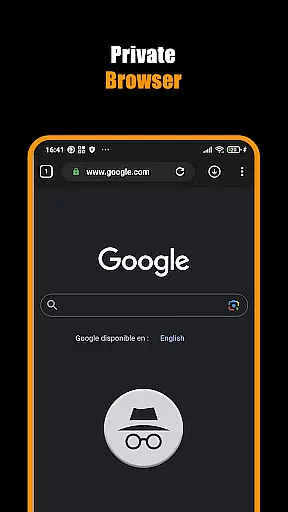
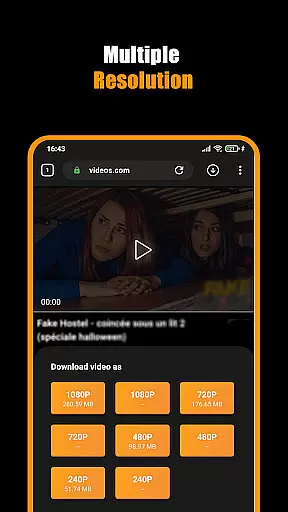
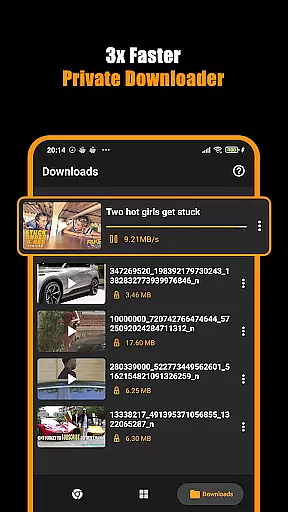
Hub Video Downloader is a comprehensive video downloading tool designed for users who want to save online videos directly to their devices. The app features a built-in private browser that allows users to browse the web securely while automatically detecting downloadable video content. With support for high-definition video downloads in 2K and 4K resolutions, it ensures premium quality for every saved file.
The application provides robust download management capabilities, enabling users to pause, resume, or cancel downloads at their convenience. It also supports background downloading, ensuring that users can multitask without interrupting the download process. Additionally, downloaded videos are automatically stored in the device's gallery, offering quick and easy access whenever needed.
Whether you're looking to save short clips or full-length movies, Hub Video Downloader offers a reliable solution for managing your video library. Its privacy-focused design makes it ideal for users who value discretion while browsing and downloading digital content.
Hub Video Downloader stands out with its advanced feature set tailored for efficient video management. One of its key highlights is the automatic video detection system, which identifies downloadable content as soon as users visit a website. This eliminates the need for manual searches and streamlines the entire downloading process.
The app includes a Private Downloader functionality, allowing users to surf the web without leaving traces. Unlimited tabs and secure browsing ensure a seamless experience, while the ability to run downloads in the background enhances productivity. Users can also bookmark favorite websites for future reference, making navigation faster and more convenient.
Another notable feature is the Download Hub Tool, which enables simultaneous downloads of multiple files. This tool not only saves time but also organizes downloads efficiently, ensuring that all content is neatly stored in the device's gallery. With customizable download settings, including resolution options up to 4K, Hub Video Downloader caters to both casual viewers and tech-savvy users alike.
Video format compatibility is a crucial feature for any video player and editor, ensuring that users can access their content in various formats without restrictions. Hub Video Downloader supports an extensive range of video formats, allowing users to download and play videos from different sources effortlessly. This flexibility ensures that whether you're downloading HD or 4K videos, the app maintains the quality and integrity of your files.
The application's built-in browser automatically detects video content on websites, making it easy to save videos in multiple resolutions including 2K and 4K directly to your device. With this level of compatibility, users are not limited by specific codecs or file types, providing a seamless experience when transferring media across devices.
Moreover, having broad video format support means that once downloaded, these videos can be easily shared or viewed on other platforms without conversion hassles. Users benefit from quick access to their favorite movies and clips anytime they want, knowing that whatever format they encounter online will likely be supported by Hub Video Downloader.
This comprehensive approach to handling diverse video formats enhances user satisfaction as it removes technical barriers often associated with digital content management. By prioritizing wide-ranging format compatibility, Hub Video Downloader positions itself as an indispensable tool for anyone looking to manage their multimedia library efficiently while enjoying high-quality playback experiences.
AI-powered editing features represent a significant advancement in video player and editor applications, offering users sophisticated tools to enhance their content effortlessly. Hub Video Downloader incorporates intelligent algorithms that streamline the editing process, enabling users to make precise adjustments to their videos with minimal effort. These AI-driven capabilities ensure that even those new to video editing can achieve professional-looking results.
One key aspect where AI shines is through automated enhancement options such as color correction, stabilization, and audio optimization. By analyzing video data, the app suggests optimal settings tailored to each clipu2019s unique characteristics, significantly improving overall quality. Additionally, smart tagging and categorization help organize large libraries efficiently, making it easier for users to locate specific footage quickly.
Furthermore, advanced scene detection powered by AI allows for more accurate trimming and splitting of videos based on content analysis rather than manual input alone. This feature saves time and enhances creativity by suggesting natural breakpoints within footage sequences. As a result, creators can focus more on storytelling and less on tedious technical tasks.
By integrating cutting-edge AI technologies into its platform, Hub Video Downloader not only simplifies complex processes but also empowers users to unlock new creative potentials. Whether enhancing visual aesthetics or streamlining workflow efficiency, these innovative tools set a new standard for what modern video editors should offeru2014making high-quality production accessible to everyone regardless of skill level.
User-friendly interface
High-definition downloads
Private browsing mode
Background download support
Automatic video detection
No YouTube support
Limited to non-copyrighted content
Requires stable internet
Storage-intensive downloads
Occasional slow processing

Auto video maker with music & exclusive filters. Video editing made simple.
 4.50
4.50
Video Player - Unlimited features, 30 days money back guarantee.
4.60
A Quick and Pro Video Editor
4.70
High-Quality USB Camera Viewer & HDMI Display
4.70
Turn your phone into a wireless camera!
4.20
Manage your IPTV live channels and VOD playlists (no playlist included)
3.80
All in one multi protocols stream receiver for AirPlay, Cast and DLNA.
3.60
LumaFusion: The Ultimate Storytelling Experience for Video Editing
4.10
Enjoy your favorite videos and channels with the official YouTube app.
3.90
GENRAL PRO - General Pro is the best video player that fully supports all formats.
4.70
Cast Videos from Web Browser, IPTV to Roku, Chromecast, DLNA, Smart TV +more
4.60
Create photo video with music & template. AI video maker for stunning slideshow.
4.60
Fast, private downloading, video saving, social media
4.50
Powerful Video Editor & Photo Editing App —— Quick Edits & Stunning Effects!
4.30
Your media, on your terms.
4.10
Livestream, news, & gaming content. Watch, chat, and upload. Join Rumble today!
3.80
Save photos and videos from social apps in one tap.
3.60
Video player with powerful streaming playback and various convenient features.
2.10
Powerful HD video player with support for all formats & subtitles.
4.1
VLC vs MX Player compared side-by-side: formats, subtitles, ads, privacy, and performance. Find out which free Android video player is right for you.


User Reviews