
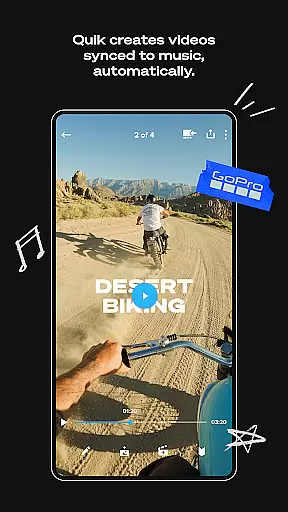
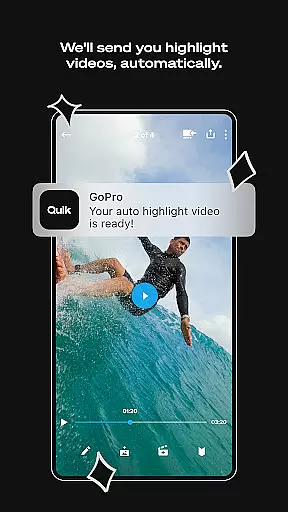
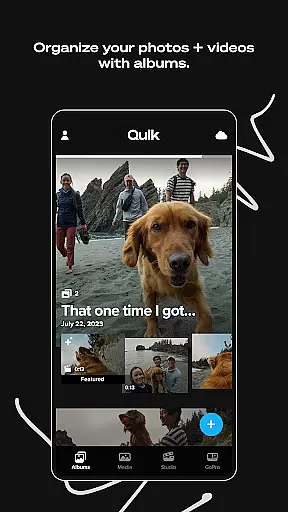
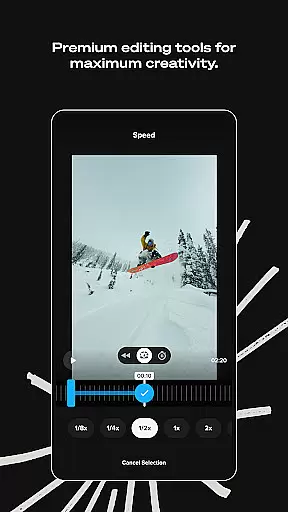
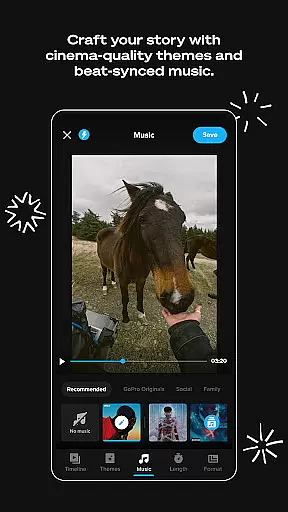
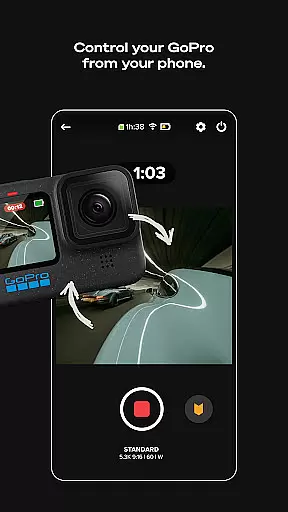
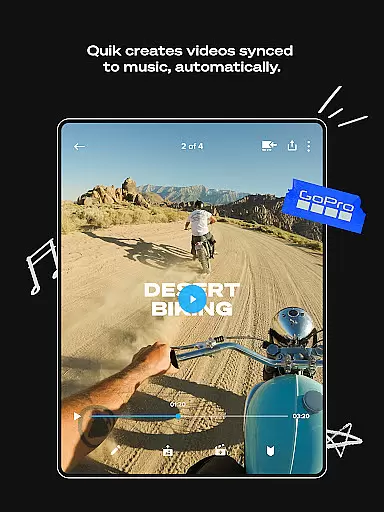
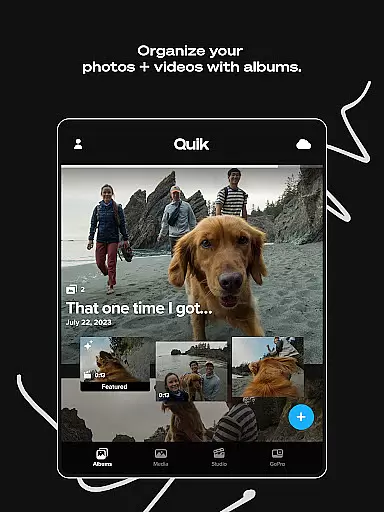
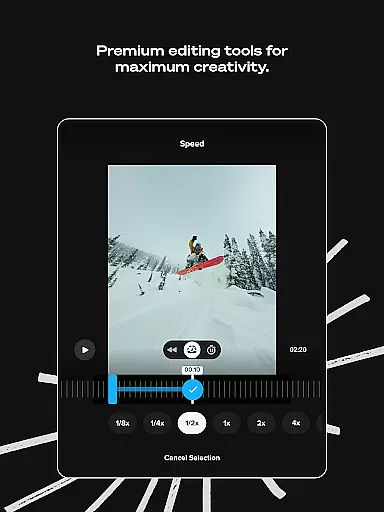
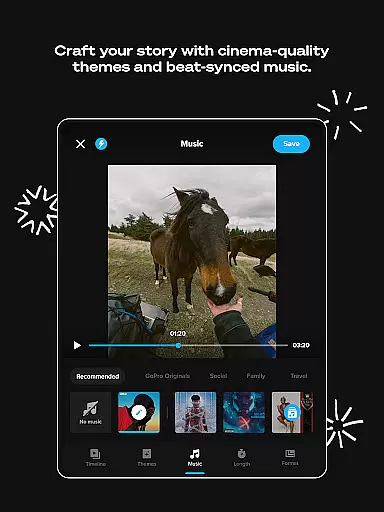
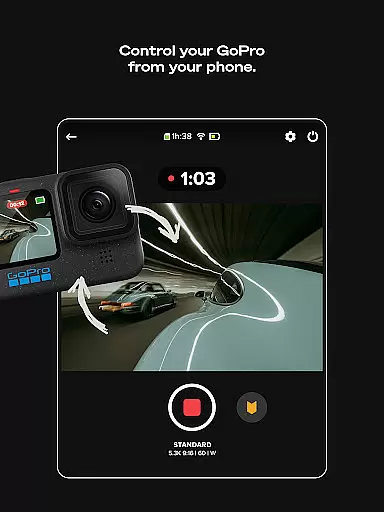
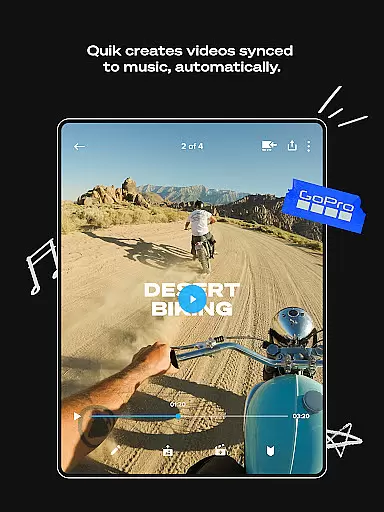
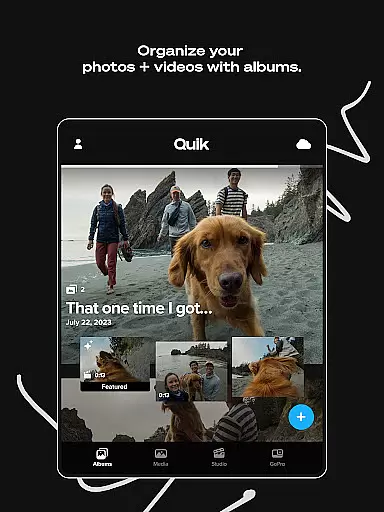
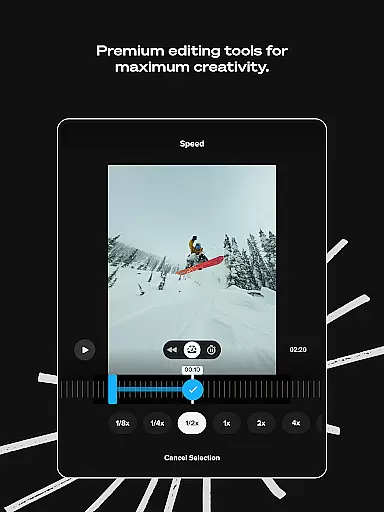
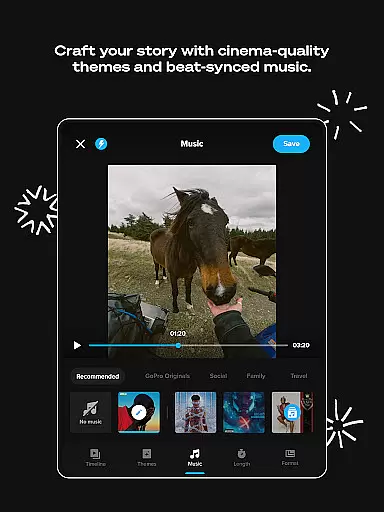
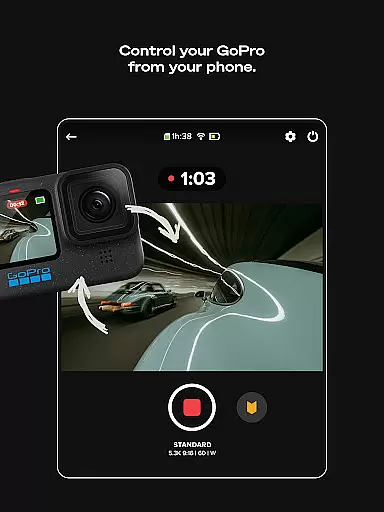
GoPro Quik is a powerful video editing application designed to simplify the process of creating professional-quality videos. The app automatically identifies your best shots, syncs them to music, and adds transitions to generate engaging shareable videos. With its suite of premium editing tools, users can adjust color, trim video length, add stickers, filters, and experiment with countless views using the Reframe feature.
The application offers unlimited cloud storage for GoPro footage at 100% quality, along with cross-device synchronization for seamless content management. Exclusive features like Beat Sync, Frame Grab, and Auto Upload ensure that your media is always optimized and accessible on-the-go. Whether you're an amateur videographer or a professional content creator, GoPro Quik provides all the necessary tools to produce stunning videos effortlessly.
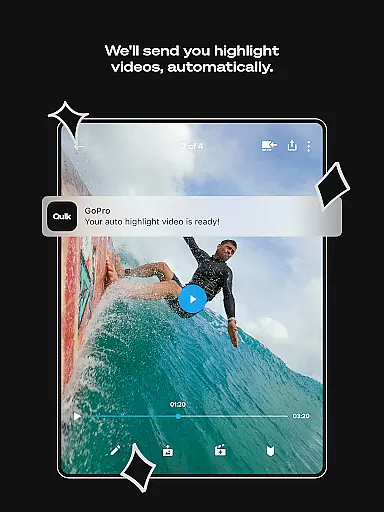
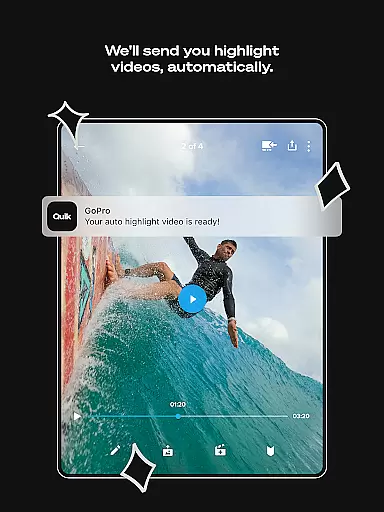
GoPro Quik stands out with its advanced automatic editing capabilities. The Automatic Highlight feature intelligently selects key moments from your footage and creates dynamic videos synced to music beats. The Premium Editing Tools offer extensive customization options, allowing users to fine-tune every aspect of their videos, from color correction to adding text overlays and emojis.
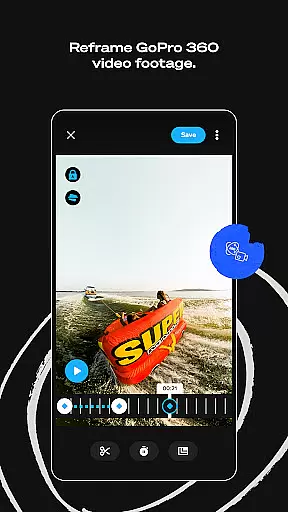
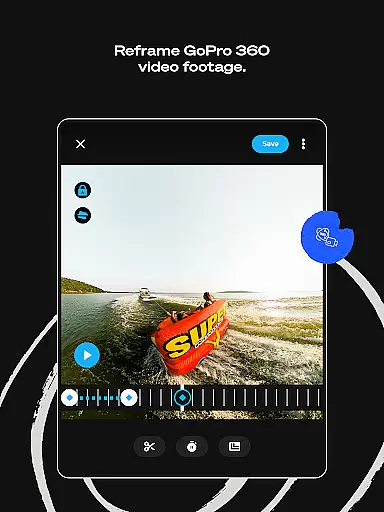
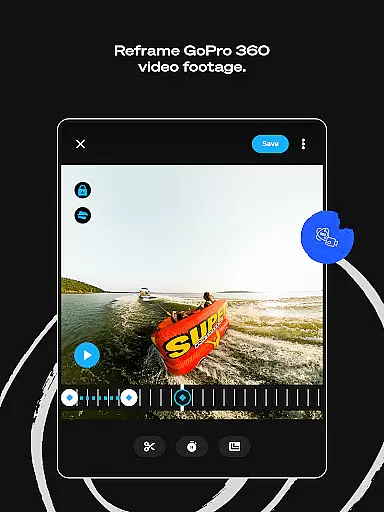
One of the app's most notable features is its unlimited cloud storage solution, which ensures all your GoPro footage is securely backed up and accessible across devices. The Reframe tool enables users to transform 360-degree footage into traditional video formats while maintaining creative control over the final output. Additionally, exclusive filters optimized for specific environments and the ability to adjust frame ratios make GoPro Quik a versatile choice for various video editing needs.
GoPro Quik supports a wide range of video formats, ensuring that users can import and edit footage from various sources without compatibility issues. The app accommodates files from GoPro cameras as well as other devices, making it versatile for different user needs.
The application's strength lies in its ability to maintain 100% quality of the uploaded videos, provided the user has a Premium or Premium+ subscription. This feature is crucial for content creators who demand high-quality output for their professional work or personal projects.
With cross-device synchronization, any video format that is supported will be automatically uploaded to the cloud. This ensures that no matter where you are or what device you're using, your videos are accessible for editing and sharing. Such flexibility empowers users to work on their projects seamlessly across multiple platforms.
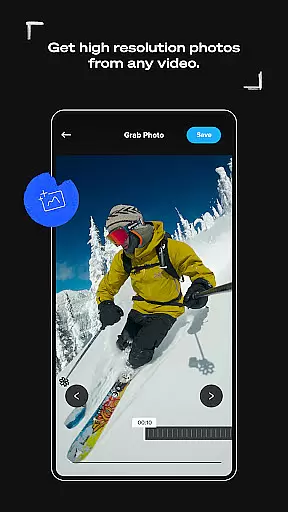
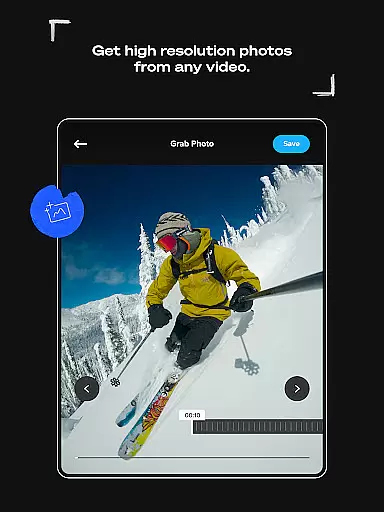
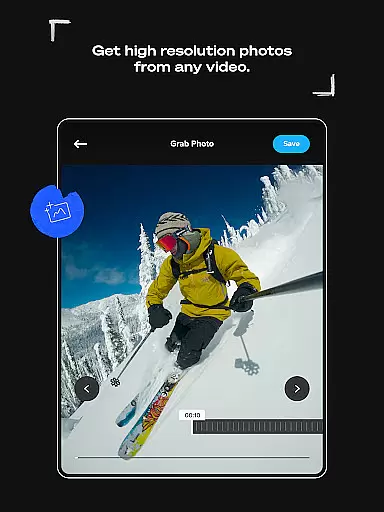
Moreover, GoPro Quik not only focuses on supporting diverse formats but also provides tools like Frame Grab and Reframe which allow users to extract high-resolution photos from videos and transform 360-degree footage into traditional video formats respectively. These innovative features expand the creative possibilities for video editors everywhere.
GoPro Quik harnesses the power of AI to revolutionize video editing with its Automatic Highlight feature. By analyzing footage to find the most compelling moments, syncing them to music beats, and adding transitions, the app creates dynamic shareable videos with minimal user input.
In addition to automatic edits, the suite of premium tools powered by AI allows for advanced customization. Users can play with color adjustments, trim clips, add thematic elements such as stickers, filters optimized for specific environments, and even apply text overlays to enhance storytelling.
The Beat Sync functionality is another standout AI-powered feature that elevates edits by aligning visual effects with audio rhythms. This creates a harmonious flow within video projects that can captivate audiences and add a professional touch to any production.
Furthermore, GoPro Quik's Reframe tool utilizes AI to let users experiment with countless views from 360-degree footage. With simple keyframe selections, creators can produce cinematic transitions and export traditional videos or photos ready for further refinement or immediate sharing across social platforms.
User-friendly interface
Powerful editing tools
Unlimited cloud backup
Cross-device sync
Automatic video creation
Premium subscription required
Limited to supported file types
Advanced features locked
Occasional syncing issues
High storage demands

Connect 2 UVC devices for recording and broadcast video/audio stream
 3.90
3.90
Full HD Video mp3 Player, MP4 player play 1080p, File manager, Video Downloader
4.40
Stream high quality video from your camera over NDI protocol
4.5
Connect EasyCap or UVC devices for recording and broadcast video/audio stream
3.60
LumaFusion: The Ultimate Storytelling Experience for Video Editing
4.10
#1 Torrent App on Android ** No Ads Ever + Battery Saver **
4.80
Web Browser for LG TV to stream webvideos, online movies and livestreams in HD
4.20
Fast & Private HD Video Downloader with Built-in Proxy Browser and Video Player.
4.50
Enjoy your favorite videos and channels with the official YouTube app.
3.90
All in one HD video downloader & player for multiple formats with full privacy
4.70
Watch a large amount of high-definition short drama content
4.60
Fast, private downloading, video saving, social media
4.50
Video Downloader, Multiple Resolution Options, Video Player
4.50
Browser for Samsung TV to stream webvideos, online movies and livestreams in HD
4.10
Make your own Animations, Video and Photo Edits, Visual Effects, and more!
4.00
Kodi media center, a free and open source cross-platform entertainment hub
3.60
All in one multi protocols stream receiver for AirPlay, Cast and DLNA.
3.60
Mix with Virtual DJ directly from your phone or tablet !
3.10
The smartest M3U IPTV Player your playlists have ever seen.
4.0
VLC vs MX Player compared side-by-side: formats, subtitles, ads, privacy, and performance. Find out which free Android video player is right for you.



User Reviews