
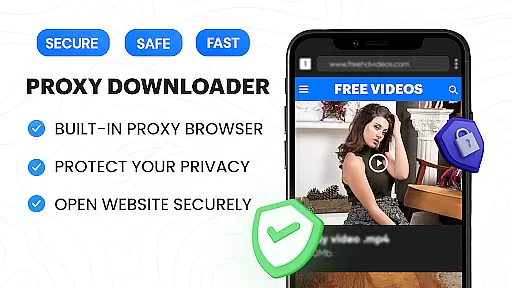
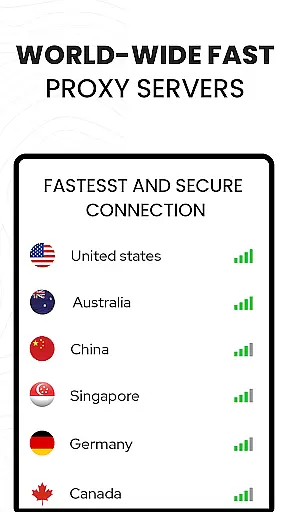

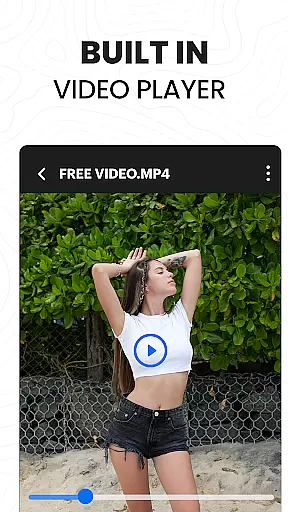
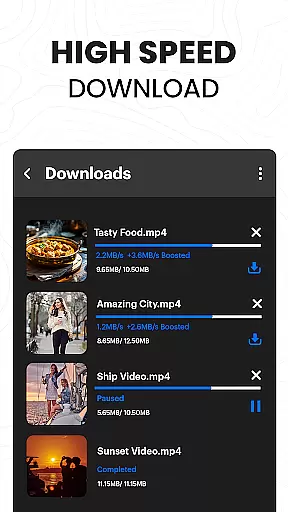
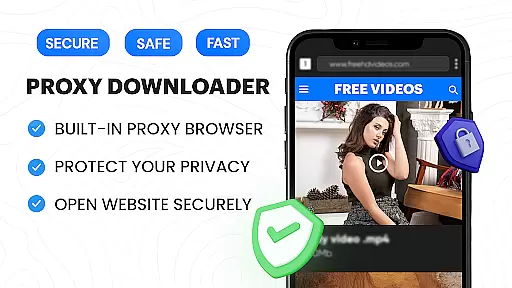
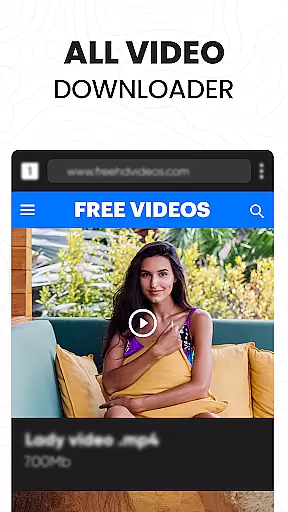

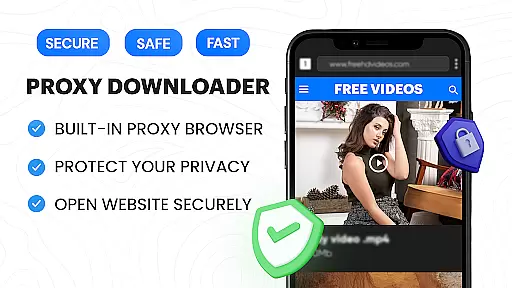
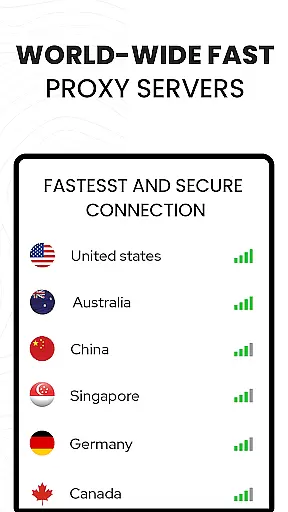

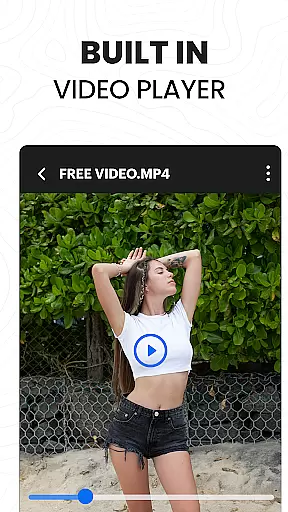
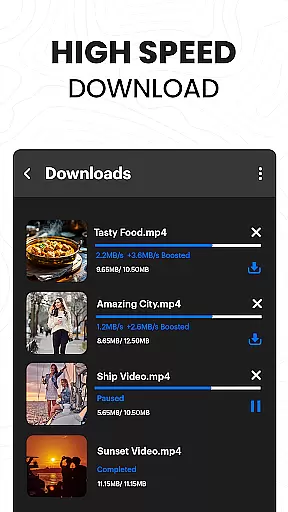
Video Downloader Proxy Browser is a versatile application designed for Android users who need a secure and efficient way to browse, download, and manage videos. The app features a built-in proxy browser that ensures privacy and security, even on public WiFi, while offering unlimited access to web content. With its fast HD video downloader, users can easily save online videos with one tap and enjoy smooth playback using the integrated ultra HD video player.
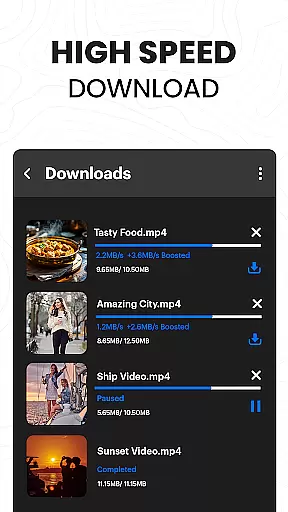
In addition to downloading capabilities, this app provides advanced features such as multiple simultaneous downloads, background mode, and resume options for interrupted tasks. It supports various video formats and allows users to save downloaded files in password-protected folders. Whether you're looking to download videos from websites or social media platforms, Video Downloader Proxy Browser offers a reliable solution with 4X faster download speeds without compromising quality.
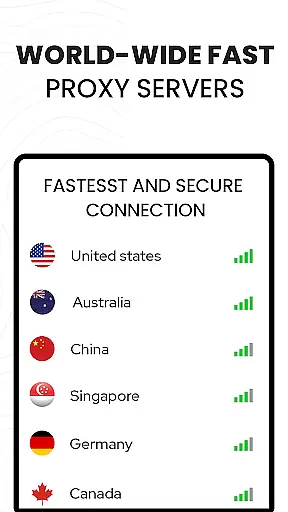
The Video Downloader Proxy Browser stands out with its comprehensive feature set tailored for both casual and power users. One of its key highlights is the built-in proxy browser, which not only blocks ads and trackers but also keeps your browsing activities private through secure proxy servers. This makes it an ideal choice for users who prioritize speed, safety, and data efficiency while accessing online content.
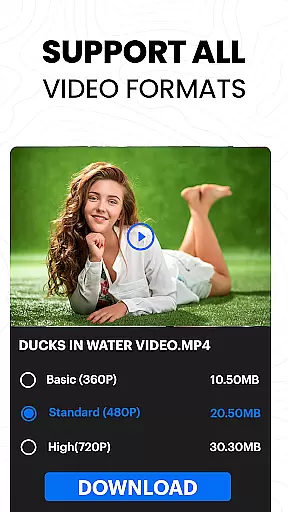
Another remarkable feature is the advanced download manager, which supports multiple simultaneous downloads and includes options like background downloading and task resumption. The app's smart auto-detect functionality identifies downloadable video content on websites, enabling one-tap downloads in various qualities. Additionally, the integrated HD video player supports multiple formats, including 4K resolution, ensuring an optimal viewing experience regardless of the video type.
For enhanced security, users can store their downloaded files in password-protected folders, adding an extra layer of protection to sensitive content. These robust features collectively make Video Downloader Proxy Browser a top choice for anyone seeking a reliable tool for managing online video content efficiently and securely.
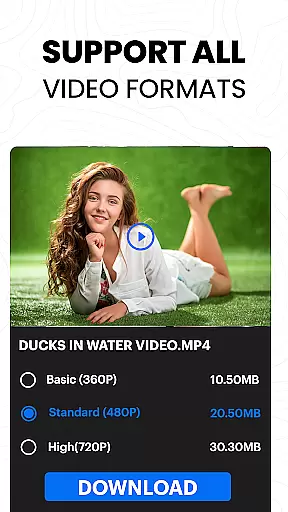
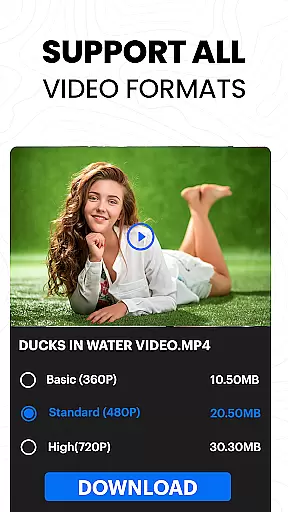
Video format compatibility is a crucial feature for any video player and editor application. The Video Downloader Proxy Browser supports an extensive range of video formats, ensuring that users can play almost any video file they download or have stored on their device.
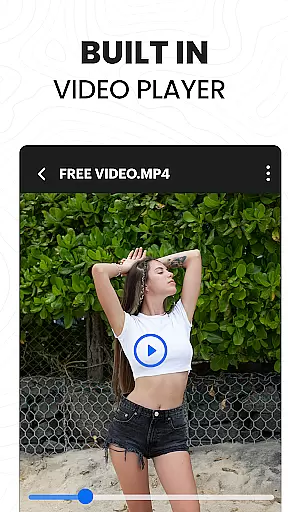
This app's built-in ultra HD video player is not only capable of handling standard video files but also supports high-resolution formats up to 4K. This means whether you're downloading videos from websites or playing locally stored content, the playback will be smooth and in high quality.
The benefit to users is the freedom to access their video content without worrying about format restrictions. Whether it's MP4, AVI, MOV, or other less common formats, this app ensures seamless playback. This flexibility enhances user experience by eliminating the need for format conversion or using multiple apps for different file types.
By providing such comprehensive video format support, the Video Downloader Proxy Browser positions itself as an all-in-one solution for video playback needs, making it a reliable choice for users who require both versatility and performance in their video player.
AI-powered editing features are revolutionizing how users interact with video content. The Video Downloader Proxy Browser incorporates intelligent tools that simplify the editing process, allowing users to effortlessly enhance their videos. These AI capabilities include smart auto-detect functions for video content and one-tap download options.
With these advanced features, users can expect a streamlined workflow when managing their video files. The AI doesn't just stop at detecting and downloading; it extends to organizing and optimizing video content for better management and playback quality. Such intuitive design makes video editing accessible even to those without professional skills.
For the user, this translates into significant time savings and improved output quality. Instead of spending hours trying to edit videos manually, the AI handles repetitive tasks efficiently, leaving creators free to focus on more creative aspects of their projects.
Incorporating AI into video editing not only boosts productivity but also democratizes content creation by lowering the barrier to entry. With the Video Downloader Proxy Browser, anyone can produce polished video content with minimal effort, thus broadening the scope of personal and professional storytelling.
Fast download speeds
Secure proxy browsing
User-friendly interface
Advanced download options
High-quality video playback
No YouTube support
Limited platform compatibility
Potential copyright issues
Requires stable internet
Ads in free version

Auto video maker with music & exclusive filters. Video editing made simple.
 4.50
4.50
Kodi media center, a free and open source cross-platform entertainment hub
3.60
You can play SWF format file!
2.50
IPTV-Smarters Player Pro M3U - Watch Live Stream TV Channels with Chromecast
4.00
VLC Remote lets you control your VLC Media Player on Mac, PC or Linux.
4.60
Video player with powerful streaming playback and various convenient features.
2.10
Fast & Private Video Downloader App. Save all videos easily from the Internet.
4.40
Watch IPTV on your Android device
4.60
Browser for Fire TV to stream webvideos, online movies, livestreams in HD
4.40
Pro video editor app for Instagram, edit video with song, AI, effect & slowmo.
4.80
A Quick and Pro Video Editor
4.70
A Simple app to download Video & Music from the Internet.
4.70
Cast movies, tv shows and live streams to Chromecast, Roku, DLNA, Fire TV & more
4.60
Video player with 4K & 1080P support, popup play, background play and subtitle.
4.20
Connect 2 UVC devices for recording and broadcast video/audio stream
3.90
Cast to Smart TV, Fire TV. Cast video, photo - Fast & Stable!
3.90
The essential companion to your Blue Iris PC software
2.50
The smartest M3U IPTV Player your playlists have ever seen.
4.2
Powerful HD video player with support for all formats & subtitles.
4.4
VLC vs MX Player compared side-by-side: formats, subtitles, ads, privacy, and performance. Find out which free Android video player is right for you.



User Reviews