
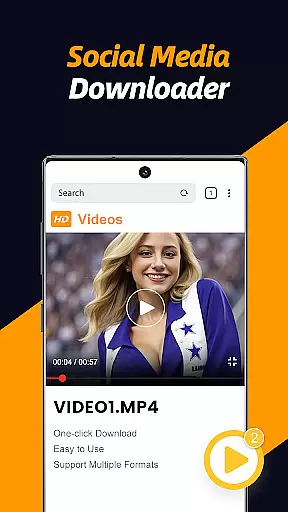
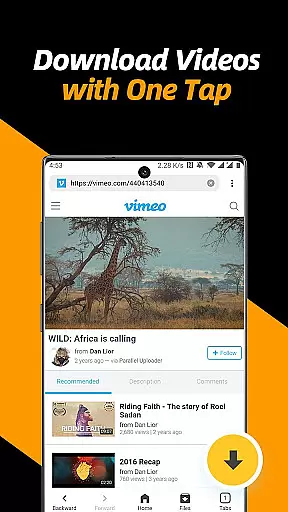
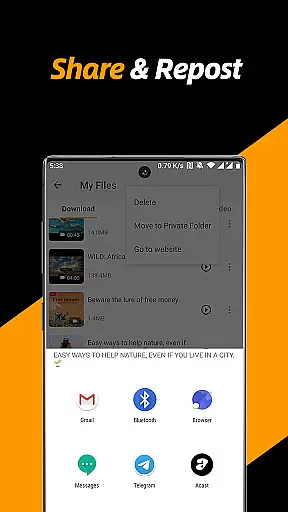
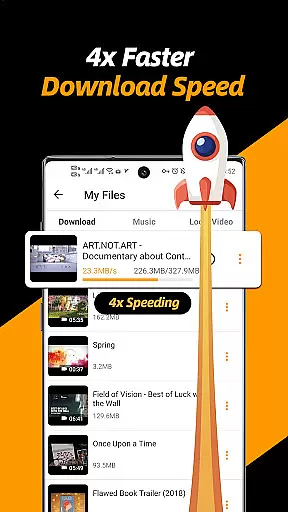
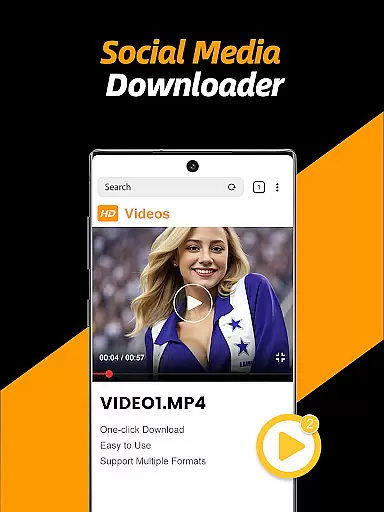
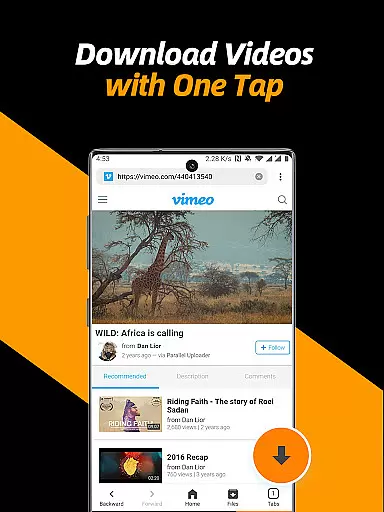
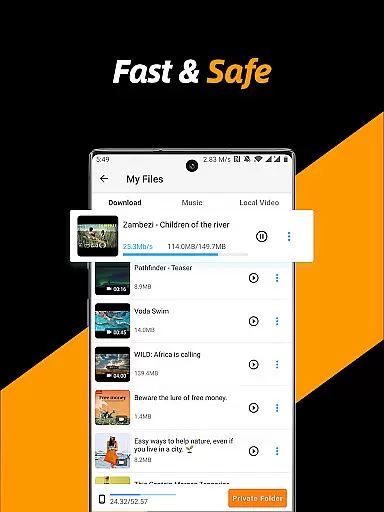
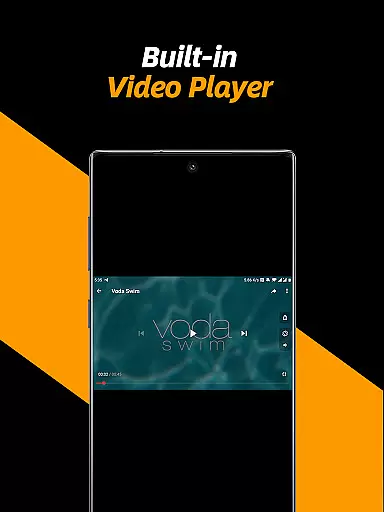
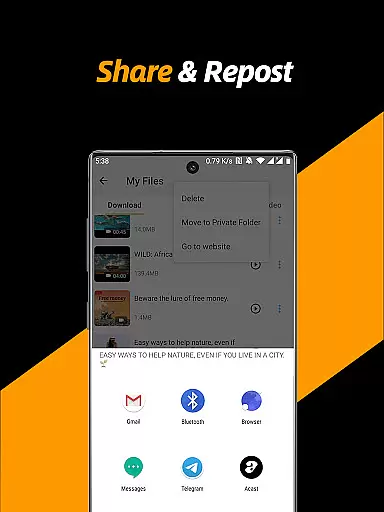
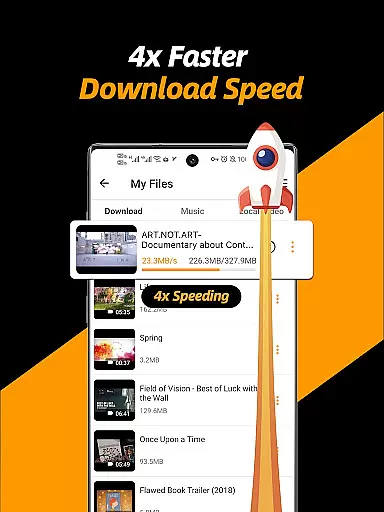
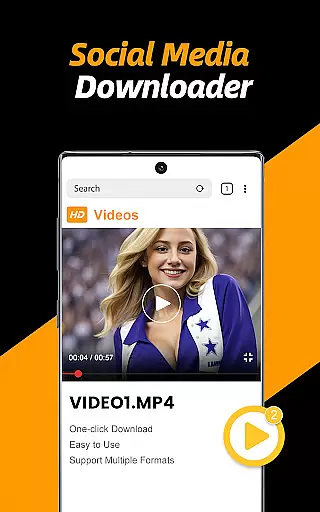
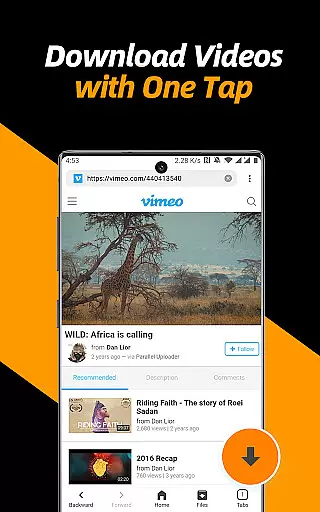
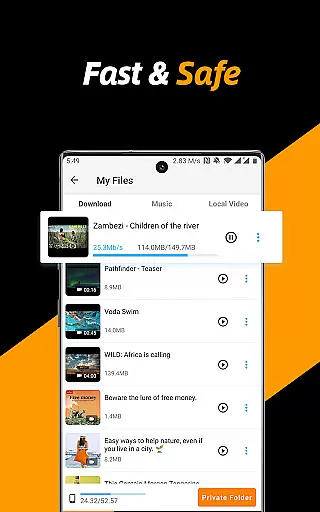
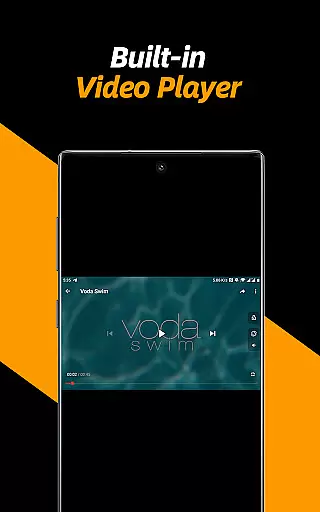
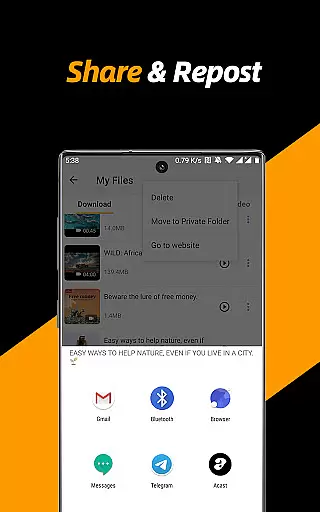
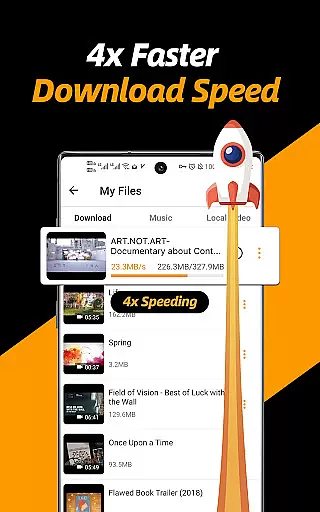
Video Downloader & Video Saver is a premier Android application designed for downloading and managing video content from various social media platforms. With its 4x faster download speed, users can efficiently save HD videos and images while ensuring absolute security of their files. The app's built-in browser allows seamless detection and downloading of videos with just a few taps, making it an all-in-one solution for video management.
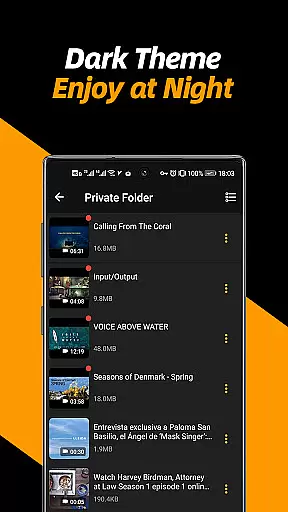
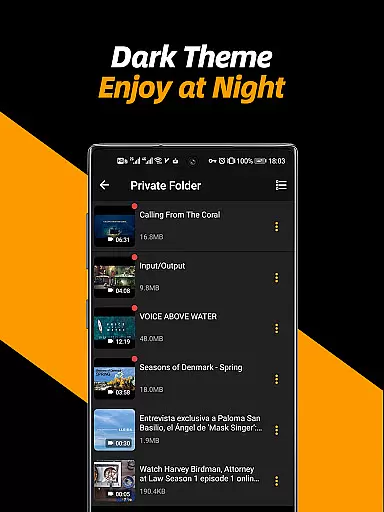
Beyond basic downloading capabilities, this app offers advanced features such as multi-threading support, resolution selection, and background downloading. Users can also enjoy the convenience of a private folder with password protection, ensuring privacy and security. Whether you're looking to download, manage, repost, or share videos, this app provides a comprehensive suite of tools to enhance your video experience.
The app caters to both casual users and content creators who need to back up and share social media videos effortlessly. Its user-friendly interface and powerful functionality make it an ideal choice for anyone seeking a reliable video downloader that combines speed, safety, and versatility in one package.
Video Downloader & Video Saver stands out with its robust feature set tailored for efficient video management. One of its key highlights is the support for multi-threading downloads, which accelerates the download process by several times compared to standard methods. This ensures that users can quickly obtain their desired content without compromising on quality or speed.
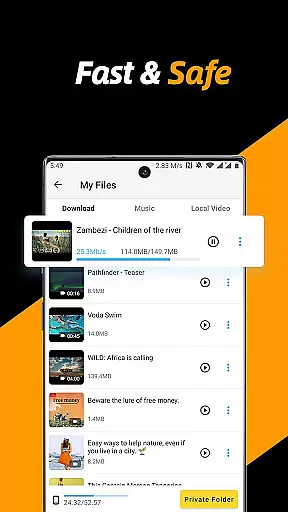
In addition to speed, the app offers flexible resolution options, allowing users to choose between saving space with smaller file sizes or enjoying high-definition videos. The ability to download multiple files simultaneously and operate in the background further enhances productivity. A built-in file manager provides essential functions like pausing, resuming, renaming, playing, sharing, and deleting files, all within a single interface.
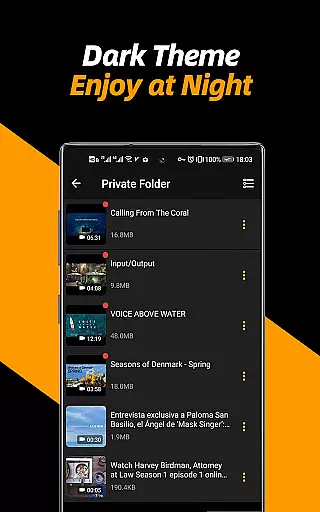
Privacy and customization are also prioritized, with features such as a private folder protected by a password and customizable themes. These aspects not only improve usability but also ensure that users have full control over their downloaded content. Overall, the app delivers a superior experience by combining speed, flexibility, and security in a sleek package.
Video format compatibility is a crucial feature for any video player and editor application. The Video Downloader & Video Saver app excels in this area by supporting all video formats, ensuring that users can download, save, and play videos without worrying about format restrictions.
This app's extensive format support includes popular standards such as MP4, AVI, and MOV, alongside less common formats. This versatility allows users to manage their video libraries more effectively, regardless of the original file type. Whether downloading from social media platforms or saving files from other sources, users can be confident that their videos will be accessible within the app.
The ability to handle different resolutions further enhances the user experience. Users can choose between smaller file sizes for storage efficiency or opt for high-definition modes to enjoy premium video quality. This flexibility ensures that the app caters to various needs, from casual viewing to professional editing projects.
Ultimately, the comprehensive video format compatibility offered by this app empowers users to focus on their content rather than technical limitations. By removing barriers related to file types and resolutions, it provides a seamless experience that encourages creativity and productivity in managing multimedia assets.
AI-powered editing features represent a significant advancement in video player and editor applications, offering users sophisticated tools that simplify complex tasks. The Video Downloader & Video Saver app incorporates several AI-driven functionalities that enhance the editing process, making it accessible even to beginners while still appealing to experienced editors.
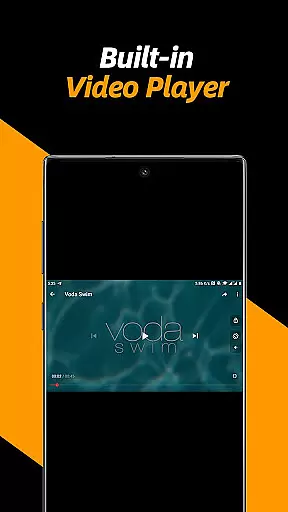
One notable feature is the automatic detection and downloading of videos through the built-in browser. This intelligent system identifies downloadable content on web pages, streamlining the acquisition process. Additionally, the app uses AI to optimize video playback speed and adjust repeat modes, providing a personalized viewing experience tailored to individual preferences.
Another innovative aspect is the conversion of videos into audio files. Leveraging AI algorithms, the app efficiently extracts soundtracks from video clips, enabling users to create standalone audio tracks for podcasts or music playlists. This capability adds another layer of utility, transforming the app into a multifunctional tool beyond traditional video management.
By integrating these advanced AI-powered editing features, the Video Downloader & Video Saver app not only simplifies routine operations but also opens up new creative possibilities. Users benefit from enhanced control over their media files, resulting in a more engaging and productive interaction with their video content.
User-friendly interface
Fast download speeds
Multi-threading support
Private folder option
Comprehensive file management
No YouTube support
Limited to non-copyrighted content
Requires permissions
Occasional ads
Internet required

Client application for NextPVR software
 3.00
3.00
Full HD Video mp3 Player, MP4 player play 1080p, File manager, Video Downloader
4.40
Play ALL formats in 4K & HD. Video downloader, MP3 player, Chromecast & more.
4.80
Stream Web Videos to Chromecast, Samsung, LG, Sony, Roku, Fire TV, DLNA + more
4.00
An easy-to-use and all-round screen recorder with audio
4.80
All in one HD video downloader & player for multiple formats with full privacy
4.70
Play and download HD videos from all sources — fast, simple, and all-in-one.
4.5
VLC for Android is the best open source video and music player, fast and easy!
4.10
Video&Drama Player All Format is a HD video player, music player
3.00
Pro video editor app for Instagram, edit video with song, AI, effect & slowmo.
4.80
Tik & Story Saver-Download ALL social media videos, photos & reels no watermark.
4.80
Search & download videos from net with all video downloader, auto-detect & safe.
4.60
Browser + Remote for Roku to stream webvideos, online movies and livestreams
4.60
Fast, private downloading, video saving, social media
4.50
Add date and time watermark to photos and videos
4.50
Create & edit videos with AI
4.30
This app was created to edit the metadata of music files.
4.20
Powerful video player with advanced hardware acceleration and subtitle supports
4.20
Save photos and videos from social apps in one tap.
3.60
VLC vs MX Player compared side-by-side: formats, subtitles, ads, privacy, and performance. Find out which free Android video player is right for you.



User Reviews