
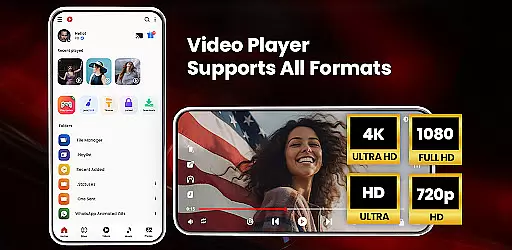
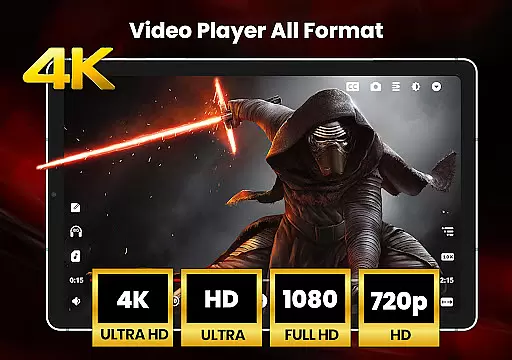
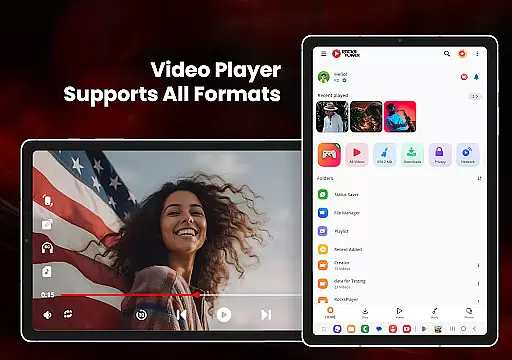
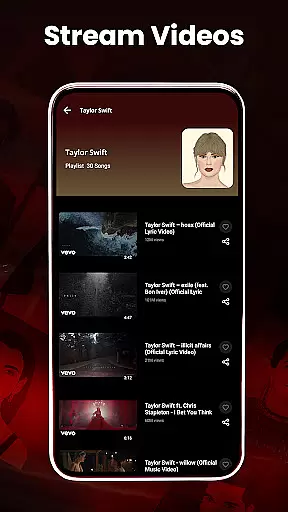
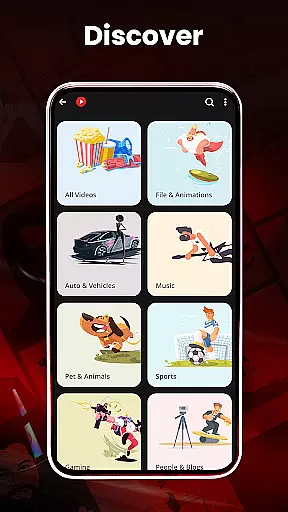
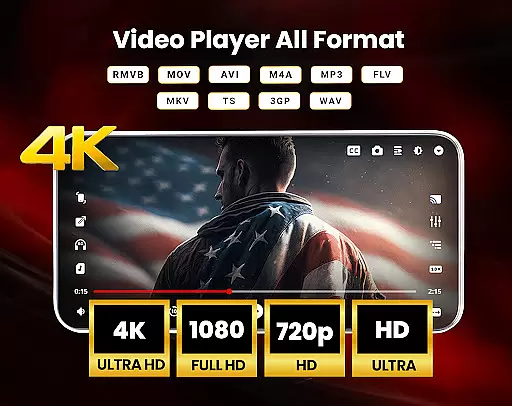
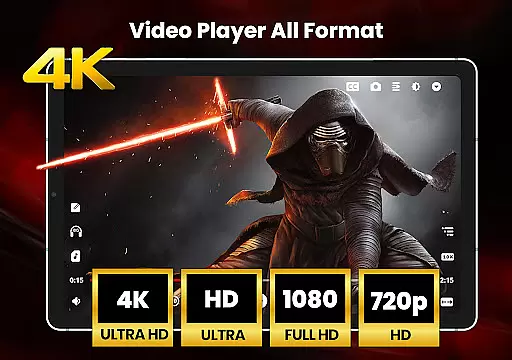
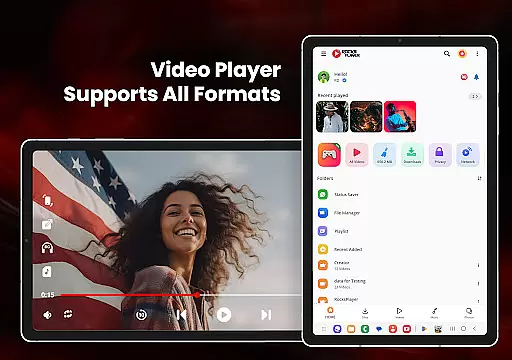
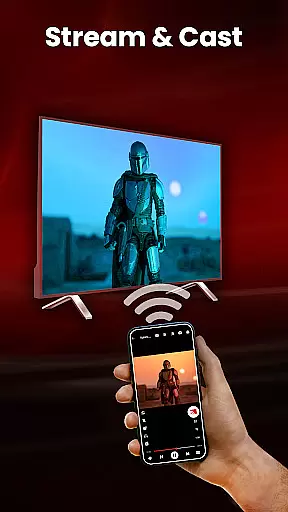
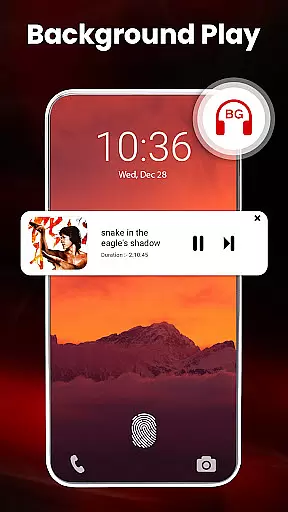
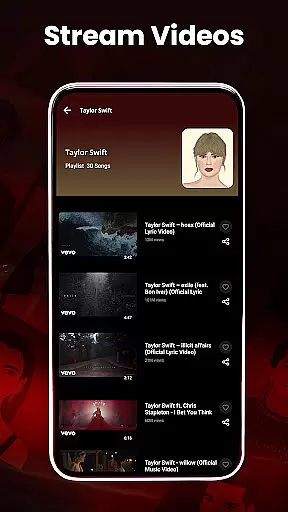
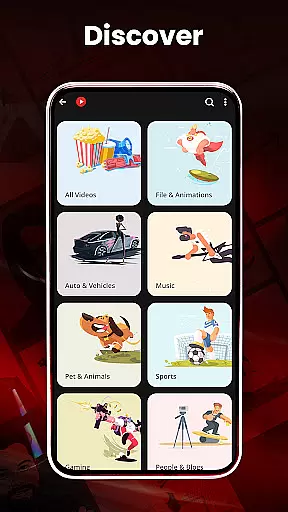
HD Video Player All Formats is a versatile media player designed for Android users who require support for all video and audio formats. This powerful application serves as an all-in-one solution, functioning not only as a video player but also as an MP3 player, file manager, and video downloader. The app supports high-definition playback including HD, Full HD, 4K, and Ultra HD video files, ensuring smooth streaming and excellent video quality.
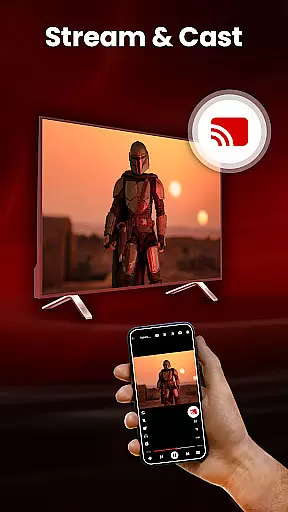
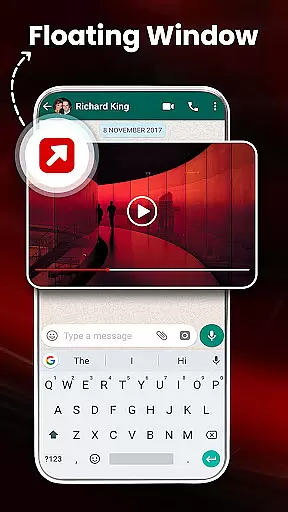
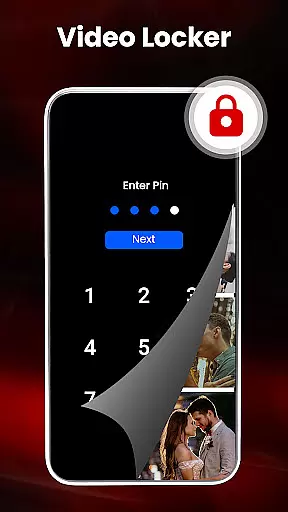
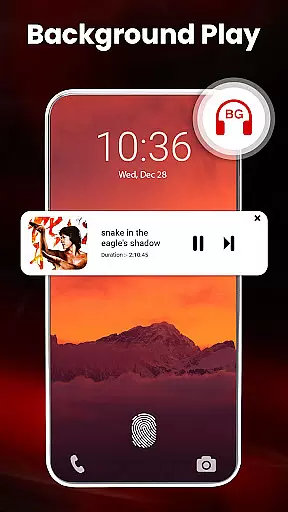
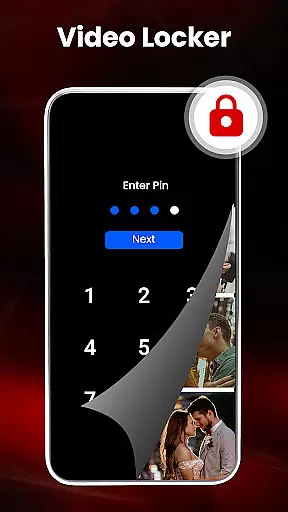
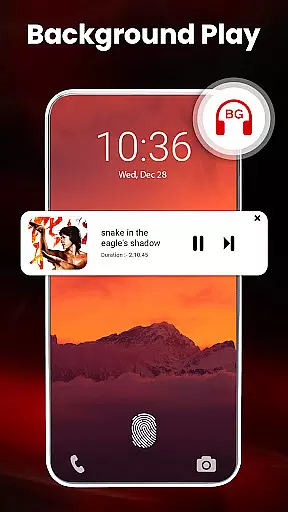
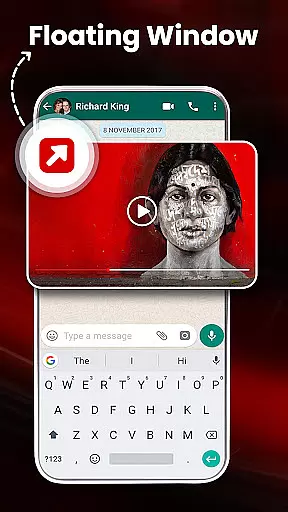
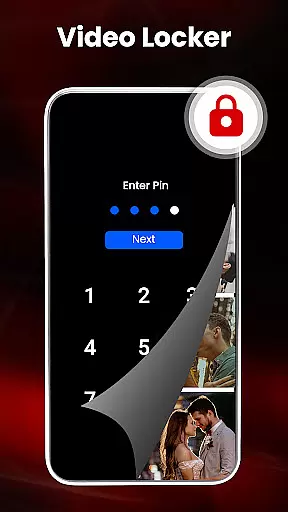
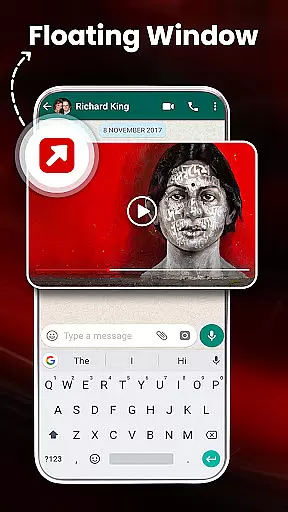
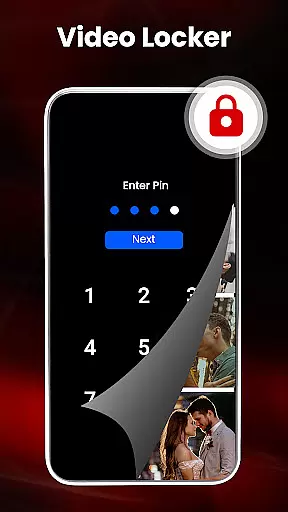
In addition to its primary function as a video player, the app offers advanced features such as casting videos to TV, playing videos in pop-up windows or split-screen mode, and background audio playback. It includes practical tools like a video locker for private files, a sleep timer, and night mode to enhance user comfort. With its comprehensive file management capabilities, users can organize their media library, manage playlists, and even hide private content securely.
One of the standout characteristics of HD Video Player All Formats is its extensive format compatibility, supporting popular video types such as MKV, MP4, MOV, and audio formats like MP3. The built-in video downloader allows users to save online videos from platforms like Facebook and Instagram directly to their devices. Advanced functionalities include hardware acceleration with the new HW+ decoder, dual audio support, and playback speed control, which cater to both casual viewers and tech-savvy users.
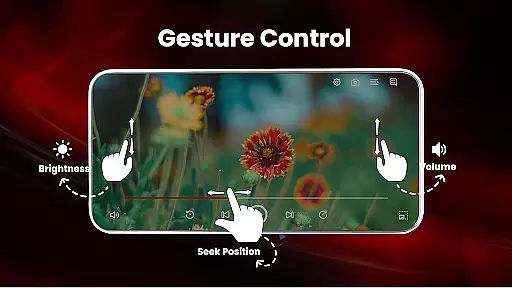
The app also provides smart gesture controls for adjusting volume, brightness, and playback progress, alongside customizable themes and a powerful equalizer for an enhanced auditory experience. Users can take advantage of the automatic SD card scanning feature to quickly identify and manage media files. Moreover, the integrated gallery and playlist creation tools offer seamless media organization, while the secure pin protection ensures privacy for sensitive content.
Video format compatibility is a crucial feature for any video player application, determining its ability to support various file types. HD Video Player All Formats excels in this area by supporting an extensive range of formats including MKV, MP4, M4V, MOV, 3GP, FLV, WMV, TS, MP3, and MPG.
The app's comprehensive codec support ensures smooth playback of HD, Full HD, 4K, and Ultra HD video files without requiring additional software or conversions. This universal compatibility makes it an ideal choice for users with diverse media collections, eliminating the frustration of format incompatibility.
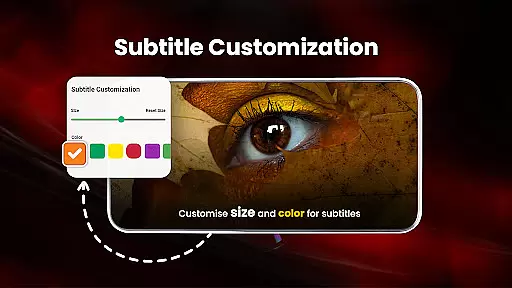
What sets this player apart is its integrated functionality beyond basic playback. The built-in video downloader supports fetching content from popular social media platforms while maintaining compatibility with downloaded files. Additionally, features like subtitle support and dual audio tracks enhance the viewing experience across all supported formats.
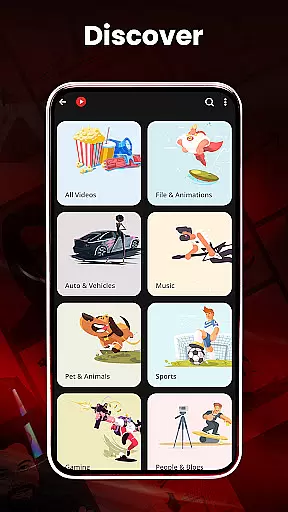
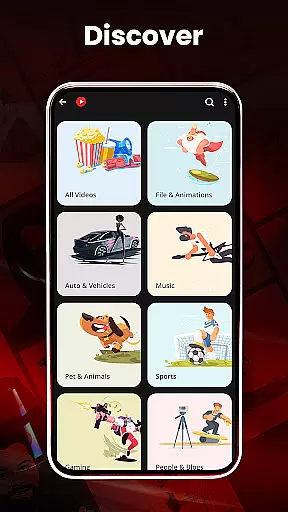
For users managing large media libraries, this broad format support streamlines their workflow. The app automatically scans and organizes video files from both internal storage and SD cards, presenting them in an intuitive interface that supports playlist creation and management across all compatible formats.
While primarily a video player, HD Video Player All Formats incorporates AI-powered editing features that enhance the user's media management capabilities. The application utilizes intelligent algorithms to identify and organize media files, creating a more efficient workflow for users managing extensive video collections.
The AI-driven functionality extends to practical features like duplicate file detection and automatic SD card scanning. These smart tools help users optimize storage space and maintain a well-organized media library. The system's ability to recognize and categorize different file types demonstrates advanced pattern recognition capabilities.
Although not a traditional video editor, the app offers innovative features such as video hiding and protection through encryption. These security-focused tools employ sophisticated algorithms to safeguard private content while maintaining easy access for authorized users. The built-in gallery management system further enhances these capabilities by providing intuitive photo album organization.
The player's intelligent gesture controls represent another form of AI implementation, allowing users to manipulate volume, playback progress, and brightness through intuitive touch commands. These smart controls, combined with features like automatic aspect ratio adjustment and screen rotation, create a more responsive and adaptive viewing experience tailored to individual preferences.
User-friendly interface
Extensive format support
Advanced playback options
Integrated file management
Privacy protection features
May contain ads
Some features may require permissions
Interface might feel cluttered
Occasional bugs reported
Limited customer support

Online Videos Player
 3.90
3.90
?100% FREE! Download & save videos? safely in this app. All formats supported.
4.60
HD video maker with no watermark, no ads & vlog maker with music, PIP, text
4.50
Seamlessly connect and control your smart devices, anytime, anywhere with ease.
4.60
All in one HD video downloader & player for multiple formats with full privacy
4.70
Make your own Animations, Video and Photo Edits, Visual Effects, and more!
4.00
Mix with Virtual DJ directly from your phone or tablet !
3.10
Browser for Sony TV to stream web videos, online movies and live tv
3.20
#1 Torrent App on Android ** No Ads Ever + Battery Saver **
4.80
Tik & Story Saver-Download ALL social media videos, photos & reels no watermark.
4.80
An easy-to-use and all-round screen recorder with audio
4.80
Video Player - Unlimited features, 30 days money back guarantee.
4.60
Add date and time watermark to photos and videos
4.50
Photo and Music Video Creator into Stunning Videos—Effortlessly
4.40
Viddo: Generate Action Figure, AI Anime, AI kiss, AI hug Video from image & text
4.40
Powerful, professional, versatile teleprompter. Developed by an active film crew
4.00
AI Video Editor:AI Music, Text to Video,Text to Speech,Auto Caption,Video Effect
4.00
Save photos and videos from social apps in one tap.
3.60
IPTV Player - Watch live TV from m3m & m3u8 playlist, stream IPTV on mobile
3.30
VLC vs MX Player compared side-by-side: formats, subtitles, ads, privacy, and performance. Find out which free Android video player is right for you.



User Reviews