
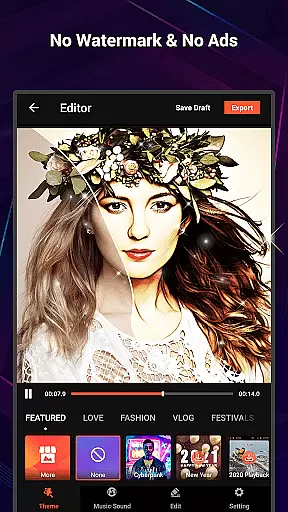
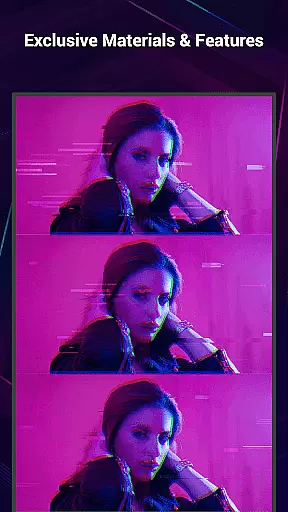
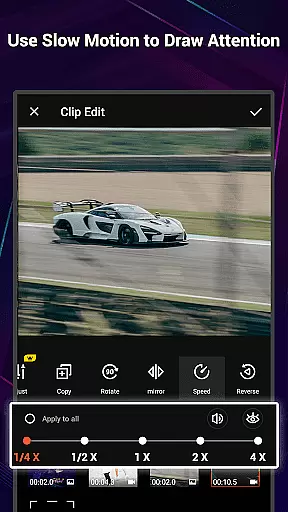
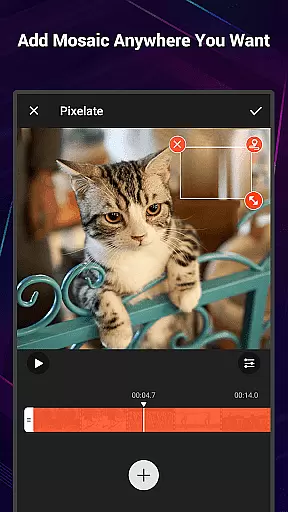
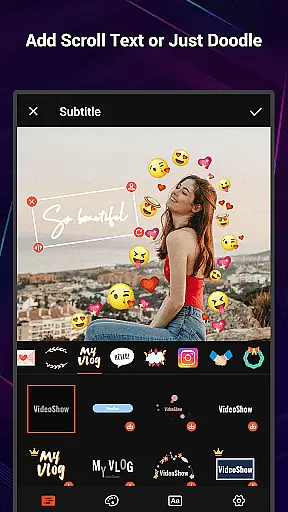
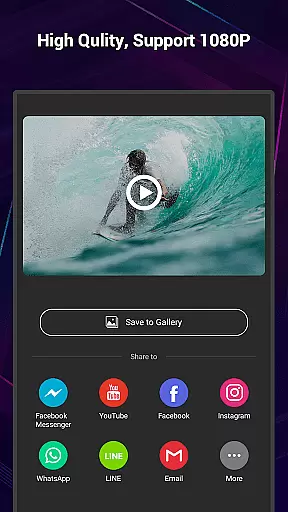
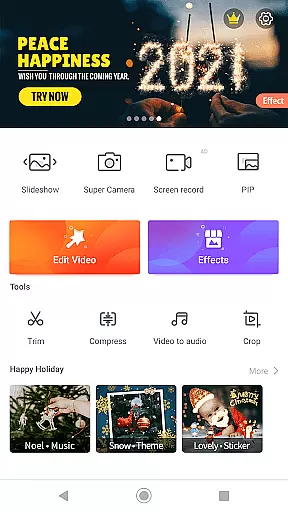
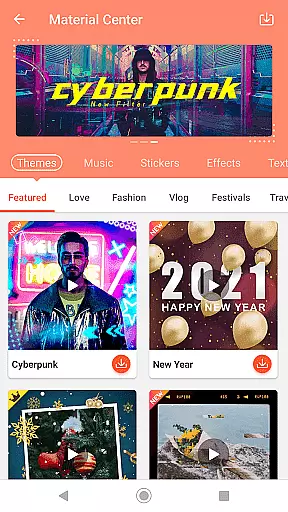
VideoShow Pro is a premium video editing application that offers an exceptional editing experience without the limitations of watermarks or advertisements. Designed for both amateur and professional editors, this app allows users to export videos in 1080p and even supports 4K resolution. With access to exclusive materials and up to 20 FX effects per video, VideoShow Pro provides a rich set of features to enhance creativity.
The app stands out with its user-friendly interface, enabling users to create stunning videos by integrating photos, music, filters, and sound effects effortlessly. Whether you're looking to beautify your content with transitions, text, or live dubbing, VideoShow Pro delivers a comprehensive suite of tools to express various moods and styles in your videos.
VideoShow Pro boasts an array of powerful features tailored for efficient and creative video editing. Users can zoom and rotate videos at will, create videos without pre-transcoding, and mix photos and videos seamlessly. The app includes a fantastic Materials Store offering themes, music, text styles, stickers, sound effects, and fonts, allowing for extensive customization.
Additional highlights include elaborate themes for occasions like birthdays or anniversaries, square themes for social media optimization, and robust audio support with options for online music, local tracks, and multi-music layers. Stunning one-step filters, diverse subtitle styles, and sharing capabilities to social networks further enhance the app's utility and appeal.
VideoShow Pro stands out in its exceptional support for a wide range of video formats, making it an indispensable tool for both amateur and professional video editors. The app supports high-resolution video editing, including 1080p and 4K video exports, ensuring that your projects maintain the highest quality possible.
The ability to handle various video resolutions and formats without the need for pre-transcoding simplifies the editing process significantly. This means users can import videos from different sources and devices without worrying about compatibility issues or time-consuming conversions.
With VideoShow Pro, you have the flexibility to create videos that meet specific platform requirements or personal preferences. Whether you're preparing content for social media, YouTube, or professional presentations, the app's comprehensive format support ensures your videos will look great on any screen or platform.
Incorporating advanced AI technology, VideoShow Pro revolutionizes the video editing experience by offering powerful tools that simplify complex editing tasks. One standout feature is the automatic video optimization, which uses AI algorithms to enhance video quality with just one click, applying stunning filters and effects tailored to your content.
The app also includes intelligent scene detection, which automatically identifies and segments different parts of your video. This allows for seamless transitions and effects application, saving you time and effort in post-production. Additionally, AI-driven audio processing ensures crystal-clear sound quality, removing background noise and enhancing voiceovers effortlessly.
VideoShow Pro's AI capabilities extend to its material suggestion engine, which intelligently recommends themes, music, and effects based on your video content. This personalized approach streamlines the creative process while maintaining professional-grade results, making sophisticated video editing accessible to everyone.
Ad-free experience
4K video support
Exclusive editing materials
Effortless video creation
Comprehensive toolbox
Premium version cost
High device requirements
Occasional lag
Limited free materials
Learning curve

HD Video player all format, HD Videos, Cast & Subtitle. No annoying ads.
 4.60
4.60
Video Player - Unlimited features, 30 days money back guarantee.
4.60
Search & download videos from net with all video downloader, auto-detect & safe.
4.60
GENRAL PRO - General Pro is the best video player that fully supports all formats.
4.70
Find, download, and play torrents with the official BitTorrent® Pro app
4.70
Connect EasyCap or UVC devices for recording and broadcast video/audio stream
3.60
Browser for Samsung TV to stream webvideos, online movies and livestreams in HD
4.10
Create, Publish & Maximize
4.70
convenient, safe and fast at Video Downloader & Player
4.60
Flud is a simple and beautiful BitTorrent client for Android.
4.80
Auto video maker with music & exclusive filters. Video editing made simple.
4.50
Fast, private downloading, video saving, social media
4.50
Video player, file manager for all formats, 4K/HD media player supports subtitle
4.30
Create & edit videos with AI
4.30
LumaFusion: The Ultimate Storytelling Experience for Video Editing
4.10
AI Video Editor:AI Music, Text to Video,Text to Speech,Auto Caption,Video Effect
4.00
Livestream, news, & gaming content. Watch, chat, and upload. Join Rumble today!
3.80
Mix with Virtual DJ directly from your phone or tablet !
3.10
Video player with powerful streaming playback and various convenient features.
2.10
VLC vs MX Player compared side-by-side: formats, subtitles, ads, privacy, and performance. Find out which free Android video player is right for you.



User Reviews