
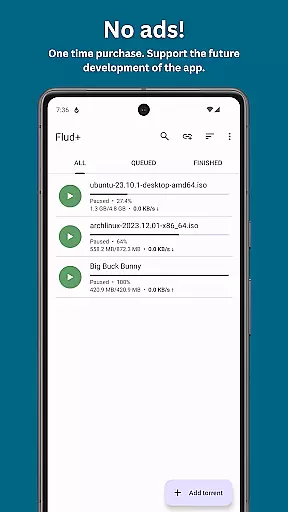
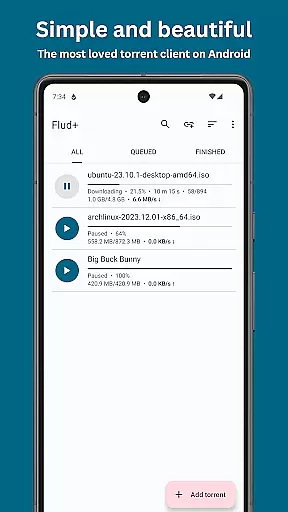
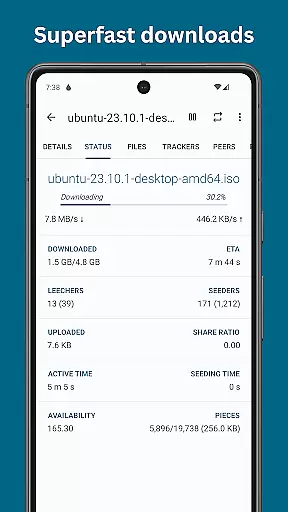
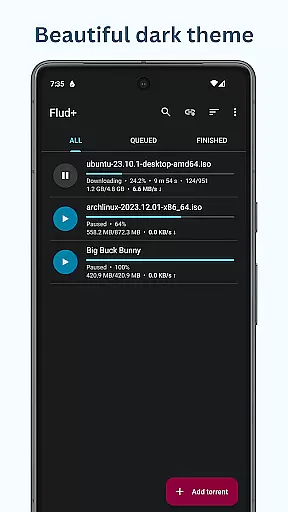
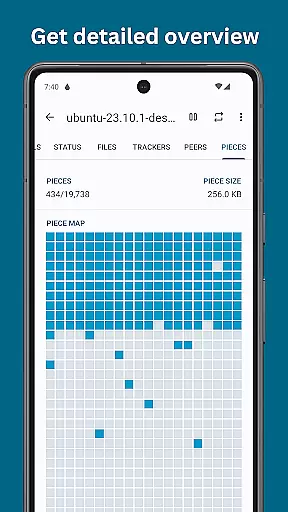
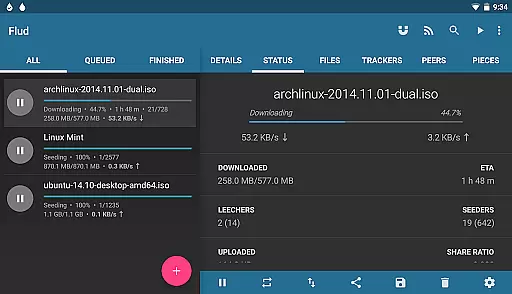
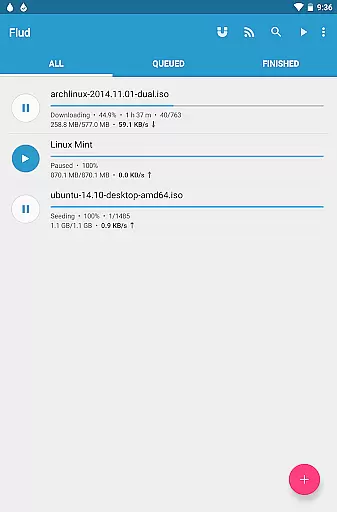
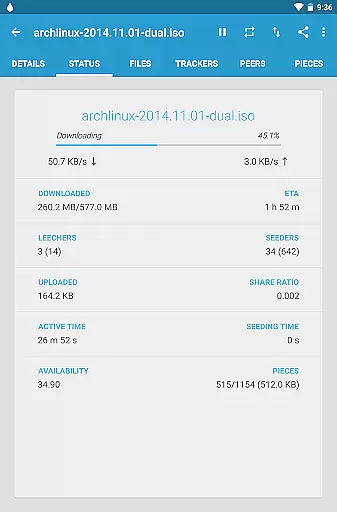
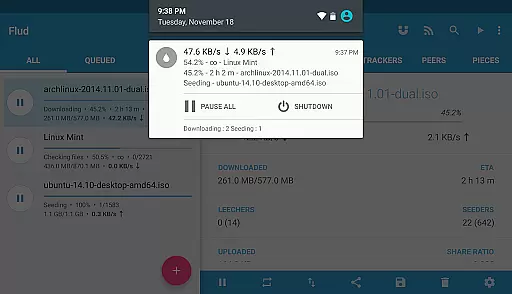
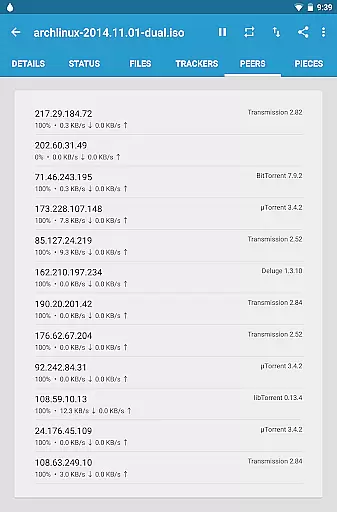
Flud+ is an advanced BitTorrent client designed specifically for Android devices, offering a seamless torrent downloading experience without any ads. This premium version builds upon the popular Flud app, providing users with enhanced theming options and additional features that elevate their file sharing and downloading capabilities.
The application supports a wide range of torrent functionalities including magnet links, RSS feeds with automatic downloading, and protocol support like DHT, UPnP, and µTP. With its sleek material design interface optimized for both phones and tablets, Flud+ delivers powerful performance in an elegant package. Whether you're downloading large files or managing numerous torrents simultaneously, this app ensures smooth operation and efficient resource management.
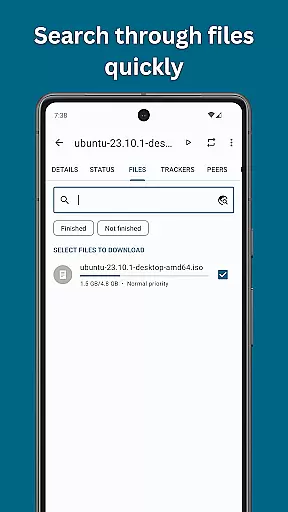
Flud+ is particularly beneficial for power users who require advanced controls such as setting file priorities, selecting specific files for download, and customizing network settings through proxy support. The ability to switch between light and dark themes along with other UI enhancements makes it suitable for extended use while maintaining visual comfort.
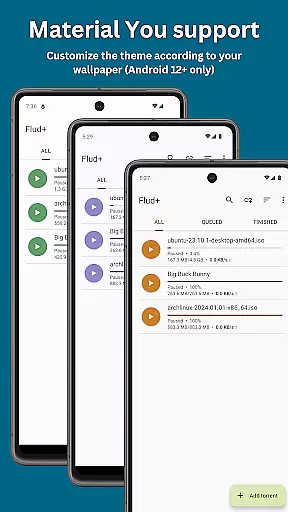
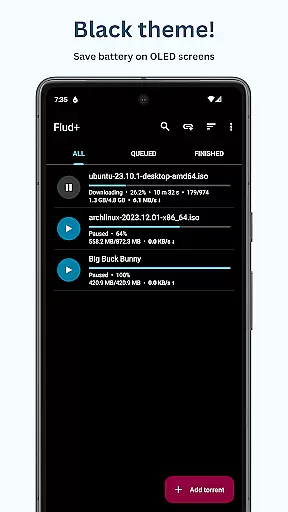
Flud+ distinguishes itself through a comprehensive set of features tailored for torrent enthusiasts. One notable aspect is its ad-free environment coupled with exclusive theming options like Material You support and a black theme, which enhance user experience significantly.
The app provides robust functionality with no speed limits on downloads/uploads, allowing users to maximize their internet bandwidth. It also includes practical tools such as the ability to move files during download, sequential downloading, and handling torrents with very large files—perfect for users dealing with extensive media libraries. Additionally, Flud+ recognizes magnet links directly from browsers and offers encryption support alongside IP filtering for increased security.
For those seeking convenience, Flud+ offers RSS feed integration with automatic downloading capabilities, ensuring that favorite content is always up-to-date without manual intervention. Its optimization for various storage formats—including FAT32 limitations—and compatibility with different network configurations make it versatile across diverse device setups.
Video format compatibility is a crucial feature for any video player and editor application. Flud+ excels in this area by supporting a wide range of torrent files, including those with large numbers of files and very big files. This ensures that users can download and play almost any video file type directly on their Android device.
The app's support extends to recognizing magnet links from browsers, enabling seamless integration with web content. With no speed limits on downloads or uploads, users can quickly obtain their desired video content. Additionally, the ability to select specific files for download allows for efficient management of storage space and bandwidth.
Flud+ also supports advanced protocols like NAT-PMP, DHT, UPnP, u00b5TP, and PeX, ensuring smooth and reliable downloads. These features collectively enhance the user experience by providing robust and versatile video format handling capabilities.
While Flud+ primarily focuses on torrent downloading, it incorporates several features that can be seen as AI-powered editing tools. For instance, the app allows users to specify file and folder priorities, which optimizes the downloading process based on user preferences. This smart prioritization can significantly enhance the efficiency of managing multimedia content.
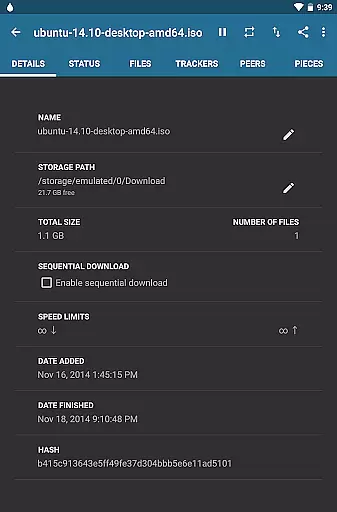
Another notable feature is the sequential downloading capability, which enables users to start watching videos before the entire download is complete. This is particularly useful for large video files, allowing users to enjoy content without waiting for the full download. The app also supports RSS feed subscriptions with automatic downloading, streamlining the process of keeping up with new content.
Moreover, Flud+ offers encryption support, IP filtering, and proxy support for trackers and peers, ensuring secure and private downloading. These features not only protect user data but also contribute to a safer editing environment when dealing with sensitive content.
Ad-free experience
Advanced theming options
No speed restrictions
Comprehensive protocol support
User-friendly interface
Paid version only
Limited to Android
Requires technical knowledge
No iOS availability
Large file size

Connect 2 UVC devices for recording and broadcast video/audio stream
 3.90
3.90
Your media, on your terms.
4.10
KineMaster, Your Ultimate Video Editor!
4.40
Play ALL formats in 4K & HD. Video downloader, MP3 player, Chromecast & more.
4.80
Powerful HD video player with support for all formats & subtitles.
4.4
All format media Player, no need video converter any more!
4.00
Live TV, anywhere in your home
3.80
Explore the largest library of free GIFs, Stickers & Memes - or create your own!
3.90
Browser for Samsung TV to stream webvideos, online movies and livestreams in HD
4.10
Download videos and play them offline
4.70
All in one HD video downloader & player for multiple formats with full privacy
4.70
HD Video player all format, HD Videos, Cast & Subtitle. No annoying ads.
4.60
Snaptubè Video Downloader app allows to download videos and music in Snaptube. .
4.60
IPTV Loader, loads your own Playlist. DOES NOT CONTAIN ANY LIST OR CHANNELS
4.60
Browser + Remote for Roku to stream webvideos, online movies and livestreams
4.60
Cast movies, tv shows and live streams to Chromecast, Roku, DLNA, Fire TV & more
4.60
1)AirPlay/DLNA Mirroring/Streaming, up to 4 connections; 2)Samba/NAS/DMS Player.
4.00
Stream Web Videos to Chromecast, Samsung, LG, Sony, Roku, Fire TV, DLNA + more
4.00
Watch full episodes of your favorite Cartoon Network and Cartoonito shows!
3.50
VLC vs MX Player compared side-by-side: formats, subtitles, ads, privacy, and performance. Find out which free Android video player is right for you.



User Reviews