
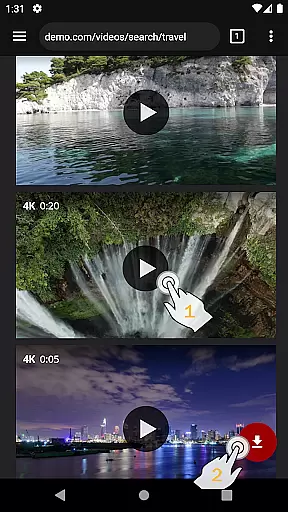
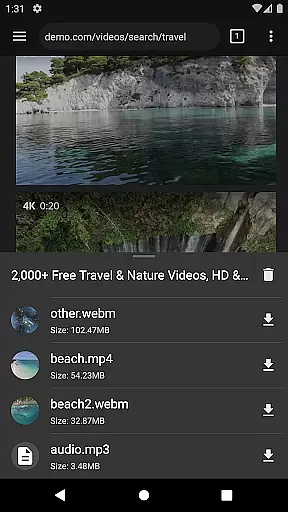
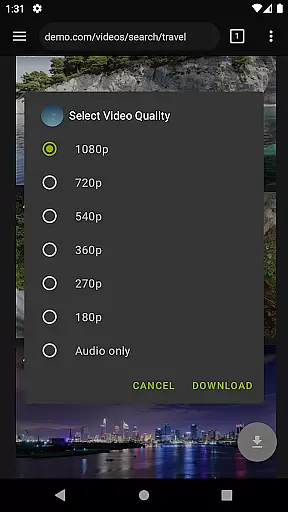
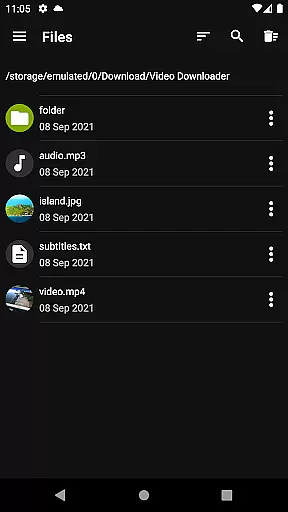
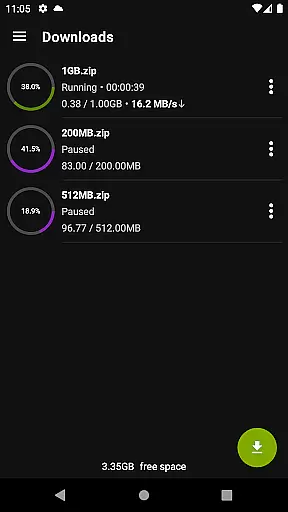

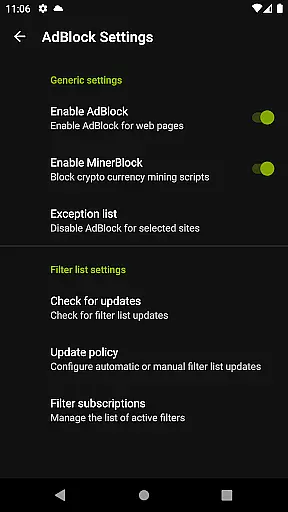
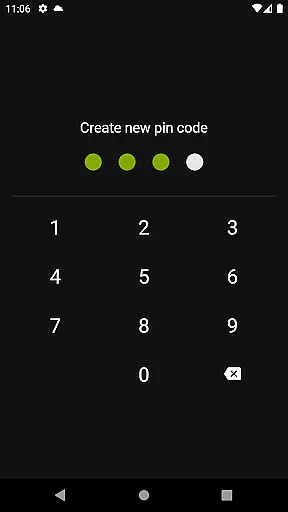
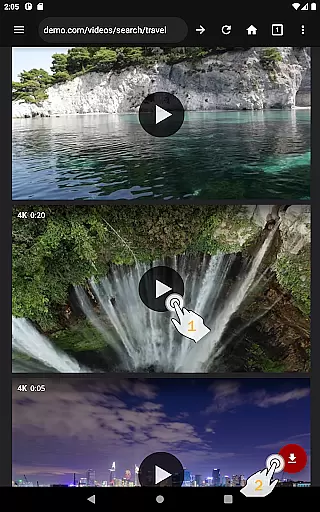
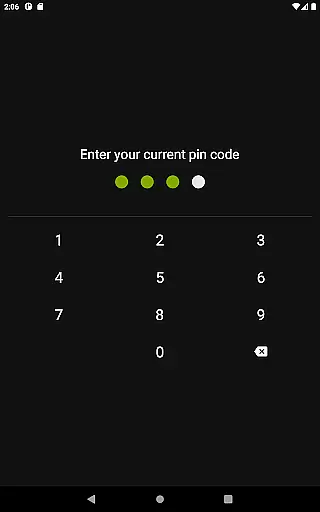
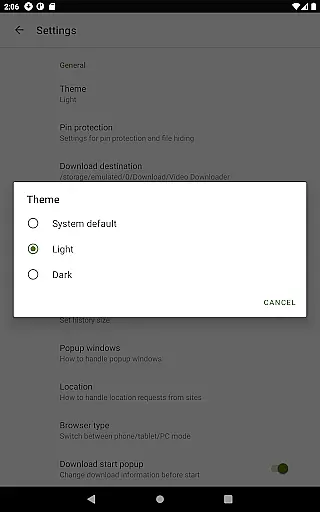
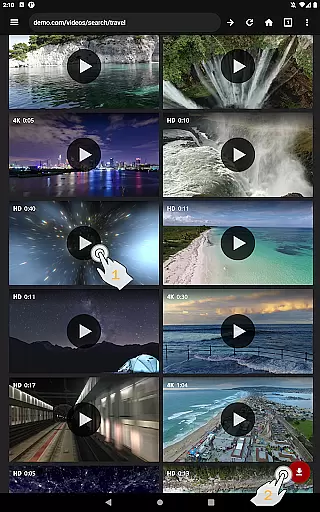
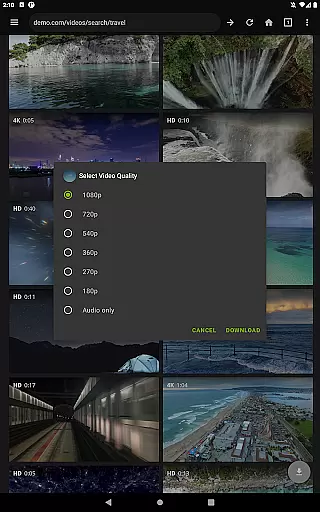
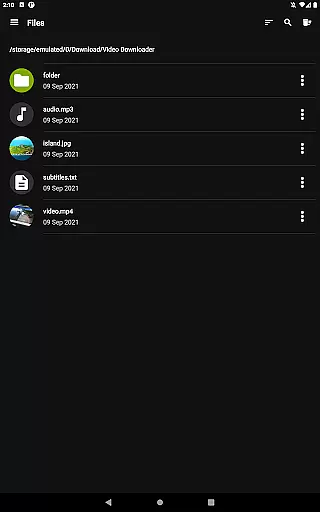
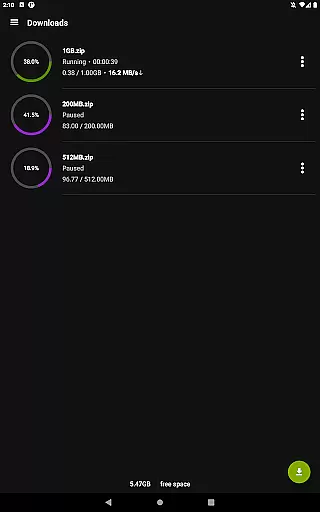
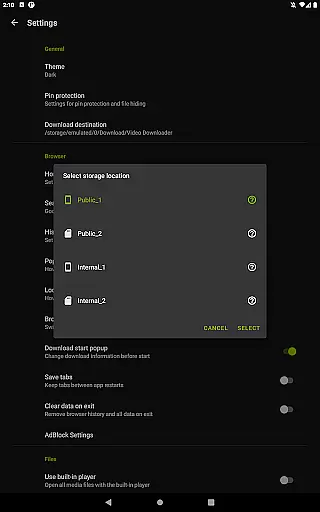
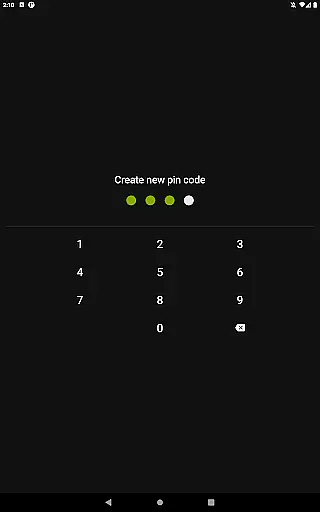
Video Downloader Pro is a premium application designed for users who need an efficient way to download and manage video content. The app offers the ability to download both static videos and live streams, allowing users to watch their favorite content offline at any time. With its private web browser, users can browse in incognito mode with PIN protection, ensuring privacy while downloading or streaming.
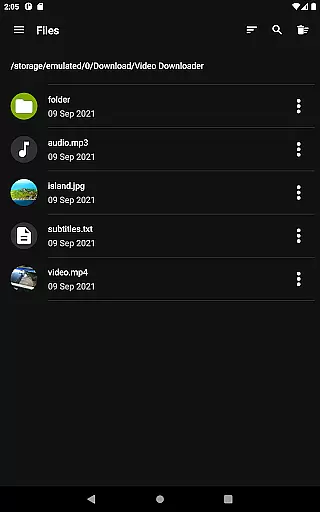
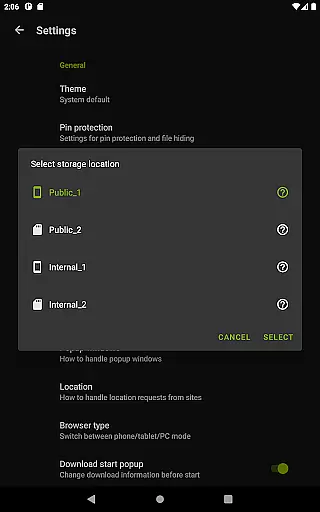
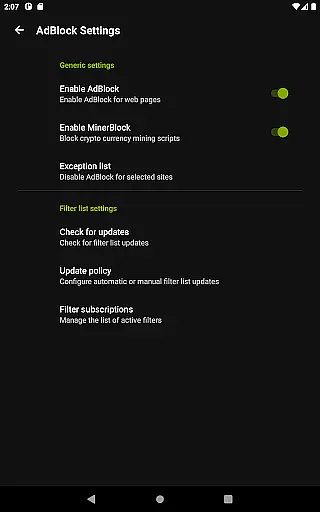
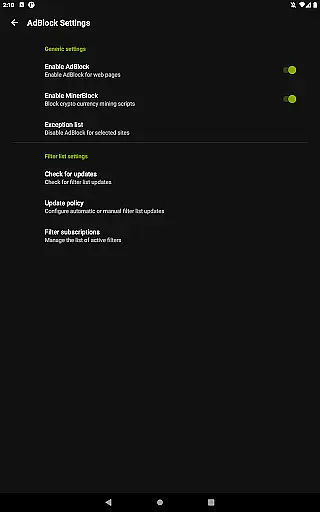
In addition to its core functionality, Video Downloader Pro includes advanced features such as a fully featured AdBlocker, multi-connection download manager, and support for multiple SD cards. These tools enhance the user experience by speeding up downloads and providing flexibility in storage options. Whether you're looking to download high-quality videos or manage large files, this app provides a comprehensive solution tailored to meet your needs.
One of the standout features of Video Downloader Pro is its ability to remove ads and provide access to premium functionalities like live video stream downloading. This ensures an uninterrupted viewing experience without distractions. The app also supports priority customer service, offering faster responses to user inquiries and technical issues.
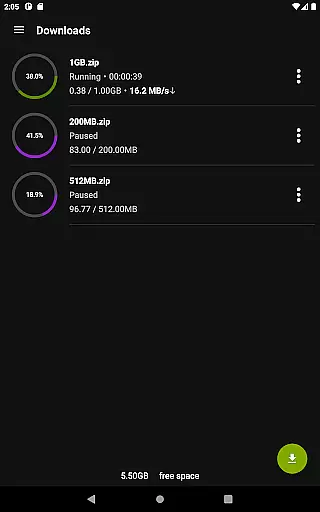
For those who value convenience, Video Downloader Pro allows users to bookmark pages, import and export bookmarks across devices, and download files in the background. It supports simultaneous downloads, pause-resume functionality, and handles large files over 4GB effortlessly. These capabilities make it an ideal choice for power users who demand reliability and performance from their video management tools.
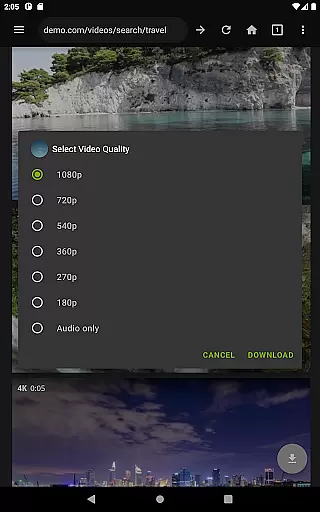
Video format compatibility is a crucial feature for any video downloader application. Video Downloader Pro ensures that users can download videos in various formats, catering to different needs and device compatibilities.
This app supports an extensive range of video formats, allowing users to save content in their preferred quality and file type. Whether it's MP4, AVI, or MKV, the app provides options that maintain the original quality of the video while also offering conversions for better device compatibility.
Users benefit from having the flexibility to choose the most suitable format for their devices, ensuring seamless playback without the need for additional conversion software. This versatility enhances user experience by accommodating individual preferences and technical requirements.
The comprehensive format support not only simplifies the downloading process but also enriches the overall utility of Video Downloader Pro, making it a go-to solution for users looking to manage their video libraries across multiple devices efficiently.
AI-powered editing features represent the cutting-edge advancement in video player and editor applications. Video Downloader Pro incorporates intelligent tools that automate and enhance the editing process, providing users with professional-grade capabilities at their fingertips.
These AI-driven functionalities include smart trimming, which automatically detects and suggests optimal cut points based on scene changes or audio cues. Additionally, the app offers automated enhancement options that adjust brightness, contrast, and color balance to improve video quality effortlessly.
For users, this means achieving polished results without requiring extensive technical knowledge or investing in separate editing software. The intuitive interface coupled with AI assistance empowers creators to produce high-quality content efficiently.
By integrating these advanced editing features, Video Downloader Pro sets itself apart as a versatile tool that not only downloads videos but also elevates them through sophisticated yet accessible editing options, enhancing both productivity and creative potential.
Ads-free browsing
Live stream downloads
Priority email support
Multi-device usage
48-hour refund policy
Premium version cost
Requires permissions
Limited free features
No automatic updates
Complex setup process

Video Downloader is an utility that can save videos and music from web sites
 4.20
4.20
Search & download videos from net with all video downloader, auto-detect & safe.
4.60
Powerful HD video player with support for all formats & subtitles.
4.2
All format media Player, no need video converter any more!
4.00
Video player with powerful streaming playback and various convenient features.
2.10
Make your own Animations, Video and Photo Edits, Visual Effects, and more!
4.00
Download Hub, easy and private way to download and enjoy your videos offline
4.80
Create, Publish & Maximize
4.70
Photo editor & video maker with music and slideshows.
4.10
Tik & Story Saver-Download ALL social media videos, photos & reels no watermark.
4.80
All in one HD video downloader & player for multiple formats with full privacy
4.70
HD Video player all format, HD Videos, Cast & Subtitle. No annoying ads.
4.60
Video Player - Unlimited features, 30 days money back guarantee.
4.60
Watch IPTV on your Android device
4.60
Browser + Remote for Roku to stream webvideos, online movies and livestreams
4.60
LumaFusion: The Ultimate Storytelling Experience for Video Editing
4.10
IPTV-Smarters Player Pro M3U - Watch Live Stream TV Channels with Chromecast
4.00
Live TV, anywhere in your home
3.80
Browser for Sony TV to stream web videos, online movies and live tv
3.20
VLC vs MX Player compared side-by-side: formats, subtitles, ads, privacy, and performance. Find out which free Android video player is right for you.



User Reviews