
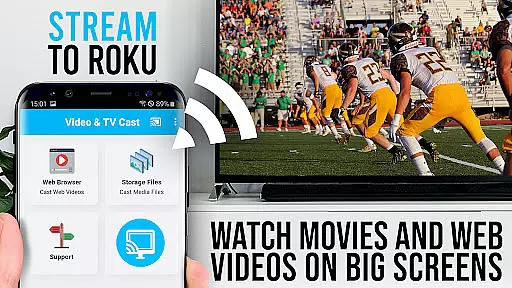
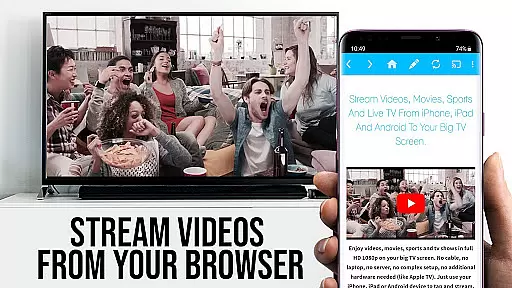
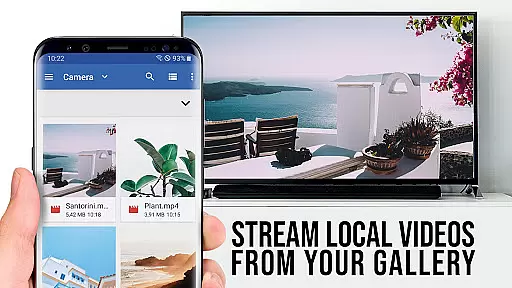
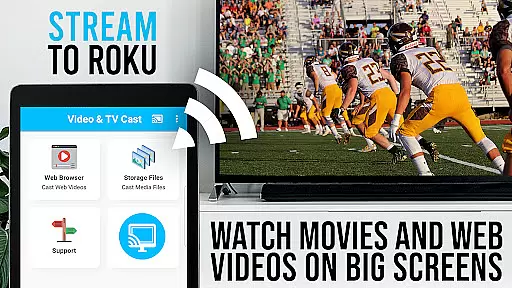
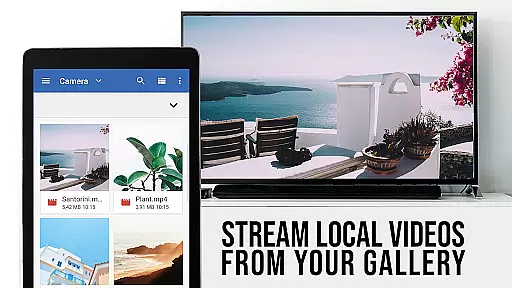
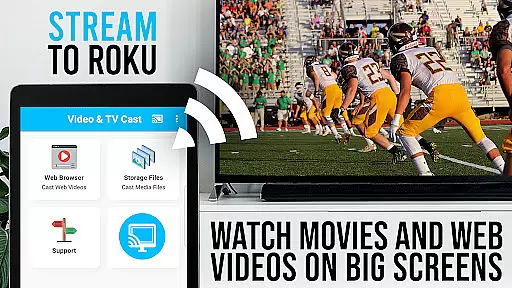
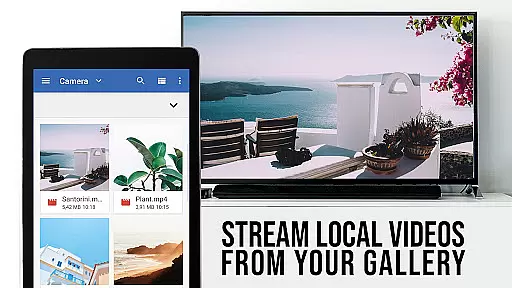
TV Cast Pro for Roku is the premier application that transforms your Roku streaming device into a versatile media hub. This app enables users to stream web videos, online movies, live streams, and TV shows directly on their largest screen with support for MP4, M3U8, HLS livestreams, video over HTTPS, and Full HD content. Integrated Roku Remote functionality allows seamless control of your Roku device.
This PRO edition unlocks all premium features including an Ad-Blocker, Bookmarks, Desktop Mode, and more. It's important to note that this app is only compatible with specific Roku models running firmware 5.1 or later and does not support DRM-protected content from platforms like Netflix or Amazon.
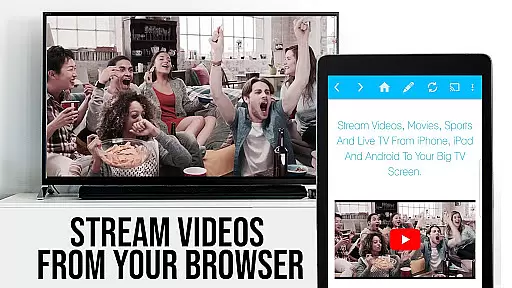
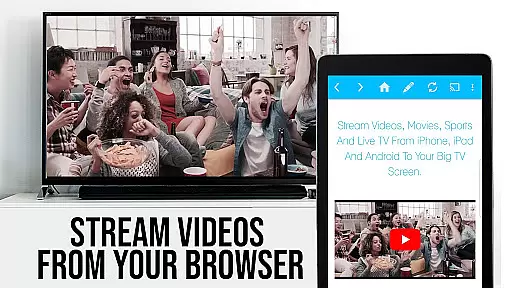
TV Cast Pro for Roku stands out with its ability to browse the web and cast any video with a single tap to your Roku device. The app discovers embedded videos on websites and displays them below the browser for easy casting. With the integrated Roku Remote, users can control video playback, switch channels, and manage other functions without needing a separate remote.
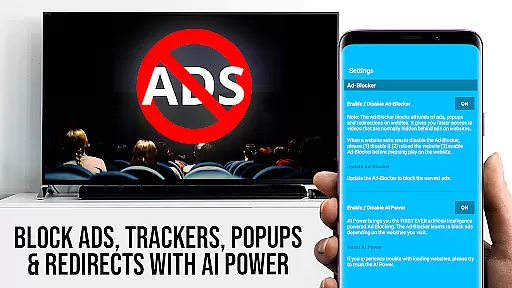
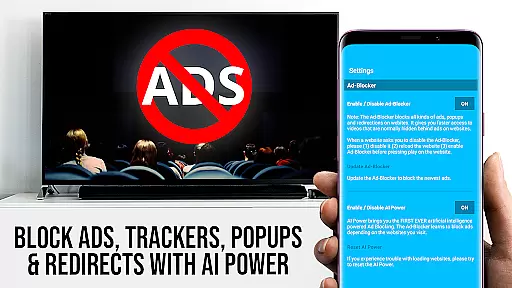
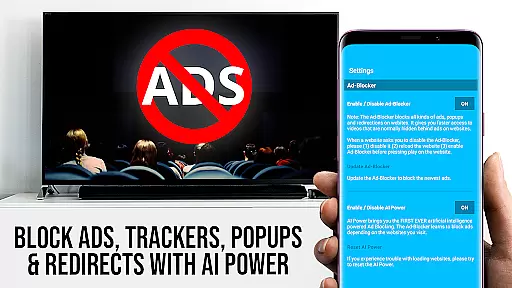
Premium features include an Ad-Blocker that removes ads and popups on most websites, customizable bookmarks for quick access to favorite sites, and a Desktop Mode that loads desktop versions of websites. Users also have the flexibility to change the homepage and enter direct video URLs for immediate playback. These features collectively enhance user experience by providing convenience, customization, and control over their streaming activities.
TV Cast Pro for Roku stands out with its robust video format compatibility, ensuring users can enjoy a wide range of content without limitations. The app supports popular formats such as MP4, M3U8, and HLS livestreams, making it versatile for various streaming needs.
Whether you're looking to watch web videos, online movies, or live TV shows, this application ensures that content over HTTPS and in Full HD is effortlessly streamed to your Roku device. This flexibility allows users to access high-quality streams directly on their biggest screen.
The importance of format compatibility cannot be overstated, especially when streaming diverse content from the web. By supporting an extensive array of formats, TV Cast Pro removes barriers and enhances user experience by providing seamless playback without the need for additional conversions or plugins.
Ultimately, this feature empowers viewers to explore and enjoy multimedia content from different sources, knowing they can rely on TV Cast Pro for Roku to deliver a smooth and high-quality viewing experience across supported formats.
While TV Cast Pro for Roku focuses primarily on streaming capabilities, it incorporates AI-powered features that enhance the overall user experience. Although not a traditional video editor, the app leverages intelligent algorithms to optimize video playback and ensure content is delivered efficiently to your Roku device.
One notable feature is the integrated ad-blocker, which intelligently filters out ads and popups on most websites. This creates a cleaner, uninterrupted viewing experience by preventing unwanted content from disrupting your video streams. Users can toggle this feature at any time through the settings menu, giving them control over their browsing environment.
Additionally, the app's ability to detect video links on web pages demonstrates a form of AI-powered content recognition. This smart detection system automatically identifies playable content and prepares it for casting to your Roku, streamlining the viewing process.
These intelligent features work together to create a more refined and user-friendly interface, setting TV Cast Pro apart from basic streaming applications and demonstrating how AI can be effectively implemented to improve both functionality and user satisfaction in video player applications.
User-friendly interface
Wide format compatibility
Integrated Roku remote
Ad-free browsing
Customizable settings
Limited Roku model support
No DRM content casting
Requires specific firmware
Device restarts may be needed
Ads in free version

KineMaster, Your Ultimate Video Editor!
 4.40
4.40
1)AirPlay/DLNA Mirroring/Streaming, up to 4 connections; 2)Samba/NAS/DMS Player.
4.00
Movie maker & video editing app with AI effects and green screen
4.30
All in one HD video downloader & player for multiple formats with full privacy
4.70
Play and download HD videos from all sources — fast, simple, and all-in-one.
4.3
LumaFusion: The Ultimate Storytelling Experience for Video Editing
4.10
Web Browser for LG TV to stream webvideos, online movies and livestreams in HD
4.20
AI Video Editor with Music, Filter, Slideshow, Effect, Merge & Trim Video.
4.80
VLC for Android is the best open source video and music player, fast and easy!
4.10
An easy-to-use and all-round screen recorder with audio
4.80
#1 Torrent App on Android ** No Ads Ever + Battery Saver **
4.80
Search & download videos from net with all video downloader, auto-detect & safe.
4.60
Cast to Chromecast, Xbox, Fire Stick, Roku, DLNA, Smart TV & No Feature Limited!
4.50
HD video maker with no watermark, no ads & vlog maker with music, PIP, text
4.50
Fast video downloader & private browser. Save HD clips to watch offline.
4.40
Powerful, professional, versatile teleprompter. Developed by an active film crew
4.00
All format media Player, no need video converter any more!
4.00
Capture images & record videos for USB Camera, Webcam, Microscopes, Endoscopes
3.80
Download videos easily & play them all in one smart, powerful video manager.
3.40
VLC vs MX Player compared side-by-side: formats, subtitles, ads, privacy, and performance. Find out which free Android video player is right for you.



User Reviews