
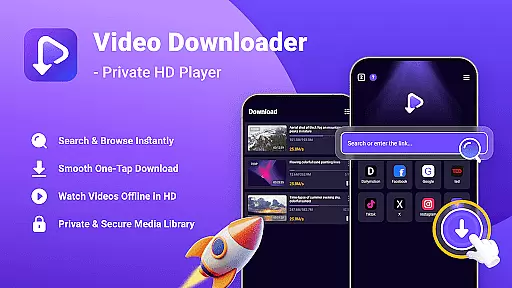
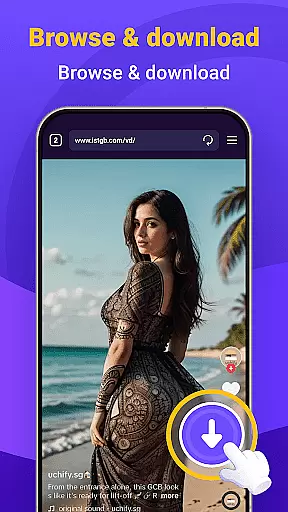
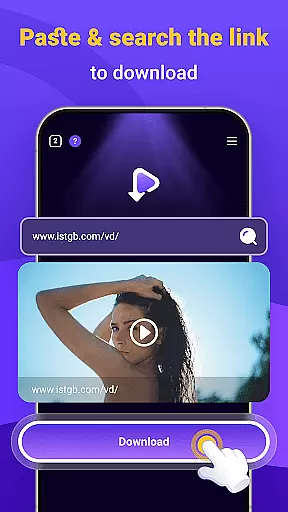
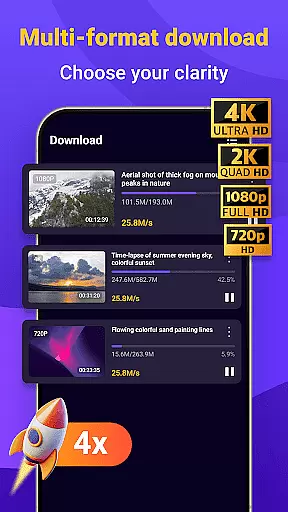
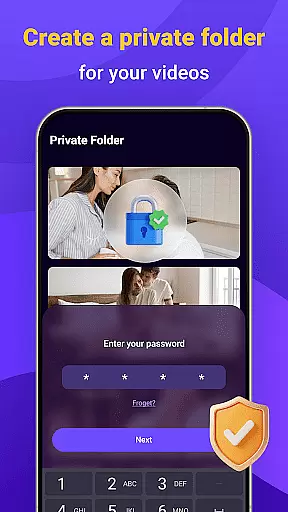
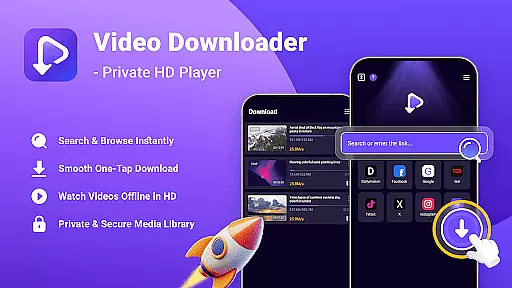
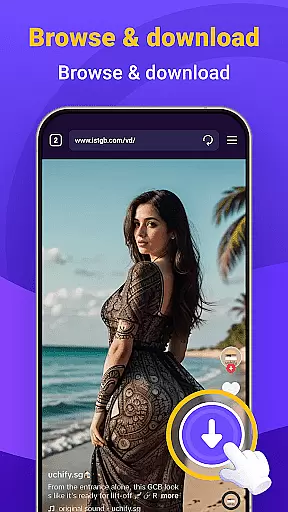
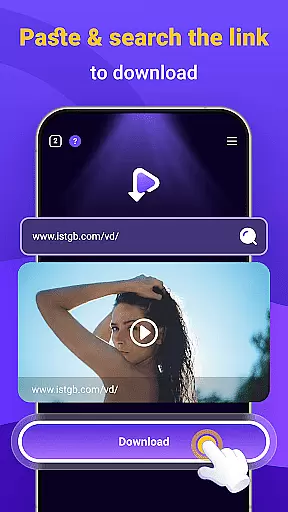
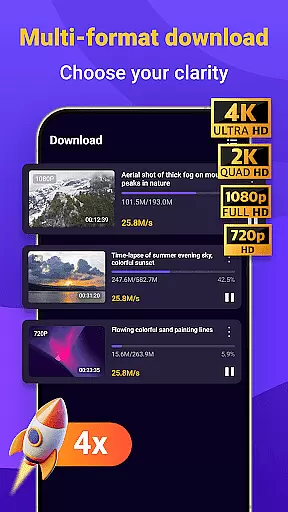
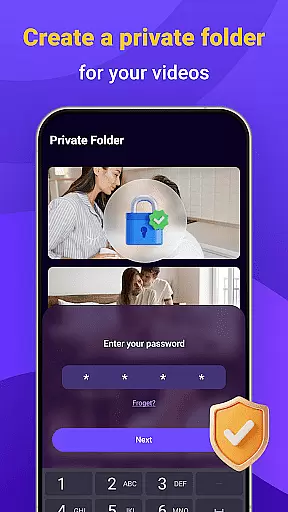
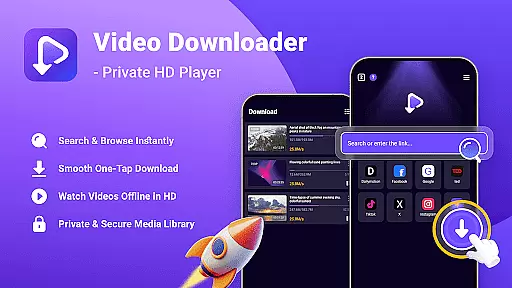
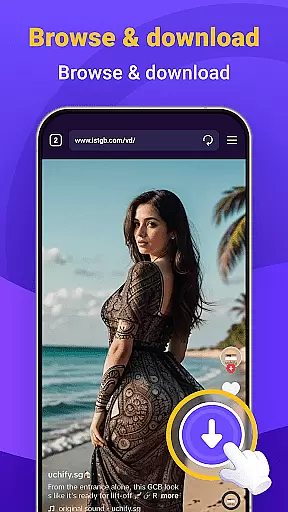
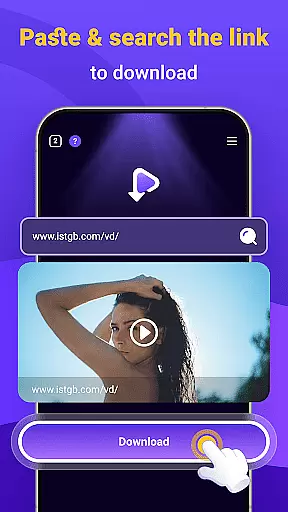
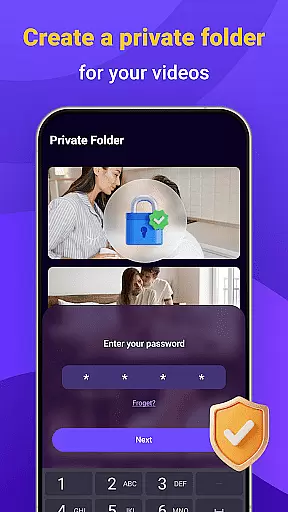
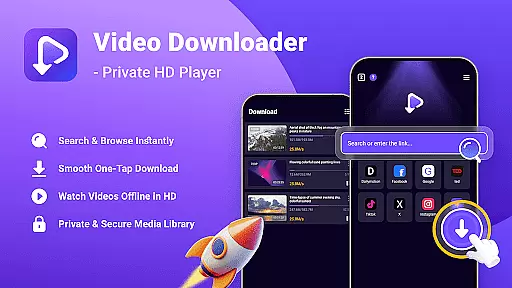
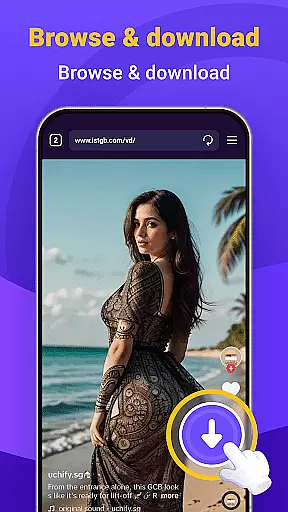
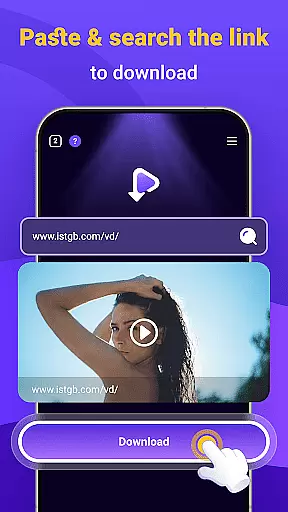
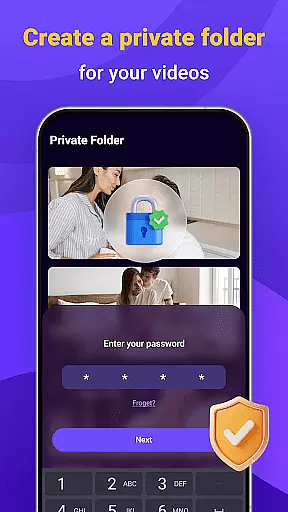
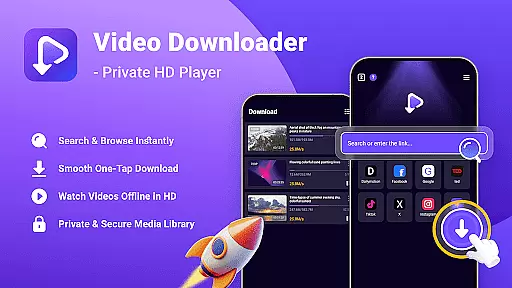
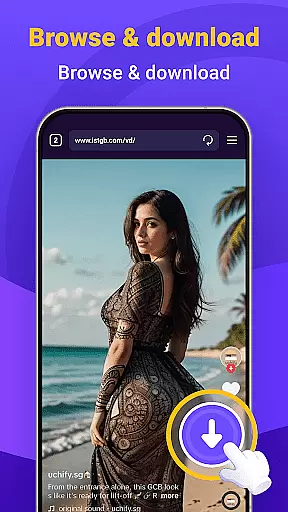
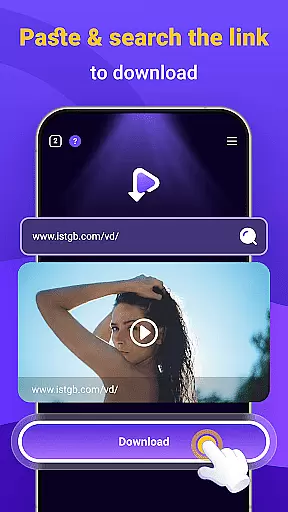
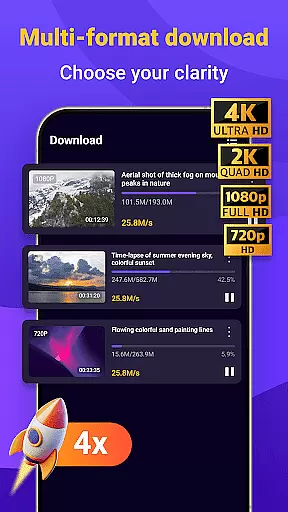
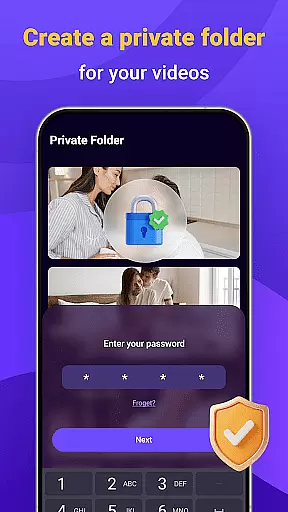
Video Downloader - Private HD Player is a versatile app designed for seamless video and audio file management. It allows users to search, download, and play HD videos in various formats such as MP4 and MP3 directly within the app. With its built-in search feature, users can easily find content without switching between multiple apps. The app also supports offline playback, ensuring media accessibility anytime, anywhere. Privacy controls are robust, allowing users to lock their libraries with a password and keep files securely on their device.
This all-in-one solution eliminates the need for additional apps by combining search, download, and playback functionalities. Whether commuting or traveling, users can enjoy high-quality video and audio playback without an internet connection. Its intuitive interface and reliable performance make it an ideal choice for managing personal media libraries efficiently while maintaining privacy.
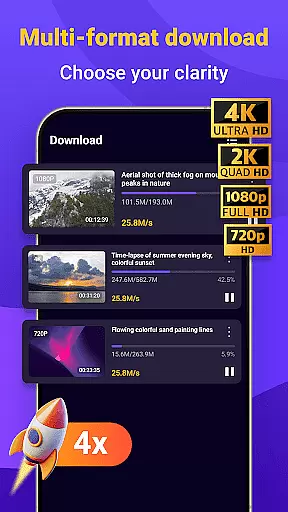
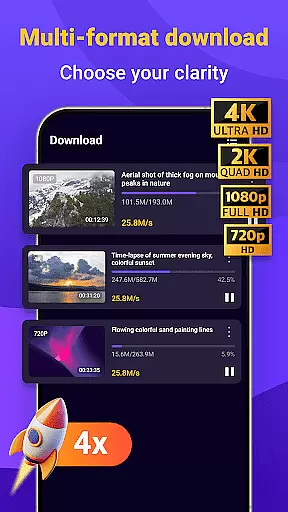
Video Downloader - Private HD Player offers several standout features that enhance user experience. One of its key capabilities is the one-tap download function, which allows users to save HD videos, MP3s, and other file formats quickly and easily. This feature ensures that users can build a comprehensive media library without hassle. Additionally, the app supports multiple file formats, including MP4, MP3, AVI, and more, providing flexibility for different types of media consumption.
Another notable feature is the offline HD playback functionality. Users can watch videos in full resolution or listen to audio files without needing an internet connection. This is particularly useful for those who travel frequently or have limited data access. Privacy and security are prioritized, with options to lock the media library using a secure password. These features collectively ensure that users have full control over their downloaded content while enjoying a smooth and private media experience.
Video format compatibility is a crucial feature for any video player, ensuring that users can enjoy content in various formats without technical limitations. Video Downloader - Private HD Player excels in this area by supporting an extensive range of file types including MP4, MP3, AVI, and more.
The app's wide format support allows users to download and play videos or audio files directly within the application, eliminating the need for additional conversion tools. This seamless integration simplifies the user experience, making it easy to manage media libraries with diverse file types.
With Video Downloader - Private HD Player, you can be confident that your media will play smoothly regardless of its original format. This flexibility ensures uninterrupted entertainment and access to your favorite content anytime, anywhere.
AI-powered editing features are transforming how users interact with their video content by providing intelligent tools that simplify complex editing tasks. Video Downloader - Private HD Player incorporates advanced AI technology to enhance the editing process, offering intuitive options for trimming, merging, and converting files.
The app leverages artificial intelligence to automatically optimize video quality and adjust settings based on the content being edited. This smart approach saves time and effort while ensuring professional-grade results without requiring specialized skills from the user.
By integrating these cutting-edge AI capabilities, Video Downloader - Private HD Player empowers users to create polished, high-quality videos effortlessly. Whether you're a casual creator or a seasoned editor, these innovative features provide valuable assistance in crafting engaging multimedia projects.
User-friendly interface
Fast download speeds
Wide format support
Secure privacy controls
All-in-one functionality
Limited advanced editing tools
Occasional download speed issues
No cloud backup option
Ads in free version
Large file storage needs

HD Video player all format, HD Videos, Cast & Subtitle. No annoying ads.
 4.60
4.60
Save photos and videos from social apps in one tap.
3.60
Watch full episodes of your favorite Cartoon Network and Cartoonito shows!
3.50
Pro video editor app for Instagram, edit video with song, AI, effect & slowmo.
4.80
Cast to Smart TV, Fire TV. Cast video, photo - Fast & Stable!
3.90
Browser for Samsung TV to stream webvideos, online movies and livestreams in HD
4.10
Fast & Private HD Video Downloader with Built-in Proxy Browser and Video Player.
4.50
Create, Publish & Maximize
4.70
convenient, safe and fast at Video Downloader & Player
4.60
Flud is a simple and beautiful BitTorrent client for Android.
4.80
Fast & easy HD video downloader for all formats, support 4K playback & download.
4.60
Viddo: Generate Action Figure, AI Anime, AI kiss, AI hug Video from image & text
4.40
Movie maker & video editing app with AI effects and green screen
4.30
Video player with 4K & 1080P support, popup play, background play and subtitle.
4.20
Your media, on your terms.
4.10
AI Video Editor:AI Music, Text to Video,Text to Speech,Auto Caption,Video Effect
4.00
Explore the largest library of free GIFs, Stickers & Memes - or create your own!
3.90
Mix with Virtual DJ directly from your phone or tablet !
3.10
Video player with powerful streaming playback and various convenient features.
2.10
VLC vs MX Player compared side-by-side: formats, subtitles, ads, privacy, and performance. Find out which free Android video player is right for you.



User Reviews