
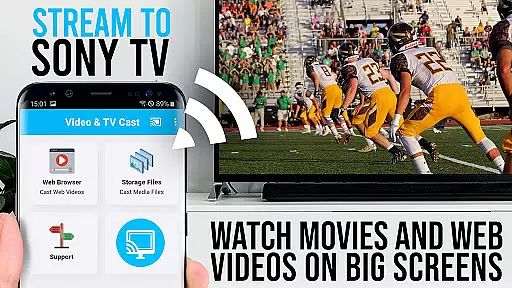
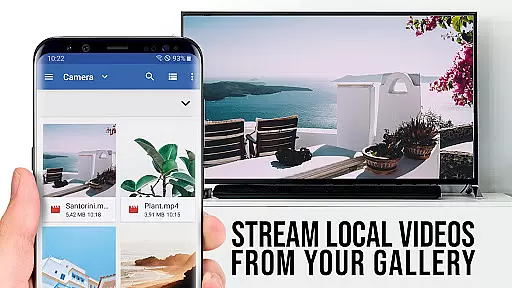
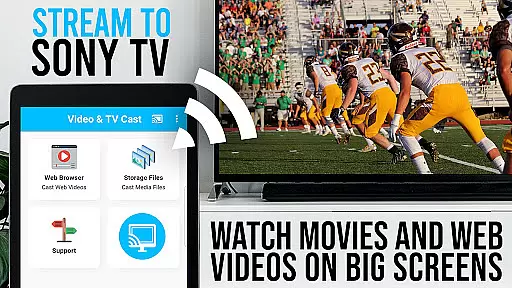
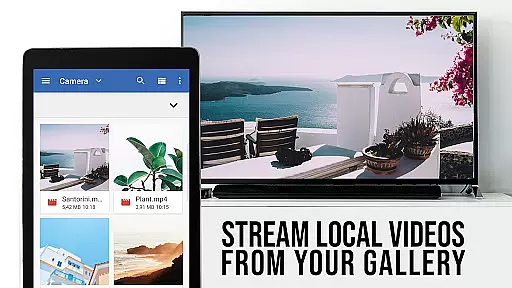
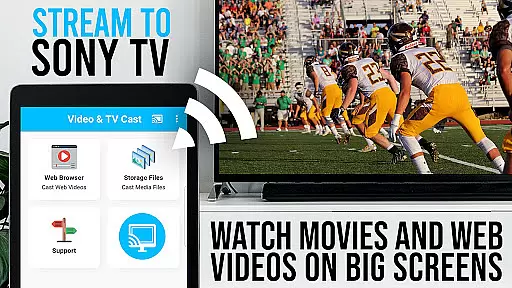
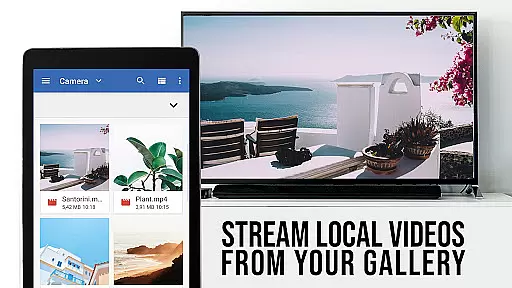
TV Cast Pro for Sony TV is a premier application designed to enhance your streaming experience by allowing you to watch web videos, online movies, livestreams, and live-TV shows directly on your Sony TV. This app eliminates the need for an additional streaming box, supporting formats like mp4, m3u8, hls livestreams, video over https, and Full HD content. It's tailored specifically for Sony TVs with the built-in Video & TV Cast app, offering users an unlocked premium feature set that elevates their viewing capabilities.
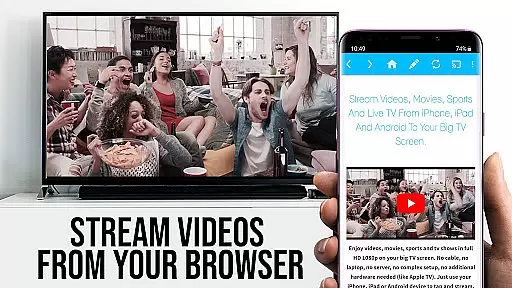
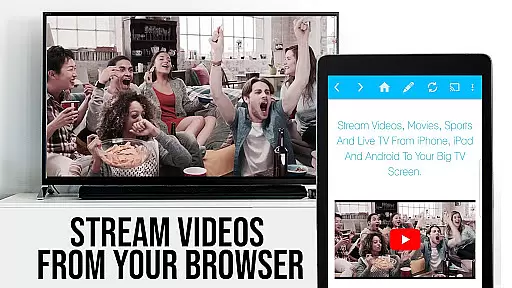
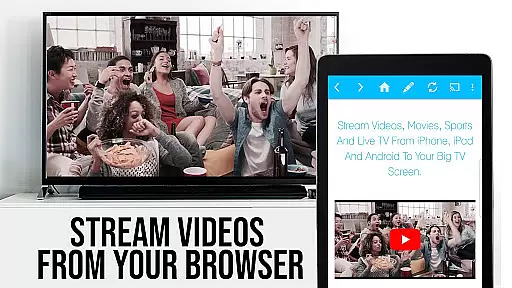
The app facilitates effortless browsing through websites to stream or cast any desired video onto your Sony TV. By simply navigating to your preferred site and tapping on the embedded video, it gets sent to your TV immediately. The detected video appears below the browser, ready for casting with another tap. This seamless interaction between your Android device and Sony TV transforms how you consume digital media at home.
With its specialized features, TV Cast Pro for Sony TV caters to those looking to expand their entertainment options without complicating their setup. Whether enjoying personal bookmarks or exploring new content via desktop mode, users benefit from advanced controls and uninterrupted viewing thanks to ad-blocking technology. This positions the app as a valuable tool for anyone seeking high-quality, flexible streaming solutions tailored specifically for Sony TVs.
TV Cast Pro for Sony TV distinguishes itself with a suite of powerful features designed to optimize the streaming experience. At its core, the app offers Remote Playbar functionality, enabling users to control video playback with precision—scrubbing, forwarding, rewinding, playing, pausing, and stopping—all while browsing. This level of control ensures that viewers can manage their content consumption effectively, enhancing overall satisfaction.
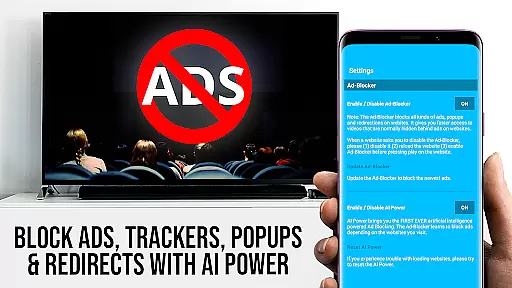
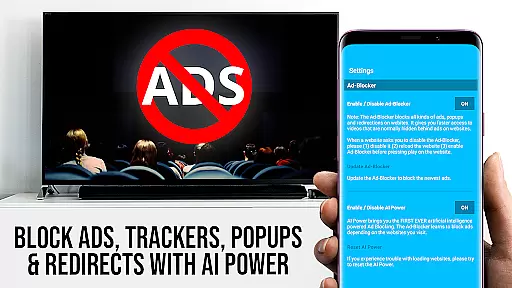
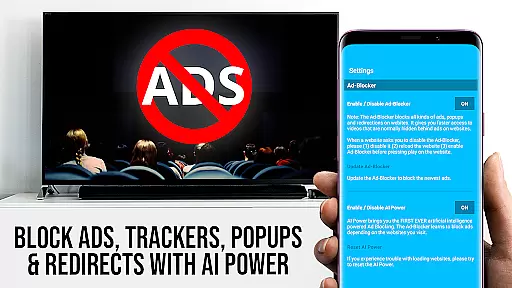
In addition to advanced playback controls, the app includes an Ad-Blocker that significantly improves the viewing experience by eliminating ads and popups on most visited websites. Users can toggle this feature at will within the settings, ensuring a clean and uninterrupted interface. Furthermore, the ability to create and manage bookmarks allows for quick access to favorite sites or videos, streamlining the process of finding and enjoying preferred content.
Another standout feature is Desktop Mode, which changes the browser user-agent to mimic a desktop PC. This enables loading desktop versions of websites instead of mobile ones, broadening the range of accessible content. Coupled with customizable homepage settings, these features provide unparalleled flexibility in how users interact with digital media on their Sony TVs. Together, they ensure that TV Cast Pro remains a versatile and indispensable tool for modern streaming needs.
TV Cast Pro for Sony TV offers extensive video format compatibility, ensuring users can enjoy a wide range of content without limitations. The app supports popular formats such as mp4, m3u8, and hls livestreams, allowing seamless streaming of videos directly to Sony TVs.
This flexibility in video format support means that whether you're watching web videos, online movies, or live TV shows, the experience remains smooth and uninterrupted. Users can also stream content over https, making it possible to access secure video streams without any hassle.
With Full HD support, the app guarantees high-quality playback, bringing out the best in your viewing experience. This feature is particularly beneficial for those who demand top-notch video quality on their big screens.
By eliminating the need for an additional streaming box, TV Cast Pro simplifies the entertainment setup while maintaining broad format compatibility. This convenience ensures that users can focus on enjoying their content rather than troubleshooting technical issues.
While TV Cast Pro for Sony TV focuses primarily on streaming capabilities, its AI-powered editing features enhance the overall user experience by providing advanced video control options. One standout feature is the Remote Playbar, which allows users to manage video playback with functions like scrubbing, forward, rewind, play, pause, and stop.
The app includes an Ad-Blocker that removes ads and popups from most websites, creating a cleaner viewing environment. This feature can be toggled on or off in the settings, giving users control over their browsing experience.
Additionally, the Desktop Mode feature changes the browser's user-agent, enabling the loading of desktop versions of websites. Although this doesn't affect video casting on sites serving Flash videos, it provides more comprehensive web access.
These AI-driven tools collectively contribute to a more refined and user-friendly interface, empowering viewers to customize their streaming sessions according to personal preferences and needs.
User-friendly interface
Advanced video controls
Effective ad-blocking
Customizable bookmarks
Desktop mode option
Limited to Sony TVs
No full device mirroring
DRM protected content not supported
Requires specific TV models
Connection issues possible

The smartest M3U IPTV Player your playlists have ever seen.
 4.3
4.3
Online Videos Player
3.90
A full editing room to accompany your Insta360 cameras and handheld gimbals.
3.30
Support 1000+ Video Format, Subtitle Download, mp3 & Background Play, Cast On TV
4.60
Fast & Private Video Downloader App. Save all videos easily from the Internet.
4.40
IPTV Loader, loads your own Playlist. DOES NOT CONTAIN ANY LIST OR CHANNELS
4.60
Screen recorder with audio to take live videos & Screenshot in high quality!
4.70
Create, Publish & Maximize
4.70
Capture the moment and Cut
3.40
Find, download, and play torrents with the official BitTorrent® Pro app
4.70
Search & download videos from net with all video downloader, auto-detect & safe.
4.60
Video player, file manager for all formats, 4K/HD media player supports subtitle
4.30
KMPlayer Plus (Divx Codec) officially support Divx codec.
4.30
Powerful video player with advanced hardware acceleration and subtitle supports
4.20
Kodi media center, a free and open source cross-platform entertainment hub
3.60
Connect EasyCap or UVC devices for recording and broadcast video/audio stream
3.60
IPTV Player - Watch live TV from m3m & m3u8 playlist, stream IPTV on mobile
3.30
Video player with powerful streaming playback and various convenient features.
2.10
Play and download HD videos from all sources — fast, simple, and all-in-one.
4.0
VLC vs MX Player compared side-by-side: formats, subtitles, ads, privacy, and performance. Find out which free Android video player is right for you.



User Reviews