
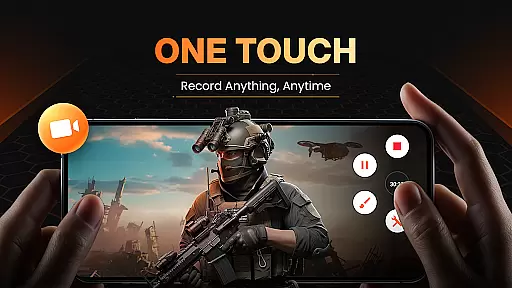
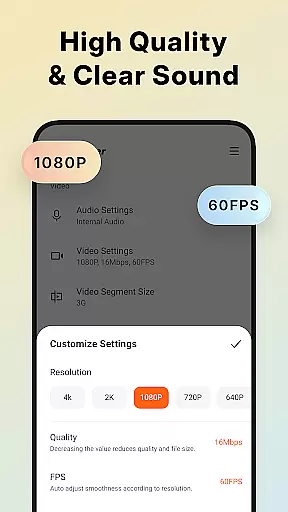
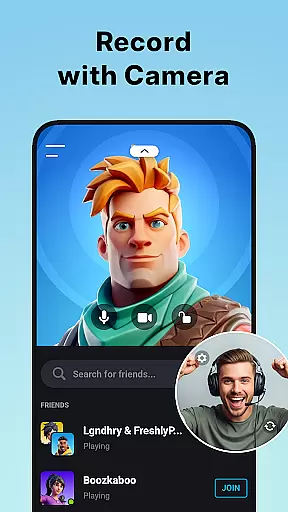
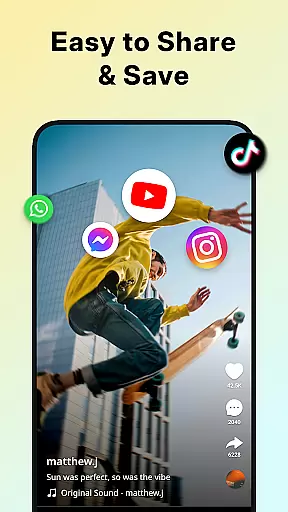
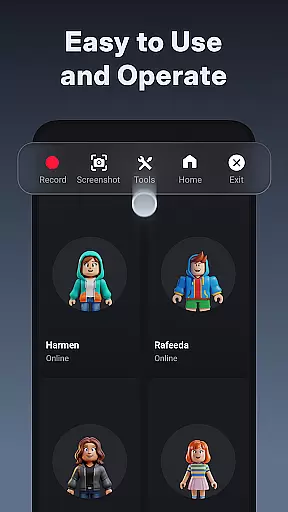
XRecorder is a versatile screen recording application designed for capturing high-quality video content on Android devices. The app offers professional-grade features including Full HD 1080p recording at 60FPS, internal audio capture, and facecam functionality.
Key capabilities include live streaming to platforms like YouTube, video editing tools, and customizable floating controls. The app stands out with its no-watermark policy, no recording time limits, and support for both internal storage and SD card saving options.
Ideal for gamers, content creators, and tutorial makers, XRecorder enables users to record gameplay, create video tutorials, and capture important moments without technical limitations. Its comprehensive feature set makes it valuable for both casual and professional use cases.
XRecorder distinguishes itself through innovative features tailored for modern content creation needs. The app's floating ball interface provides quick access to recording functions while offering customization options for opacity and style.
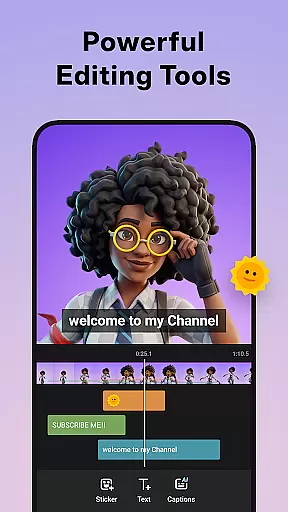
Advanced recording capabilities include 120 FPS support for smooth gameplay capture, internal audio recording for Android 10+, and multiple video quality settings from 240p to 1080p. The built-in video editor allows users to trim, crop, add music, and adjust playback speed.
Unique features like the trash bin system with 3-day recovery period, alternative storage location options, and professional-grade export settings demonstrate the app's commitment to user convenience and professional results.
Video format compatibility is a crucial feature for any video player and editor, ensuring that users can work with a wide range of video files without conversion hassles. Screen Recorder - XRecorder excels in this area by supporting various resolutions and frame rates, from 240p to 1080p Full HD and 15FPS to 60FPS. This flexibility allows content creators to record and edit videos tailored to different platforms and audience preferences.
The application's ability to export videos in custom settings, including bitrate up to 12Mbps, ensures high-quality output suitable for professional use. Whether you're recording gameplay or creating video tutorials, the option to adjust these parameters guarantees your content will look its best on any device or platform. Furthermore, support for high frame rate recording at 120 FPS offers an enhanced visual experience, capturing even the fastest movements smoothly and clearly.
For users who require audio recording alongside video, XRecorder provides internal audio recording functionality for devices running Android 10 or above. This feature records sound without background noise, maintaining clarity and fidelity. Additionally, the app supports adding popular music tracks to videos, making it a versatile tool for producing engaging multimedia content. With such comprehensive format compatibility, Screen Recorder - XRecorder empowers users to unleash their creativity without technical limitations.
AI-powered editing features are revolutionizing how we create and edit videos, offering smart tools that simplify complex tasks and enhance productivity. Screen Recorder - XRecorder incorporates several AI-driven functionalities designed to streamline the editing process while delivering professional-grade results. One standout feature is the automatic video trimming and cutting tool, which intelligently identifies key segments within your footage, allowing for precise edits with minimal effort.
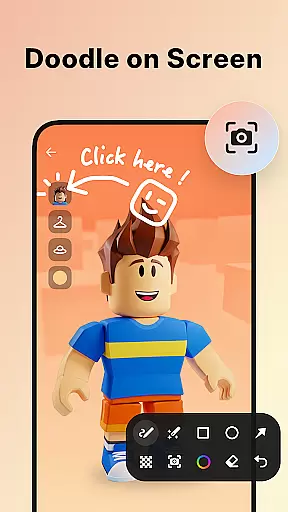
In addition to basic trimming, XRecorder offers advanced options like removing the middle part of a video seamlessly, adjusting playback speed, and applying stylish filters such as Story, Vintage, and Lomo. These AI-enhanced effects enable users to personalize their screen captures, adding unique touches that elevate the final product. The app also includes brush tools for drawing directly onto the screen during recordings, providing another layer of creative expression.
Another impressive aspect of XRecorder's AI capabilities is its facecam integration, which uses intelligent algorithms to position and resize the overlay window optimally. Users can freely drag this window anywhere on the screen, ensuring their reactions are captured naturally without obstructing important content. Combined with robust video stabilization and enhancement technologies, these AI-powered features make Screen Recorder - XRecorder an indispensable tool for anyone looking to produce polished, visually appealing videos effortlessly.
High-quality recording
No watermark
Live streaming
Facecam support
Video editing
Android 10+ needed
Premium features
Storage intensive
Complex UI
Battery usage

The smartest M3U IPTV Player your playlists have ever seen.
 4.3
4.3
Snaptubè Video Downloader app allows to download videos and music in Snaptube. .
4.60
Download website videos fast&privacy
4.40
Cast to Smart TV, Fire TV. Cast video, photo - Fast & Stable!
3.90
This app is an emulator of some specific IPTV boxes
3.50
A Simple app to download Video & Music from the Internet.
4.70
AI Video Editor with Music, Filter, Slideshow, Effect, Merge & Trim Video.
4.80
Livestream, news, & gaming content. Watch, chat, and upload. Join Rumble today!
3.80
Make videos you’re proud to share with Edits, a video editor for creators.
4.70
Flud is a simple and beautiful BitTorrent client for Android.
4.80
Fast & Private HD Video Downloader with Built-in Proxy Browser and Video Player.
4.50
Create & edit videos with AI
4.30
KMPlayer Plus (Divx Codec) officially support Divx codec.
4.30
Movie maker & video editing app with AI effects and green screen
4.30
Browser for Samsung TV to stream webvideos, online movies and livestreams in HD
4.10
1)AirPlay/DLNA Mirroring/Streaming, up to 4 connections; 2)Samba/NAS/DMS Player.
4.00
Stream Web Videos to Chromecast, Samsung, LG, Sony, Roku, Fire TV, DLNA + more
4.00
Manage your IPTV live channels and VOD playlists (no playlist included)
3.80
IPTV Player - Watch live TV from m3m & m3u8 playlist, stream IPTV on mobile
3.30
VLC vs MX Player compared side-by-side: formats, subtitles, ads, privacy, and performance. Find out which free Android video player is right for you.



User Reviews