
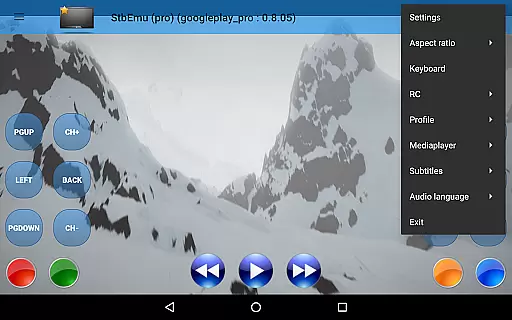
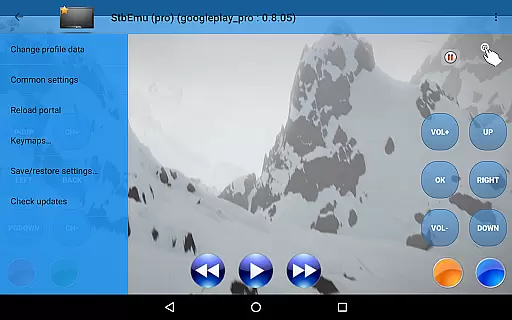
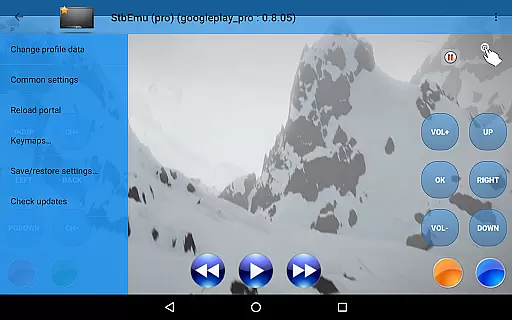
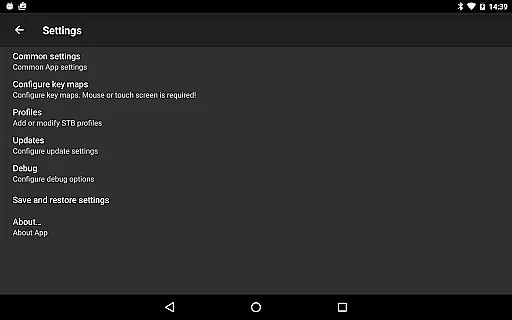
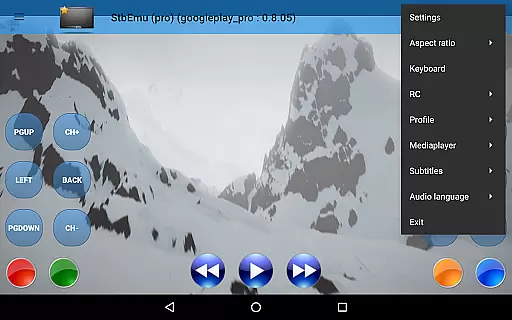
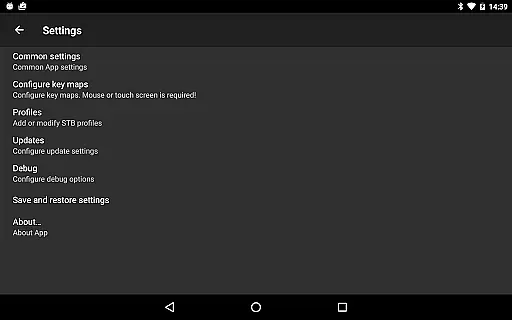
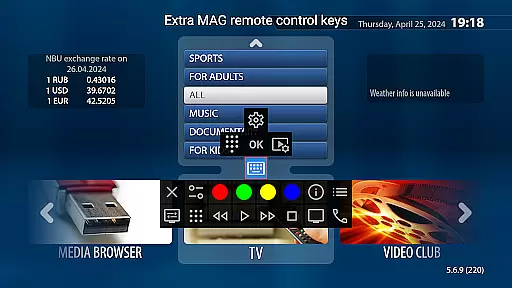
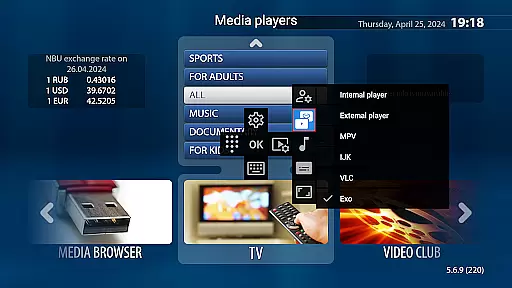
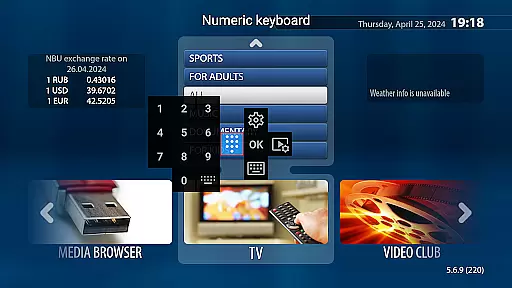
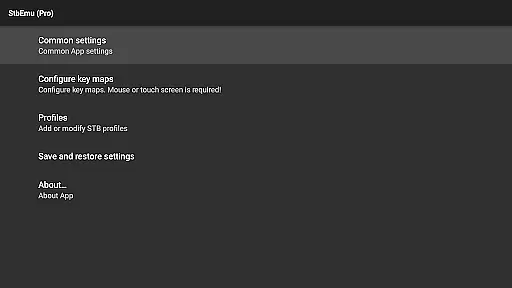
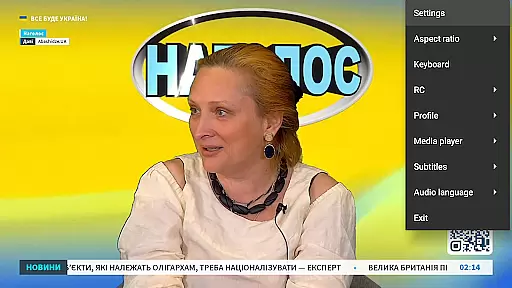
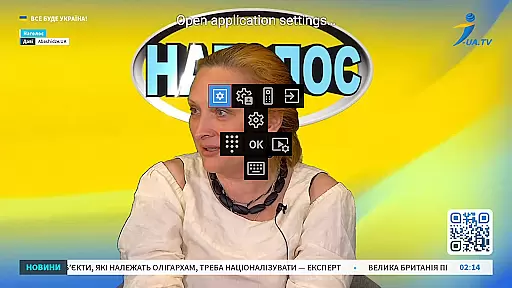

StbEmu (Pro) is a specialized video player application designed for IPTV services. This app allows users to emulate set-top box functionalities on their mobile devices, providing access to various IPTV content.
The core feature of StbEmu (Pro) is its ability to connect to specific IPTV portals, enabling users to stream live TV channels and on-demand content. It is particularly useful for advanced users who are familiar with configuring IPTV settings. The app requires initial setup to work correctly, including portal configuration and network settings adjustments.
This application is ideal for users who want to transform their Android device into a personalized IPTV box. With proper configuration, it offers a seamless streaming experience while maintaining high-quality video playback.
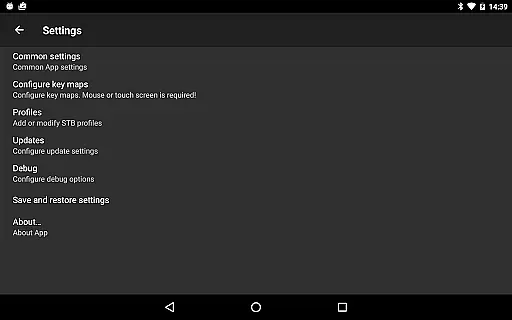
StbEmu (Pro) stands out with its extensive configuration options tailored for experienced IPTV users. The app supports multiple streaming protocols and provides advanced settings for fine-tuning the streaming experience.
Among its notable features is the support for custom IPTV portals, allowing users to connect to their preferred service providers. The app also includes tools for adjusting video codecs, network timeouts, and buffer settings, ensuring optimal performance across different network conditions.
Another key aspect is its wiki documentation, which offers comprehensive guidance for setting up and using the app effectively. While the app doesn't support m3u playlists, its robust configuration capabilities make it a powerful tool for dedicated IPTV users seeking full control over their streaming setup.
Video format compatibility is a crucial aspect of any video player application. StbEmu (Pro) offers support for various video formats, ensuring that users can enjoy their favorite content without worrying about format restrictions.
The app's configuration process allows users to customize settings based on their IPTV provider's requirements. This ensures optimal playback performance and reliability across different video formats supported by the IPTV service.
By supporting multiple video formats, StbEmu (Pro) provides flexibility for users who want to access diverse content types. Whether streaming live TV channels or on-demand videos, users can expect seamless playback experiences tailored to their specific needs.
While StbEmu (Pro) focuses primarily on IPTV playback functionality, it also incorporates AI-powered editing features to enhance user experience. These features enable users to personalize their viewing preferences and optimize video quality according to individual preferences.
The app's advanced settings include options for adjusting video parameters such as resolution, bitrate, and frame rate. By leveraging AI algorithms, StbEmu (Pro) automatically optimizes these settings based on network conditions and device capabilities, ensuring smooth playback performance.
Users benefit from enhanced control over their viewing experience through customizable editing features. Whether fine-tuning video settings or applying personalized filters, StbEmu (Pro) empowers users to tailor their IPTV experience to suit their unique preferences and requirements.
User-friendly interface
Advanced configuration options
High-quality video playback
Comprehensive documentation
Customizable settings
Not suitable for beginners
Requires manual setup
No m3u playlist support
Complex configuration process
Limited customer support

Video Trimmer, Video to MP3 Converter. Extract music from video, Easy & Fast.
 4.80
4.80
Watch a large amount of high-definition short drama content
4.60
Full HD Video mp3 Player, MP4 player play 1080p, File manager, Video Downloader
4.40
Powerful HD video player with support for all formats & subtitles.
4.1
Capture images & record videos for USB Camera, Webcam, Microscopes, Endoscopes
3.80
Download videos easily & play them all in one smart, powerful video manager.
3.40
An easy-to-use and all-round screen recorder with audio
4.80
IPTV Player - Watch live TV from m3m & m3u8 playlist, stream IPTV on mobile
3.30
AI Video Editor:AI Music, Text to Video,Text to Speech,Auto Caption,Video Effect
4.00
High-Quality USB Camera Viewer & HDMI Display
4.70
Screen recorder with audio to take live videos & Screenshot in high quality!
4.70
Fast & easy HD video downloader for all formats, support 4K playback & download.
4.60
Browser + Remote for Roku to stream webvideos, online movies and livestreams
4.60
Cast to Chromecast, Xbox, Fire Stick, Roku, DLNA, Smart TV & No Feature Limited!
4.50
Add date and time watermark to photos and videos
4.50
Create & edit videos with AI
4.30
Video Downloader is an utility that can save videos and music from web sites
4.20
Web Browser for LG TV to stream webvideos, online movies and livestreams in HD
4.20
Browser for Samsung TV to stream webvideos, online movies and livestreams in HD
4.10
VLC vs MX Player compared side-by-side: formats, subtitles, ads, privacy, and performance. Find out which free Android video player is right for you.



User Reviews