
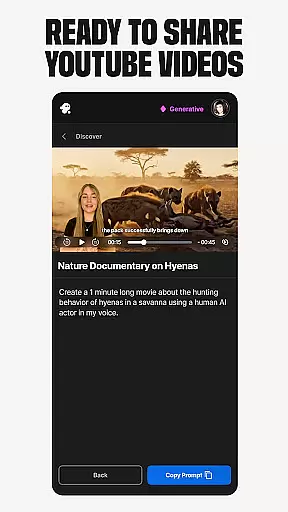
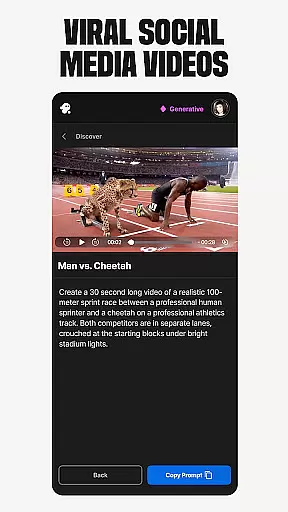
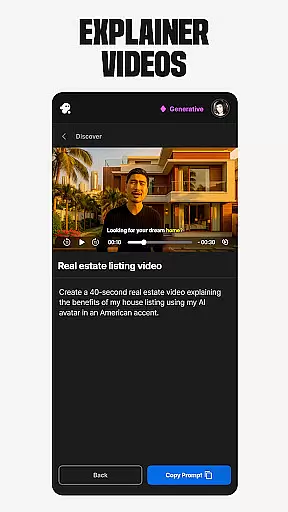
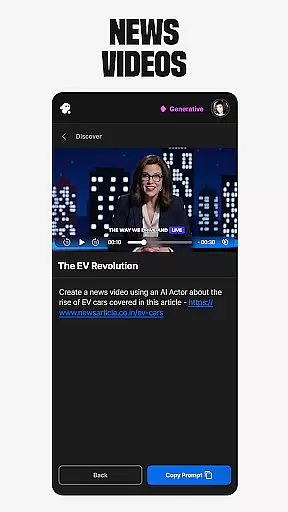
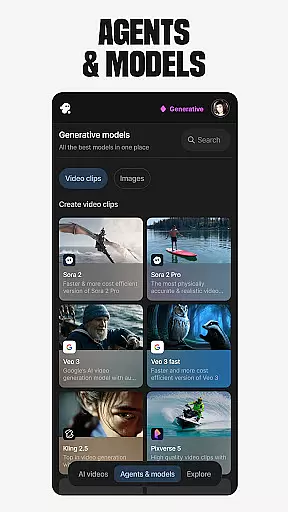
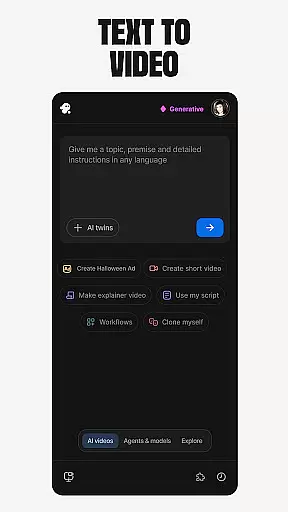
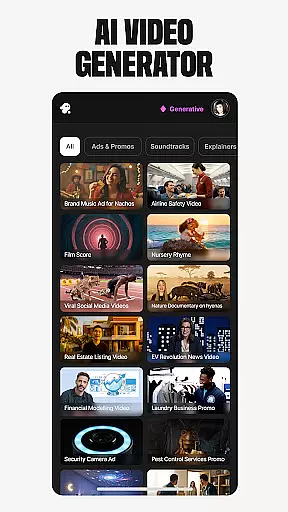
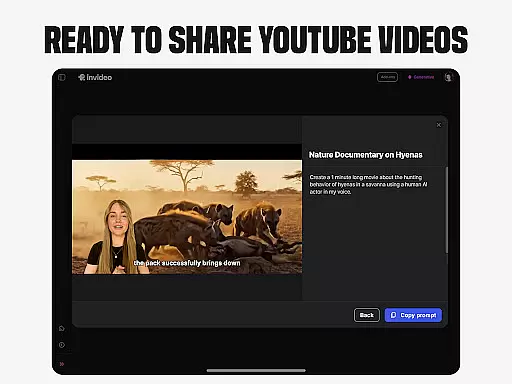
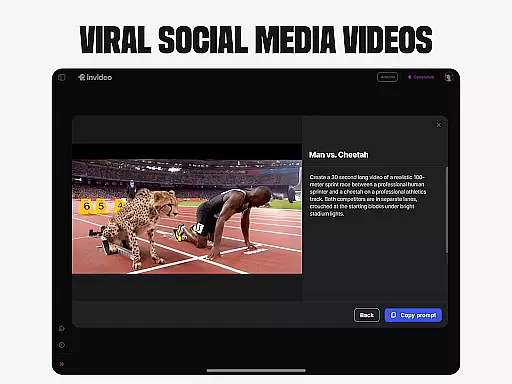
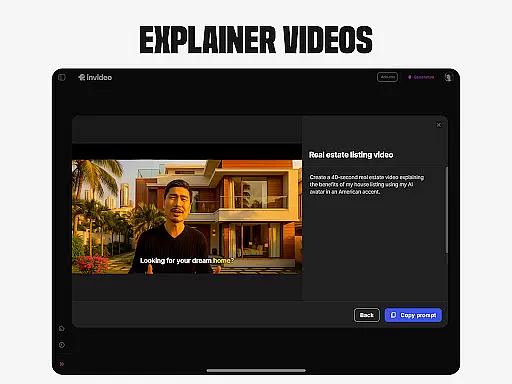
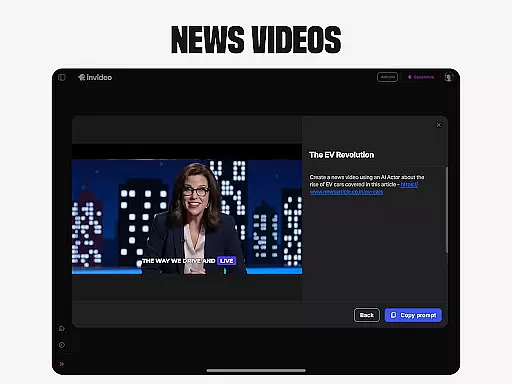
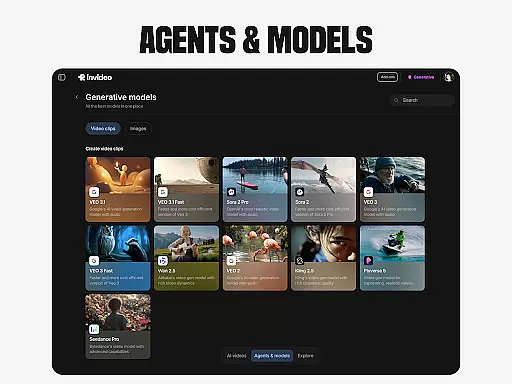
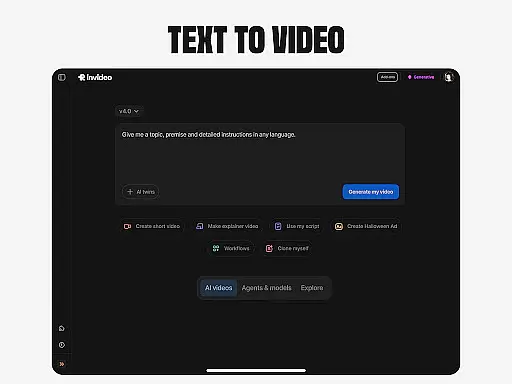
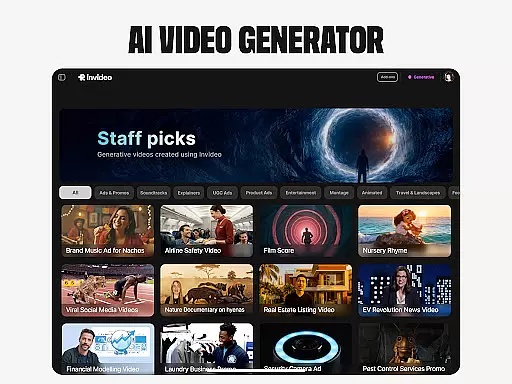
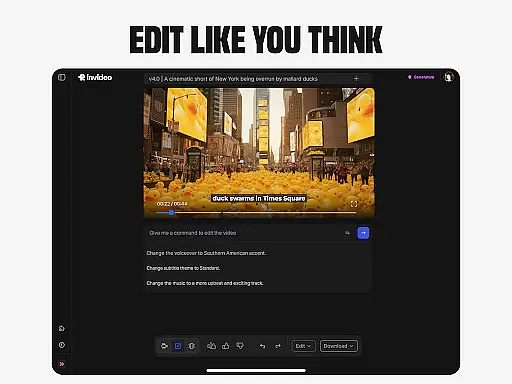
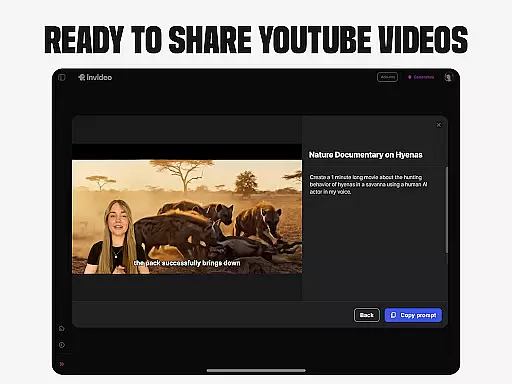
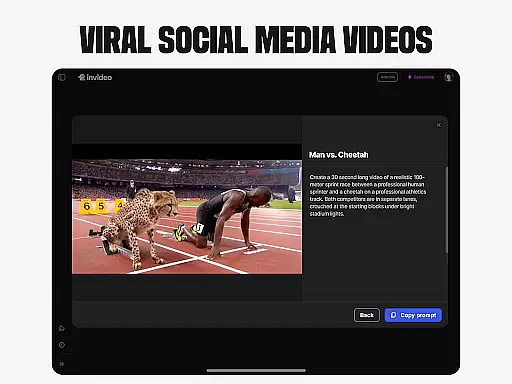
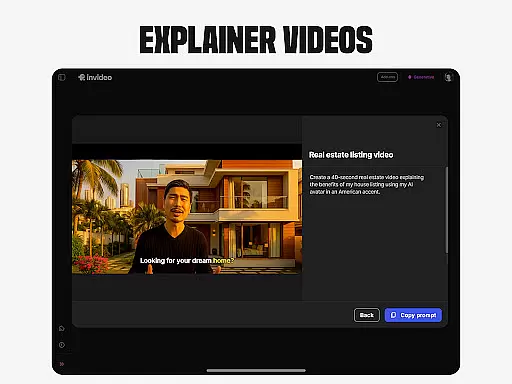
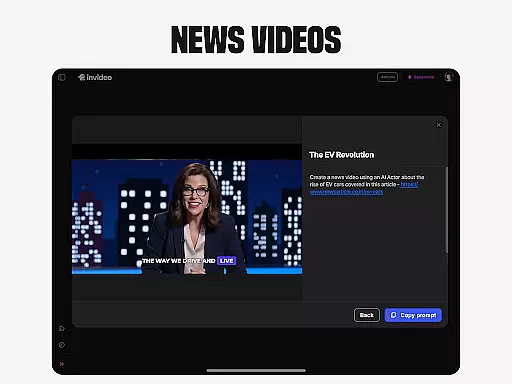
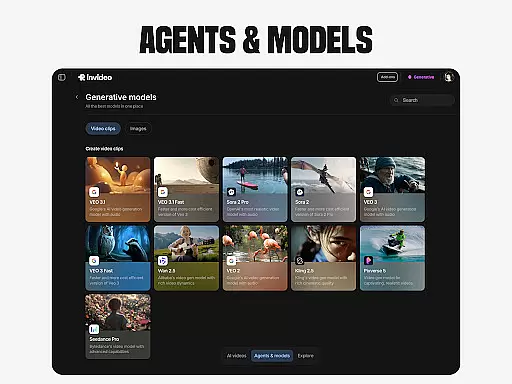
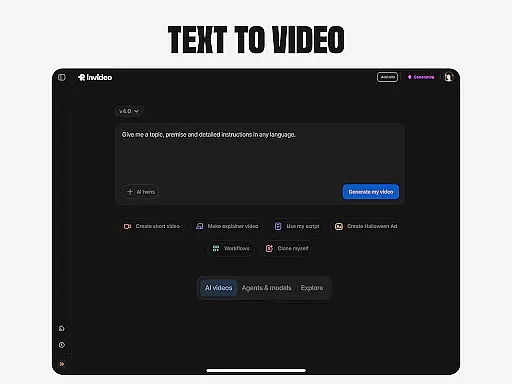
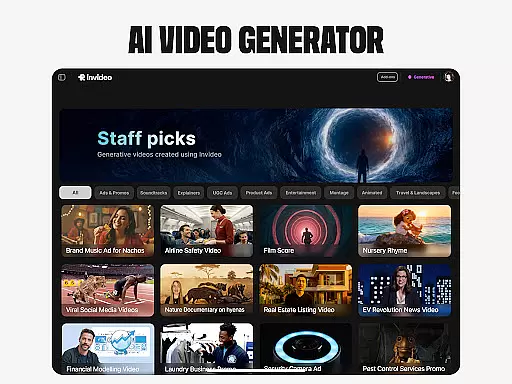
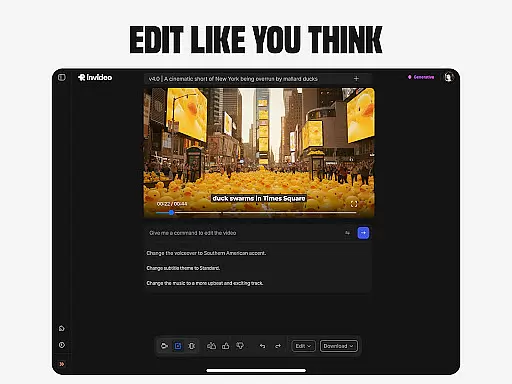
Invideo AI is a revolutionary video creation platform that empowers users to produce professional-quality videos without requiring technical expertise. The app offers an extensive suite of AI-powered tools for creating various types of video content, including explainers, advertisements, documentaries, and social media clips.
Key features include AI Text-to-video conversion, AI Avatars for personalized content creation, and AI voice cloning for multilingual voiceovers. Users can also generate virtual product try-ons and ultra-realistic UGC videos with diverse human avatars. The platform supports content creation in over 50 languages, making it ideal for global marketing campaigns and educational purposes.
This versatile application caters to both novice creators and professionals, providing an intuitive interface combined with powerful editing capabilities. Its AI-driven approach streamlines video production, enabling users to create engaging content quickly and efficiently across multiple platforms.
Invideo AI distinguishes itself through its comprehensive feature set designed for modern content creators. The platform's AI video generator creates complete video packages including scripts, generative media, captions, voiceovers, music, and effects. Its AI movie maker allows users to produce full-length films in various artistic styles.
The application's AI Avatar technology enables users to create digital twins for consistent content production, while the AI voice cloning feature facilitates multilingual content creation. The AI Image to Video converter transforms static images into dynamic video content, and the AI-powered editor simplifies post-production modifications.
Additional innovative features include virtual product try-ons for e-commerce, UGC video generation with realistic human actors, and seamless integration across multiple content platforms. These capabilities collectively provide users with a complete solution for their video content needs, from initial concept to final delivery.
Video format compatibility is a crucial feature for any video editing application, ensuring that users can work with a wide range of video file types without the need for conversion. Invideo AI supports an extensive array of formats, allowing creators to seamlessly import and export videos in their desired resolutions and codecs.
The app's robust compatibility covers popular formats such as MP4, AVI, MOV, and many others, making it versatile for both amateur and professional projects. This eliminates the frustration of format incompatibility and streamlines the video production process, saving valuable time for users focused on content creation.
By supporting high-resolution formats up to 4K and beyond, Invideo AI caters to the growing demand for high-quality video content across various platforms. The inclusion of adaptive streaming formats also ensures that videos are optimized for online distribution, reaching wider audiences without compromising on quality.
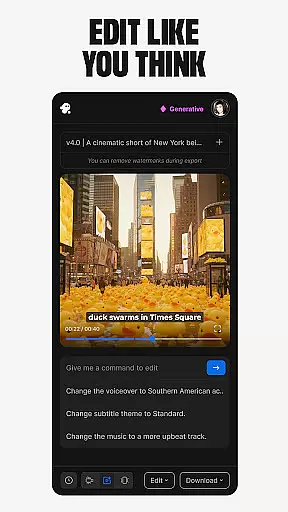
Invideo AI sets itself apart through its advanced AI-powered editing features, which revolutionize the way users create and manipulate video content. These intelligent tools automate complex editing tasks, enabling users to produce professional-grade videos with minimal effort and technical know-how.
The AI capabilities extend to automated scene detection, smart cropping, and intelligent color correction, among other functions. By analyzing video content, the AI suggests optimal cuts and transitions, enhancing storytelling while maintaining creative control. This significantly reduces the learning curve associated with traditional video editing software.
Furthermore, the AI-driven voiceover generation and synchronization, along with automatic subtitle creation in over 50 languages, empower creators to reach global audiences effortlessly. These features not only increase productivity but also open new possibilities for personalized and engaging video content tailored to diverse viewerships.
User-friendly interface
Extensive feature set
Multilingual support
AI-powered efficiency
Versatile content options
Subscription costs
Learning curve
Internet dependency
Occasional glitches
File size limitations

A full editing room to accompany your Insta360 cameras and handheld gimbals.
 3.30
3.30
Client application for NextPVR software
3.00
Save photos and videos from social apps in one tap.
3.60
?100% FREE! Download & save videos? safely in this app. All formats supported.
4.60
Full HD Video mp3 Player, MP4 player play 1080p, File manager, Video Downloader
4.40
HD video maker with no watermark, no ads & vlog maker with music, PIP, text
4.50
Pro video editor app for Instagram, edit video with song, AI, effect & slowmo.
4.80
Browser for Sony TV to stream web videos, online movies and live tv
3.20
Browser for Samsung TV to stream webvideos, online movies and livestreams in HD
4.10
Tik & Story Saver-Download ALL social media videos, photos & reels no watermark.
4.80
High-Quality USB Camera Viewer & HDMI Display
4.70
A Simple app to download Video & Music from the Internet.
4.70
Fast & easy HD video downloader for all formats, support 4K playback & download.
4.60
Viddo: Generate Action Figure, AI Anime, AI kiss, AI hug Video from image & text
4.40
Stream Web Videos to Chromecast, Samsung, LG, Sony, Roku, Fire TV, DLNA + more
4.00
Online Videos Player
3.90
All in one multi protocols stream receiver for AirPlay, Cast and DLNA.
3.60
Watch full episodes of your favorite Cartoon Network and Cartoonito shows!
3.50
The essential companion to your Blue Iris PC software
2.50
VLC vs MX Player compared side-by-side: formats, subtitles, ads, privacy, and performance. Find out which free Android video player is right for you.



User Reviews