
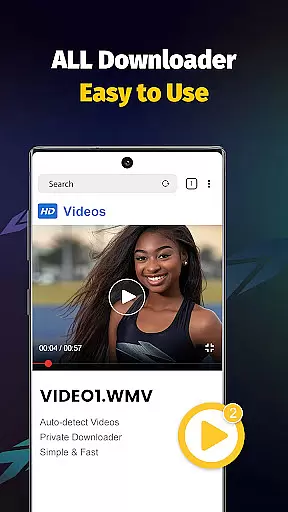
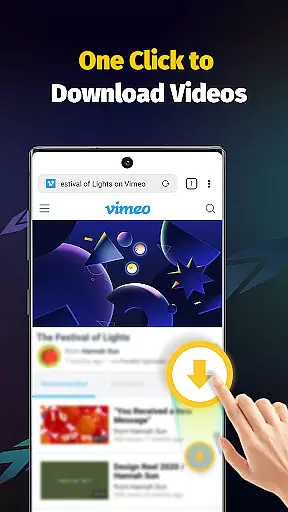
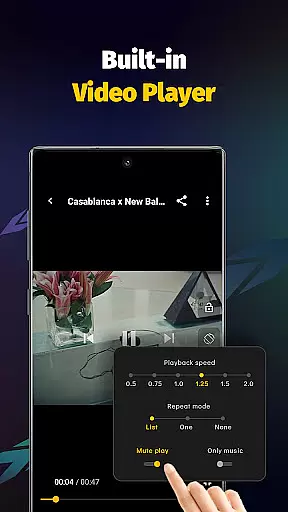
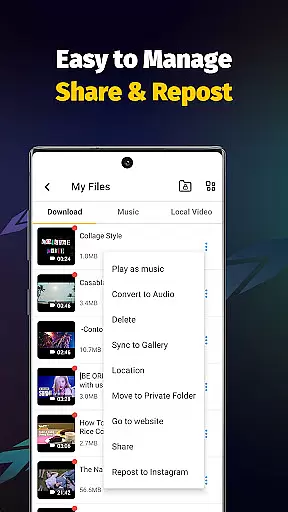
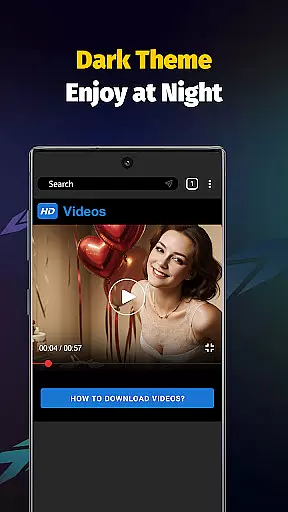
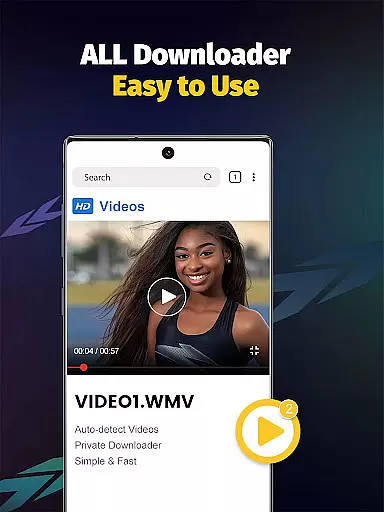
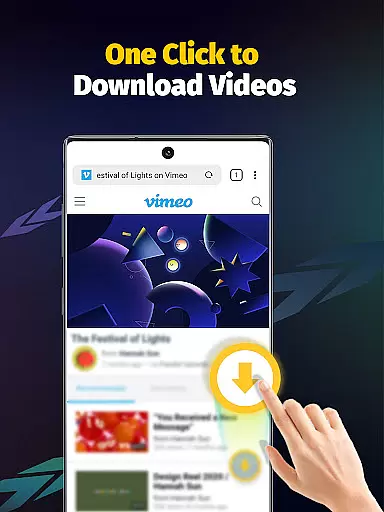
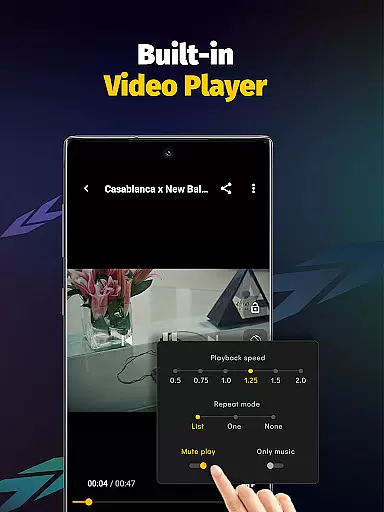
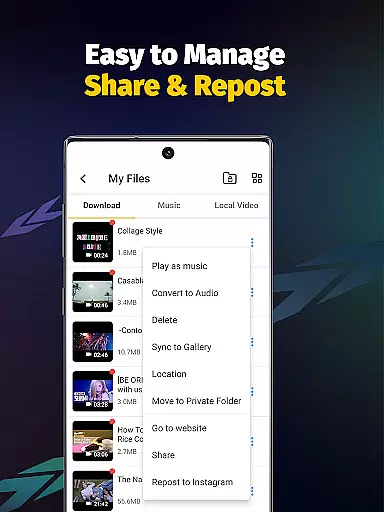
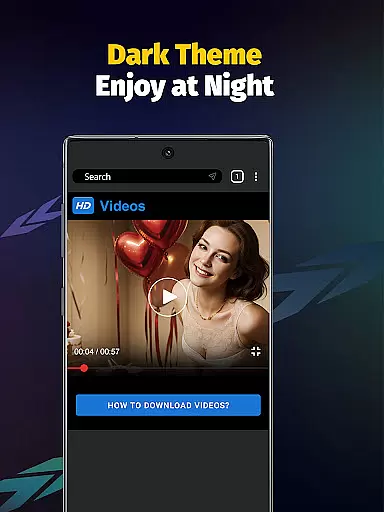
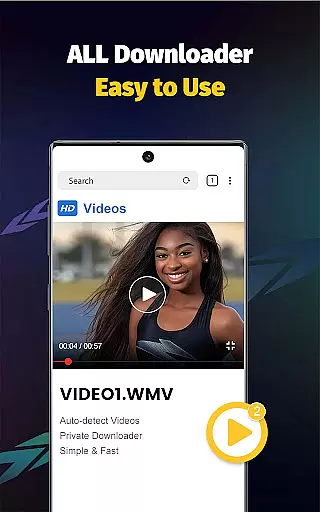
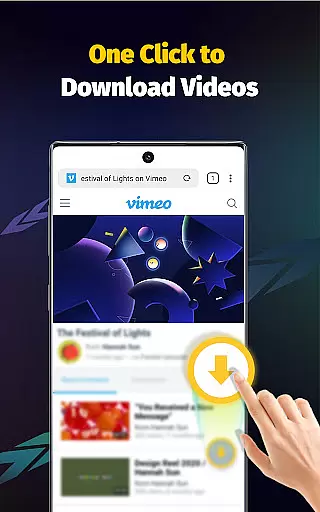
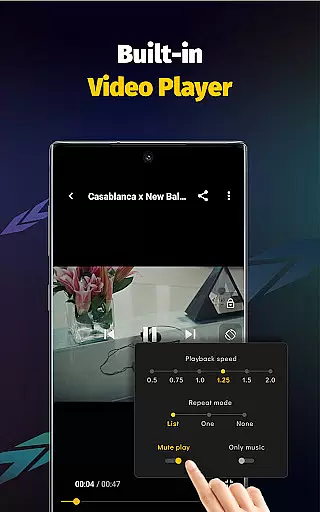
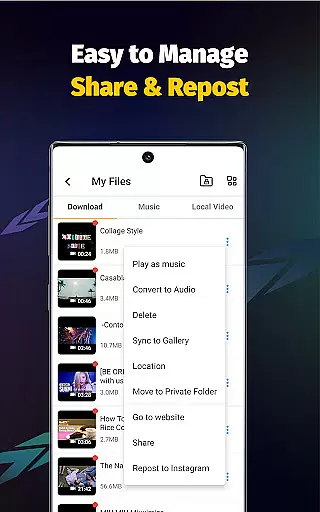
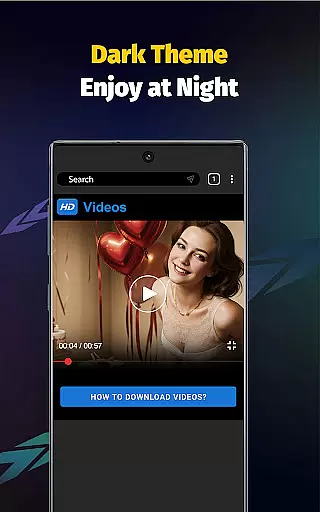
Video Downloader - Save Videos is a versatile and free video downloading application designed for users who want to save online videos, images, and music directly to their devices. This app supports multiple social media platforms and allows users to download content in various formats including MP4, AVI, and MOV. With its built-in browser and multi-functional player, users can seamlessly transition from downloading to enjoying their favorite media.
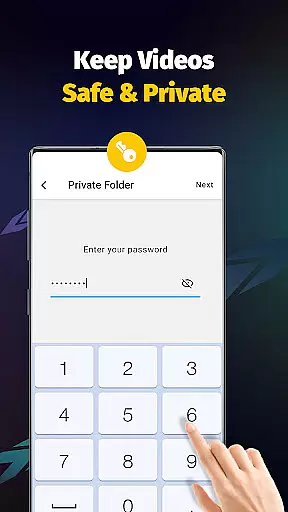
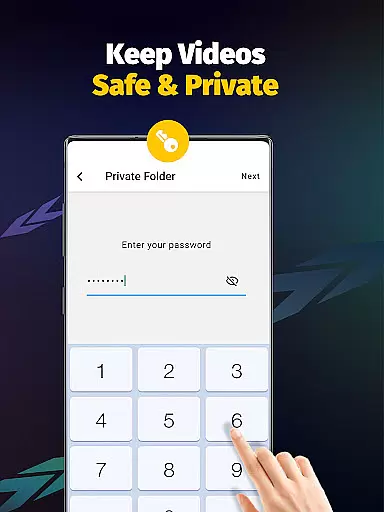
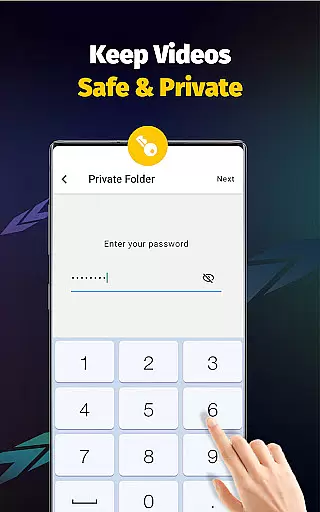
The app offers advanced features such as multi-threading downloads, resolution selection, and automatic file detection. It also provides privacy controls like password-protected folders, ensuring that your downloaded content remains secure. Whether you're looking to save HD videos or extract audio from clips, Video Downloader - Save Videos delivers a comprehensive solution with a user-friendly interface.
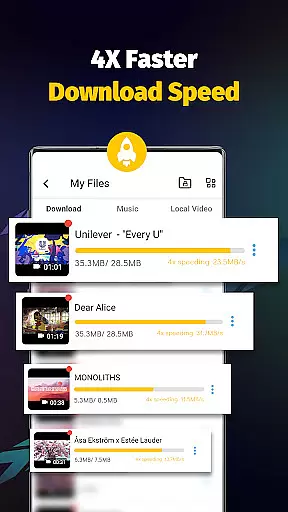
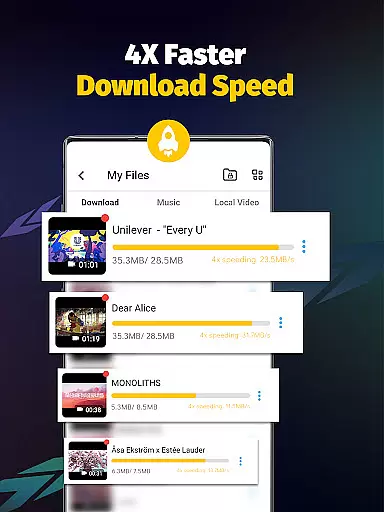
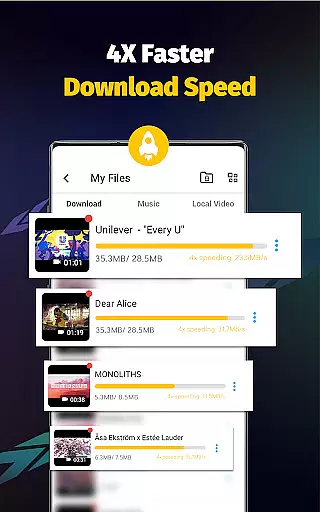
Ideal for content creators and casual users alike, this app enables you to bookmark posts, share media with friends, and organize your downloads efficiently. The 4x faster download speed ensures minimal wait times, making it an excellent choice for anyone seeking a reliable and fast video downloader.
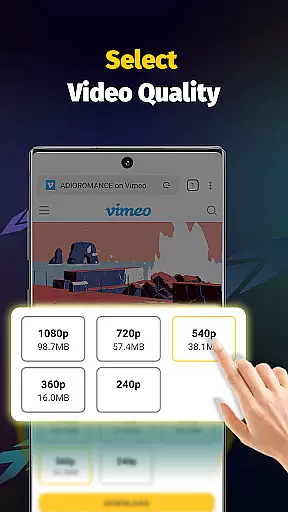
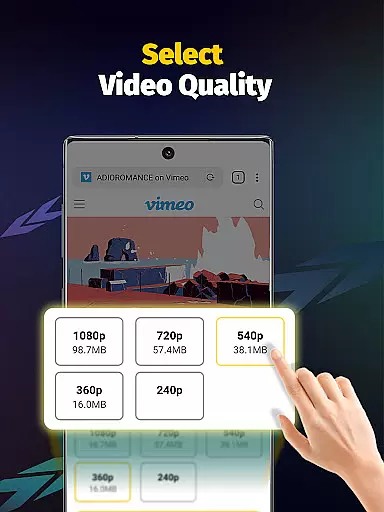
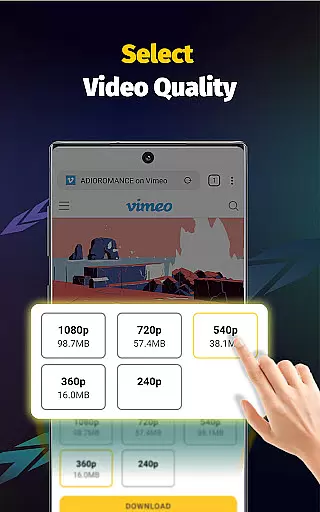
Video Downloader - Save Videos stands out with its robust feature set tailored for efficient media management. One of its key capabilities is the ability to download multiple files simultaneously using multi-threading technology, which significantly accelerates the download process. Users can choose from different video resolutions, ensuring they get the quality that suits their needs best.
The app supports a wide array of file formats such as MP4, M4A, AVI, and PNG, providing flexibility for various media types. Its built-in player allows for offline playback, while the automatic file detection simplifies the downloading process. Additionally, users can bookmark their favorite posts and share content effortlessly with friends and family.
Privacy and security are prioritized with features like password-protected folders and customizable storage locations. The clean user interface enhances usability, making navigation intuitive even for first-time users. Overall, Video Downloader - Save Videos combines powerful functionality with ease of use, setting a high standard in the realm of video downloading applications.
Video format compatibility is a crucial feature for any video player and editor application. Video Downloader - Save Videos excels in this area by supporting an extensive range of file formats including MP4, M4A, M4V, AVI, WMV, MOV, JPG, JPEG, and PNG. This wide compatibility ensures that users can download and play videos from various sources without worrying about format issues.
The app's ability to process different video resolutions adds another layer of convenience. Whether you're downloading high-definition movies or small-sized clips, the app maintains the quality and integrity of each video. The built-in player further enhances the user experience by allowing offline playback of these diverse formats.
For users who frequently interact with multimedia content across multiple platforms, this comprehensive format support eliminates the need for additional conversion tools. The app's multi-threading capability and accelerated download speeds ensure that even large files are handled efficiently. With Video Downloader - Save Videos, you can seamlessly work with media files from social media platforms and other online sources.
AI-powered editing features represent the next evolution in video processing technology. Video Downloader - Save Videos incorporates intelligent tools that simplify complex editing tasks through automation and machine learning algorithms. One notable feature is the automatic video detection system, which identifies downloadable content across various websites and platforms.
The app's AI capabilities extend to its advanced playback controls and media management functions. Users can adjust video playback speed, extract audio tracks, and organize downloaded content using smart categorization systems. These features significantly reduce the time and effort required for basic video editing tasks while maintaining professional-quality results.
Security and privacy are also enhanced through AI-driven mechanisms. The app allows users to create password-protected folders and manage storage locations intelligently. This combination of smart editing tools and security features makes Video Downloader - Save Videos a comprehensive solution for both casual users and content creators who need efficient video processing capabilities.
User-friendly interface
Multi-threading support
Fast download speeds
Wide format compatibility
Privacy protection features
No YouTube support
Limited to non-copyrighted content
Requires platform login
Occasional ads
Third-party dependencies

Online Videos Player
 3.90
3.90
Snaptubè Video Downloader app allows to download videos and music in Snaptube. .
4.60
Fast video downloader & private browser. Save HD clips to watch offline.
4.40
Stream high quality video from your camera over NDI protocol
4.5
Seamlessly connect and control your smart devices, anytime, anywhere with ease.
4.60
Mix with Virtual DJ directly from your phone or tablet !
3.10
All in one multi protocols stream receiver for AirPlay, Cast and DLNA.
3.60
Cast movies, tv shows and live streams to Chromecast, Roku, DLNA, Fire TV & more
4.60
Manage your YouTube channel on the go
4.40
High-Quality USB Camera Viewer & HDMI Display
4.70
Auto video maker with music & exclusive filters. Video editing made simple.
4.50
Video Downloader, Multiple Resolution Options, Video Player
4.50
Full HD Video mp3 Player, MP4 player play 1080p, File manager, Video Downloader
4.40
Turn your phone into a wireless camera!
4.20
Make your own Animations, Video and Photo Edits, Visual Effects, and more!
4.00
Manage your IPTV live channels and VOD playlists (no playlist included)
3.80
Save photos and videos from social apps in one tap.
3.60
A full editing room to accompany your Insta360 cameras and handheld gimbals.
3.30
Video player with powerful streaming playback and various convenient features.
2.10
VLC vs MX Player compared side-by-side: formats, subtitles, ads, privacy, and performance. Find out which free Android video player is right for you.



User Reviews