
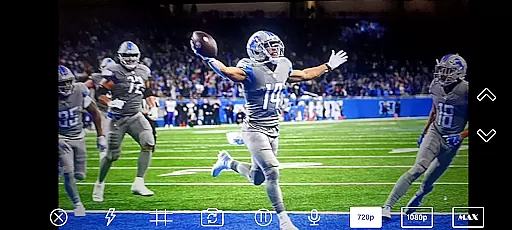
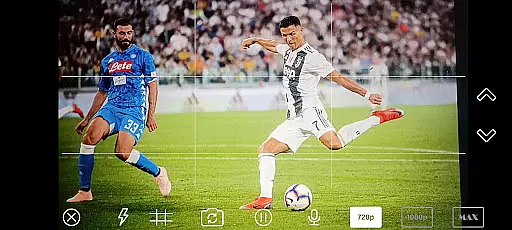
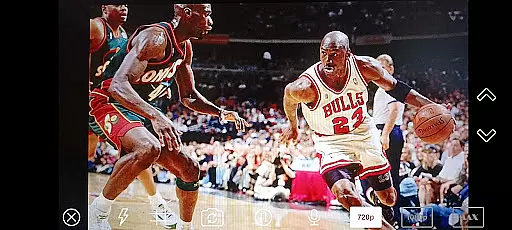
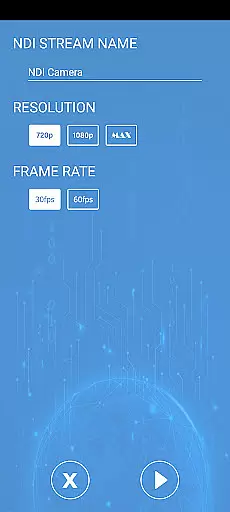
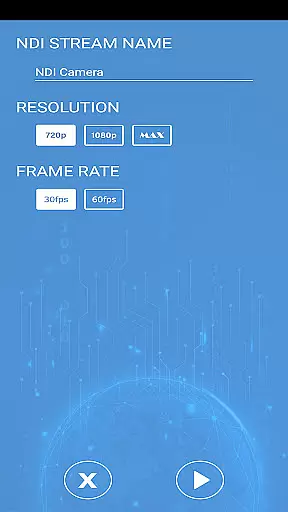
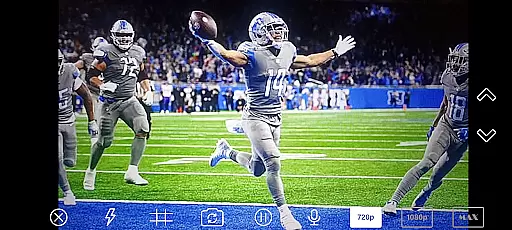
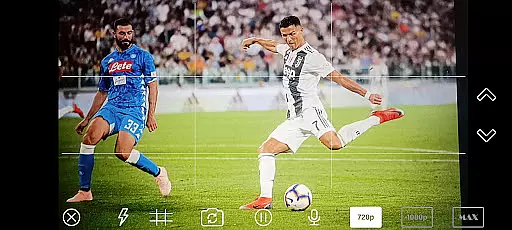
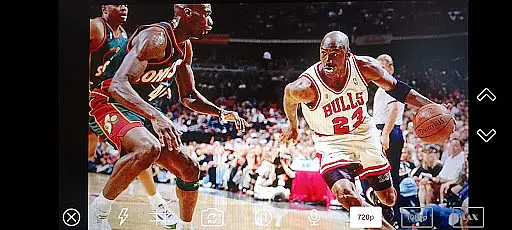
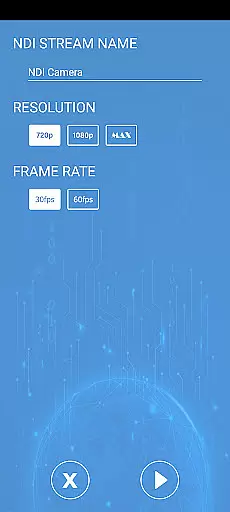
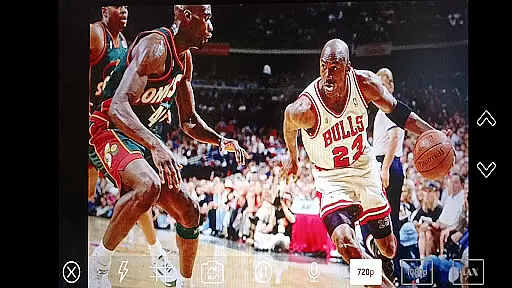
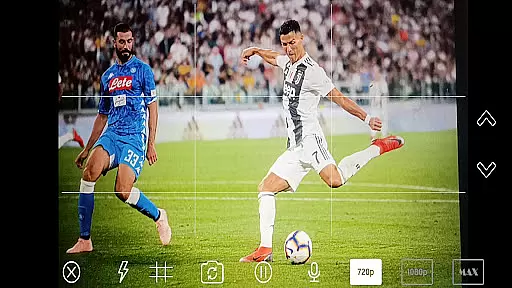
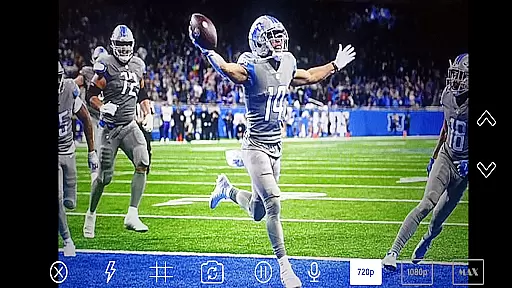
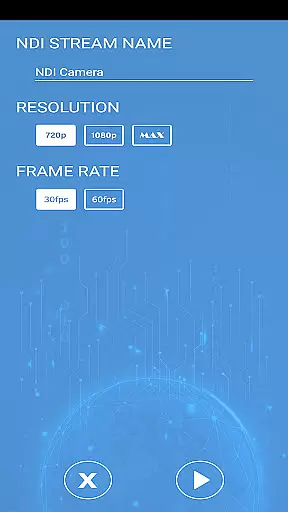
NDI Camera PRO is a powerful video streaming application designed for professional broadcasting needs. The app allows users to send high-quality NDI video streams directly from their device's camera over the NDI protocol. This makes it an ideal tool for live video production, especially when integrated with broadcasting software like OBS Studio.
One of the standout features of NDI Camera PRO is its ability to deliver low-latency video transmission. This ensures that your video streams are both reliable and timely, which is crucial in live production environments. Whether you're streaming a live event or conducting a professional broadcast, this app provides the tools necessary to ensure seamless video delivery.
The app is particularly useful for content creators, broadcasters, and video professionals who require efficient and high-quality video streaming solutions. By leveraging the widely-supported NDI protocol, NDI Camera PRO offers compatibility with a broad range of transmission systems, making it a versatile choice for various professional applications.
NDI Camera PRO boasts a variety of features that cater to the needs of video professionals. One of its primary capabilities is the support for the NDI protocol, which enables low-latency IP video transmission. This feature ensures that video streams are delivered quickly and efficiently, maintaining high quality even during live broadcasts.
In addition to its core functionality, the app integrates seamlessly with popular broadcasting applications such as OBS Studio. This integration allows users to incorporate NDI streams directly into their existing workflows, enhancing productivity and streamlining the production process. The app also supports various camera settings, giving users the flexibility to adjust parameters to suit their specific requirements.
Another notable feature is the app's compatibility with a wide array of transmission systems. Developed by NewTek, the NDI protocol is supported by numerous manufacturers, ensuring that NDI Camera PRO can be used in diverse professional environments. This compatibility, combined with the app's user-friendly interface, makes it an essential tool for anyone involved in live video production.
Video format compatibility is crucial for seamless integration with various broadcasting applications. NDI Camera PRO supports multiple video formats, ensuring that users can stream high-quality video without worrying about format mismatches.
The application leverages the NDI protocol to deliver low-latency video streams, making it ideal for professional live video production environments. This ensures that whether you are using OBS Studio or any other broadcasting software, the video quality remains top-notch and reliable.
Users benefit from the extensive list of supported transmission systems, which guarantees that their video streams will be compatible across different platforms and devices. This flexibility allows content creators to focus on their production rather than technical limitations.
AI-powered editing features revolutionize the way users interact with their video content by providing intelligent tools that enhance the editing process. Although NDI Camera PRO focuses primarily on streaming, its integration capabilities allow users to leverage AI-powered tools within connected applications.
By streaming directly to software like OBS Studio, users can take advantage of advanced editing features that utilize artificial intelligence to automate tasks such as scene detection, color correction, and audio leveling. This saves time and enhances the overall quality of the final output.
The combination of NDI Camera PRO's reliable streaming technology and AI-driven editing tools creates a powerful solution for professional broadcasters seeking efficiency and high-quality results in their video projects.
Low-latency streaming
High-quality video output
Wide compatibility
Seamless OBS Studio integration
User-friendly interface
Requires NDI knowledge
Premium pricing
Limited free features
Advanced settings complex
Device compatibility issues

Video Player - Unlimited features, 30 days money back guarantee.
 4.60
4.60
Your media, on your terms.
4.10
A Quick and Pro Video Editor
4.70
VLC Remote lets you control your VLC Media Player on Mac, PC or Linux.
4.60
Capture images & record videos for USB Camera, Webcam, Microscopes, Endoscopes
3.80
An easy-to-use and all-round screen recorder with audio
4.80
Make your own Animations, Video and Photo Edits, Visual Effects, and more!
4.00
Find, download, and play torrents with the official BitTorrent® Pro app
4.70
Photo editor & video maker with music and slideshows.
4.10
Pro video editor app for Instagram, edit video with song, AI, effect & slowmo.
4.80
Tik & Story Saver-Download ALL social media videos, photos & reels no watermark.
4.80
Cast Videos from Web Browser, IPTV to Roku, Chromecast, DLNA, Smart TV +more
4.60
Fast, private downloading, video saving, social media
4.50
Powerful Video Editor & Photo Editing App —— Quick Edits & Stunning Effects!
4.30
Turn your phone into a wireless camera!
4.20
Browser for Samsung TV to stream webvideos, online movies and livestreams in HD
4.10
LumaFusion: The Ultimate Storytelling Experience for Video Editing
4.10
All format media Player, no need video converter any more!
4.00
Client application for NextPVR software
3.00
VLC vs MX Player compared side-by-side: formats, subtitles, ads, privacy, and performance. Find out which free Android video player is right for you.



User Reviews