
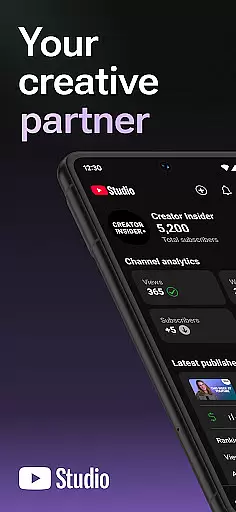
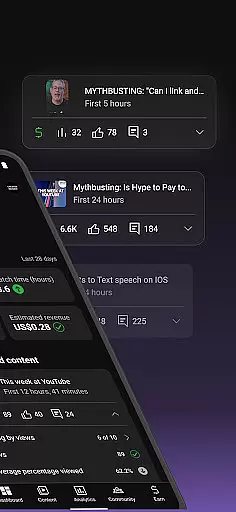
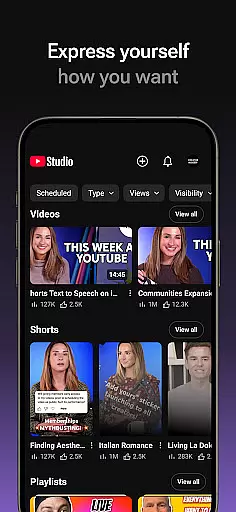
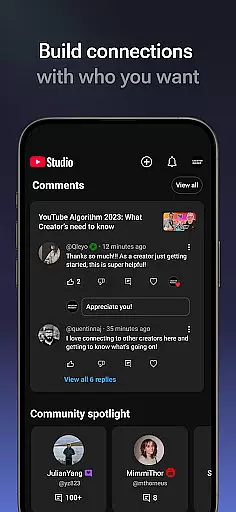
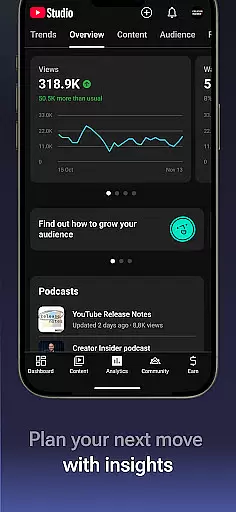
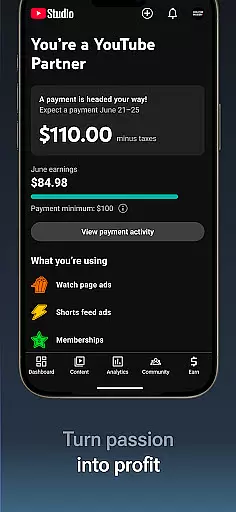
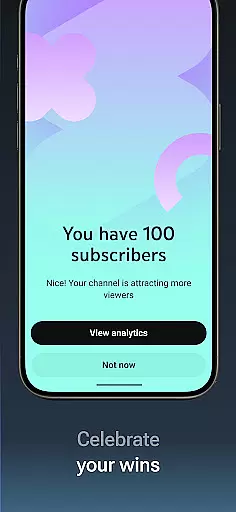
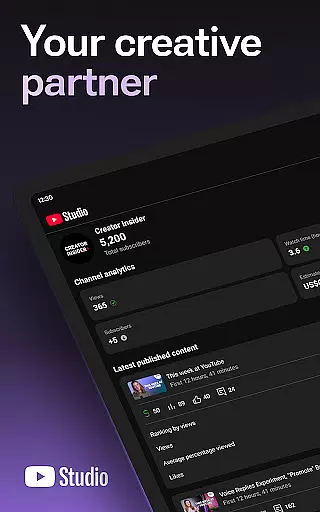
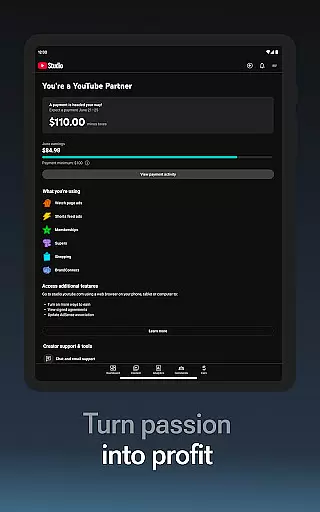

YouTube Studio is the official mobile app designed for content creators to manage their YouTube channels effectively. The application provides a comprehensive suite of tools that empower creators to monitor channel performance, engage with their audience, and customize content settings directly from their mobile devices. With features like the Channel Dashboard, detailed Analytics, and comment management options, it offers an all-in-one solution for YouTubers looking to optimize their presence on the platform.
The app's intuitive interface allows users to make real-time adjustments to video details, update channel aesthetics, and even apply for the YouTube Partner Program to monetize their content. Whether you're a beginner or an established creator, YouTube Studio ensures you maintain complete control over your channel while providing valuable insights into viewer behavior and content performance.
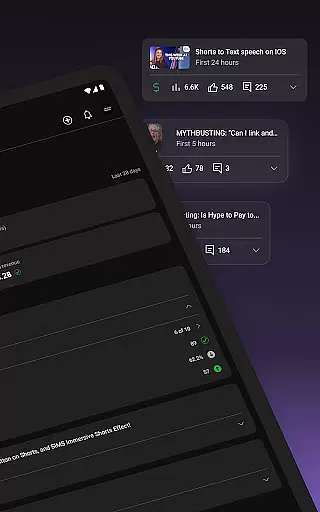
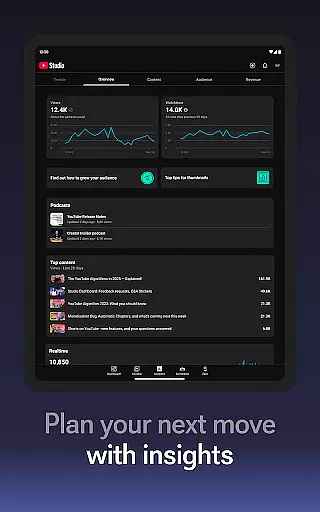
YouTube Studio stands out with its robust feature set tailored specifically for content creators. The Channel Dashboard provides a quick snapshot of key performance metrics, enabling users to track growth and engagement effortlessly. Detailed Analytics offer deeper insights into how different types of content perform, helping creators refine their strategies based on data-driven decisions.
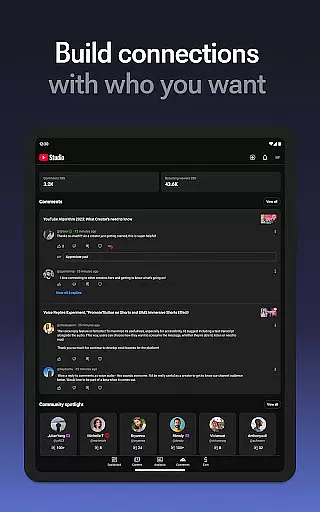
Another notable feature is the advanced comment management system, which allows sorting and filtering to prioritize important conversations within the community. Additionally, users can modify video details, update thumbnails, and adjust channel settings on-the-go. The app also streamlines the process of applying for the YouTube Partner Program, making it easier than ever to start earning revenue from your creative efforts.
Video format compatibility is a crucial feature for any video player and editor, including YouTube Studio. This app supports a wide range of video formats, ensuring that creators can upload and manage content without worrying about format restrictions.
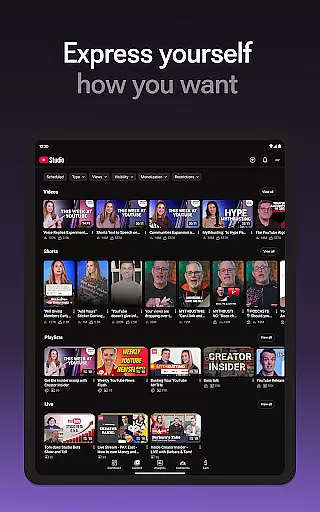
YouTube Studio allows users to update video information, manage shorts, and handle livestreams seamlessly. The flexibility in format compatibility means that whether you're uploading high-definition videos or short clips, the app maintains the quality and integrity of your content across different devices and platforms.
The benefit to users is significant. Content creators can focus on producing engaging videos rather than being constrained by technical limitations. With support for various formats, YouTube Studio empowers creators to reach wider audiences and deliver their message effectively.
This extensive format support enhances user experience by providing reliability and versatility in content management. Creators can confidently edit, upload, and share their work knowing that YouTube Studio will handle all types of video files efficiently.
AI-powered editing features are transforming how content creators manage and enhance their videos. YouTube Studio incorporates advanced AI tools that automate tedious tasks, allowing creators to focus more on the creative aspects of video production.
One notable feature is the automatic generation of captions and subtitles using AI technology. This not only saves time but also makes videos accessible to a broader audience, including those who are hearing impaired or speak different languages. Additionally, AI-driven analytics provide insights into viewer behavior, helping creators optimize their content strategy.
For users, these AI capabilities mean increased efficiency and improved video performance. Automated tagging and metadata suggestions ensure better discoverability, while smart editing tools help refine video quality effortlessly.
By leveraging AI-powered editing features, YouTube Studio offers a competitive edge in the crowded space of video players and editors. It simplifies complex processes, making professional-grade editing accessible even to beginners, thus enhancing overall productivity and creativity.
User-friendly interface
Comprehensive analytics
Real-time updates
Monetization support
Community engagement tools
Limited desktop features
Occasional bugs
Advanced options require web access
Steep learning curve
Ads in free version

The smartest M3U IPTV Player your playlists have ever seen.
 4.4
4.4
Powerful, professional, versatile teleprompter. Developed by an active film crew
4.00
Video Player - Unlimited features, 30 days money back guarantee.
4.60
Cast to Smart TV, Fire TV. Cast video, photo - Fast & Stable!
3.90
Download videos and play them offline
4.70
All in one multi protocols stream receiver for AirPlay, Cast and DLNA.
3.60
Browser for Samsung TV to stream webvideos, online movies and livestreams in HD
4.10
Video&Drama Player All Format is a HD video player, music player
3.00
Make videos you’re proud to share with Edits, a video editor for creators.
4.70
A Simple app to download Video & Music from the Internet.
4.70
Support 1000+ Video Format, Subtitle Download, mp3 & Background Play, Cast On TV
4.60
Seamlessly connect and control your smart devices, anytime, anywhere with ease.
4.60
Auto video maker with music & exclusive filters. Video editing made simple.
4.50
HD video maker with no watermark, no ads & vlog maker with music, PIP, text
4.50
Browser for Fire TV to stream webvideos, online movies, livestreams in HD
4.40
Video player, file manager for all formats, 4K/HD media player supports subtitle
4.30
1)AirPlay/DLNA Mirroring/Streaming, up to 4 connections; 2)Samba/NAS/DMS Player.
4.00
HD video & music player - All format support with floating & PIP mode!
3.80
A full editing room to accompany your Insta360 cameras and handheld gimbals.
3.30
VLC vs MX Player compared side-by-side: formats, subtitles, ads, privacy, and performance. Find out which free Android video player is right for you.



User Reviews