
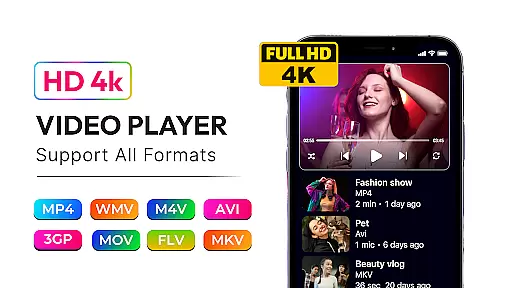
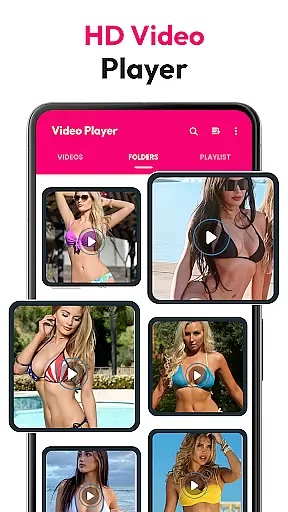
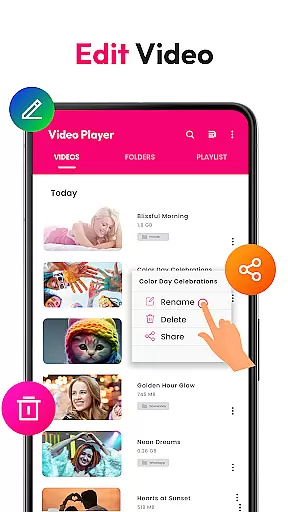
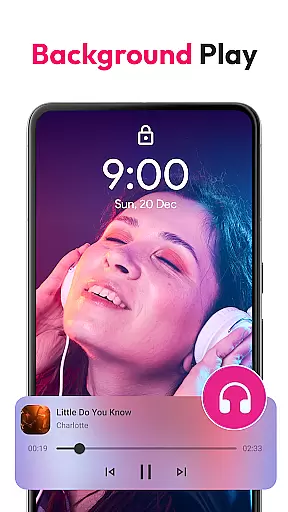
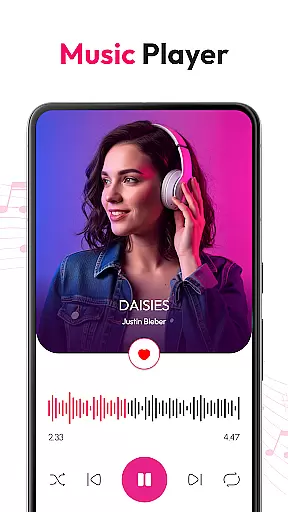
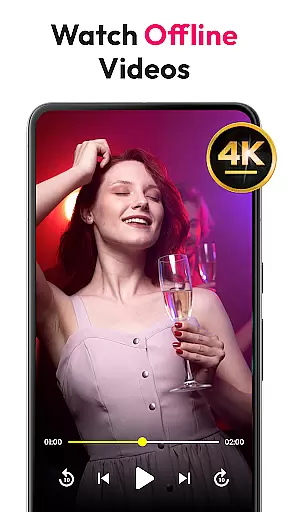
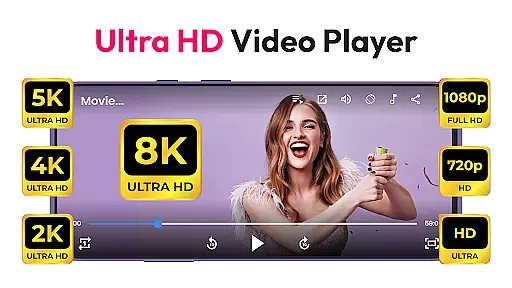
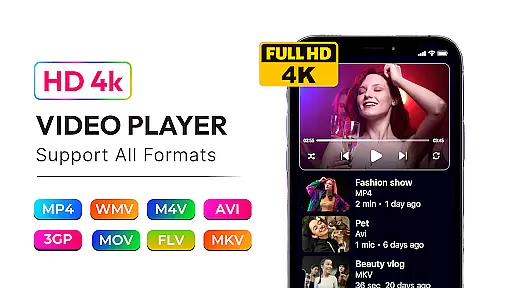
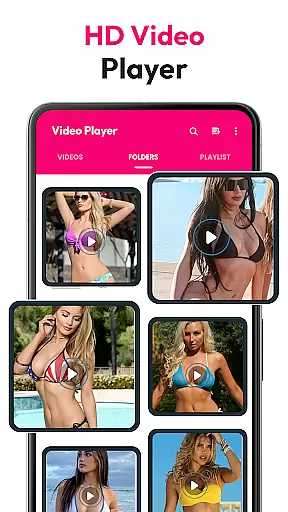
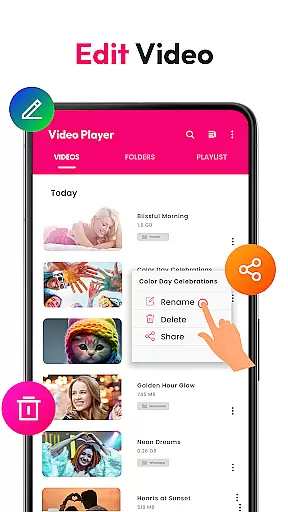
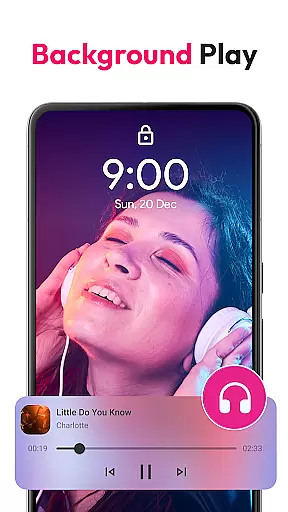
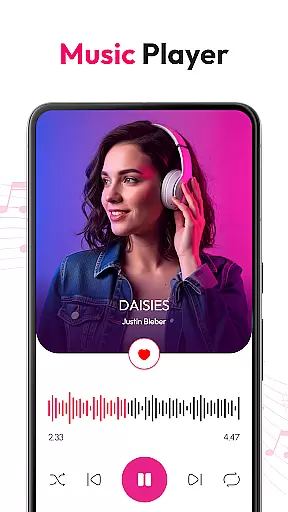
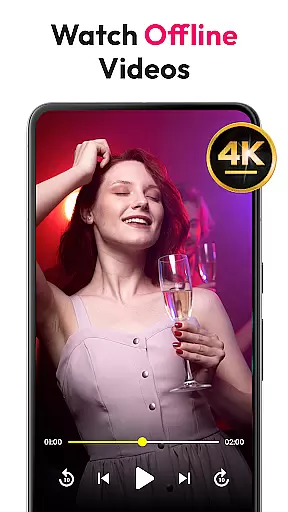
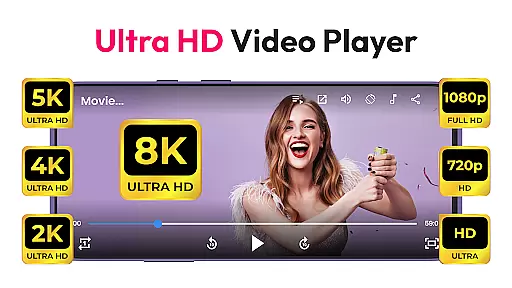
HD Video & Music Player is a versatile media player for Android that supports all video and audio formats. Whether you're watching 4K, Ultra HD, or Full HD videos, this app delivers smooth playback with advanced controls. It also doubles as an mp3 player, offering a seamless experience on both phones and tablets.
This offline video player features floating player mode, auto file scanning, and a built-in file manager. For music enthusiasts, it includes a powerful equalizer, playlist creation, and lock screen controls. With its elegant design and rich functionality, it's the ultimate choice for managing and enjoying your media library.
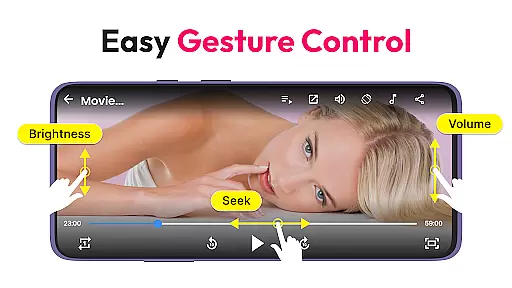
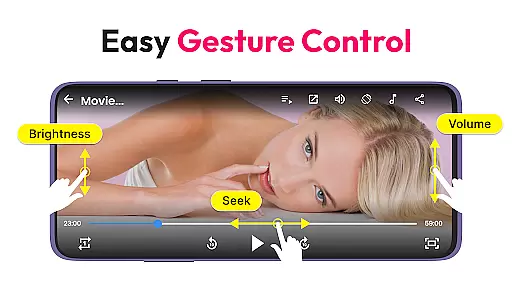
The HD Video & Music Player stands out with its comprehensive format support, including MP4, AVI, MKV, and more. Its advanced movie player capabilities ensure sharp visuals and crisp sound, while gesture controls allow easy adjustments of volume and brightness.
As a music player, it supports MP3, WAV, FLAC, and other formats, featuring a powerful equalizer with bass boost and 3D sound. Users can browse songs by album, artist, or genre, and enjoy playback via widgets or notification controls. The app's Picture-in-Picture mode and auto file scanning further enhance its usability.
Video format compatibility is a crucial feature for any media player, ensuring that users can enjoy their favorite content without worrying about file type restrictions. HD Video & Music Player excels in this area by supporting all major video formats including MP4, AVI, MKV, 3GP, FLV, MOV, WMV, and TS.
This versatile video player provides seamless playback of high-resolution videos, ranging from standard definition to 4K Ultra HD content. The application's advanced decoding capabilities ensure smooth performance even with demanding formats, while maintaining excellent visual quality.
Users benefit from the app's auto-scan functionality, which detects video files across internal storage and SD cards. This feature, combined with comprehensive format support, creates a hassle-free experience for managing and playing diverse media collections.
The ability to handle various video formats makes HD Video & Music Player an ideal choice for users who work with different types of media files. Whether you're watching movies, editing footage, or viewing personal recordings, this application ensures your content plays perfectly every time.
While primarily a media player, HD Video & Music Player incorporates AI-powered editing features that enhance the user's multimedia experience. The application utilizes intelligent algorithms to optimize video playback settings automatically, adjusting parameters such as brightness, contrast, and aspect ratio for optimal viewing.
The built-in file management system demonstrates AI capabilities by intelligently organizing media files and suggesting efficient storage solutions. Users can easily create and manage video playlists through smart categorization features that learn from their viewing habits.
Gesture controls represent another AI-enhanced aspect, allowing users to adjust volume, brightness, and playback position through intuitive touch commands. These features adapt to individual preferences over time, creating a personalized interface that responds to unique user patterns.
Although not a dedicated editing suite, these AI-powered enhancements streamline media management and playback control. The combination of intelligent features and traditional editing tools creates a comprehensive solution for users seeking both playback capability and basic modification options in their video player application.
User-friendly interface
Wide format compatibility
Advanced equalizer settings
Picture-in-Picture mode
Built-in file manager
No Chromecast support
Limited customization
Occasional bugs
Ads in free version
Large app size

Kodi media center, a free and open source cross-platform entertainment hub
 3.60
3.60
Connect 2 UVC devices for recording and broadcast video/audio stream
3.90
?100% FREE! Download & save videos? safely in this app. All formats supported.
4.60
Fast video downloader & private browser. Save HD clips to watch offline.
4.40
Stream high quality video from your camera over NDI protocol
4.4
AirMirror is Receiver for Screen Mirroring and Casting from Apple Devices.
3.60
Manage your YouTube channel on the go
4.40
convenient, safe and fast at Video Downloader & Player
4.60
Capture the moment and Cut
3.40
All in one HD video downloader & player for multiple formats with full privacy
4.70
Snaptubè Video Downloader app allows to download videos and music in Snaptube. .
4.60
Seamlessly connect and control your smart devices, anytime, anywhere with ease.
4.60
Fast & easy HD video downloader for all formats, support 4K playback & download.
4.60
Cast to Chromecast, Xbox, Fire Stick, Roku, DLNA, Smart TV & No Feature Limited!
4.50
HD video maker with no watermark, no ads & vlog maker with music, PIP, text
4.50
Fast & Private HD Video Downloader with Built-in Proxy Browser and Video Player.
4.50
Viddo: Generate Action Figure, AI Anime, AI kiss, AI hug Video from image & text
4.40
Powerful video player with advanced hardware acceleration and subtitle supports
4.20
A full editing room to accompany your Insta360 cameras and handheld gimbals.
3.30
VLC vs MX Player compared side-by-side: formats, subtitles, ads, privacy, and performance. Find out which free Android video player is right for you.



User Reviews