


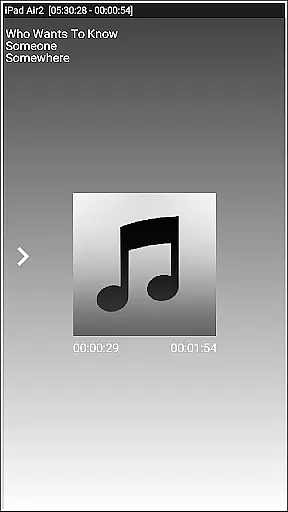
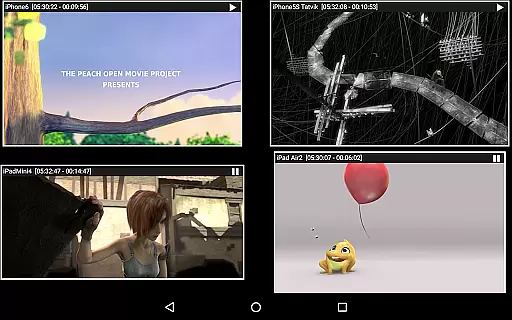


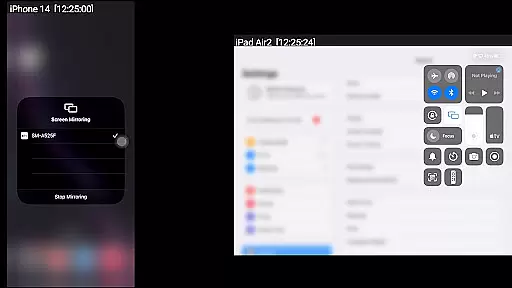
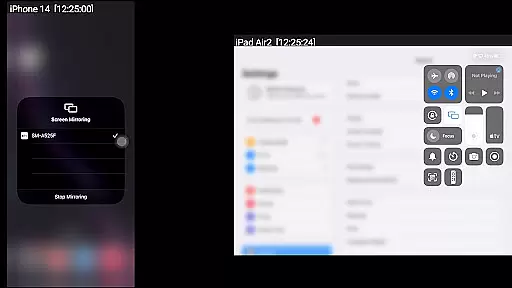
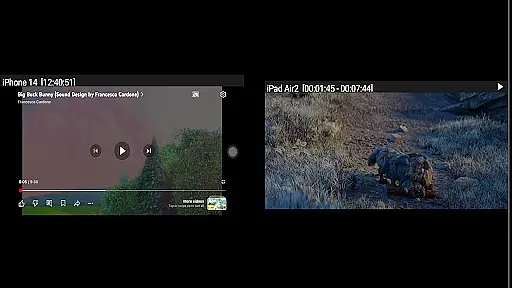
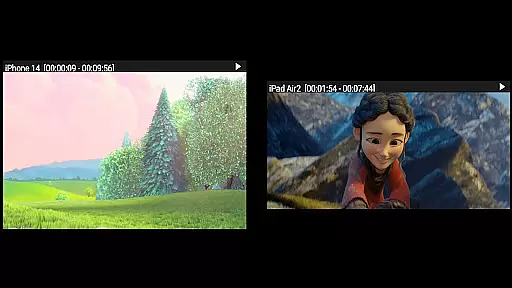

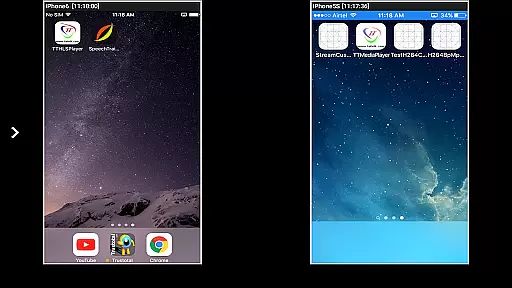

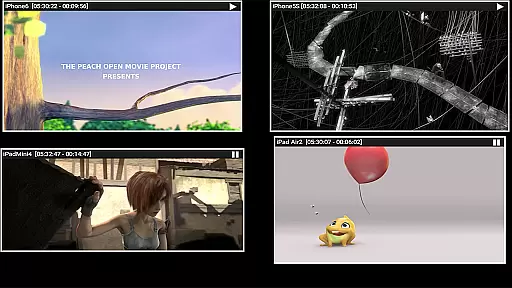
AirMirror is a specialized receiver application designed for Android devices, enabling seamless screen mirroring and content casting from Apple devices. Compatible with iPhones, iPads, MacBooks, and iMacs, this app allows users to mirror screens, stream media, and share YouTube links over the local network. It supports iOS versions 9 to 15 and offers simultaneous casting from up to four Apple devices.
With features like passcode protection, adjustable mirroring windows, and Bluetooth Low Energy advertising, AirMirror ensures secure and flexible sharing. The app is particularly useful in professional settings, allowing users to present content to colleagues or clients effortlessly. Its intuitive interface makes it accessible for both personal and business use.
AirMirror stands out with its robust feature set tailored for cross-platform content sharing. The app supports high-quality screen mirroring for Apple devices, ensuring smooth playback of photos, videos, and audio files. Users can resize and move the mirroring window within the app view, providing optimal viewing flexibility.
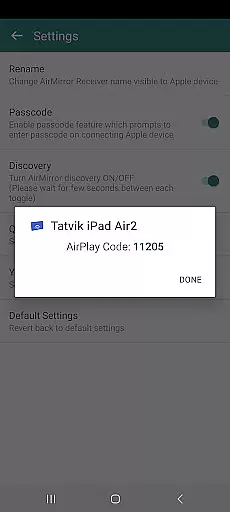
Advanced functionalities include simultaneous casting from multiple devices, slideshow presentations, and YouTube link sharing. The app also incorporates security measures such as passcode authentication to prevent unauthorized access. Additionally, its Bluetooth Low Energy advertising enables device discovery across different subnets, expanding its usability in diverse network environments.
Video format compatibility is a crucial feature for any video player or editor application. AirMirror excels in this area by supporting screen mirroring and casting from Apple devices to Android, covering a wide range of media formats. This ensures that users can mirror not only their screens but also playback various types of audio, video, and photos stored on their Apple devices.
The app facilitates the mirroring of screens from iOS versions 9 to 15, allowing simultaneous casting from up to four Apple devices. This versatility makes it an invaluable tool for sharing content with family, friends, or colleagues. Whether you're giving a business presentation or enjoying a movie night with friends, AirMirror's broad format support ensures seamless playback without compatibility issues.
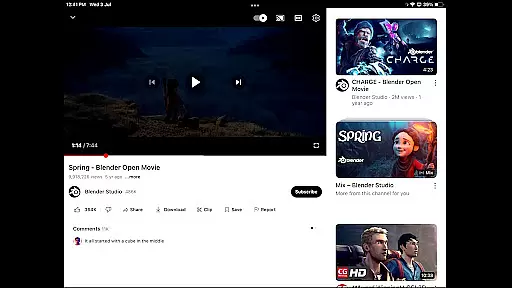
Moreover, AirMirror allows users to enjoy YouTube videos directly from their Apple devices over the local network. The ability to resize and move the mirroring window within the app view adds another layer of convenience. Users can easily adjust the display according to their preferences, ensuring optimal viewing experiences regardless of the content type.
By providing robust video format compatibility, AirMirror empowers users to share their digital lives effortlessly. From photo slideshows to gaming sessions, this feature enhances both personal and professional interactions, making it easier than ever to connect and collaborate across different platforms.
While AirMirror primarily focuses on screen mirroring and casting, its AI-powered editing features add significant value to the user experience. Although not a traditional video editor, the app incorporates intelligent functionalities that enhance content sharing and presentation. For instance, the ability to restrict unauthorized users through a passcode feature demonstrates a basic level of AI-driven security and access control.
The app's capability to handle multiple device connections simultaneously showcases its advanced processing algorithms. This feature effectively manages network resources and optimizes bandwidth usage, ensuring smooth mirroring experiences even when multiple devices are connected. The Bluetooth Low Energy based advertising system further demonstrates sophisticated AI implementation, enabling cross-subnet device discovery and connection.
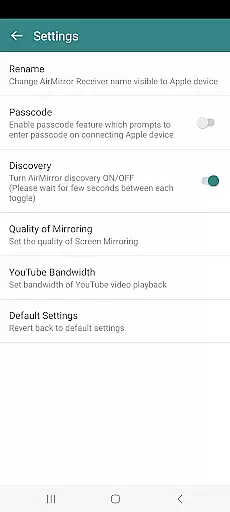
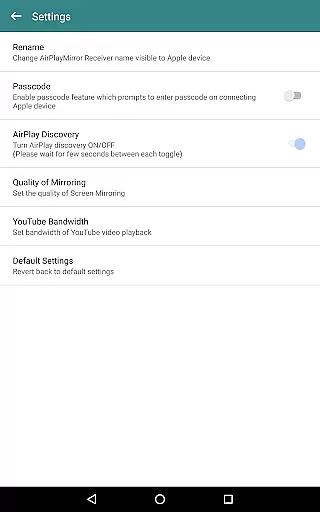
AirMirror's settings menu offers several AI-enhanced options, including quality adjustment for mirroring and YouTube bandwidth optimization. These features automatically adapt to network conditions and device capabilities, providing the best possible performance without requiring manual configuration from users. The ability to rename the receiver, toggle discovery, and manage authentication settings also reflects intelligent device management principles.
Though not positioned as a full-fledged video editing tool, AirMirror's AI-powered features significantly enhance its core functionality. These intelligent systems work behind the scenes to ensure seamless connectivity, optimal performance, and secure content sharing, making it a valuable tool for both casual and professional use cases.
User-friendly interface
Multi-device support
Secure passcode feature
Flexible window adjustments
Cross-subnet compatibility
No DRM content support
Limited live TV capability
iOS version restrictions
Network dependency
Occasional connectivity issues

HD video & music player - All format support with floating & PIP mode!
 3.80
3.80
Powerful HD video player with support for all formats & subtitles.
4.2
Stream Web Videos to Chromecast, Samsung, LG, Sony, Roku, Fire TV, DLNA + more
4.00
An easy-to-use and all-round screen recorder with audio
4.80
Movie maker & video editing app with AI effects and green screen
4.30
Play and download HD videos from all sources — fast, simple, and all-in-one.
4.5
Browser + Remote for Roku to stream webvideos, online movies and livestreams
4.60
Viddo: Generate Action Figure, AI Anime, AI kiss, AI hug Video from image & text
4.40
Manage your YouTube channel on the go
4.40
All in one HD video downloader & player for multiple formats with full privacy
4.70
HD Video player all format, HD Videos, Cast & Subtitle. No annoying ads.
4.60
Watch a large amount of high-definition short drama content
4.60
Search & download videos from net with all video downloader, auto-detect & safe.
4.60
Auto video maker with music & exclusive filters. Video editing made simple.
4.50
Fast, private downloading, video saving, social media
4.50
Powerful video player with advanced hardware acceleration and subtitle supports
4.20
1)AirPlay/DLNA Mirroring/Streaming, up to 4 connections; 2)Samba/NAS/DMS Player.
4.00
Make your own Animations, Video and Photo Edits, Visual Effects, and more!
4.00
A full editing room to accompany your Insta360 cameras and handheld gimbals.
3.30
VLC vs MX Player compared side-by-side: formats, subtitles, ads, privacy, and performance. Find out which free Android video player is right for you.



User Reviews