
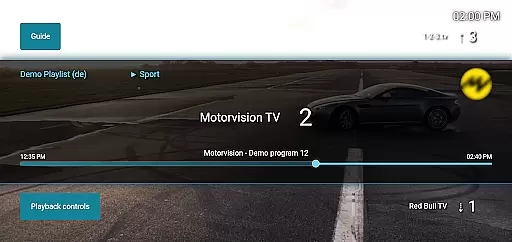
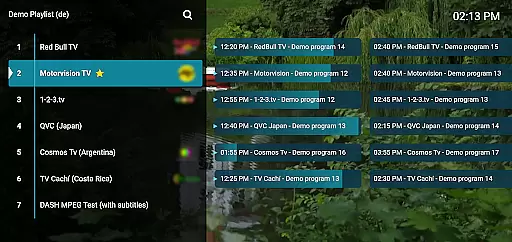
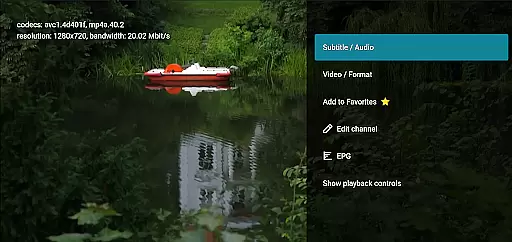
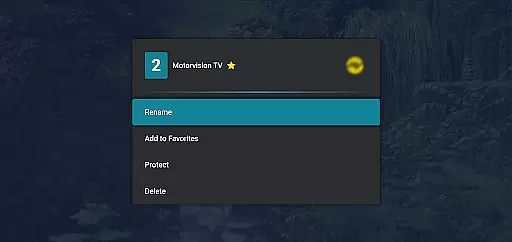
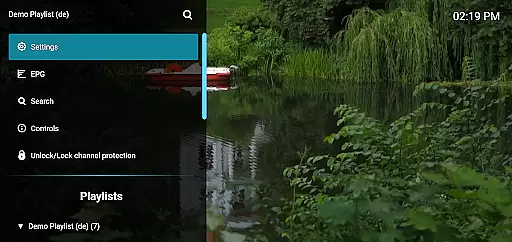
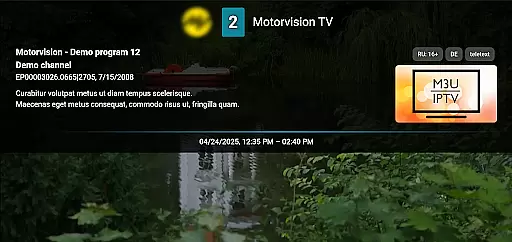
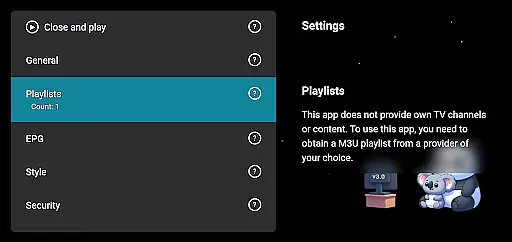
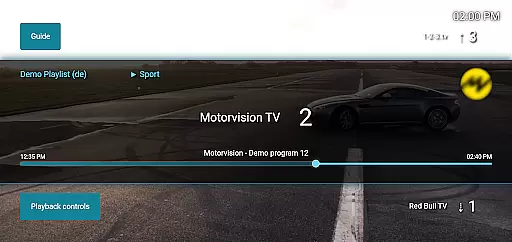
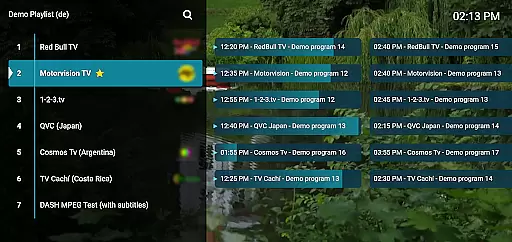
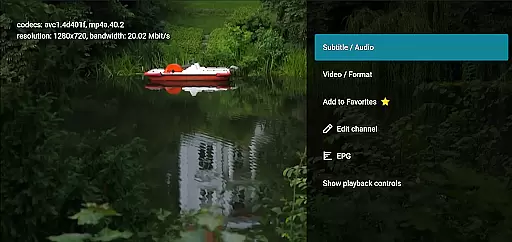
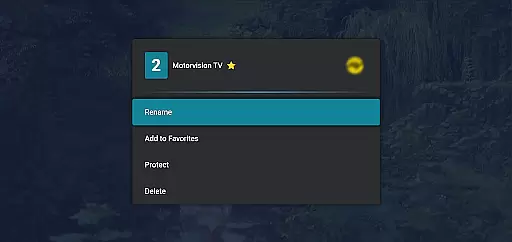
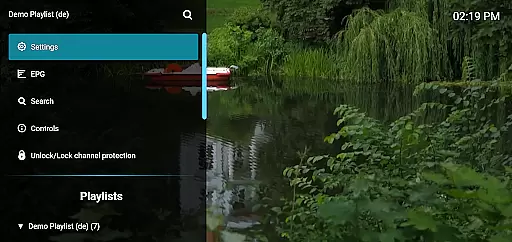
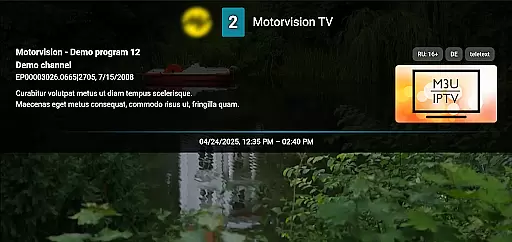
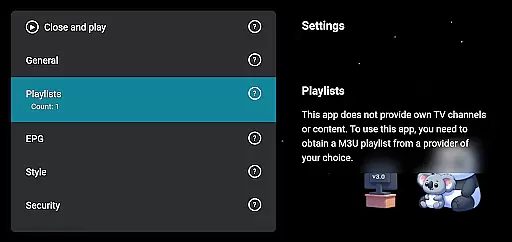
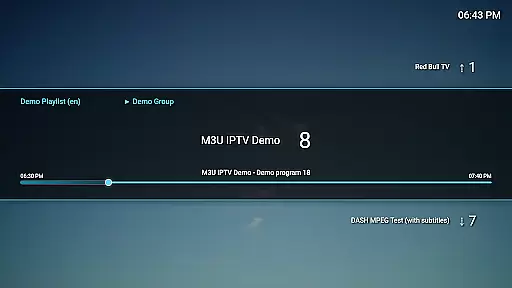
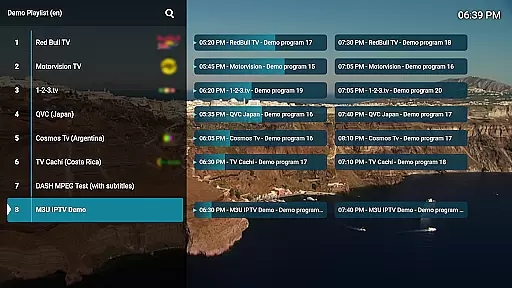
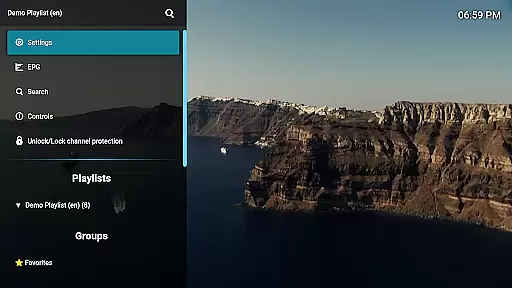
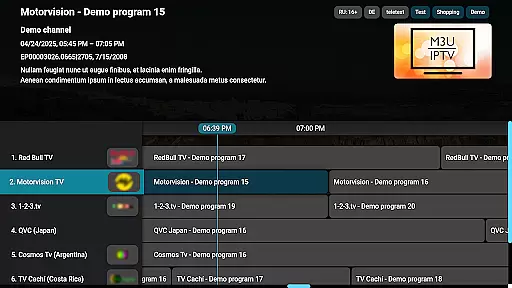
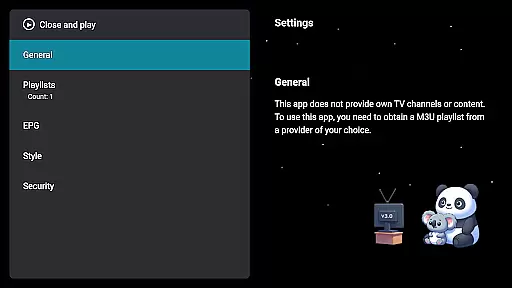
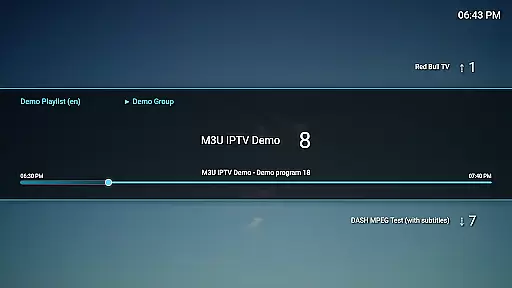
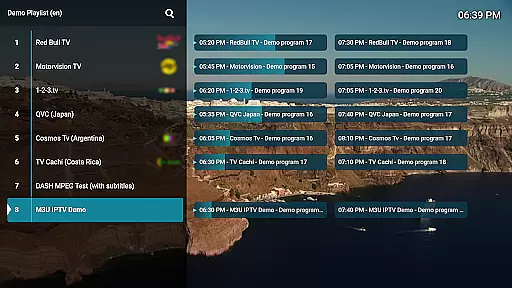
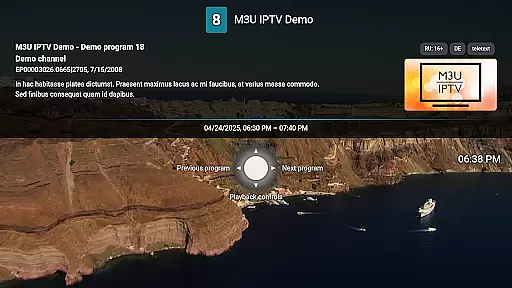
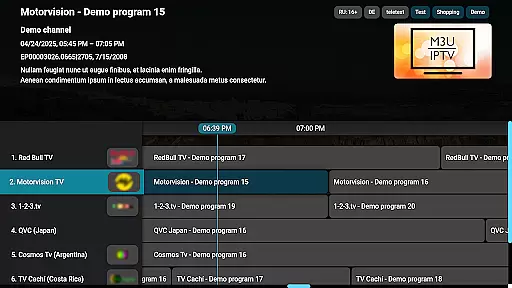
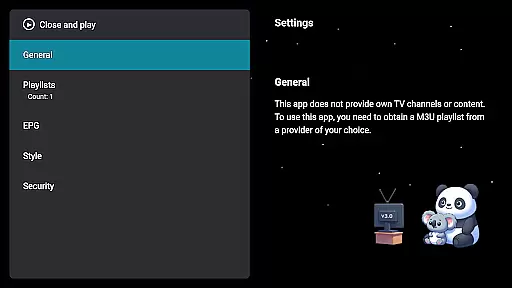
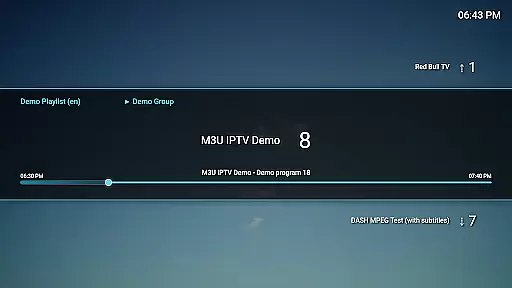
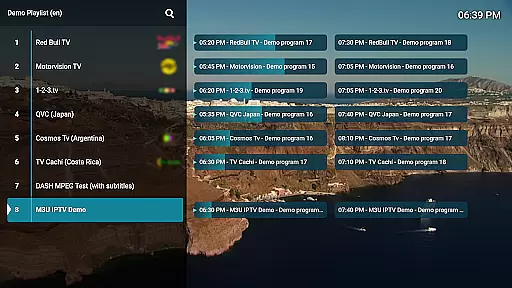
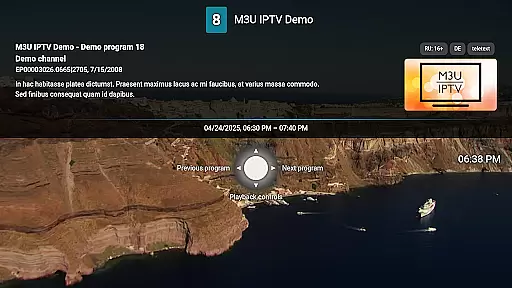
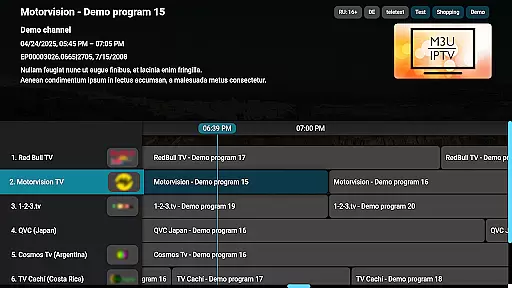
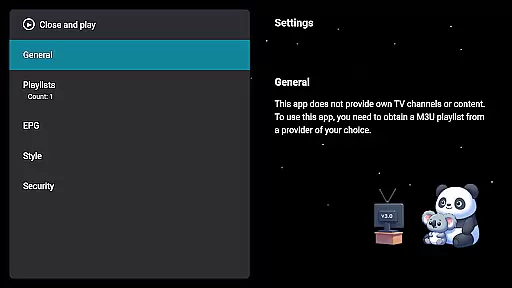
M3U IPTV Premium is a top-tier IPTV player designed for users seeking an ad-free, customizable streaming experience. It offers advanced features like unlimited M3U playlist support, EPG integration, and catch-up functionality, making it ideal for IPTV enthusiasts.
With a user-friendly interface, this app allows full control over your IPTV content, including channel editing, advanced playback controls, and privacy options such as PIN protection. It's perfect for those who want to manage personal IPTV streams efficiently while enjoying a seamless viewing experience on their devices.
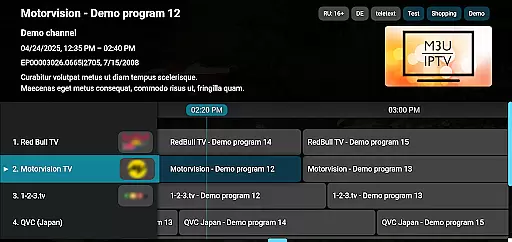
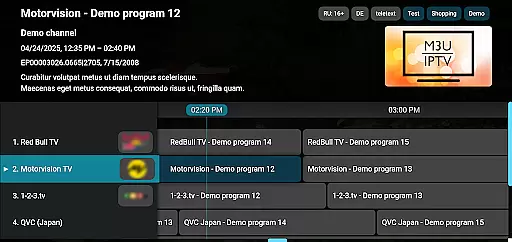
M3U IPTV Premium stands out with its comprehensive feature set tailored for power users. The app supports unlimited M3U playlists and EPG sources, enabling users to organize channels and view TV schedules effortlessly.
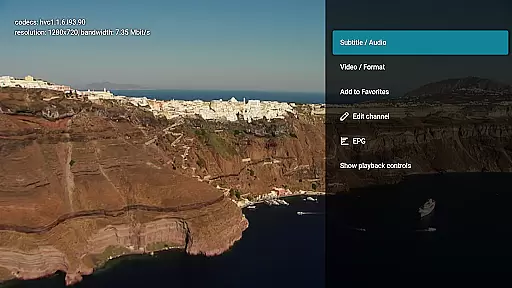
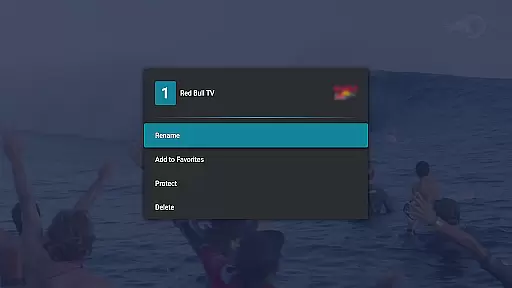
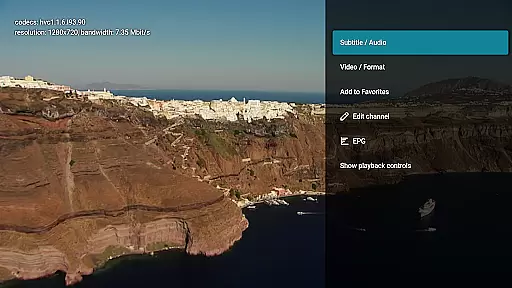
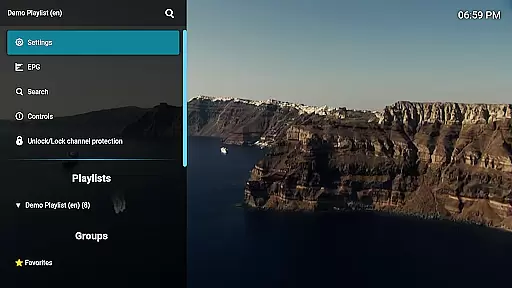
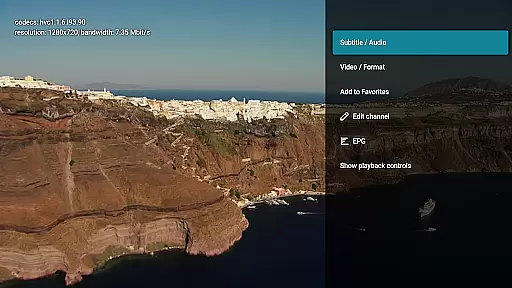
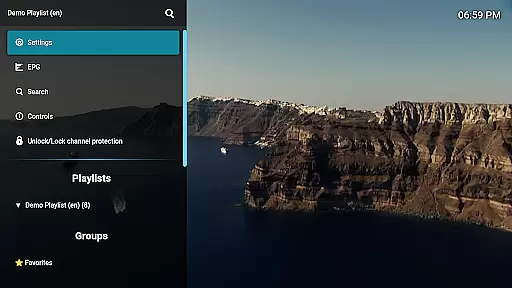
Advanced functionalities include customizable UI settings, precise playback controls, and archive playback for missed content. Additionally, the channel editor and PIN-based channel protection provide enhanced organization and security, ensuring a personalized yet private streaming environment.
Video format compatibility is a crucial feature for any video player, ensuring that users can enjoy content in various formats without technical hindrances. M3U IPTV Premium excels in this area by supporting a wide range of video formats commonly used in IPTV streaming.
The application's robust decoding capabilities allow it to handle different types of video streams effortlessly. Whether your playlists include MKV, MP4, AVI, or other popular formats, M3U IPTV Premium ensures smooth playback without the need for additional codecs or conversions.
This extensive format support provides significant value to users, as they can seamlessly switch between multiple playlists and channels without worrying about compatibility issues. The freedom to use personal M3U playlists gives users complete control over their viewing experience.
By focusing on comprehensive video format compatibility, M3U IPTV Premium establishes itself as a versatile solution for advanced IPTV users who demand flexibility and reliability in their streaming applications.
While primarily an IPTV player, M3U IPTV Premium incorporates AI-powered editing features that enhance the user's ability to manage and customize their streaming content effectively. These intelligent tools help streamline channel management and optimize the viewing experience.
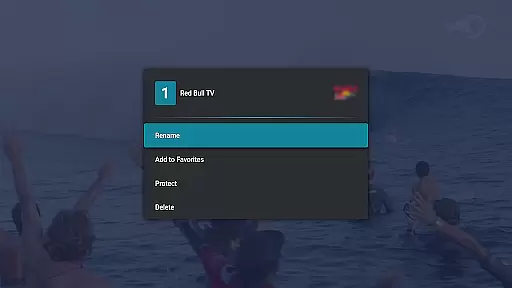
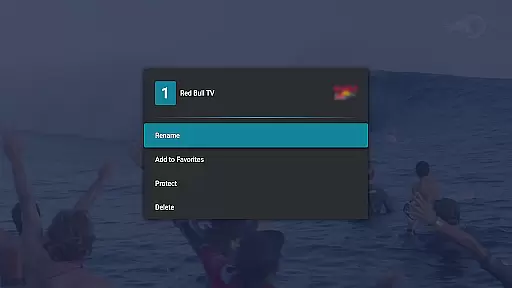
The application's Channel Editor function utilizes smart algorithms to simplify the organization process. Users can efficiently rename, reorder, or remove channels based on their preferences, creating a personalized EPG layout that suits their viewing habits.
Advanced AI assistance extends to playback controls and catch-up functionality, where the system intelligently manages stream buffering and archive navigation. This ensures smooth rewind and fast-forward operations while maintaining optimal performance.
These AI-powered editing capabilities demonstrate M3U IPTV Premium's commitment to providing users with sophisticated tools that go beyond basic playback, offering a comprehensive solution for managing complex IPTV setups.
Ad-free experience
Unlimited playlists
Customizable UI
Advanced playback
Parental controls
No included content
Requires technical knowledge
Premium cost
Limited beginner support
Device-specific

A full editing room to accompany your Insta360 cameras and handheld gimbals.
 3.30
3.30
Client application for NextPVR software
3.00
HD Video player all format, HD Videos, Cast & Subtitle. No annoying ads.
4.60
A Quick and Pro Video Editor
4.70
Cast to Chromecast, Xbox, Fire Stick, Roku, DLNA, Smart TV & No Feature Limited!
4.50
Fast video downloader & private browser. Save HD clips to watch offline.
4.40
Fast & easy HD video downloader for all formats, support 4K playback & download.
4.60
Add date and time watermark to photos and videos
4.50
Flud is a simple and beautiful BitTorrent client for Android.
4.80
Browser + Remote for Roku to stream webvideos, online movies and livestreams
4.60
VLC Remote lets you control your VLC Media Player on Mac, PC or Linux.
4.60
Fast & Private Video Downloader App. Save all videos easily from the Internet.
4.40
Create & edit videos with AI
4.30
Movie maker & video editing app with AI effects and green screen
4.30
VLC for Android is the best open source video and music player, fast and easy!
4.10
Capture images & record videos for USB Camera, Webcam, Microscopes, Endoscopes
3.80
All in one multi protocols stream receiver for AirPlay, Cast and DLNA.
3.60
Video player with powerful streaming playback and various convenient features.
2.10
Stream high quality video from your camera over NDI protocol
4.4
VLC vs MX Player compared side-by-side: formats, subtitles, ads, privacy, and performance. Find out which free Android video player is right for you.



User Reviews