
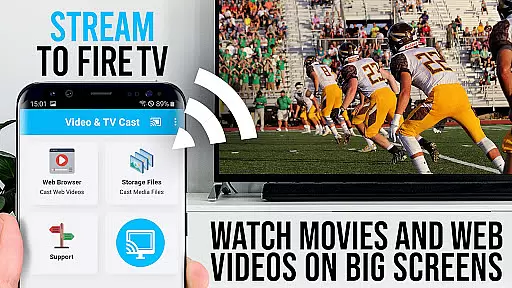
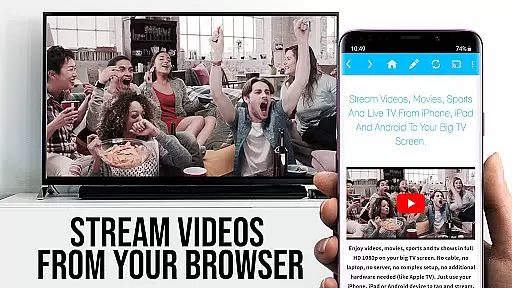
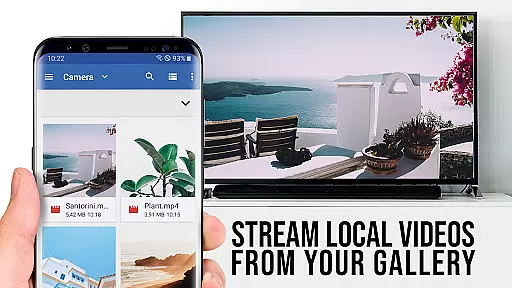
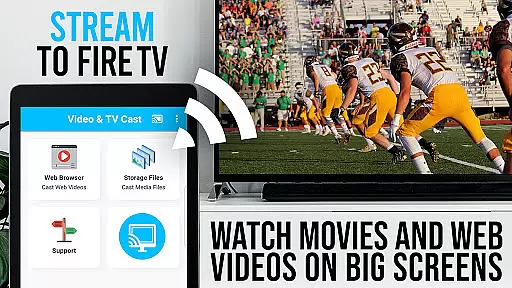
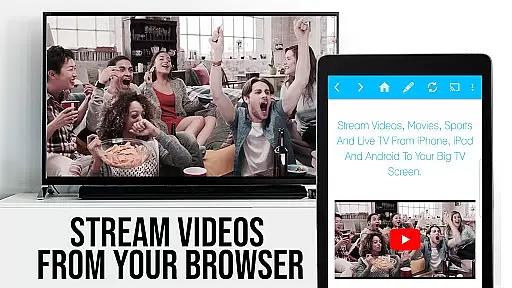
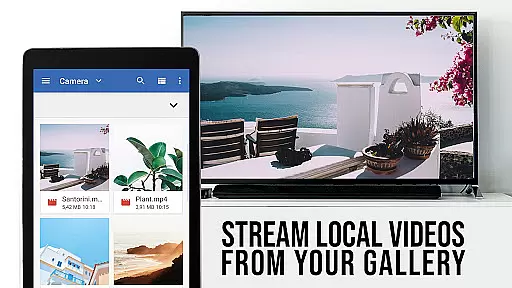
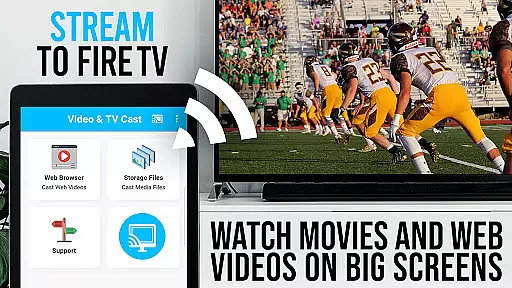
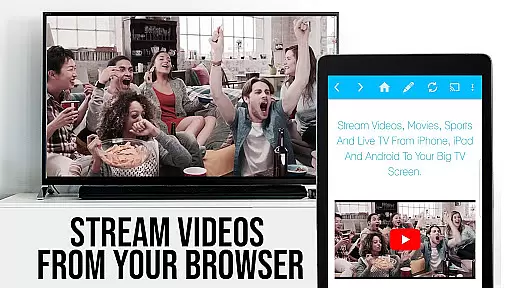
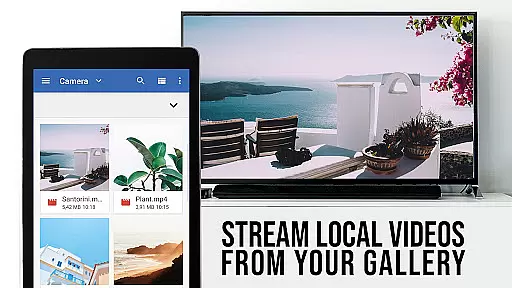
TV Cast Pro for Fire TV is the premier solution for streaming web videos, online movies, livestreams, and live-TV shows directly to your largest screen. Designed exclusively for Amazon Fire TV and Fire TV Stick, this application supports a wide range of video formats including mp4, m3u8, hls livestreams, and Full HD content over https. With its user-friendly interface, you can effortlessly browse the web and cast any desired video with a single tap, making it an ideal tool for enhancing your home entertainment experience.
This PRO edition unlocks all premium features, offering advanced functionalities such as the Remote Playbar for enhanced video control, an Ad-Blocker for an uninterrupted viewing experience, and the ability to manage bookmarks and change the homepage. Whether you're looking to stream content from popular websites or obscure online sources, TV Cast Pro ensures seamless integration and high-quality playback on your Fire TV device.
TV Cast Pro stands out with its comprehensive feature set tailored for avid media consumers. The app's core functionality allows users to browse the web and cast videos directly to their Fire TV with minimal effort. It intelligently detects video links on web pages and enables immediate streaming with a tap, supporting various formats like mp4, m3u8, and Full HD streams over https.
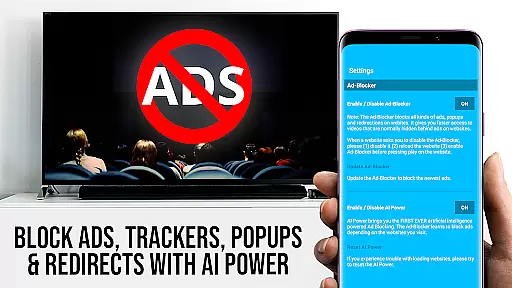
Among its standout features is the Remote Playbar, which provides synchronized video control across multiple devices, allowing users to play, pause, stop, forward, and rewind content effortlessly. Additionally, the built-in Ad-Blocker enhances the viewing experience by eliminating ads and popups on most websites. Users also benefit from advanced options such as Desktop Mode, which loads desktop versions of websites, and customizable settings for personalizing the homepage and managing bookmarks, ensuring a tailored and convenient media streaming experience.
TV Cast Pro for Fire TV offers extensive video format compatibility, ensuring users can enjoy a wide range of content without technical hindrances. The app supports popular formats such as Mp4, m3u8, and HLS livestreams, making it versatile for different types of videos.
With the capability to handle video over https and Full HD support, this application guarantees high-quality streaming directly to your Fire TV. This means you can stream web videos, online movies, livestreams, and live-TV shows in excellent clarity on the biggest screen in your home.
The simplicity of entering or pasting the full video URL into the browser address bar allows for direct playback on Fire TV devices. This ease of use enhances user experience by removing the need for complicated media servers or configurations.
It's important to note that while the app provides broad format support, it does not support DRM protected videos from platforms like Flash video, Google Play Movies, Netflix, Amazon, and HBO. Despite these limitations, TV Cast Pro remains a top choice for unlocking a vast array of online content for your viewing pleasure.
TV Cast Pro for Fire TV distinguishes itself with AI-powered editing features that streamline the process of managing and enjoying online content. While primarily a video casting tool, its intelligent functionalities extend to enhancing user interaction with media.
The Remote Playbar is an innovative feature allowing advanced video control while browsing. Users can scrub through videos, and utilize forward, rewind, play, pause, and stop functions effortlessly. This synchronized control across all Android and iOS devices ensures a seamless experience when managing video playback.
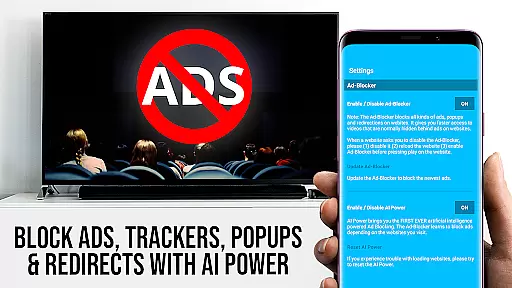
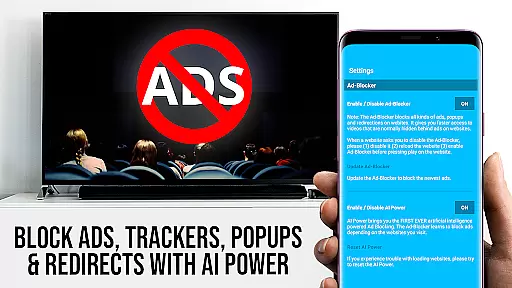
In addition to playback controls, the app includes an Ad-Blocker that removes ads and popups on most websites visited within the app. This creates a cleaner viewing environment free from interruptions, which can be toggled on or off according to user preference.
Further personalization comes in the form of customizable bookmarks and Desktop Mode, which allows loading desktop versions of websites. These features collectively contribute to a more tailored and efficient media consumption experience, leveraging smart technology to enhance user engagement with digital content.
User-friendly interface
Wide format support
Ad-free experience
Remote Playbar feature
Desktop mode option
No DRM video support
Limited to Fire TV
Occasional connectivity issues
Advanced features need testing
Ads on free version

Your media, on your terms.
 4.10
4.10
Tik & Story Saver-Download ALL social media videos, photos & reels no watermark.
4.80
Powerful HD video player with support for all formats & subtitles.
4.1
Turn your phone into a wireless camera!
4.20
Fast & Private Video Downloader App. Save all videos easily from the Internet.
4.40
Find, download, and play torrents with the official BitTorrent® Pro app
4.70
AI Video Editor with Music, Filter, Slideshow, Effect, Merge & Trim Video.
4.80
Viddo: Generate Action Figure, AI Anime, AI kiss, AI hug Video from image & text
4.40
Manage your YouTube channel on the go
4.40
Video Trimmer, Video to MP3 Converter. Extract music from video, Easy & Fast.
4.80
Play ALL formats in 4K & HD. Video downloader, MP3 player, Chromecast & more.
4.80
A Simple app to download Video & Music from the Internet.
4.70
KMPlayer Plus (Divx Codec) officially support Divx codec.
4.30
Capture images & record videos for USB Camera, Webcam, Microscopes, Endoscopes
3.80
All in one multi protocols stream receiver for AirPlay, Cast and DLNA.
3.60
Connect EasyCap or UVC devices for recording and broadcast video/audio stream
3.60
The essential companion to your Blue Iris PC software
2.50
Video player with powerful streaming playback and various convenient features.
2.10
Play and download HD videos from all sources — fast, simple, and all-in-one.
4.2
VLC vs MX Player compared side-by-side: formats, subtitles, ads, privacy, and performance. Find out which free Android video player is right for you.



User Reviews