
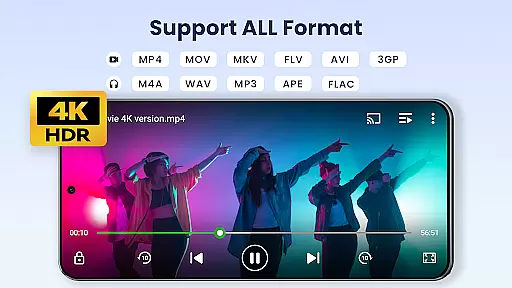

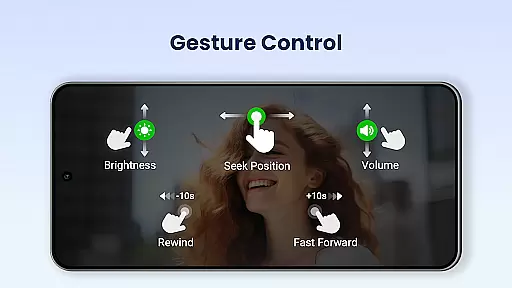
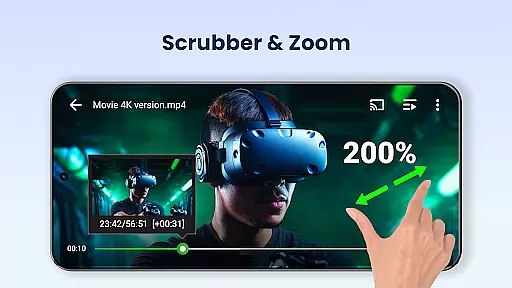
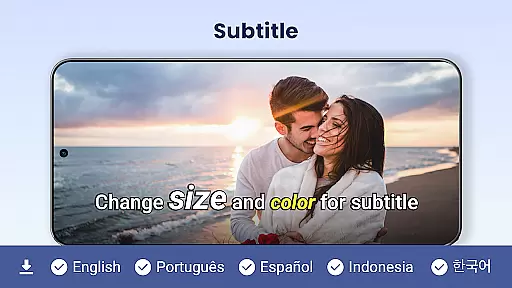
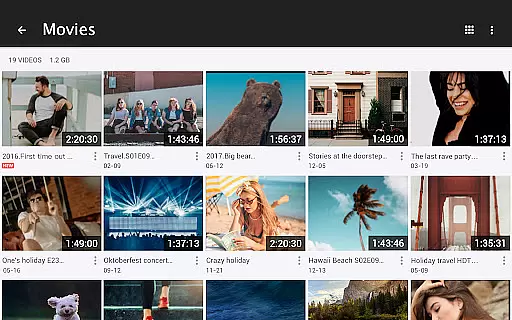
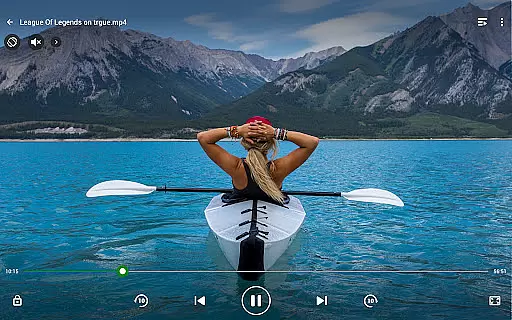
Video Player All Format is a versatile video playback application designed for Android devices. This professional-grade player supports all video formats including MKV, MP4, AVI, and more, with specialized features for 4K and ultra HD content. The app ensures high-definition playback while offering advanced functionalities such as hardware acceleration and Chromecast support.
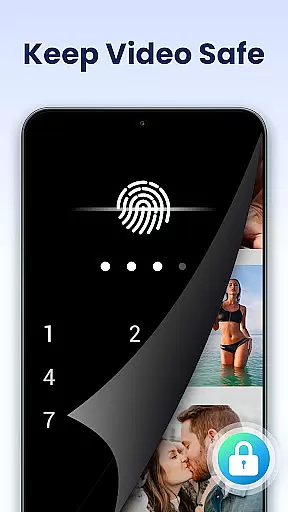
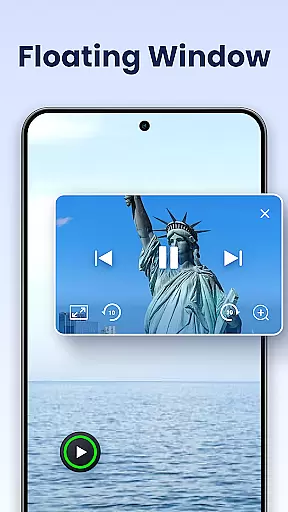
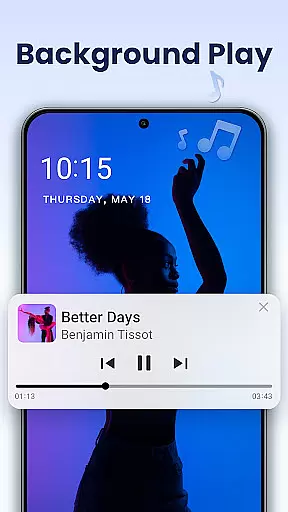
One of the standout features is its private album option, allowing users to password-protect their private videos. It also provides innovative viewing options like pop-up windows, split-screen mode, and background playback. With additional capabilities such as night mode, quick mute, and playback speed control, it caters to diverse user needs. Suitable for both Android phones and tablets, this app is an all-in-one solution for managing and enjoying your video library securely and efficiently.
Video Player All Format stands out with its comprehensive feature set tailored for video enthusiasts. The app supports every conceivable video format, ensuring no file is left behind. Its hardware acceleration capability allows smooth playback even for demanding 4K and ultra HD videos, making it one of the best choices for high-resolution content.
Beyond basic playback, the app offers unique features such as casting videos to TV via Chromecast, downloading subtitles, and playing videos in floating or background modes. These functionalities enable multitasking and enhance user convenience. Additionally, the app's automatic identification of video files on both internal storage and SD cards simplifies video management. Users can easily share, control playback settings, and enjoy advanced options like speed control from 0.5x to 2.0x, making it an indispensable tool for any Android device owner.
Video Player All Format stands out as a versatile video playback tool due to its extensive video format compatibility. This feature ensures that users can play virtually any video file without the need for conversion or additional codecs.
The application supports an exhaustive list of formats including MKV, MP4, M4V, AVI, MOV, 3GP, FLV, WMV, RMVB, and TS. This wide-ranging support allows users to enjoy their video content in high-definition, up to 4K resolution, without worrying about format restrictions.
For users with diverse media libraries, this compatibility eliminates the frustration of encountering unplayable files. Whether it's a home movie, downloaded content, or professional footage, Video Player All Format provides seamless playback across Android tablets and phones.
This comprehensive format support not only enhances user convenience but also positions the app as an essential tool for anyone needing reliable video playback on their mobile devices.
While Video Player All Format primarily focuses on video playback, it incorporates several intelligent features that enhance the viewing experience through AI-powered functionalities. These features contribute to both convenience and customization options for users.
The application includes advanced playback controls such as speed adjustment from 0.5x to 2.0x, automatic video file identification across devices and SD cards, and multi-playback options like auto-rotation and aspect ratio adjustments. These smart features optimize the viewing experience based on user preferences and device capabilities.
Additionally, the player offers specialized modes including Night Mode, Quick Mute, and background playback functionality. The floating video player feature demonstrates AI-powered window management, allowing users to multitask effectively by resizing and moving the video window across other applications.
These intelligent enhancements transform a basic video player into a sophisticated media tool, providing users with greater control over their viewing experience while maintaining ease of use across different Android devices.
User-friendly interface
Comprehensive format support
Advanced privacy protection
Smooth 4K playback
Versatile playback options
Limited iOS availability
Occasional ads in free version
Advanced features need upgrade
Large app size
Complex for beginners

IPTV-Smarters Player Pro M3U - Watch Live Stream TV Channels with Chromecast
 4.00
4.00
Your media, on your terms.
4.10
Watch a large amount of high-definition short drama content
4.60
Fast video downloader & private browser. Save HD clips to watch offline.
4.40
Connect EasyCap or UVC devices for recording and broadcast video/audio stream
3.60
Browser for Samsung TV to stream webvideos, online movies and livestreams in HD
4.10
Video player with 4K & 1080P support, popup play, background play and subtitle.
4.20
Enjoy your favorite videos and channels with the official YouTube app.
3.90
Make videos you’re proud to share with Edits, a video editor for creators.
4.70
Tik & Story Saver-Download ALL social media videos, photos & reels no watermark.
4.80
Pro video editor app for Instagram, edit video with song, AI, effect & slowmo.
4.80
#1 Torrent App on Android ** No Ads Ever + Battery Saver **
4.80
High-Quality USB Camera Viewer & HDMI Display
4.70
Find, download, and play torrents with the official BitTorrent® Pro app
4.70
Fast & easy HD video downloader for all formats, support 4K playback & download.
4.60
Stream Web Videos to Chromecast, Samsung, LG, Sony, Roku, Fire TV, DLNA + more
4.00
AI Video Editor:AI Music, Text to Video,Text to Speech,Auto Caption,Video Effect
4.00
Cast to Smart TV, Fire TV. Cast video, photo - Fast & Stable!
3.90
Live TV, anywhere in your home
3.80
VLC vs MX Player compared side-by-side: formats, subtitles, ads, privacy, and performance. Find out which free Android video player is right for you.



User Reviews