
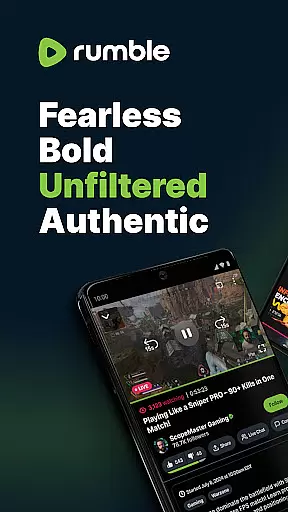
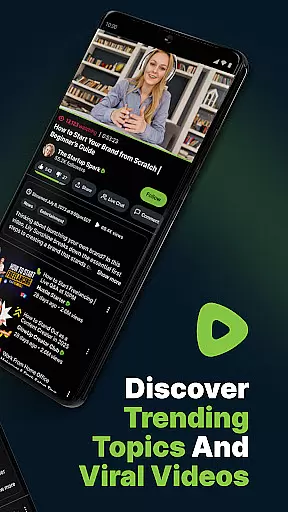
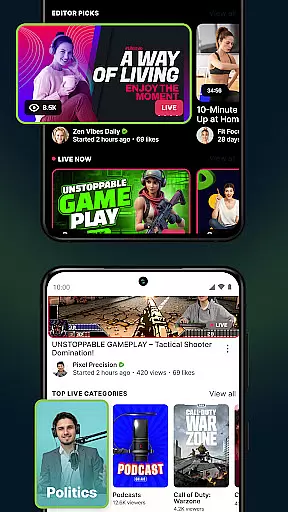
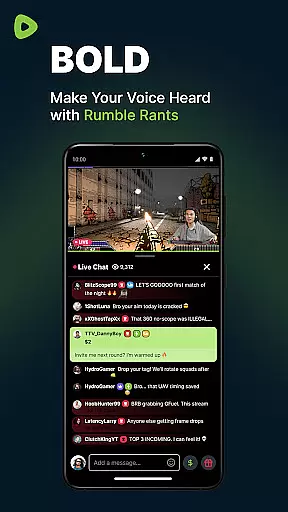
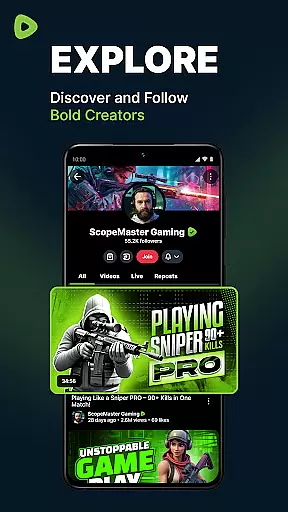
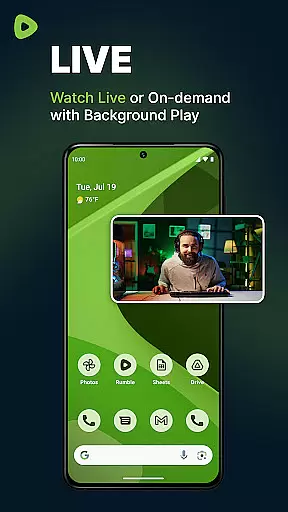
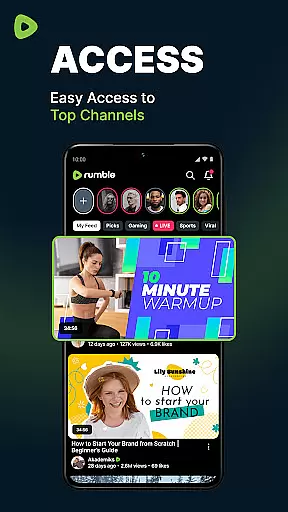

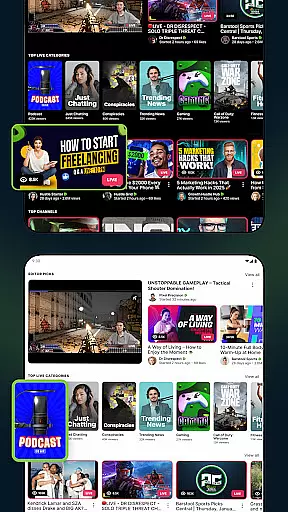

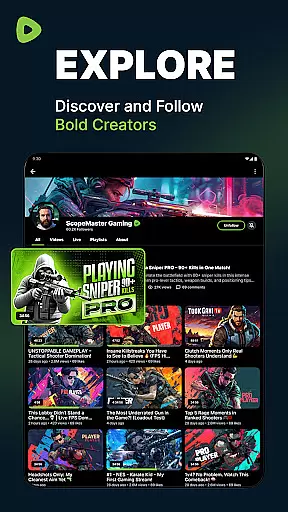
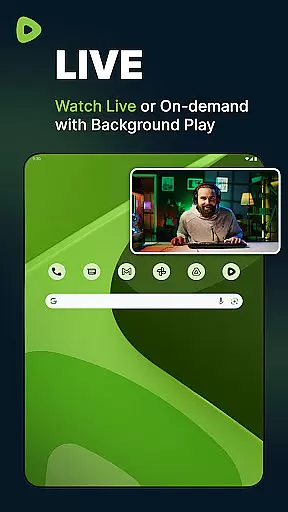
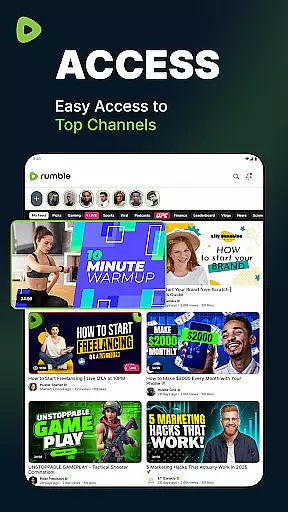
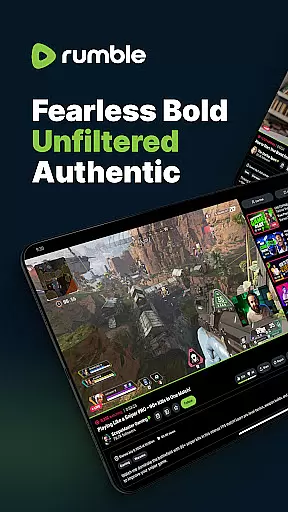

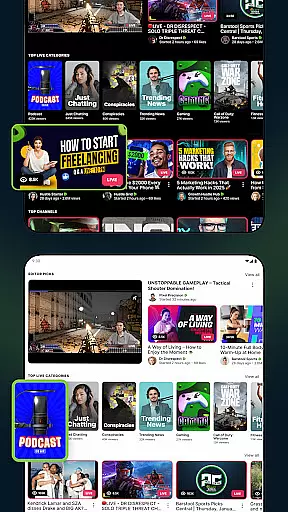

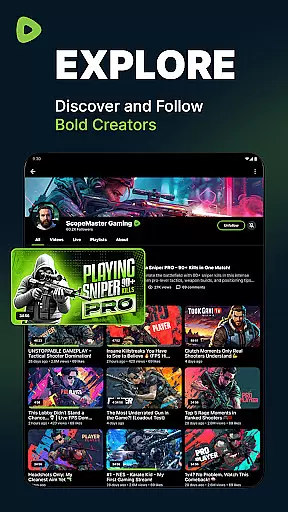
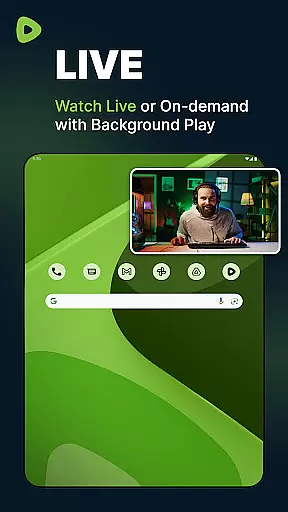
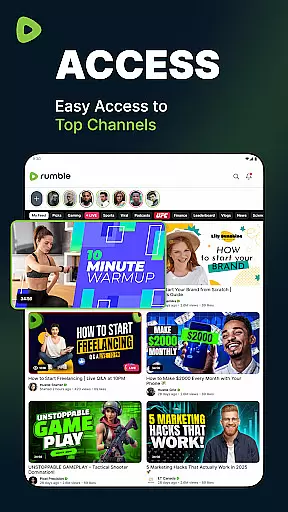
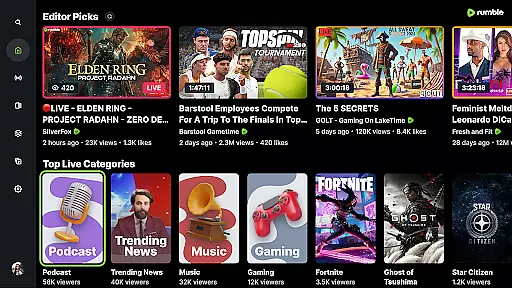
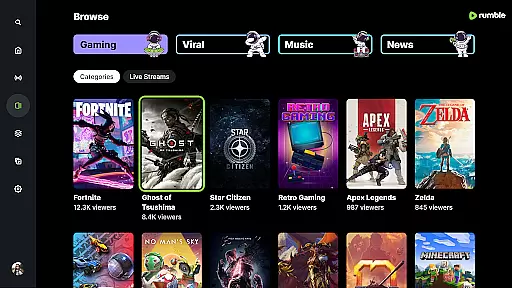
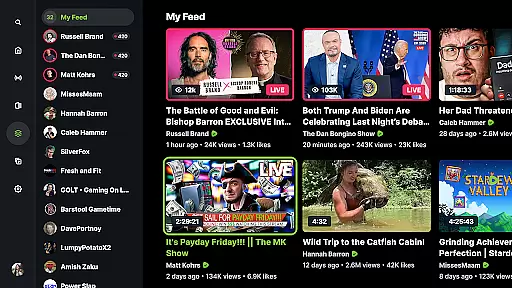
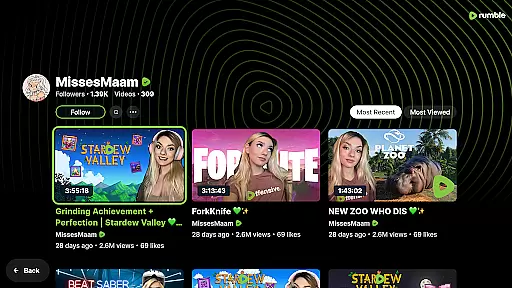
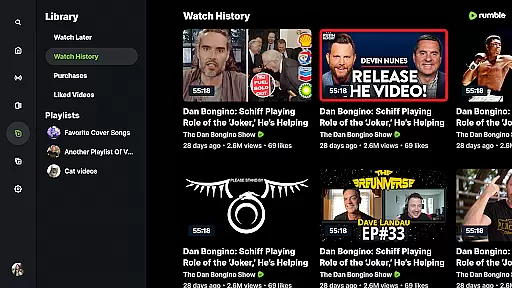
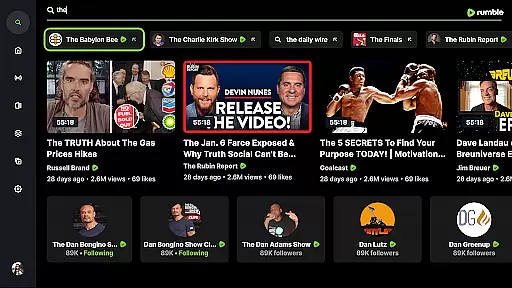
Rumble is a freedom-first video-sharing platform designed for creators and viewers who value free speech and an open Internet. As a robust alternative to mainstream platforms like YouTube, Rumble offers unfiltered and uncensored content, making it ideal for those seeking diverse opinions and authentic voices. The app supports live streaming, video sharing, and monetization without the restrictive algorithms typical of Big Tech.
One of Rumble's standout features is its seamless live streaming capability, allowing users to engage with their favorite channels in real time. Additionally, the platform provides a recommendation system that helps users discover trending videos and exclusive content across various categories such as news, politics, gaming, and sports. With over 50 million users, Rumble has become a significant player in the world of online video, offering unique livestreaming schedules and empowering creators through generous revenue-sharing models.
Rumble distinguishes itself through several key features tailored to enhance user experience. First and foremost, the platform champions free speech by ensuring all content remains unfiltered and uncensored, appealing to creators and viewers tired of restrictive algorithms elsewhere. This commitment to openness extends to its live streaming service, where users can watch live streams, participate in real-time chats, and never miss critical moments from their favorite channels.
Another notable feature is Rumble's dedication to content discovery. Its recommendation engine makes it easy for users to find viral videos and explore trending topics across multiple genres, including news, politics, gaming, and sports. Furthermore, Rumble empowers creators by enabling them to monetize their content from day one, with no watch-hour or subscriber thresholds. This approach, combined with higher revenue splits, ensures creators retain more earnings compared to other platforms. Lastly, Rumble's smooth performance guarantees reliable video playback on any device, enhancing overall usability.
Video format compatibility is a crucial feature for any video platform, ensuring users can upload and view content in various formats without technical issues. Rumble excels in this area by supporting a wide range of video formats, making it easy for creators to share their work without worrying about conversion or compatibility problems.
The platform's robust infrastructure allows seamless playback of different video types, from standard MP4 files to high-definition formats. This flexibility empowers content creators to focus on their message rather than technical limitations, while viewers enjoy smooth streaming experiences across devices.
Rumble's commitment to format compatibility extends beyond just basic support. The platform ensures that videos maintain their original quality during uploads and playback, preserving the creator's intended visual experience. This attention to detail enhances both the viewing and creation process.
By prioritizing comprehensive video format support, Rumble positions itself as an accessible and versatile platform for diverse content types. Users benefit from the ability to share and watch videos in their preferred formats, contributing to a more inclusive and flexible video-sharing ecosystem.
AI-powered editing features represent a significant advancement in video production capabilities, enabling creators to enhance their content with minimal effort. While Rumble maintains its focus on free speech and open content sharing, it incorporates intelligent tools that help users improve video quality and optimize their creations for better engagement.
The platform's AI-driven editing functions include automatic video enhancement, smart cropping, and optimized encoding for different devices. These features work behind the scenes to ensure that even amateur creators can produce professional-looking content without requiring advanced technical skills or expensive editing software.
Rumble's approach to AI-powered editing emphasizes simplicity and accessibility. The platform provides intuitive tools that suggest optimal editing choices while still allowing creators full control over their content. This balance between automation and creative freedom enables users to maintain their unique voice while benefiting from technological advancements.
By integrating these intelligent editing features, Rumble not only enhances the quality of shared content but also lowers the barrier to entry for new creators. The result is a more vibrant community where diverse voices can be heard through high-quality video presentations, all while maintaining the platform's core values of free expression and accessibility.
User-friendly interface
Uncensored content
Generous monetization
Diverse content library
Real-time interaction
Limited mobile features
Fewer mainstream creators
Less polished UI
Smaller user base
Occasional bugs

Powerful, professional, versatile teleprompter. Developed by an active film crew
 4.00
4.00
Your media, on your terms.
4.10
AirMirror is Receiver for Screen Mirroring and Casting from Apple Devices.
3.60
High-Quality USB Camera Viewer & HDMI Display
4.70
Pro video editor app for Instagram, edit video with song, AI, effect & slowmo.
4.80
Download website videos fast&privacy
4.40
IPTV Player - Watch live TV from m3m & m3u8 playlist, stream IPTV on mobile
3.30
Powerful Video Editor & Photo Editing App —— Quick Edits & Stunning Effects!
4.30
AI Video Editor with Music, Filter, Slideshow, Effect, Merge & Trim Video.
4.80
Tik & Story Saver-Download ALL social media videos, photos & reels no watermark.
4.80
Play ALL formats in 4K & HD. Video downloader, MP3 player, Chromecast & more.
4.80
Full HD Video mp3 Player, MP4 player play 1080p, File manager, Video Downloader
4.40
AirMirror Receiver - Screen mirroring/cast web videos to Android TV by AirPlay.
4.40
Browser for Fire TV to stream webvideos, online movies, livestreams in HD
4.40
Video player with 4K & 1080P support, popup play, background play and subtitle.
4.20
Fast private browser with secure, seamless access & supported video downloads!
4.00
Explore the largest library of free GIFs, Stickers & Memes - or create your own!
3.90
Powerful HD video player with support for all formats & subtitles.
4.3
Play and download HD videos from all sources — fast, simple, and all-in-one.
4.2
VLC vs MX Player compared side-by-side: formats, subtitles, ads, privacy, and performance. Find out which free Android video player is right for you.



User Reviews