
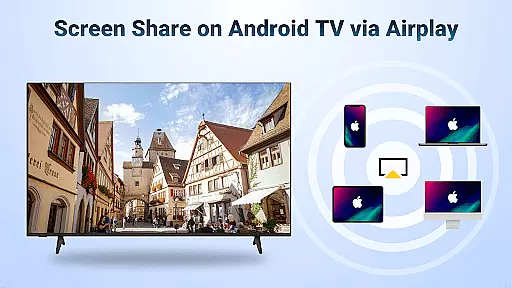
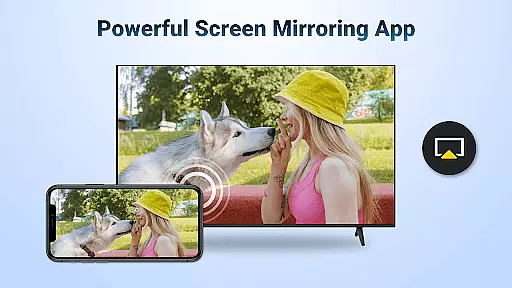
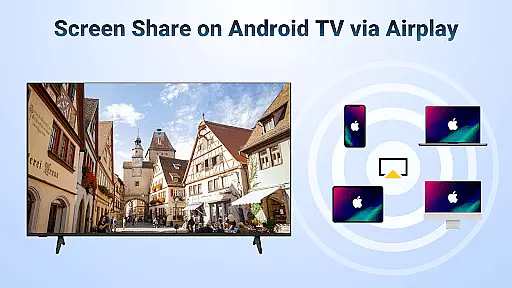

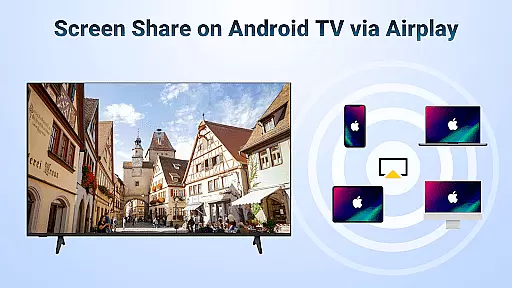

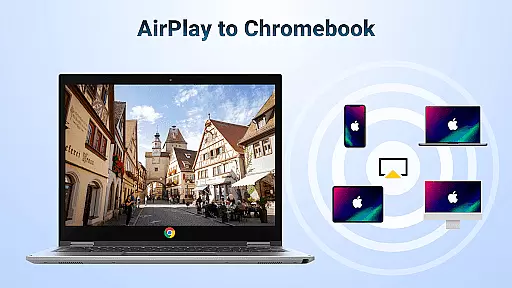
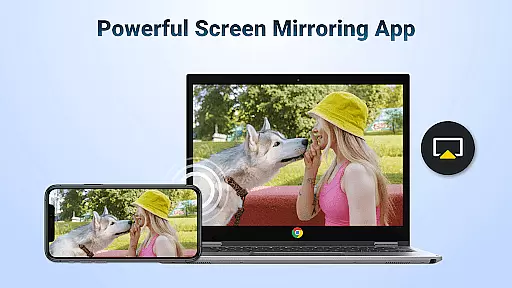
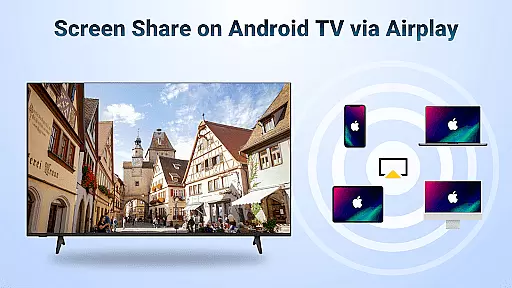
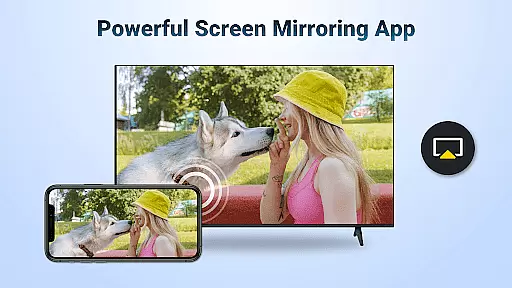
AirMirror is a powerful wireless streaming receiver app that enables seamless screen mirroring and content casting from Apple devices to Android TV. With its innovative AirPlay technology integration, users can effortlessly mirror their iPhone, iPad, or Mac screens directly to an Android TV over WiFi without the need for additional converters or complex setups.
This versatile application supports various use cases including business presentations, educational content sharing, multiplayer gaming sessions, photo sharing, fitness video streaming, and movie nights. The app ensures smooth and stable connectivity while maintaining excellent audio and visual quality, making it ideal for both personal entertainment and professional environments.
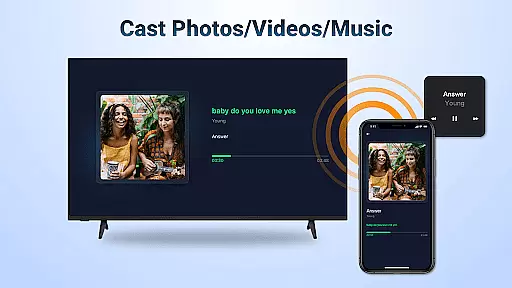
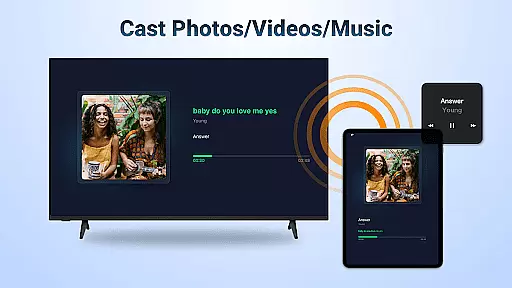
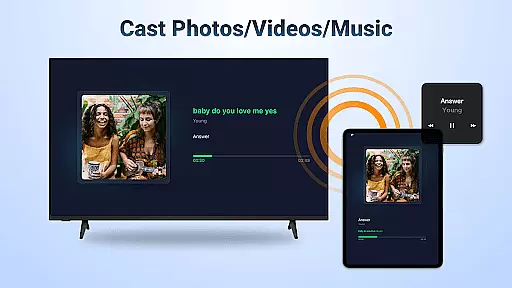
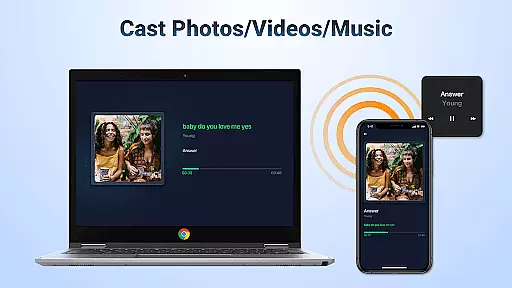
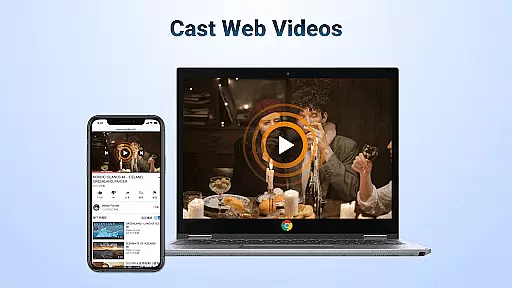
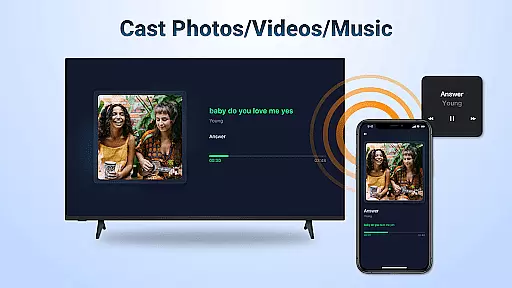
The app offers a comprehensive set of features designed to enhance the screen mirroring experience. It supports streaming of audio, video, and photos from AirPlay-enabled devices such as iTunes and iOS gadgets. Users can cast web videos with remarkable speed and clarity, while enjoying the convenience of controlling playback directly on the receiving end.
AirMirror provides flexible viewing options by allowing users to switch between landscape and portrait modes according to their preference. The app's intuitive interface ensures simple connectivity and maintains stable mirroring performance throughout usage. These features collectively create a seamless and enjoyable streaming experience that caters to various user needs and preferences.
Video format compatibility is a crucial feature for any video player and editor, ensuring that users can enjoy a wide range of multimedia content without worrying about format restrictions. AirMirror: TV Cast via AirPlay supports streaming audio, video, and photos from devices enabled with AirPlay, including iTunes and iOS devices.
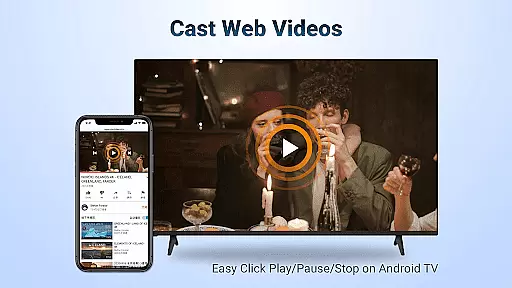
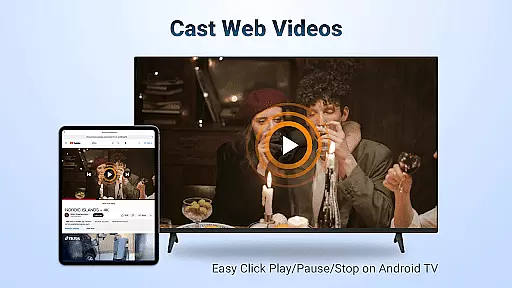
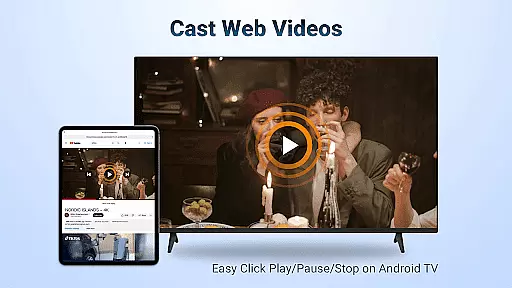
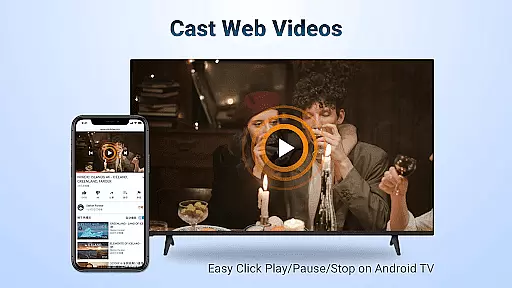
This application allows you to cast web videos via AirPlay with smooth and super-fast transmission. Whether you're looking to stream personal media or online content where DRM allows, AirMirror provides the necessary support for an uninterrupted viewing experience on Android TV.
Users benefit from simple connectivity and stable mirroring and screen casting, which means they can switch between landscape and portrait modes at will. This flexibility ensures that no matter what type of content you are streaming, it will display correctly on your television.
AI-powered editing features represent the cutting edge of video player and editor technology, offering smart tools that enhance user interaction with multimedia content. While AirMirror: TV Cast via AirPlay focuses primarily on streaming capabilities, its integration with AirPlay-enabled devices introduces a level of convenience akin to AI-driven processes.
With this app, users can control playback directly on the receiving end, clicking play, pause, or stop without needing to interact with the source device. This streamlined control mimics an intelligent response system, adapting to user commands seamlessly for an enhanced viewing experience.
The application's ability to mirror screens from iOS devices to Android TV also adds a layer of versatility not commonly found in traditional video players. By removing the need for additional converters or frequent switching between different ecosystems, AirMirror simplifies how users engage with their media libraries.
User-friendly interface
Stable mirroring performance
Excellent audio-visual quality
Versatile content support
Flexible orientation options
No DRM content support
WiFi dependency
Limited to AirPlay devices
Occasional connectivity issues
Device compatibility restrictions

You can play SWF format file!
 2.50
2.50
IPTV-Smarters Player Pro M3U - Watch Live Stream TV Channels with Chromecast
4.00
Video Trimmer, Video to MP3 Converter. Extract music from video, Easy & Fast.
4.80
1)AirPlay/DLNA Mirroring/Streaming, up to 4 connections; 2)Samba/NAS/DMS Player.
4.00
Turn your phone into a wireless camera!
4.20
Download videos easily & play them all in one smart, powerful video manager.
3.40
Cast to Smart TV, Fire TV. Cast video, photo - Fast & Stable!
3.90
Browser for Samsung TV to stream webvideos, online movies and livestreams in HD
4.10
Video&Drama Player All Format is a HD video player, music player
3.00
Download videos and play them offline
4.70
Screen recorder with audio to take live videos & Screenshot in high quality!
4.70
Video Downloader, Multiple Resolution Options, Video Player
4.50
Download website videos fast&privacy
4.40
Fast & Private Video Downloader App. Save all videos easily from the Internet.
4.40
Video player, file manager for all formats, 4K/HD media player supports subtitle
4.30
This app was created to edit the metadata of music files.
4.20
Livestream, news, & gaming content. Watch, chat, and upload. Join Rumble today!
3.80
AirMirror is Receiver for Screen Mirroring and Casting from Apple Devices.
3.60
A full editing room to accompany your Insta360 cameras and handheld gimbals.
3.30
VLC vs MX Player compared side-by-side: formats, subtitles, ads, privacy, and performance. Find out which free Android video player is right for you.



User Reviews