
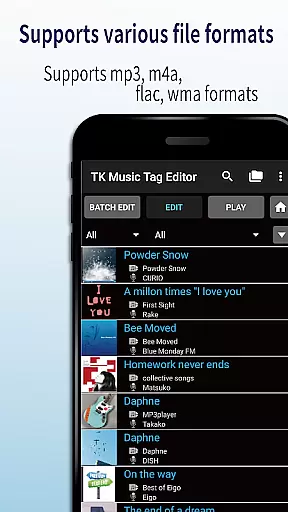
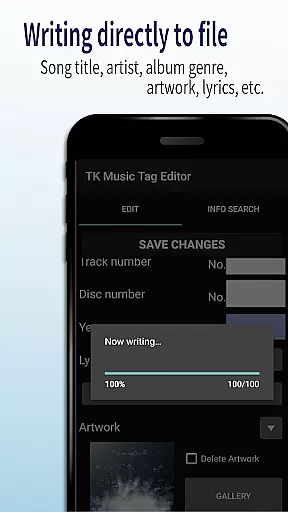
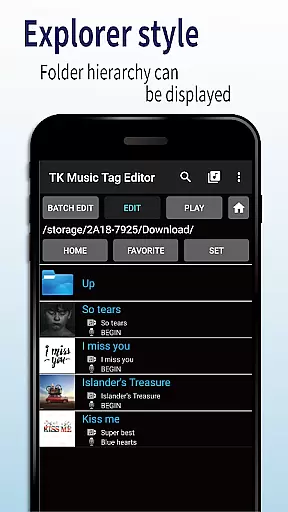
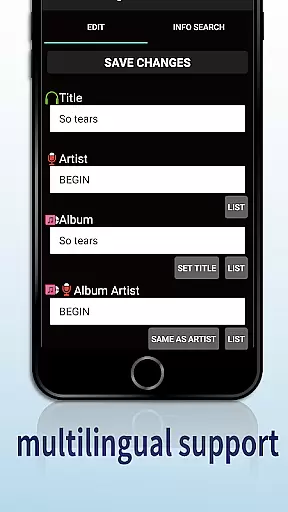
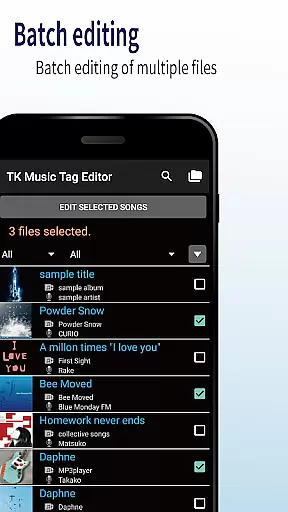
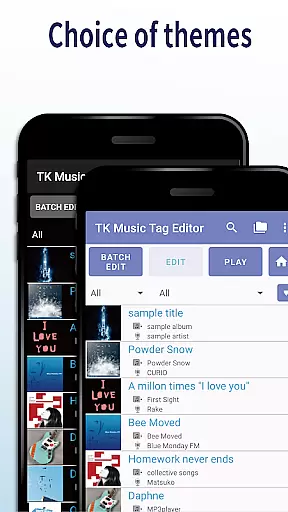
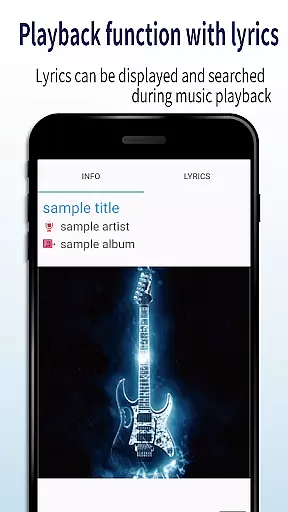
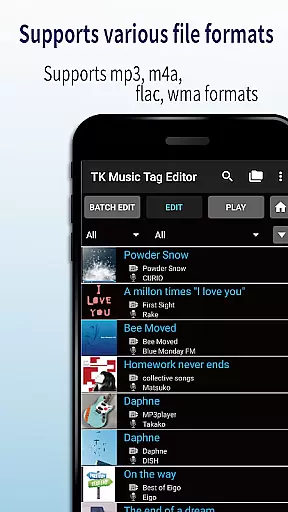
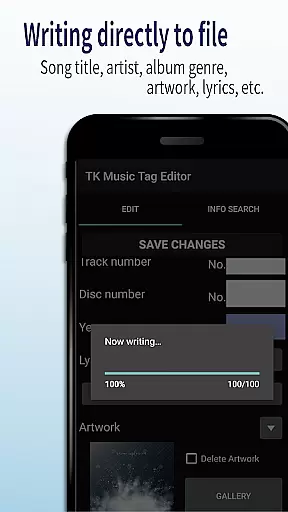
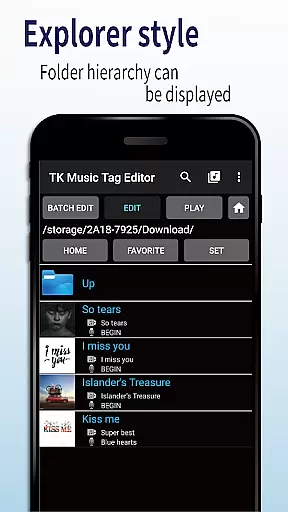
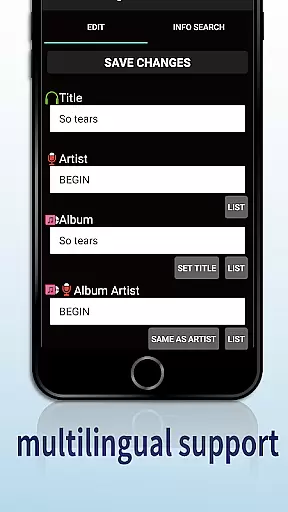
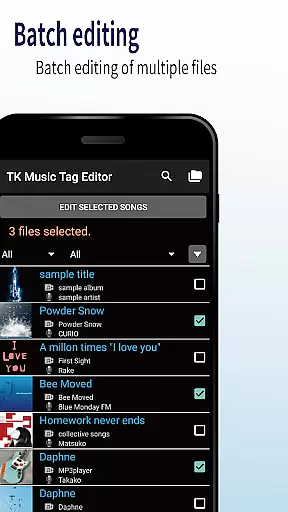
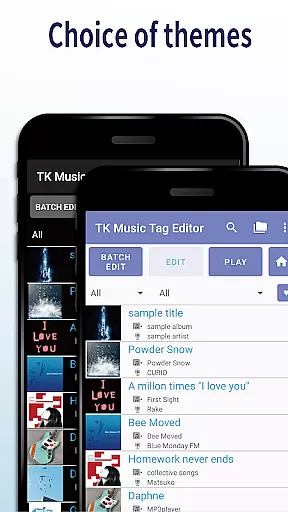
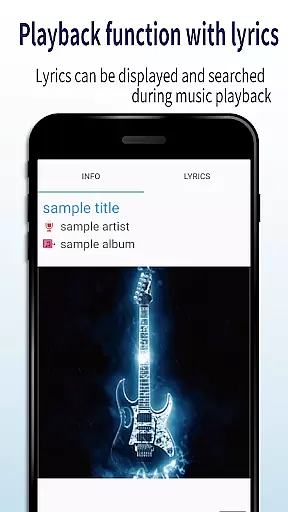
TK Music Tag Editor -Complete- is a comprehensive metadata editing tool designed specifically for music enthusiasts who need to manage their audio files with precision. This application allows users to edit essential metadata fields such as artist, album, cover art, and lyrics directly within mp3, m4a, flac, and wma files. The changes are written directly into the music files, ensuring that the metadata remains intact across different devices and platforms.
In addition to basic tag editing, the app offers advanced features like simultaneous filename editing, playlist creation, and support for multiple file formats. Whether you're organizing a large music library or preparing audio files for distribution, TK Music Tag Editor provides the necessary tools to maintain consistent and professional-quality metadata management.
The app's feature set is particularly robust, making it a standout choice in the Video Players & Editors category. One of its core strengths is the ability to write tags directly into music files, which ensures that metadata persists regardless of where the files are accessed from. Users can edit crucial metadata fields including title, artist, album, cover art, and lyrics, providing complete control over how music files are organized and displayed.
Another notable feature is the simultaneous editing of music filenames, allowing users to standardize naming conventions alongside metadata updates. The app also includes playlist creation functionality, enabling users to curate custom listening experiences. With support for various file formats including m4a, flac, and wma, plus the ability to detect and correct mislabeled mp3 files, this editor offers unparalleled flexibility for managing diverse music collections.
Video Players & Editors category apps must ensure broad video format compatibility to meet diverse user needs. TK Music Tag Editor -Complete- demonstrates exceptional versatility in this aspect.
This application supports major audio formats including mp3, m4a, flac, and wma files. The direct tag writing feature ensures metadata remains intact across different devices and platforms, whether users access their files from PC or mobile devices.
Notably, the app includes an intelligent format detection system that identifies mp3 files mistakenly labeled with m4a extensions. This functionality allows for proper format conversion while maintaining all metadata information.
The comprehensive format support enables users to manage their entire music library through a single interface. Whether editing basic metadata or advanced tags like lyrics and cover art, the application maintains consistent performance across all supported formats.
In today's digital media landscape, AI-powered editing features are becoming essential for efficient content management. TK Music Tag Editor -Complete- incorporates several innovative features that enhance the editing process.
The application's simultaneous filename editing capability automatically generates meaningful file names based on song titles and artist information. This intelligent feature helps maintain organized digital libraries without requiring manual renaming.
Playlist creation functionality employs smart algorithms to help users build customized listening experiences. The app suggests optimal playlist structures while allowing manual adjustments, combining AI assistance with user control.
While current AI capabilities focus on metadata management and file organization, the developers have announced plans for expanding AI-powered features. Future updates may include advanced metadata suggestions and automated tagging systems, further enhancing the editing experience.
User-friendly interface
Comprehensive format support
Direct file writing
Playlist management
Filename editing
No batch editing
Limited advanced features
Basic UI design
Occasional bugs
Paid upgrades

Connect 2 UVC devices for recording and broadcast video/audio stream
 3.90
3.90
Video Player - Unlimited features, 30 days money back guarantee.
4.60
Full HD Video mp3 Player, MP4 player play 1080p, File manager, Video Downloader
4.40
Stream high quality video from your camera over NDI protocol
4.1
AirMirror Receiver - Screen mirroring/cast web videos to Android TV by AirPlay.
4.40
Powerful Video Editor & Photo Editing App —— Quick Edits & Stunning Effects!
4.30
Download videos and play them offline
4.70
Browser + Remote for Roku to stream webvideos, online movies and livestreams
4.60
Browser for Fire TV to stream webvideos, online movies, livestreams in HD
4.40
Pro video editor app for Instagram, edit video with song, AI, effect & slowmo.
4.80
An easy-to-use and all-round screen recorder with audio
4.80
A Quick and Pro Video Editor
4.70
High-Quality USB Camera Viewer & HDMI Display
4.70
Cast movies, tv shows and live streams to Chromecast, Roku, DLNA, Fire TV & more
4.60
Create & edit videos with AI
4.30
Web Browser for LG TV to stream webvideos, online movies and livestreams in HD
4.20
Powerful video player with advanced hardware acceleration and subtitle supports
4.20
AirMirror is Receiver for Screen Mirroring and Casting from Apple Devices.
3.60
The essential companion to your Blue Iris PC software
2.50
VLC vs MX Player compared side-by-side: formats, subtitles, ads, privacy, and performance. Find out which free Android video player is right for you.



User Reviews