
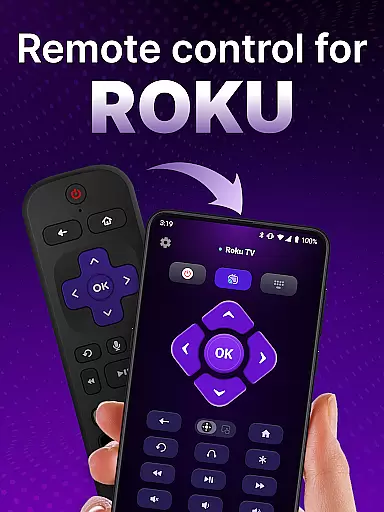
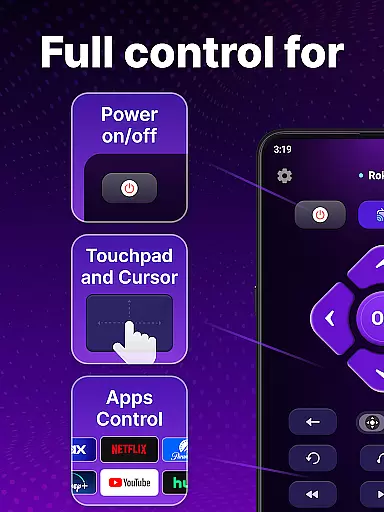
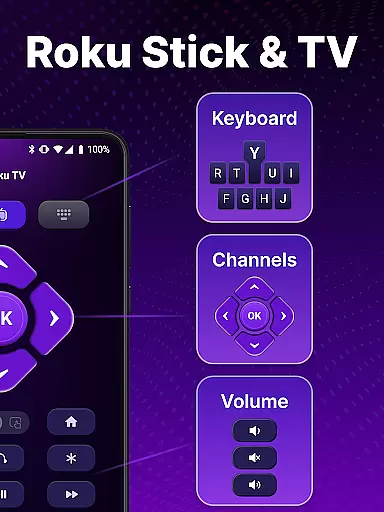
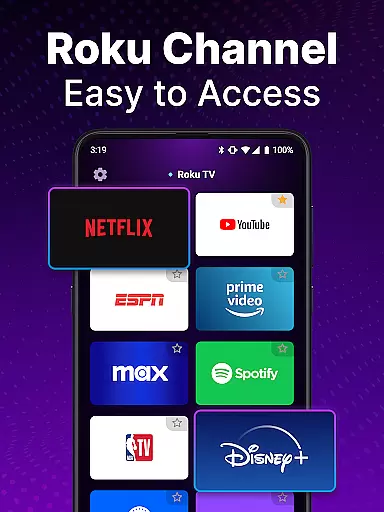
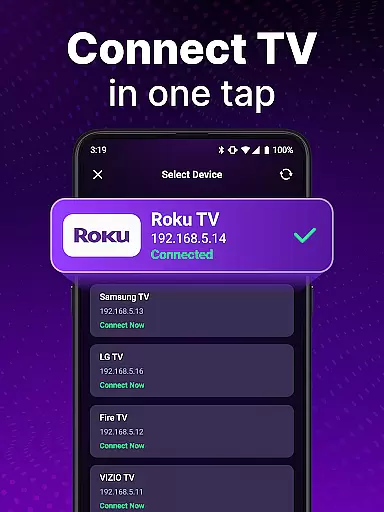
TV Remote control for Roku TV is a universal remote app that allows users to conveniently manage their Roku TV devices directly from their smartphones. The app connects to the same Wi-Fi network as your Roku TV, enabling you to perform essential functions such as turning the TV on and off, adjusting volume, browsing content, launching channels, and more. With its intuitive interface and advanced features like voice control and keyboard input, this app provides a seamless alternative to traditional physical remotes.
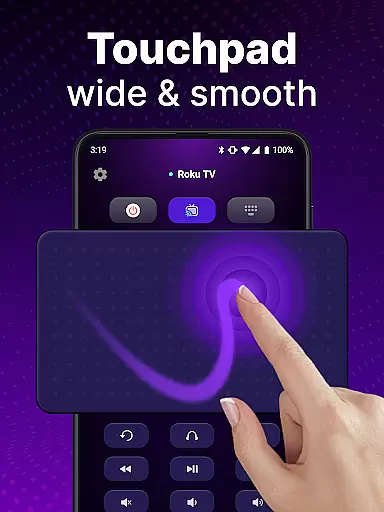
The application's standout feature is its automatic device detection, which simplifies the setup process by identifying Roku TV devices on the same network. Additionally, the touchpad navigation offers smooth scrolling and swiping capabilities, enhancing user interaction. Whether you're looking to streamline your entertainment experience or simply tired of misplacing your physical remote, this app delivers a practical solution that combines functionality with convenience.
TV Remote control for Roku TV boasts an array of features designed to enhance user experience. One of its primary advantages is the automatic detection system, which identifies Roku TV devices connected to the same Wi-Fi network, streamlining the initial setup process. This feature ensures that users can quickly connect and start controlling their TVs without any hassle.
In addition to basic controls like power on/off and volume adjustment, the app offers rapid access to Roku TV functionalities through voice commands. Users can also take advantage of the integrated touchpad for effortless navigation, allowing for smooth scrolling and swiping actions. Furthermore, the keyboard input function facilitates swift text entry and search operations, making it easier than ever to find and enjoy your favorite shows. These comprehensive features collectively provide a versatile and user-friendly remote control solution.
In the realm of universal remote applications, the precision and efficacy of core functions are paramount. The TV Remote control for Roku TV app excels in this area by offering users reliable and responsive control over their Roku TV devices. This universal remote app goes beyond basic functionality by incorporating automatic device detection within the same Wi-Fi network, ensuring a seamless setup process.
With its rapid response capabilities, users can effortlessly manage their Roku TVs using an array of features such as power on/off, volume adjustment, channel launching, and content streaming. The integration of voice control adds another layer of convenience, allowing for hands-free operation that is both intuitive and time-saving.
The app's design emphasizes user experience with simple navigation via a touchpad interface that supports smooth scrolling and swiping actions. Additionally, it provides swift text input through keyboard functionality, which enhances search operations and makes finding favorite shows an expedient task.
By addressing common pain points associated with traditional remotesu2014such as lost remotes or tedious manual searchesu2014the TV Remote control for Roku TV app delivers a superior alternative that combines efficiency with modern technology to create an optimal user experience.
A straightforward and instinctive interface is crucial for tools like the TV Remote control for Roku TV app, where ease of use directly impacts customer satisfaction. This universal remote app boasts an uncluttered layout that prioritizes essential functions, making it accessible even to those who may not be tech-savvy.
Upon installation, users are greeted with clear instructions on connecting their smartphone to their Roku TV via the same Wi-Fi network. Once connected, they can tap to initiate control without any complicated setup proceduresu2014a testament to its user-centric design philosophy.
The inclusion of a touchpad feature allows for fluid interaction when navigating menus or adjusting settings on your Roku TV. Swiping and scrolling feel natural thanks to the appu2019s attention to detail in replicating physical remote experiences digitally while improving upon them with faster response times.
Moreover, advanced functionalities such as voice input provide additional layers of simplicity, enabling users to perform searches or execute commands without needing to type manually. By focusing on these aspects, the TV Remote control for Roku TV app ensures that every interaction remains effortless yet powerful enough to meet diverse entertainment needs efficiently.
User-friendly interface
Voice command support
Automatic device detection
Touchpad navigation
Swift text input
Requires Wi-Fi connection
Not officially affiliated with Roku
Limited to Roku devices
Potential connectivity issues
No physical buttons

HD Camera captures every special moment.
 4.60
4.60
A recovery soft,it features photo recovery, video recovery, file recovery.
3.40
Carry a FTP server in your pocket and avoid USB cables for file transfer
4.20
App to pay for FUTO Keyboard
4.60
Create your own live wallpaper or check out thousands already made presets
3.90
Detect hidden spy camera with advanced scanning {{ Premium version }}
4.00
Support Fossify apps with a warm thank you!
5.00
Button mapper, mouse toggle, sleep timer and a lot of another features
4.50
Your personal health butler
3.60
Enjoy smooth gameplay with Game Booster
4.90
The ultimate tool for network analysis, wifi scanning and problem detection.
4.90
Learn the vast amount of system information about device and monitor it's state
4.70
Connect instantly to a fast, encrypted VPN with one tap
4.60
Just swipe the edge to do something!
4.40
Use your phone as a webcam on your computer over WiFi or USB.
4.40
An easy-to-use calculator designed to save time calculating and bending conduit
4.30
MS-DOS in your pocket. Play old DOS games anywhere you are ;)
4.10
Undelete and recover your lost or deleted files with DiskDigger!
3.40
Unlock your Essential Key. Create custom shortcuts to your favorite apps!
4.5
Honest Scratch app review—is it actually good for teaching kids to code? Real user insights on features, limitations, and learning outcomes.



User Reviews