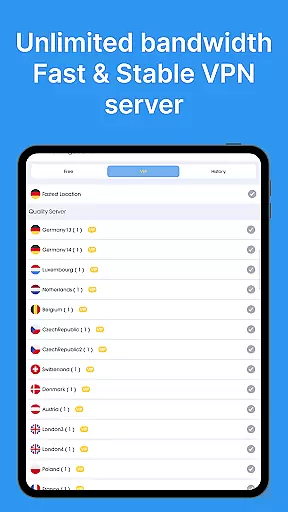
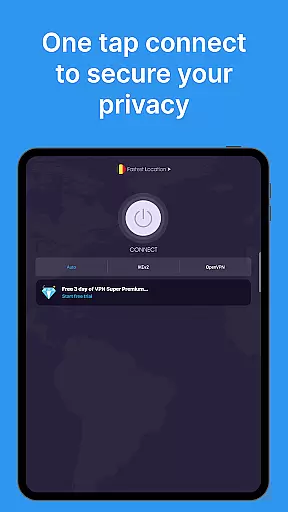
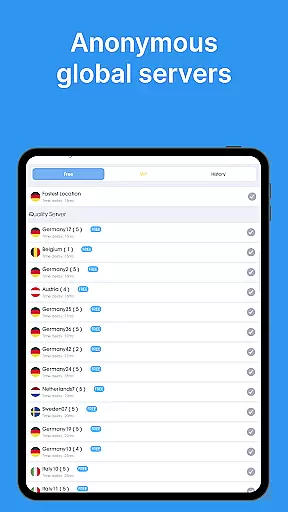
VPN - Super Unlimited Proxy is a robust and user-friendly virtual private network application designed to provide secure internet access for Android users. The app offers military-grade encryption, ensuring maximum security while browsing, streaming, or gaming online. With over 5,000 servers across 55+ countries, it provides unlimited bandwidth and turbo-fast speeds without requiring any registration or login.
This free VPN solution stands out with its strict no-logs policy and smart server selection feature that optimizes performance based on your location. Whether you're connecting from public Wi-Fi hotspots or cellular networks (including 5G), the app maintains your privacy by hiding your IP address and encrypting your internet connection. Its versatility extends to supporting multiple protocols like OpenVPN, IKEv2, and V2Ray, making it suitable for various use cases such as unblocking social platforms, accessing geo-restricted content, and securing connections in public spaces.
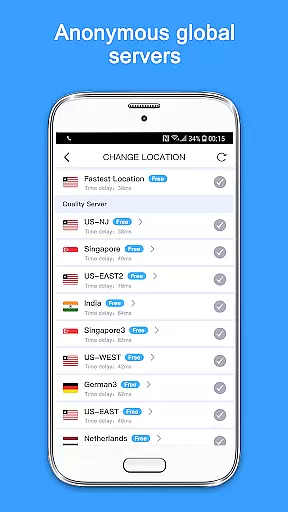
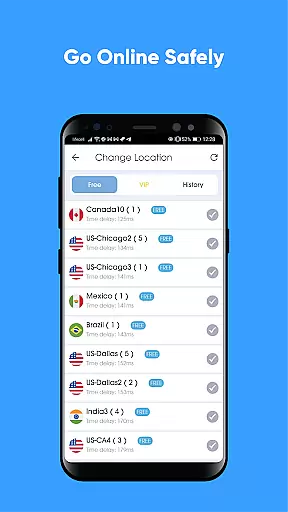
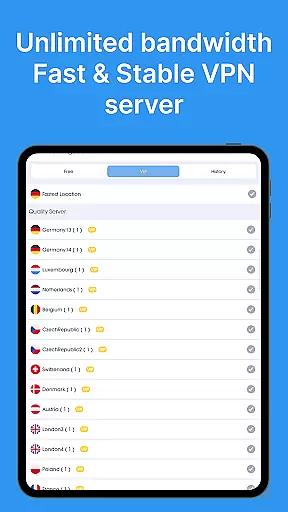
One of the standout features of VPN - Super Unlimited Proxy is its comprehensive free version which includes unlimited speed, bandwidth, and usage without any ads or time limits. Users can connect to servers from 25+ locations worldwide, including major U.S. cities, providing flexibility in bypassing regional restrictions. The app supports up to four different protocols, allowing users to choose the optimal setting for their specific needs.
The premium version enhances this experience further by offering ultra-fast 10 Gbps servers, ad-free browsing, and expanded server options covering all 55+ countries with city-level precision within the U.S., catering especially to power users who demand high performance and extensive global reach. Additionally, the commitment to user privacy is evident through its no activity logs policy and minimal diagnostic data collection only when troubleshooting connection issues, reinforcing trust among privacy-conscious individuals.
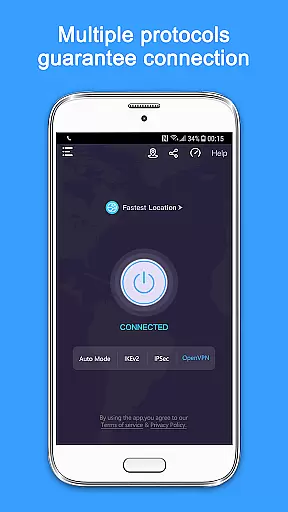
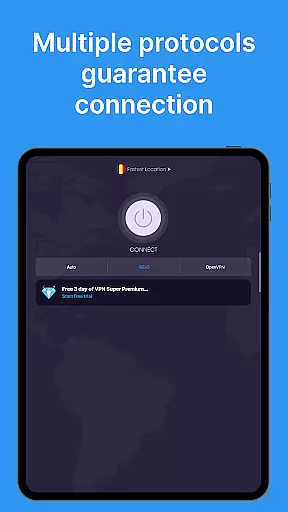
A reliable VPN must deliver on its core promise of providing secure and unrestricted internet access. The VPN - Super Unlimited Proxy app excels in this area by offering military-grade encryption protocols that ensure your data remains private and protected from potential threats. With support for multiple protocols like OpenVPN, IKEv2, and the newer V2Ray, users can select the best option for their specific needs.
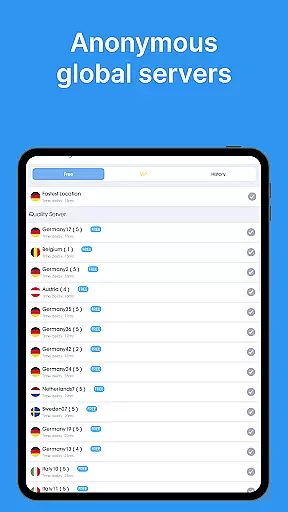
The app's vast network of over 5,000 servers across 55+ countries guarantees optimal performance and minimal latency. This extensive server coverage allows users to bypass geo-restrictions and access content from different regions effortlessly. Whether you're streaming videos, playing mobile games, or simply browsing, the smart server selection feature ensures you're always connected to the fastest available option.
What sets this VPN apart is its commitment to user privacy. Unlike some providers that log user activity, VPN - Super Unlimited Proxy operates on a strict no-logs policy. This means your online actions are never tracked, stored, or shared with third parties. Such dedication to privacy empowers users to browse, stream, and interact online without compromising their personal information.
For those seeking enhanced features, the premium version offers ultra-fast 10 Gbps servers, ad-free browsing, and access to additional server locations. These upgrades further improve the overall experience while maintaining the high standards of security and privacy that users expect from a top-tier VPN service.
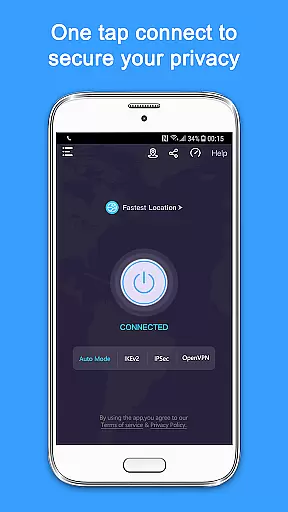
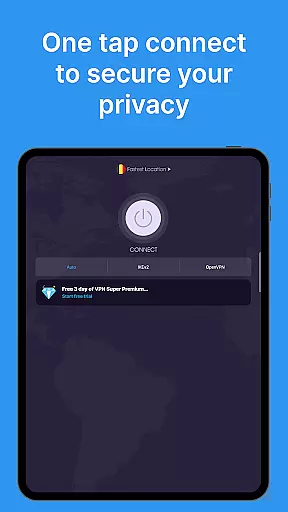
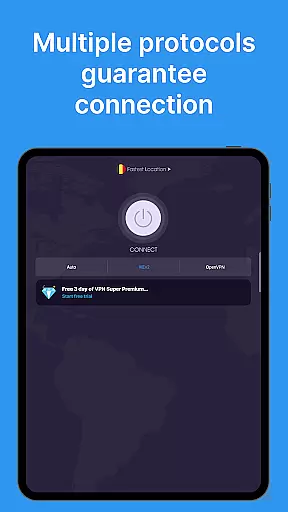
A well-designed interface can significantly enhance the user experience of any tool-based application. The VPN - Super Unlimited Proxy app demonstrates this through its clean and intuitive design that prioritizes ease of use. New users can connect to a secure server with just a single tap, eliminating the need for complex setup processes or technical knowledge.
The main dashboard presents all essential features in an organized manner. Users can quickly switch between server locations, view connection status, and access advanced settings without navigating through multiple menus. This streamlined approach reduces cognitive load and makes daily usage more efficient and enjoyable.
Accessibility is another key aspect of the app's interface design. It works seamlessly across various network types including Wi-Fi, 5G, LTE/4G, and 3G, ensuring consistent performance regardless of your internet source. Additionally, the automatic protocol selection feature simplifies the process of optimizing connection speeds by choosing the most suitable option based on current conditions.
While the free version provides excellent functionality, upgrading to premium unlocks even more customization options. These include device-wide protection for up to 10 devices and access to city-level servers within the U.S., making it an ideal choice for power users who demand both simplicity and advanced capabilities in their tools.
Free unlimited usage
No registration required
Strong encryption standards
Wide server coverage
Multiple protocol support
Limited free server locations
Premium features locked behind paywall
Occasional connectivity issues reported
Basic UI design
No live customer support

 4.10
4.10
Remote for Roku, Fire TV, Samsung TV, LG TV, Android TV, Chromecast and VIZIO TV
4.20
Family Locator, Share location, StayConnect with your family in real time
3.90
Small and simple app to Verify Root Access and BusyBox Install!
4.70
Effortlessly run ADB commands directly on your device without a PC.
4.20
View detailed information about your Nissan Leaf the dealer never shows you.
4.10
Fast Video Downloader, Movie Downloader, Torrent Downloader & Adblock Browser
4.70
The ultimate tool for network analysis, wifi scanning and problem detection.
4.90
Enjoy a smooth mobile reading experience!
3.60
Support Fossify apps with a warm thank you!
5.00
Powerful collection of electronics tools and reference.A must for any enthusiast
4.90
Learn the vast amount of system information about device and monitor it's state
4.70
Connect instantly to a fast, encrypted VPN with one tap
4.60
HD Camera captures every special moment.
4.60
App to pay for FUTO Keyboard
4.60
Screen Mirroring with sound for Samsung TV, LG TV, Sony TV, Smart TV and Browser
4.20
A simple app to back up and restore SMS & MMS messages and call logs.
4.10
Automate everything from settings to photos, SMS to speech. ADC2 prize winner.
4.10
card-reader app
2.20
Honest Scratch app review—is it actually good for teaching kids to code? Real user insights on features, limitations, and learning outcomes.



User Reviews