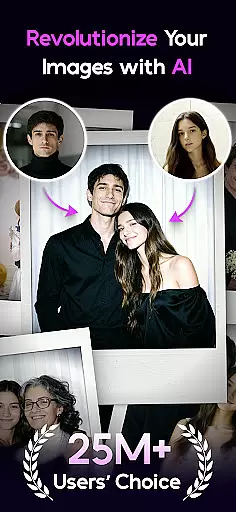
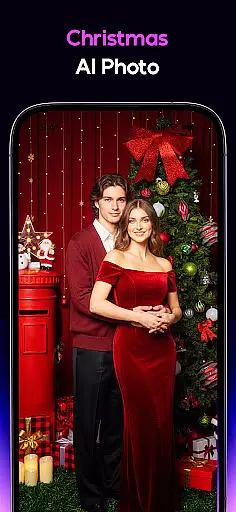
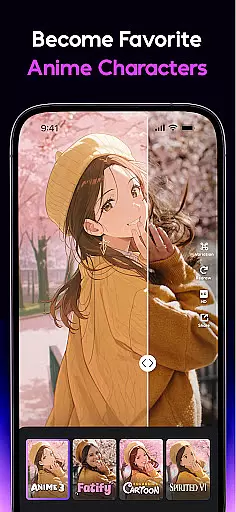
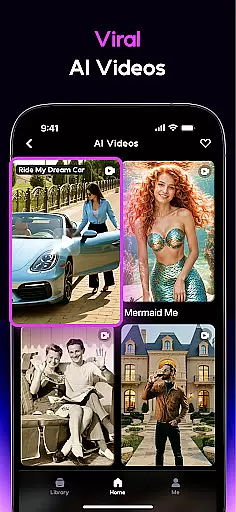
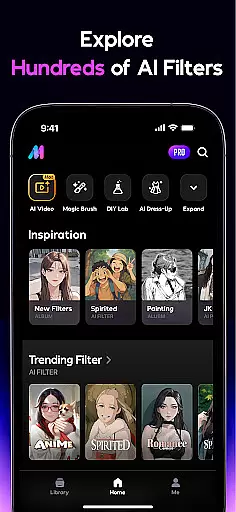
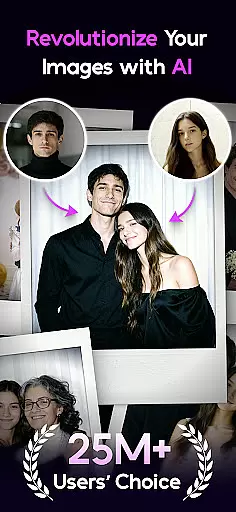
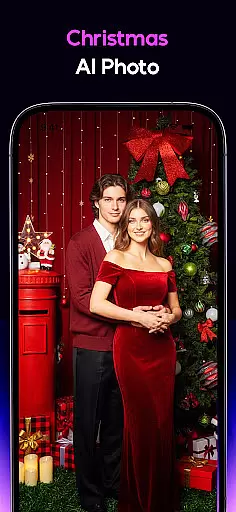
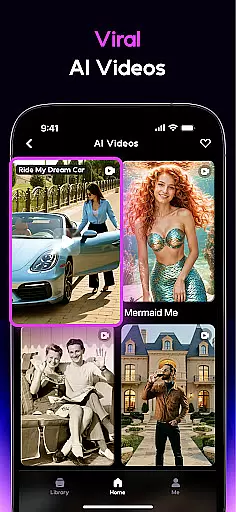
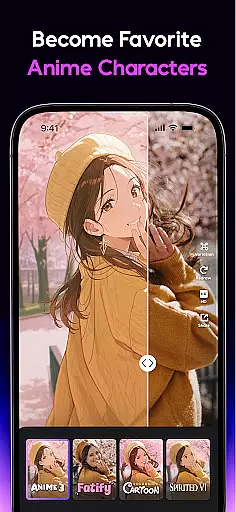
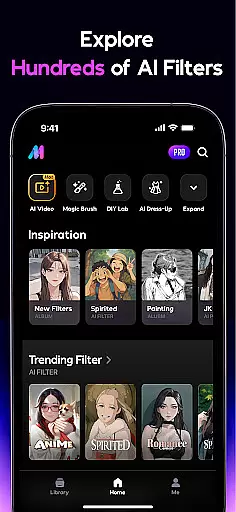
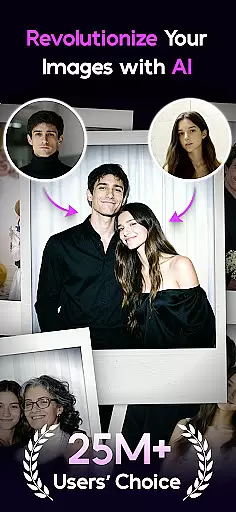
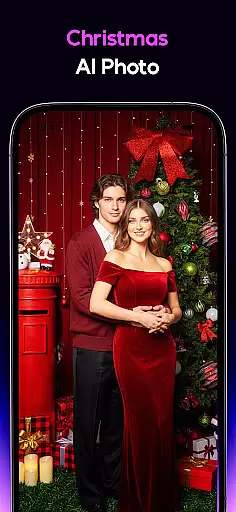
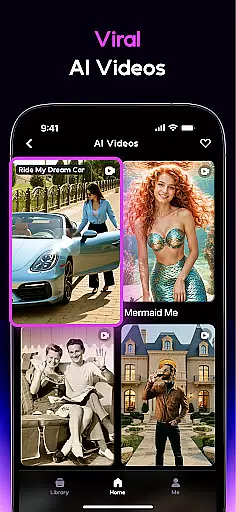
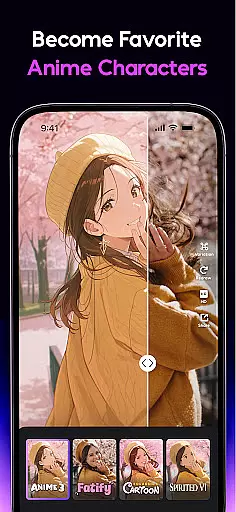
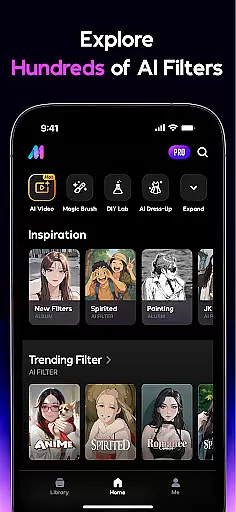
AI Mirror is a cutting-edge photography app that leverages artificial intelligence to revolutionize photo and video editing. With its powerful suite of AI-driven tools, users can effortlessly transform their images and videos into stunning works of art. The app offers an extensive range of features including anime transformations, old photo restoration, and the unique ability to convert still photos into live videos.
Whether you're looking to create viral social media content or preserve precious family memories, AI Mirror delivers professional-grade results with minimal effort. Its innovative Image-to-Video feature and weekly updates on trendy filters keep users ahead in the ever-evolving world of digital creativity.
AI Mirror stands out with its diverse set of AI-powered functionalities. The Cosplay Creator and Anime Generator let users morph into different characters and styles, while the Cartoon Filters provide fun avatar options. The Figure Maker allows personalized collectible figure designs using Nano Banana technology.
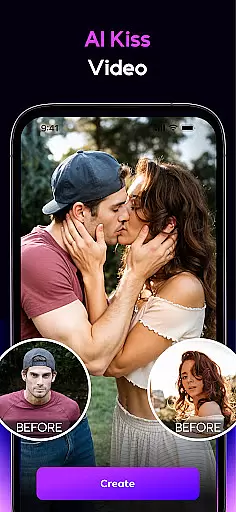
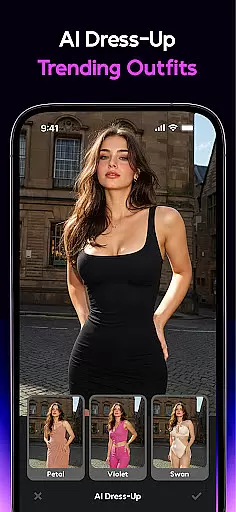
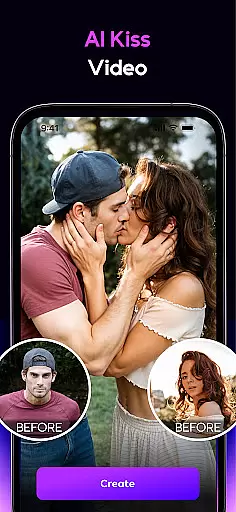
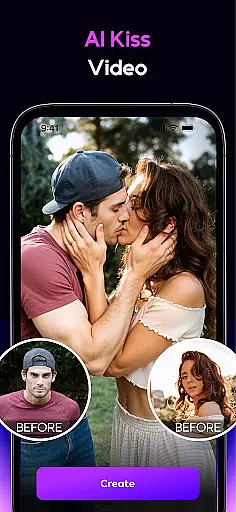
The app's video capabilities are equally impressive, featuring Magic Live Photo for animating stills and AI Hugging/Kissing for creating lifelike interactions between two subjects. Additionally, the AI Editor toolkit includes Magic Brush, Photo Enhancer, Removal tool, Dress-Up function, Background replacement, and Old Photo Restoration - all designed to give users unprecedented control over their visual content.
Real-time capture and preview functionality is essential for any photography app, allowing users to see exactly what their final image will look like before taking the shot. AI Mirror excels in this area by providing instantaneous feedback on applied filters and effects. This ensures that users can experiment with different styles, such as anime or cartoon transformations, and see the results in real time.
The app's advanced AI algorithms process each frame quickly, delivering a seamless preview experience without lag. Whether you're turning your photo into an action figure or applying old photo restoration techniques, the changes appear instantly on the screen. This feature empowers users to make precise adjustments and achieve their desired creative outcomes efficiently.
With real-time previews, AI Mirror not only enhances user satisfaction but also saves time. Users no longer need to take multiple shots to get the perfect picture; they can visualize and tweak their images on the fly. This capability makes the editing process more intuitive and enjoyable, encouraging users to explore various artistic possibilities while maintaining complete control over the final output.
AI beauty and enhancement features are crucial for modern photo editing apps, aiming to improve image quality while maintaining a natural look. AI Mirror stands out by offering sophisticated tools that enhance photos without making them appear overly processed. The AI Photo Enhancer sharpens details and improves clarity, ensuring every shot looks its best while preserving authenticity.
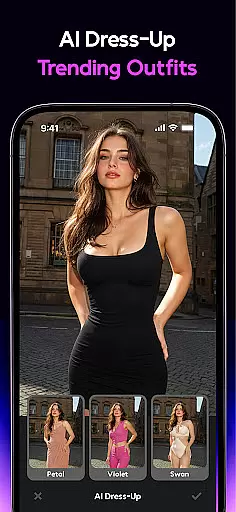
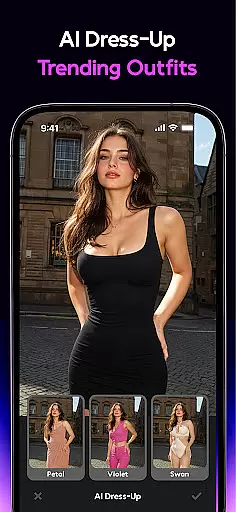
In addition to basic enhancements, AI Mirror provides specialized features like AI Dress-Up and AI Background replacement. These tools allow users to virtually try on outfits or change their photo's backdrop using text prompts or images. Such capabilities ensure that edits blend seamlessly with the original photo, enhancing its appeal without compromising natural aesthetics.
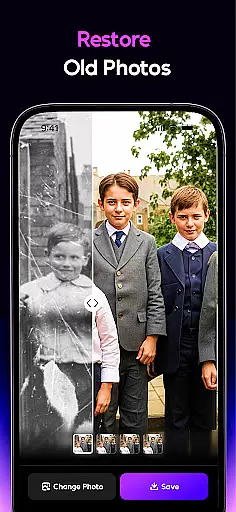
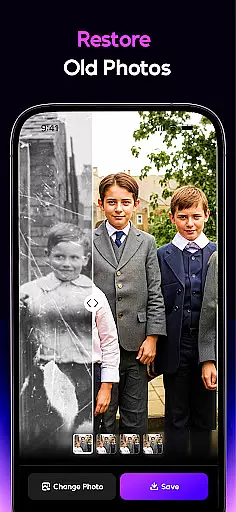
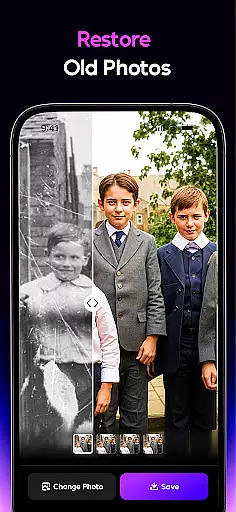
The appu2019s commitment to natural enhancement extends to its Old Photo Restoration feature, which repairs scratches and colorizes black-and-white photos with remarkable subtlety. By prioritizing naturalness, AI Mirror delivers professional-grade results that resonate with users seeking both creativity and realism in their photo editing endeavors.
User-friendly interface
Extensive filter collection
Advanced AI technology
Regular feature updates
Versatile editing tools
Premium features locked
High system requirements
Occasional processing delays
Limited free trial options
Subscription-based model

Easily stitch panoramas from multiple photos or video.
 4.40
4.40
All-in-One Editor & AI Photo Enhancer, Collage, Cartoonify, Funny Stickers & BGS
4.10
Be your best in every shot! Fix, edit and retouch your face in selfies & photos.
3.70
Transform photos into videos! Create realistic or anime-style images easily!
4.50
A must-have app for landscape photographers
4.60
GCamera allows all GCam features on all phone models! Better photos with GCamera
3.30
Easily view, share, delete photos with Gallery.
4.70
Use AI Video Generator to turn your words to ai generated videos.
4.50
A unique animation app. Powerful, easy to use, and lots of fun.
4.30
Gallery show photo, video, slideshow, is perfect 3D effect private photo albums.
4.80
Viewfinder, Light meter, Reciprocity failure time, DOF & Bellows Extension
4.60
Unblur, enhance & restore photos with powerful AI photo enhancer tools.
4.60
Create Business Headshots, Polaroid Filter, Retake Photos,Profile Pics,AI Photos
4.50
A reflected light meter with spot metering and incident light metering.
4.40
Turn your phone into a professional camera - full DSLR manual photography
4.30
Smart, light, and fast photo and video gallery
4.30
How would you look like with a differently shaped nose, chin or lips?
3.90
Raw Image Viewer. Gallery with support of raw images (.cr3, .cr2, .nef, .raf).
2.00
Add a dreamy vibe to your selfies and videos with soft style filters
4.4


User Reviews